

Setting up Custom Gelato App in Safe
Accessing Safe App
Access the official Gnosis Safe website: https://safe.global/Once there, locate and click on the “Launch Wallet” button, highlighted in green and situated in the top right corner.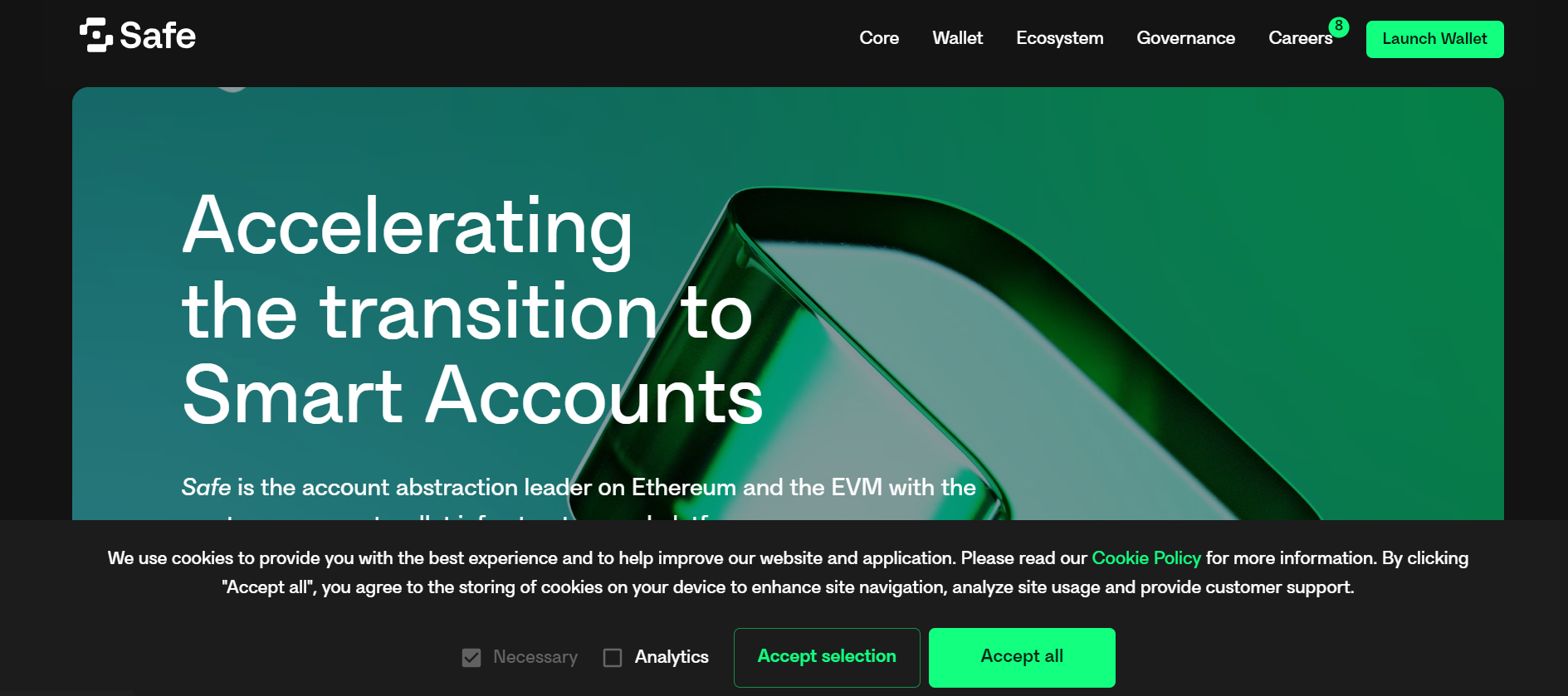
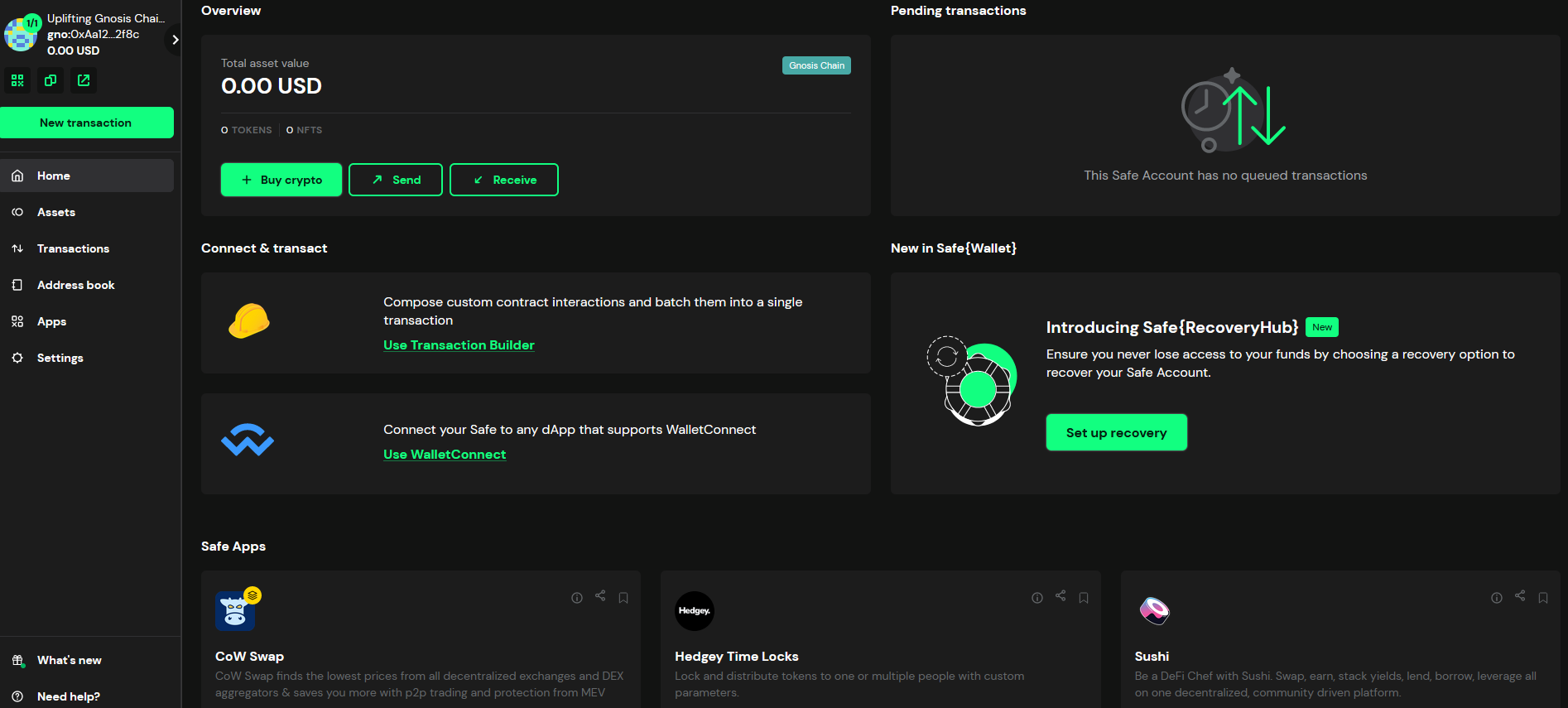
Search for the Gelato App
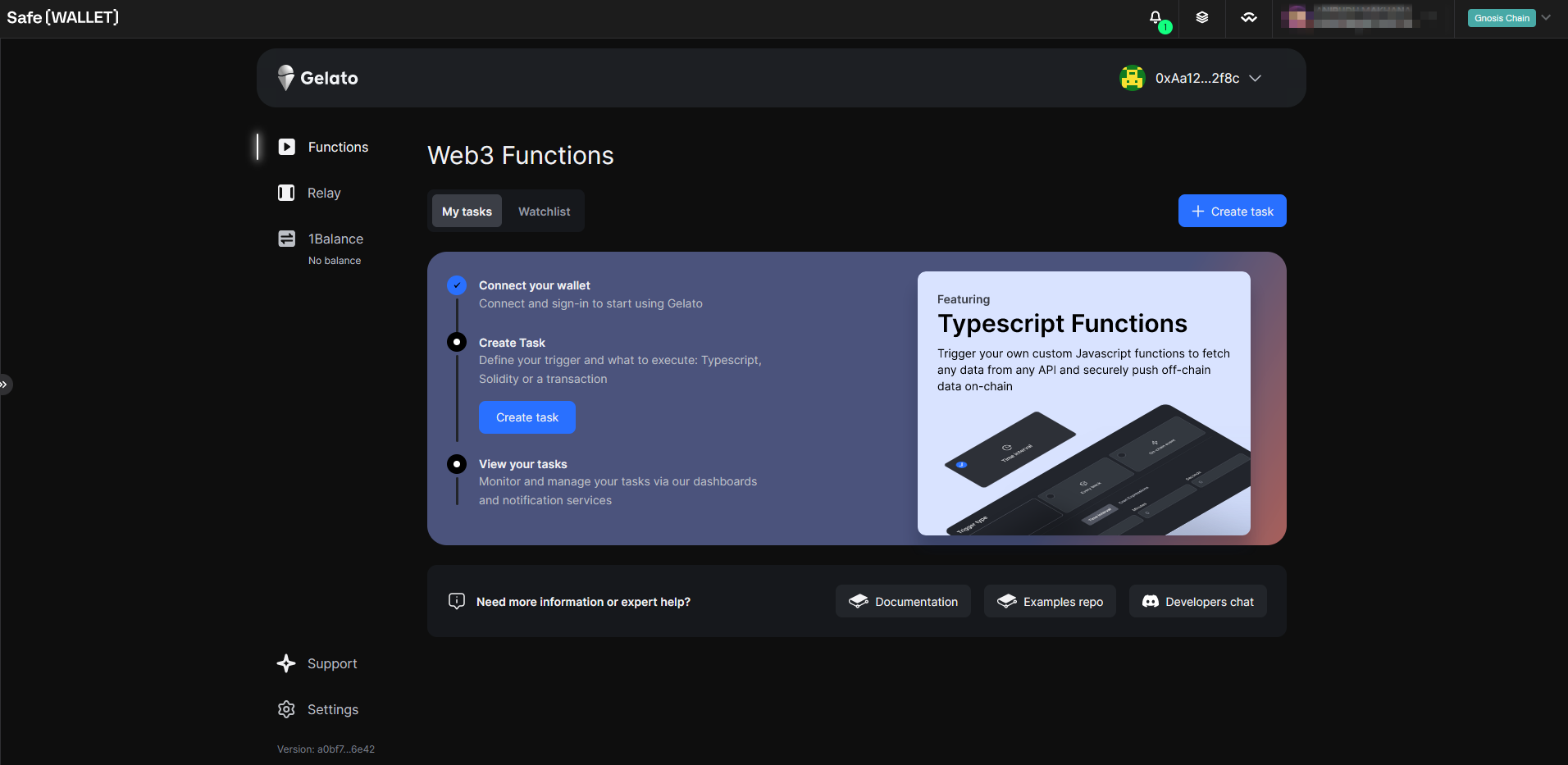
Under the Apps tab, search for Gelato and click on the app. You will then be re-directed to the Gelato app login screen, where you should be able to sign-in.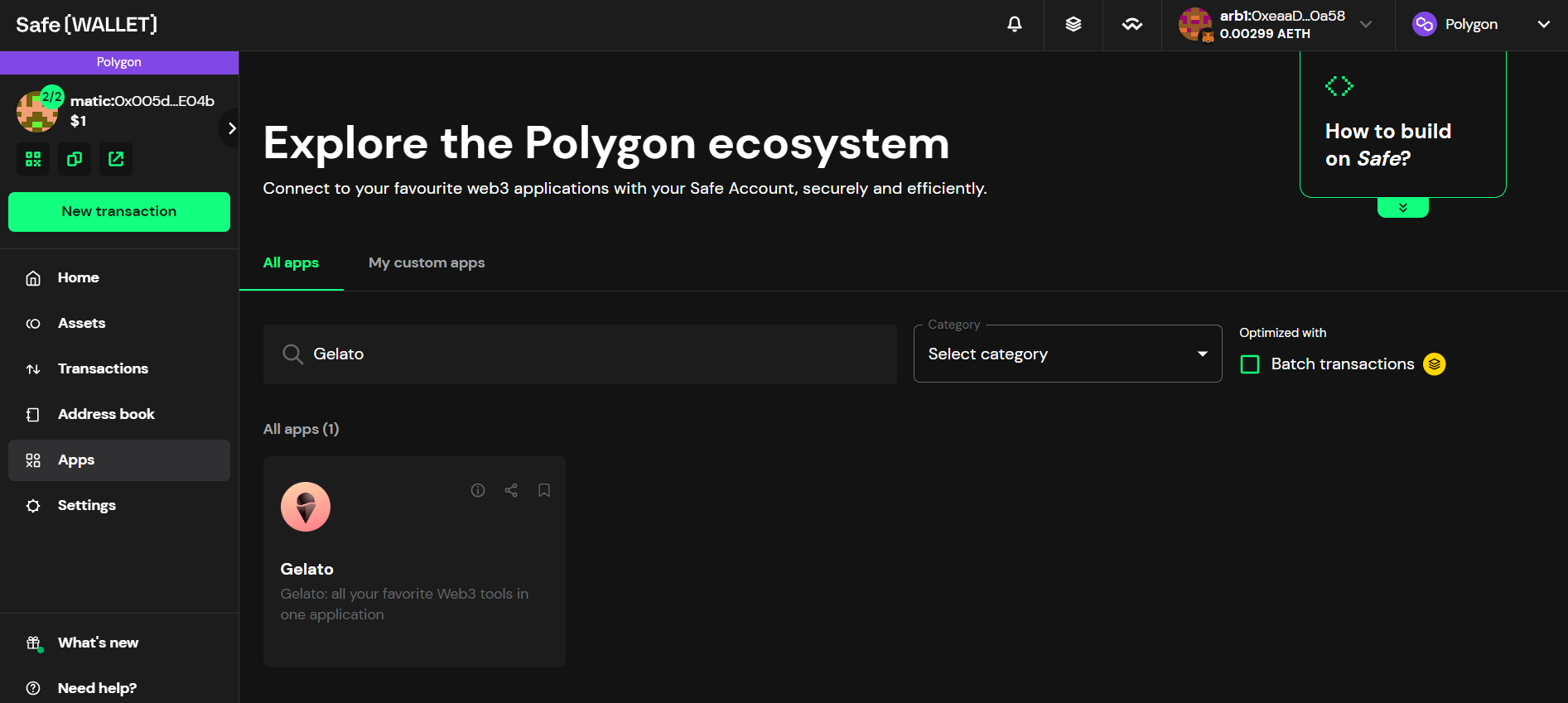
Sign-in with Safe Signature
After completing these steps, you’ll be required to sign in through the Safe UI: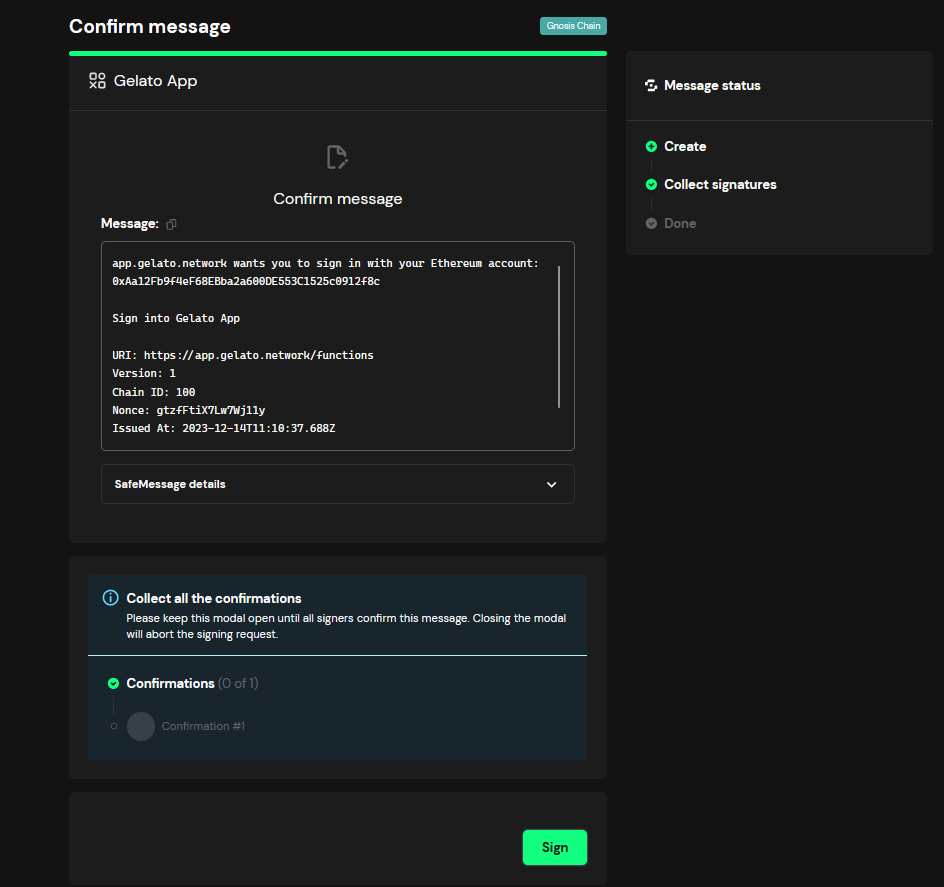
If your Safe requires multiple signatures (multi-sig) the sign-in process will need approvals from the minimum number of signers set for your Safe before it can complete