# Gelato Developer Documentation - Full Content > This file contains the complete content of all Gelato documentation pages. > It is designed to provide AI systems with comprehensive context about the Gelato platform. Generated: 2026-01-18 ## Quick Links - Documentation: https://docs.gelato.network - Dashboard: https://app.gelato.cloud - GitHub: https://github.com/gelatodigital --- ## Table of Contents ### Root - [Index](#index) - [Migration Guides](#migration-guides) ### Gasless With Relay - [Overview](#gasless-with-relay-gelato-turbo-relayer-overview) - [Quick Start](#gasless-with-relay-gelato-turbo-relayer-quick-start) - [Implementation Paths](#gasless-with-relay-gasless-transactions-evm-implementation-paths) - [Payment Methods](#gasless-with-relay-gasless-transactions-evm-payment-methods) - [Sync Methods](#gasless-with-relay-gasless-transactions-evm-sync-methods) - [Send Multichain](#gasless-with-relay-gasless-transactions-evm-send-multichain) - [7702 Turbobundler](#gasless-with-relay-gasless-transactions-evm-7702-turbobundler) - [Webhooks](#gasless-with-relay-gasless-transactions-evm-webhooks) - [Overview](#gasless-with-relay-gasless-transactions-tron-overview) - [Api Methods](#gasless-with-relay-gasless-transactions-tron-api-methods) - [Code Examples](#gasless-with-relay-gasless-transactions-tron-code-examples) - [Solana](#gasless-with-relay-gasless-transactions-solana-solana) - [Create A Api Key](#gasless-with-relay-how-to-guides-create-a-api-key) - [Send Sync Transactions](#gasless-with-relay-how-to-guides-send-sync-transactions) - [Send Multichain Transactions](#gasless-with-relay-how-to-guides-send-multichain-transactions) - [Overview](#gasless-with-relay-how-to-guides-pay-gas-with-erc20-tokens-overview) - [Overview](#gasless-with-relay-how-to-guides-sponsoredcalls-overview) - [Batching Transactions](#gasless-with-relay-how-to-guides-batching-transactions) - [Estimate Gas](#gasless-with-relay-how-to-guides-estimate-gas) - [Tracking Gelato Request](#gasless-with-relay-how-to-guides-tracking-gelato-request) - [Embedded Wallets](#gasless-with-relay-how-to-guides-embedded-wallets) - [Meta Tx](#gasless-with-relay-how-to-guides-meta-tx) - [Overview](#gasless-with-relay-relayer-api-overview) - [Relayer_Sendtransaction](#gasless-with-relay-relayer-api-endpoints-relayer-relayer_sendtransaction) - [Relayer_Sendtransactionsync](#gasless-with-relay-relayer-api-endpoints-relayer-relayer_sendtransactionsync) - [Relayer_Sendtransactionmultichain](#gasless-with-relay-relayer-api-endpoints-relayer-relayer_sendtransactionmultichain) - [Relayer_Getfeequote](#gasless-with-relay-relayer-api-endpoints-relayer-relayer_getfeequote) - [Relayer_Getstatus](#gasless-with-relay-relayer-api-endpoints-relayer-relayer_getstatus) - [Relayer_Getcapabilities](#gasless-with-relay-relayer-api-endpoints-relayer-relayer_getcapabilities) - [Relayer_Getfeedata](#gasless-with-relay-relayer-api-endpoints-relayer-relayer_getfeedata) - [Supported Networks](#gasless-with-relay-additional-resources-supported-networks) - [Erc20 Payment Tokens](#gasless-with-relay-additional-resources-erc20-payment-tokens) - [Demo](#gasless-with-relay-additional-resources-demo) - [Templates](#gasless-with-relay-additional-resources-templates) - [Erc2771](#gasless-with-relay-additional-resources-migration-to-turbo-relayer-erc2771) - [Syncfee](#gasless-with-relay-additional-resources-migration-to-turbo-relayer-syncfee) ### Paymaster & Bundler - [Overview](#paymaster--bundler-gelato-bundler-paymaster-overview) - [Quick Start](#paymaster--bundler-gelato-bundler-paymaster-quick-start) - [Implementation Paths](#paymaster--bundler-features-implementation-paths) - [Paymnet Methods](#paymaster--bundler-features-paymnet-methods) - [Smart Accounts](#paymaster--bundler-features-smart-accounts) - [Embedded Wallets](#paymaster--bundler-features-embedded-wallets) - [Eip 7702 Support](#paymaster--bundler-features-eip-7702-support) - [Create A Api Key](#paymaster--bundler-how-to-guides-create-a-api-key) - [Sponsor Gas With Gastank](#paymaster--bundler-how-to-guides-sponsor-gas-with-gastank) - [Overview](#paymaster--bundler-how-to-guides-pay-with-erc20-tokens-overview) - [Direct Payment](#paymaster--bundler-how-to-guides-pay-with-erc20-tokens-direct-payment) - [Onchain Paymaster](#paymaster--bundler-how-to-guides-pay-with-erc20-tokens-onchain-paymaster) - [Pay With Native](#paymaster--bundler-how-to-guides-pay-with-native) - [Native Payments](#paymaster--bundler-how-to-guides-native-payments) - [Estimate Gas](#paymaster--bundler-how-to-guides-estimate-gas) - [Tracking Gelato Request](#paymaster--bundler-how-to-guides-tracking-gelato-request) - [Embedded Wallets](#paymaster--bundler-how-to-guides-embedded-wallets) - [Introduction](#paymaster--bundler-gastank-introduction) - [Setting Up Gastank](#paymaster--bundler-gastank-setting-up-gastank) - [Usdc Addresess](#paymaster--bundler-gastank-usdc-addresess) - [Gastank Alerts](#paymaster--bundler-gastank-gastank-alerts) - [Eth_Senduseroperation](#paymaster--bundler-bundler-api-endpoints-bundlers-eth_senduseroperation) - [Eth_Senduseroperationsync](#paymaster--bundler-bundler-api-endpoints-bundlers-eth_senduseroperationsync) - [Eth_Estimateuseroperationgas](#paymaster--bundler-bundler-api-endpoints-bundlers-eth_estimateuseroperationgas) - [Eth_Getuseroperationbyhash](#paymaster--bundler-bundler-api-endpoints-bundlers-eth_getuseroperationbyhash) - [Eth_Getuseroperationreceipt](#paymaster--bundler-bundler-api-endpoints-bundlers-eth_getuseroperationreceipt) - [Eth_Supportedentrypoints](#paymaster--bundler-bundler-api-endpoints-bundlers-eth_supportedentrypoints) - [Eth_Chainid](#paymaster--bundler-bundler-api-endpoints-bundlers-eth_chainid) - [Gelato_Getuseroperationgasprice](#paymaster--bundler-bundler-api-endpoints-bundlers-gelato_getuseroperationgasprice) - [Gelato_Getuseroperationquote](#paymaster--bundler-bundler-api-endpoints-bundlers-gelato_getuseroperationquote) - [Wallet_Getcapabilities](#paymaster--bundler-smart-wallet-endpoints-wallet_getcapabilities) - [Wallet_Preparecalls](#paymaster--bundler-smart-wallet-endpoints-wallet_preparecalls) - [Wallet_Sendpreparedcalls](#paymaster--bundler-smart-wallet-endpoints-wallet_sendpreparedcalls) - [Wallet_Sendtransaction](#paymaster--bundler-smart-wallet-endpoints-wallet_sendtransaction) - [Supported Networks](#paymaster--bundler-additional-resources-supported-networks) - [Erc20 Payment Tokens](#paymaster--bundler-additional-resources-erc20-payment-tokens) - [Faq](#paymaster--bundler-additional-resources-faq) - [Troubleshooting](#paymaster--bundler-additional-resources-troubleshooting) - [Revenue Policies](#paymaster--bundler-monetization-revenue-policies) ### Pricing - [Pricing Plans](#pricing-pricing-plans) - [Compute Units](#pricing-compute-units) - [Compute Units Costs](#pricing-compute-units-costs) ### Private Rpcs - [Introduction](#private-rpcs-introduction) - [Get A Private Rpc](#private-rpcs-how-to-guides-get-a-private-rpc) - [Supported Networks](#private-rpcs-additional-resources-supported-networks) - [Faq](#private-rpcs-additional-resources-faq) ### Relay - [Overview](#relay-introduction-overview) - [What Is Relaying](#relay-introduction-what-is-relaying) - [Overview](#relay-erc2771-recommended-overview) - [Overview](#relay-erc2771-recommended-callwithsyncfee-erc2771-overview) - [Relay Context Contract Erc 2771](#relay-erc2771-recommended-callwithsyncfee-erc2771-relay-context-contract-erc-2771) - [Sponsoredcall Erc2771](#relay-erc2771-recommended-sponsoredcall-erc2771) - [Overview](#relay-non-erc2771-callwithsyncfee-overview) - [Relay Context Contract](#relay-non-erc2771-callwithsyncfee-relay-context-contract) - [Sponsoredcall](#relay-non-erc2771-sponsoredcall) - [Create A Sponsor Api Key](#relay-how-to-guides-create-a-sponsor-api-key) - [Send Sponsored Transactions](#relay-how-to-guides-send-sponsored-transactions) - [Allow Your Users To Pay With Erc20](#relay-how-to-guides-allow-your-users-to-pay-with-erc20) - [Allow Your Target Contract To Pay For Gas](#relay-how-to-guides-allow-your-target-contract-to-pay-for-gas) - [Decode Original Msg.Sender In Target Contract](#relay-how-to-guides-decode-original-msg.sender-in-target-contract) - [Track Your Relay Request](#relay-how-to-guides-track-your-relay-request) - [Gelato'S Fee Oracle](#relay-api--feeoracle-gelato's-fee-oracle) - [Get All The Payment Tokens On A Chain](#relay-api--feeoracle-oracles-get-all-the-payment-tokens-on-a-chain) - [Get List Of Chains Where The Oracle Is Available](#relay-api--feeoracle-oracles-get-list-of-chains-where-the-oracle-is-available) - [Get The Conversion Rate From The Native Token To The Requested Token](#relay-api--feeoracle-oracles-get-the-conversion-rate-from-the-native-token-to-the-requested-token) - [Get The Estimated Fee In Payment Token With Respect To Gas Limit And Priority](#relay-api--feeoracle-oracles-get-the-estimated-fee-in-payment-token-with-respect-to-gas-limit-and-priority) - [Get List Of Chains Where Relay V2 Is Available](#relay-api--feeoracle-relays-v2-get-list-of-chains-where-relay-v2-is-available) - [Place A Relay V2 Callwithsyncfee Request](#relay-api--feeoracle-relays-v2-place-a-relay-v2-callwithsyncfee-request) - [Place A Relay V2 Callwithsyncfeeerc2771 Request](#relay-api--feeoracle-relays-v2-place-a-relay-v2-callwithsyncfeeerc2771-request) - [Place A Relay V2 Sponsoredcall Request](#relay-api--feeoracle-relays-v2-place-a-relay-v2-sponsoredcall-request) - [Place A Relay V2 Sponsoredcallerc2771 Request](#relay-api--feeoracle-relays-v2-place-a-relay-v2-sponsoredcallerc2771-request) - [Get Task Status Of The Relay V2 Task Id](#relay-api--feeoracle-tasks-get-task-status-of-the-relay-v2-task-id) - [Retrieve Debug Information For A Specific Task](#relay-api--feeoracle-tasks-retrieve-debug-information-for-a-specific-task) - [Overview](#relay-security-considerations-overview) - [Erc2771 Delegatecall Vulnerability](#relay-security-considerations-erc2771-delegatecall-vulnerability) - [Supported Networks](#relay-additional-resources-supported-networks) - [Syncfee Payment Tokens](#relay-additional-resources-syncfee-payment-tokens) - [Templates](#relay-additional-resources-templates) - [Erc2771 Migration Guide](#relay-additional-resources-erc2771-migration-guide) ### Rollup As A Service - [Introduction](#rollup-as-a-service-introduction) - [Op](#rollup-as-a-service-rollup-stacks-op) - [Arbitrum Orbit](#rollup-as-a-service-rollup-stacks-arbitrum-orbit) - [Abc](#rollup-as-a-service-rollup-stacks-abc) - [Celestia](#rollup-as-a-service-data-availability-celestia) - [Avail](#rollup-as-a-service-data-availability-avail) - [Eigenda](#rollup-as-a-service-data-availability-eigenda) - [Custom Gas Token](#rollup-as-a-service-customization-custom-gas-token) - [Flashblocks](#rollup-as-a-service-customization-flashblocks) - [Public Testnet](#rollup-as-a-service-customization-public-testnet) - [Verifier Node Package](#rollup-as-a-service-customization-verifier-node-package) - [Deploy Your Own Rollup](#rollup-as-a-service-how-to-guides-deploy-your-own-rollup) - [Run An Op Node](#rollup-as-a-service-how-to-guides-run-an-op-node) - [Run An Orbit Node](#rollup-as-a-service-how-to-guides-run-an-orbit-node) - [Run A Abc Node](#rollup-as-a-service-how-to-guides-run-a-abc-node) - [Run A Verifier Node](#rollup-as-a-service-how-to-guides-run-a-verifier-node) - [Gelato Services](#rollup-as-a-service-marketplace-gelato-services) - [Account Abstraction](#rollup-as-a-service-marketplace-account-abstraction) - [Block Explorers](#rollup-as-a-service-marketplace-block-explorers) - [Bridges](#rollup-as-a-service-marketplace-bridges) - [Data Indexers](#rollup-as-a-service-marketplace-data-indexers) - [Oracles](#rollup-as-a-service-marketplace-oracles) - [Identity & Kyc](#rollup-as-a-service-marketplace-identity--kyc) - [On & Off Ramp](#rollup-as-a-service-marketplace-on--off-ramp) - [Community](#rollup-as-a-service-marketplace-community) - [Others](#rollup-as-a-service-marketplace-others) ### Smart Wallet Sdk - [Overview](#smart-wallet-sdk-introduction-overview) - [Understanding Eip 7702](#smart-wallet-sdk-introduction-understanding-eip-7702) - [Eip 7702 Vs Erc 4337](#smart-wallet-sdk-introduction-eip-7702-vs-erc-4337) - [Overview](#smart-wallet-sdk-embedded-wallets-overview) - [Quickstart](#smart-wallet-sdk-embedded-wallets-quickstart) - [Create Dynamic'S Environment Id](#smart-wallet-sdk-embedded-wallets-create-dynamic's-environment-id) - [Adding Custom Networks With Dynamic](#smart-wallet-sdk-embedded-wallets-adding-custom-networks-with-dynamic) - [Gelato](#smart-wallet-sdk-smart-accounts-gelato) - [Kernel](#smart-wallet-sdk-smart-accounts-other-smart-accounts-kernel) - [Safe](#smart-wallet-sdk-smart-accounts-other-smart-accounts-safe) - [Alchemy](#smart-wallet-sdk-smart-accounts-other-smart-accounts-alchemy) - [Biconomy](#smart-wallet-sdk-smart-accounts-other-smart-accounts-biconomy) - [Coinbase](#smart-wallet-sdk-smart-accounts-other-smart-accounts-coinbase) - [Okx](#smart-wallet-sdk-smart-accounts-other-smart-accounts-okx) - [Thirdweb](#smart-wallet-sdk-smart-accounts-other-smart-accounts-thirdweb) - [Trust](#smart-wallet-sdk-smart-accounts-other-smart-accounts-trust) - [Privy](#smart-wallet-sdk-integration-guides-privy) - [Dynamic](#smart-wallet-sdk-integration-guides-dynamic) - [Web3Auth](#smart-wallet-sdk-integration-guides-web3auth) - [Turnkey](#smart-wallet-sdk-integration-guides-turnkey) - [Para](#smart-wallet-sdk-integration-guides-para) - [Coinbase](#smart-wallet-sdk-integration-guides-coinbase) - [Overview](#smart-wallet-sdk-how-to-guides-overview) - [Create A Api Key](#smart-wallet-sdk-how-to-guides-create-a-api-key) - [Sponsor Gas](#smart-wallet-sdk-how-to-guides-sponsor-gas) - [Allow User To Pay With Erc20](#smart-wallet-sdk-how-to-guides-allow-user-to-pay-with-erc20) - [Allow User To Pay With Native](#smart-wallet-sdk-how-to-guides-allow-user-to-pay-with-native) - [Batching Transactions](#smart-wallet-sdk-how-to-guides-batching-transactions) - [Estimate Gas](#smart-wallet-sdk-how-to-guides-estimate-gas) - [Tracking Gelato Request](#smart-wallet-sdk-how-to-guides-tracking-gelato-request) - [Applied Use Cases Morpho Demo](#smart-wallet-sdk-how-to-guides-applied-use-cases-morpho-demo) - [Server Wallets](#smart-wallet-sdk-applied-use-cases-server-wallets) - [Morpho](#smart-wallet-sdk-applied-use-cases-morpho) - [Wallet_Getcapabilities](#smart-wallet-sdk-smart-wallet-endpoints-smartwallet-wallet_getcapabilities) - [Wallet_Preparecalls](#smart-wallet-sdk-smart-wallet-endpoints-smartwallet-wallet_preparecalls) - [Wallet_Sendpreparedcalls](#smart-wallet-sdk-smart-wallet-endpoints-smartwallet-wallet_sendpreparedcalls) - [Wallet_Sendtransaction](#smart-wallet-sdk-smart-wallet-endpoints-smartwallet-wallet_sendtransaction) - [Demo](#smart-wallet-sdk-additional-resources-demo) - [Supported Networks](#smart-wallet-sdk-additional-resources-supported-networks) - [Erc20 Payment Tokens](#smart-wallet-sdk-additional-resources-erc20-payment-tokens) ### Vrf - [Overview](#vrf-introduction-overview) - [How Gelato Vrf Works](#vrf-introduction-how-gelato-vrf-works) - [Understanding Vrf](#vrf-introduction-understanding-vrf) - [Deploy Your Contract Inheriting Gelato Vrf](#vrf-how-to-guides-deploy-your-contract-inheriting-gelato-vrf) - [Create A Vrf Task](#vrf-how-to-guides-create-a-vrf-task) - [Create A Fallback Vrf](#vrf-how-to-guides-create-a-fallback-vrf) - [Migrate From Chainlink Vrf](#vrf-how-to-guides-migrate-from-chainlink-vrf) - [Security Considerations](#vrf-security-considerations) - [Supported Networks](#vrf-additional-resources-supported-networks) - [Pricing And Rate Limits](#vrf-additional-resources-pricing-and-rate-limits) - [Templates](#vrf-additional-resources-templates) ### Web3 Functions - [Overview](#web3-functions-introduction-overview) - [Typescript Functions](#web3-functions-introduction-typescript-functions) - [Solidity Functions](#web3-functions-introduction-solidity-functions) - [Trigger Types](#web3-functions-introduction-trigger-types) - [Automated Transactions](#web3-functions-introduction-automated-transactions) - [Getting Started](#web3-functions-how-to-guides-write-typescript-functions-getting-started) - [Event Trigger](#web3-functions-how-to-guides-write-typescript-functions-event-trigger) - [Callbacks](#web3-functions-how-to-guides-write-typescript-functions-callbacks) - [Private Typescript Functions](#web3-functions-how-to-guides-write-typescript-functions-private-typescript-functions) - [Write Solidity Functions](#web3-functions-how-to-guides-write-solidity-functions) - [Test Deploy Typescript Functions](#web3-functions-how-to-guides-test-deploy-typescript-functions) - [Test Deploy Solidity Functions](#web3-functions-how-to-guides-test-deploy-solidity-functions) - [Using Ui](#web3-functions-how-to-guides-create-a-web3-functions-task-using-ui) - [Using The Automate Sdk](#web3-functions-how-to-guides-create-a-web3-functions-task-using-the-automate-sdk) - [Using Smart Contract](#web3-functions-how-to-guides-create-a-web3-functions-task-using-smart-contract) - [Using Safe Ui](#web3-functions-how-to-guides-create-a-web3-functions-task-using-safe-ui) - [Initiate An Automated Transactions](#web3-functions-how-to-guides-initiate-an-automated-transactions) - [Dedicated Msg Sender](#web3-functions-security-considerations-dedicated-msg-sender) - [Supported Networks](#web3-functions-additional-resources-supported-networks) - [Analytics And Monitoring](#web3-functions-additional-resources-analytics-and-monitoring) - [Templates And Use Cases](#web3-functions-additional-resources-templates-and-use-cases) - [Transaction Pays For Itself](#web3-functions-additional-resources-transaction-pays-for-itself) --- ## Full Documentation Content ================================================================================ # Root ================================================================================ --- ## Gelato Developer Docs **Path:** /index

Gelato Developer Docs

Build gasless, seamless onchain experiences. Enable users to transact without holding native tokens.

Quick Start → Get API Key

Gasless ERC4337

Provides infrastructure for Account Abstraction, supporting both ERC-4337 and EIP-7702.

Gasless Turbo Relayer

Gasless transactions across EVM, TRON, and Solana. Pay with ERC20s

7702 Turbo Relayer with Smart Account

Native EIP-7702 gasless transactions. #1 in gas efficiency and latency.

Quick Start

Sponsored Transactions

Send sponsored transactions with Paymaster & Bundler

Sync Transactions

Send transactions and wait for results in one call

Multichain Transactions

Send transactions across multiple chains

Payment Methods

Sponsored, ERC-20, and native token payments

Products
Gasless SDK

Gasless SDK

Build smart wallets with EIP-7702 and ERC-4337. Sponsor transactions, batch calls, and integrate with any wallet provider.

Learn more →
Rollup as a Service

Rollup as a Service

Deploy your own L2 rollup in minutes. OP Stack, Arbitrum Orbit, and custom configurations available.

Learn more →
ERC-4337 Paymaster & Bundler

Account abstraction infrastructure for smart accounts.

Private RPCs

High-performance RPCs with elastic scaling and failover.

Relayer API

Direct API access for gasless transaction relaying.

--- ## Migration Guides **Path:** /migration-guides As we have launched the `Gelato Onchain Cloud`, we have also updated our migration process. Here are comprehensive guides to help you seamlessly migrate your existing accounts and projects to the new platform. ## EOA Migration Guide Learn how to migrate your Externally Owned Account (EOA) to the new Gelato Onchain Cloud. This step-by-step guide covers account linking, project migration, and accessing your existing services seamlessly.
## Safe Migration Guide Discover how to migrate your Safe (formerly Gnosis Safe) accounts to the new Gelato Onchain Cloud. This comprehensive guide includes multi-signature setup, team collaboration features, and advanced security configurations.
## Getting Started Once you've completed the migration process, you can access the new Gelato Onchain Cloud platform at [app.gelato.cloud](https://app.gelato.cloud) to experience enhanced functionality, improved user experience, and better integration across all Gelato services. ================================================================================ # Gasless With Relay ================================================================================ --- ## Overview **Path:** /gasless-with-relay/gelato-turbo-relayer/overview Gelato Relay enables gasless transactions by handling blockchain complexities for you. Submit a transaction and Gelato's network of executors will get it validated on-chain reliably within the next few blocks. ## Supported Ecosystems 45+ EVM chains including Ethereum, Polygon, Arbitrum, Base, and more TRON mainnet support coming soon Solana mainnet support coming soon ## Payment Methods Pre-fund a cross-chain balance to sponsor user transactions. One balance works across all supported networks. Users pay gas fees in ERC-20 tokens. Fee is deducted from the transaction. ## Implementation Paths High-level SDK with automatic gas price setting, transaction tracking, and ERC-20 payment support Direct JSON-RPC API access for custom integrations and advanced use cases ## Features Send transactions and wait for the final result in a single call. Ideal for fast chains. Send transactions across multiple chains with payment settled on just one chain. ## 7702 Turbo Relayer with Smart Account The **7702 Turbo Relayer with Smart Account** is Gelato's native EIP-7702 implementation, providing the fastest and most gas-efficient way to send gasless transactions. It allows EOAs to behave like smart accounts without changing their address. In this section you will see implementations for our relayer as well as relayer with smart account. For more details, see [7702 Turbo Relayer with Smart Account](/gasless-with-relay/gasless-transactions-evm/7702-turbobundler). ## Additional Resources Full list of supported chains Direct API integration Security best practices --- ## Quick Start (EVM) **Path:** /gasless-with-relay/gelato-turbo-relayer/quick-start ## Turbo Relayer Send gasless transactions directly to any contract. The relayer handles gas payment and transaction submission on your behalf. ```bash npm npm install @gelatocloud/gasless viem ``` ```bash yarn yarn add @gelatocloud/gasless viem ``` ```bash pnpm pnpm add @gelatocloud/gasless viem ``` ```typescript import { createGelatoEvmRelayerClient, StatusCode, sponsored } from '@gelatocloud/gasless'; const relayer = createGelatoEvmRelayerClient({ apiKey: process.env.GELATO_API_KEY, testnet: true }); ``` ```typescript const id = await relayer.sendTransaction({ chainId: 84532, // Base Sepolia data: '0xd09de08a', payment: sponsored(), to: '0xE27C1359cf02B49acC6474311Bd79d1f10b1f8De' }); const status = await relayer.waitForStatus({ id }); if (status.status === StatusCode.Included) { console.log(`Transaction hash: ${status.receipt.transactionHash}`); } ``` ## Turbo Relayer with Smart Account Enable smart account features on any EOA using EIP-7702. Batch multiple calls, use session keys, and maintain the same wallet address. ```bash npm npm install @gelatocloud/gasless viem ``` ```bash yarn yarn add @gelatocloud/gasless viem ``` ```bash pnpm pnpm add @gelatocloud/gasless viem ``` ```typescript import { createGelatoSmartAccountClient, toGelatoSmartAccount, sponsored, StatusCode, } from "@gelatocloud/gasless"; import { createPublicClient, http, type Hex } from "viem"; import { baseSepolia } from "viem/chains"; import { privateKeyToAccount, generatePrivateKey } from "viem/accounts"; const owner = privateKeyToAccount( (process.env.PRIVATE_KEY ?? generatePrivateKey()) as Hex ); const client = createPublicClient({ chain: baseSepolia, transport: http(), }); const account = toGelatoSmartAccount({ client, owner, }); ``` ```typescript const relayer = await createGelatoSmartAccountClient({ account, apiKey: process.env.GELATO_API_KEY, }); ``` ```typescript const result = await relayer.sendTransactionSync({ payment: sponsored(), calls: [ { to: "0xE27C1359cf02B49acC6474311Bd79d1f10b1f8De", data: "0xd09de08a", }, ], }); if (result.status === StatusCode.Included) { console.log(`Transaction hash: ${result.receipt.transactionHash}`); } ``` --- ## Implementation Paths **Path:** /gasless-with-relay/gasless-transactions-evm/implementation-paths There are two ways to integrate Gelato Turbo Relayer into your application. Choose the approach that best fits your development workflow and requirements. ## Gelato Gasless SDK The `@gelatocloud/gasless` SDK provides the simplest integration path for gasless transactions using Gelato Relay. - Simple transaction relay without smart account or implementing EIP-7702 Smart Account - Built-in support for sponsored and ERC-20 payment methods - Automatic gas estimation and transaction polling ```bash npm install @gelatocloud/gasless ``` ## Relay API Endpoints For maximum flexibility or non-JavaScript environments, interact directly with Gelato's Relay API endpoints. - Language-agnostic integration via standard HTTP requests - Full control over request/response handling - Supports sponsored and ERC-20 payment methods - Useful for backend services, mobile apps, or custom implementations - Requires manual transaction construction ## Code Examples Throughout this section, code examples are presented in three tabs: - **Gasless SDK** - Using `@gelatocloud/gasless` for simple relay transactions - **Gasless SDK with 7702 Smart Account** - Using `@gelatocloud/gasless` with EIP-7702 smart account features - **API Endpoints** - Direct HTTP requests to Gelato's Relay API --- ## Payment Methods **Path:** /gasless-with-relay/gasless-transactions-evm/payment-methods Gelato Turbo Relayer supports two flexible payment methods for gas fees, allowing you to choose the best option for your use case. ## Sponsored (Gas Tank) Sponsor gas fees for your users using Gelato's cross-chain Gas Tank. Deposit funds once and sponsor transactions across all supported networks. Learn how to sponsor transactions for your users ## Pay with ERC-20 Tokens Allow users to pay gas fees using ERC-20 tokens like USDC, USDT, or other supported tokens. Learn how to enable ERC-20 token payments ## Comparison | Method | Who Pays | Token Type | Use Case | |--------|----------|------------|----------| | Sponsored | Developer | N/A | Gasless UX for users | | ERC-20 | User | USDC, USDT, etc. | Stablecoin holders | --- ## Sync Methods **Path:** /gasless-with-relay/gasless-transactions-evm/sync-methods Synchronous transaction methods wait for the final result instead of returning a task ID. These methods are specifically designed for fast chains and chains with Flashblocks enabled, where transaction confirmation times are minimal. ## Overview | Method | Returns | Use Case | |--------|---------|----------| | `sendTransaction` | Task ID | Fire and forget, poll status separately | | `sendTransactionSync` | Final status | Wait for result in one call | ## How It Works ```mermaid sequenceDiagram participant User participant SDK as Gelato SDK participant Relayer as Gelato Relayer participant Chain as Blockchain User->>SDK: sendTransactionSync(tx, timeout) SDK->>Relayer: Submit transaction Relayer->>Chain: Execute transaction Chain-->>Relayer: Transaction result Relayer-->>SDK: Final status SDK-->>User: TerminalStatus (success/failure) ``` 1. **Single Call** - Submit transaction and receive final status in one API call 2. **Built-in Waiting** - SDK handles polling internally until transaction completes or times out 3. **Immediate Feedback** - Returns transaction receipt on success, or error details on failure 4. **Timeout Protection** - Configurable timeout prevents indefinite waiting ## Code Example ```typescript const relayer = createGelatoEvmRelayerClient({ apiKey, testnet: true }); const status = await relayer.sendTransactionSync({ chainId: 84532, to: '0xContract', data: '0xCalldata', payment: sponsored(), timeout: 30000 }); if (status.status === StatusCode.Included) { console.log('TX hash:', status.receipt.transactionHash); } ``` ## Additional Resources - [Send Sync Transactions How-To](/gasless-with-relay/how-to-guides/send-sync-transactions) - Step-by-step implementation guide - [Tracking Requests](/gasless-with-relay/how-to-guides/tracking-gelato-request) - How to track transaction status --- ## Multichain Transactions **Path:** /gasless-with-relay/gasless-transactions-evm/send-multichain Send transactions across multiple chains with a single API call, settling gas payment on just one chain. This simplifies cross-chain operations by eliminating the need for users to hold gas tokens on every chain. ## Overview The `sendTransactionMultichain` method allows you to: - Submit transactions to multiple chains in a single request - Pay for all transactions using tokens on just one chain - Receive a unique task ID for each transaction to track status independently ## How It Works ```mermaid sequenceDiagram participant User participant Relayer as Gelato Relayer participant ChainA as Chain A (Payment) participant ChainB as Chain B (Sponsored) participant ChainC as Chain C (Sponsored) User->>Relayer: sendTransactionMultichain([txA, txB, txC]) Relayer->>ChainA: Execute tx + collect token payment Relayer->>ChainB: Execute sponsored tx Relayer->>ChainC: Execute sponsored tx Relayer-->>User: [taskIdA, taskIdB, taskIdC] ``` 1. **Single Payment Chain** - One transaction in the batch includes the token payment 2. **Sponsored Transactions** - All other transactions are marked as `sponsored` and covered by the payment transaction 3. **Independent Execution** - Each transaction executes independently on its respective chain 4. **Individual Tracking** - Each transaction returns its own task ID for status tracking ## Code Example ```typescript const relayer = createGelatoEvmRelayerClient({ apiKey: process.env.GELATO_API_KEY, testnet: true }); // Send transactions to multiple chains const taskIds = await relayer.sendTransactionMultichain([ { // Transaction on Ethereum - pays for all transactions chainId: 1, to: '0x55f3a93f544e01ce4378d25e927d7c493b863bd7', data: '0x29cb0f49', payment: { type: 'token', address: '0x036CbD53842c5426634e7929541eC2318f3dCF7e' // USDC } }, { // Transaction on Base - sponsored by the payment above chainId: 8453, to: '0x45f3a93f544e01ce4378d25e927d7c493b863bd7', data: '0x19ca0f49', payment: { type: 'sponsored' } }, ]); console.log('Task IDs:', taskIds); // ['0x0e670ec6...', '0x0cf041f5...', '0x1ab234c7...'] ``` ## Additional Resources - [relayer_sendTransactionMultichain API](/gasless-with-relay/relayer-api-endpoints/relayer/relayer_sendtransactionmultichain) - Full API reference - [Tracking Requests](/gasless-with-relay/how-to-guides/tracking-gelato-request) - How to track transaction status --- ## 7702 Turbo Relayer with Smart Account **Path:** /gasless-with-relay/gasless-transactions-evm/7702-turbobundler Gelato's 7702 TurboBundler provides a native EIP-7702 wallet implementation using Gelato Smart Account. This is a pure EIP-7702 solution that doesn't use ERC-4337 infrastructure. ## What is EIP-7702? EIP-7702 is an Ethereum protocol enhancement (Pectra hardfork, 2025) that allows EOAs to delegate execution logic to a smart contract while keeping the same address. This enables smart account features (transaction batching, gas sponsorship, session keys) without migrating funds or changing identity. Unlike ERC-4337, delegation is handled natively at the protocol level—no per-user contract deployments needed. ## Key Features - **Native EIP-7702 Support** - Built from the ground up for EIP-7702 - **ERC-4337 Backward Compatibility** - Seamlessly works with existing ERC-4337 infrastructure - **Gas Efficiency** - Optimized for low gas costs - **Low Latency** - Fast transaction processing - **High Security** - Battle-tested security practices ## Quick Links Setup Sponsored Transactions Setup Paying Gas with ERC-20 Tokens ## Additional Features Batch multiple transactions together Estimate gas costs for transactions ## Why Gelato 7702 TurboBundler? See how we rank `#1` in gas efficiency and latency performance compared to other leading smart accounts and bundlers in our latest benchmark report: [Read the full blog](https://www.gelato.cloud/blog/performance-benchmarks-across-top-5-evm-paymaster-and-bundler-providers) ## Additional Resources - [Create API Key](/gasless-with-relay/how-to-guides/create-a-api-key) - [Supported Networks](/gasless-with-relay/additional-resources/supported-networks) - [ERC-20 Payment Tokens](/gasless-with-relay/additional-resources/erc20-payment-tokens) - [Demo](/gasless-with-relay/additional-resources/demo) --- ## Webhooks **Path:** /gasless-with-relay/gasless-transactions-evm/webhooks --- title: Webhooks --- --- ## Overview **Path:** /gasless-with-relay/gasless-transactions-tron/overview This document covers the TRON-specific RPC methods available through the Gelato Ferry API. **Base URL**: `https://api.gelato.cloud/rpc` **Authentication**: All requests require an API key passed via the `X-API-Key` header. Create an API Key on the Gelato Dashboard here: https://app.gelato.cloud/ --- ## Methods | Method | Description | | --- | --- | | [`tron_sendTransaction`](/gasless-with-relay/gasless-transactions-tron/api-methods#tron_sendtransaction) | Submit a transaction for execution | | [`tron_getStatus`](/gasless-with-relay/gasless-transactions-tron/api-methods#tron_getstatus) | Check the status of a submitted transaction | | [`tron_getQuote`](/gasless-with-relay/gasless-transactions-tron/api-methods#tron_getquote) | Get a fee estimate before submitting | | [`tron_requestAirdrop`](/gasless-with-relay/gasless-transactions-tron/code-examples#tron_requestairdrop) | ⚠️ Experimental - Processes a batch of presigned TRON transactions with TRX funding | --- ## Supported Payment Tokens For **token payments** (`payment.type: "token"`), the following tokens are supported: | Token | Type | Decimals | Address (Mainnet) | | --- | --- | --- | --- | | TRX | Native | 6 | Use `"TRX"` as address | | USDT | TRC-20 | 6 | `TR7NHqjeKQxGTCi8q8ZY4pL8otSzgjLj6t` | ### Usage in Payment Object **Pay fees with TRX:** ```json { "payment": { "type": "token", "address": "TRX" } } ``` **Pay fees with USDT:** ```json { "payment": { "type": "token", "address": "TR7NHqjeKQxGTCi8q8ZY4pL8otSzgjLj6t" } } ``` ### Method-Specific Requirements | Method | Supported Payment Types | | --- | --- | | `tron_sendTransaction` | `sponsored`, `token` (TRX or USDT) | | `tron_getQuote` | `sponsored`, `token` (TRX or USDT) | | `tron_requestAirdrop` | USDT only (via presigned fee transaction) | For `tron_requestAirdrop`, the fee payment is handled via a presigned USDT transfer to the fee collector, not through the payment object. --- ## Units Reference | Unit | Value | Description | | --- | --- | --- | | SUN | 1 | Smallest unit of TRX | | TRX | 1,000,000 SUN | Native TRON currency | --- ## Chain IDs | Network | Chain ID | | --- | --- | | TRON Mainnet | `728126428` | --- ## Error Handling All methods return JSON-RPC 2.0 compliant errors. ### Error Response Format ```json { "jsonrpc": "2.0", "id": 1, "error": { "code": 4206, "message": "Unsupported chainId: 123456" } } ``` ### Common Error Codes | Code | Name | Description | | --- | --- | --- | | `-32602` | Invalid Params | Missing or malformed parameters. | | `-32603` | Internal Error | Server-side error occurred. | | `4100` | Unauthorized | Invalid or missing API key. | | `4202` | Unsupported Payment Token | The specified token is not supported for fee payment. | | `4206` | Unsupported Chain | The chain ID is not supported. | | `4208` | Unknown Transaction ID | No transaction found with the given ID. | | `4211` | Simulation Failed | Transaction simulation failed (likely to revert). | --- ## TRON API Methods **Path:** /gasless-with-relay/gasless-transactions-tron/api-methods ## tron_sendTransaction Submits a transaction to the TRON network for execution. The transaction is processed asynchronously—use `tron_getStatus` to track its progress. ### Request ```bash curl -X POST https://api.gelato.cloud/rpc \ -H "Content-Type: application/json" \ -H "X-API-Key: YOUR_API_KEY" \ -d '{ "jsonrpc": "2.0", "id": 1, "method": "tron_sendTransaction", "params": { "chainId": "728126428", "to": "TNMK3m1HBQSyuumQoaqLxA3ZdWYc3793MT", "data": "0x30f3f0db0000000000000000000000000000000000000000000000000000000000000001", "payment": { "type": "sponsored" } } }' ``` ### Parameters | Field | Type | Required | Description | | --- | --- | --- | --- | | `chainId` | `string` | Yes | TRON network chain ID. Use `"728126428"` for mainnet. | | `to` | `string` | Yes | Target contract address in TRON base58 format (e.g., `T...`). | | `data` | `string` | Yes | Hex-encoded call data (must start with `0x`). | | `payment` | `object` | Yes | Payment configuration (see below). | | `context` | `object` | No | Optional metadata to attach to the transaction. | ### Payment Object **Sponsored Payment** (fees paid by your dApp): ```json { "type": "sponsored" } ``` **Token Payment** (fees paid in TRX or a supported TRC-20 token): ```json { "type": "token", "address": "TRX" } ``` | Field | Type | Description | | --- | --- | --- | | `type` | `string` | `"sponsored"` or `"token"` | | `address` | `string` | Token address or `"TRX"` for native token. Required when `type` is `"token"`. | ### Response ```json { "jsonrpc": "2.0", "id": 1, "result": { "id": "0x4e08bf9490e588d4ffc61b52731db171a39a14262b669431a9d6224d52ba114d" } } ``` | Field | Type | Description | | --- | --- | --- | | `id` | `string` | Unique transaction ID (hex). Use this to query status. | --- ## tron_getStatus Retrieves the current status of a previously submitted transaction. ### Request ```bash curl -X POST https://api.gelato.cloud/rpc \ -H "Content-Type: application/json" \ -H "X-API-Key: YOUR_API_KEY" \ -d '{ "jsonrpc": "2.0", "id": 1, "method": "tron_getStatus", "params": { "id": "0x4e08bf9490e588d4ffc61b52731db171a39a14262b669431a9d6224d52ba114d" } }' ``` ### Parameters | Field | Type | Required | Description | | --- | --- | --- | --- | | `id` | `string` | Yes | Transaction ID returned from `tron_sendTransaction`. | ### Response The response structure varies depending on the transaction status. ### Status Codes | Code | Status | Description | | --- | --- | --- | | `100` | Pending | Transaction received, not yet submitted to the network. | | `110` | Submitted | Transaction broadcast to the network, awaiting confirmation. | | `200` | Confirmed | Transaction included in a block and confirmed. | | `400` | Rejected | Transaction rejected (e.g., validation failed). | | `500` | Reverted | Transaction executed but reverted on-chain. | ### Pending (100) ```json { "jsonrpc": "2.0", "id": 1, "result": { "status": 100, "chainId": "728126428", "createdAt": 1701792000 } } ``` ### Submitted (110) ```json { "jsonrpc": "2.0", "id": 1, "result": { "status": 110, "chainId": "728126428", "createdAt": 1701792000, "hash": "abc123...def456" } } ``` ### Confirmed (200) ```json { "jsonrpc": "2.0", "id": 1, "result": { "status": 200, "chainId": "728126428", "createdAt": 1701792000, "receipt": { "transactionHash": "abc123...def456", "blockNumber": "12345678", "blockHash": "0x...", "energyUsed": "65000", "bandwidthUsed": "300", "callValue": "0", "feeLimit": "150000000", "includedAt": 1701792030 } } } ``` | Receipt Field | Type | Description | | --- | --- | --- | | `transactionHash` | `string` | On-chain transaction hash. | | `blockNumber` | `string` | Block number where the transaction was included. | | `blockHash` | `string` | Hash of the block. | | `energyUsed` | `string` | Energy consumed by the transaction. | | `bandwidthUsed` | `string` | Bandwidth consumed by the transaction. | | `callValue` | `string` | TRX value transferred (in SUN). | | `feeLimit` | `string` | Maximum fee limit set for the transaction. | | `includedAt` | `number` | Unix timestamp when transaction was included. | ### Rejected (400) ```json { "jsonrpc": "2.0", "id": 1, "result": { "status": 400, "chainId": "728126428", "createdAt": 1701792000, "message": "Insufficient balance for fee", "data": "0x..." } } ``` ### Reverted (500) ```json { "jsonrpc": "2.0", "id": 1, "result": { "status": 500, "chainId": "728126428", "createdAt": 1701792000, "message": "Contract execution reverted", "data": "0x..." } } ``` --- ## tron_getQuote Returns a fee estimate for a transaction before submission. Useful for displaying costs to users or validating transactions will succeed. ### Request ```bash curl -X POST https://api.gelato.cloud/rpc \ -H "Content-Type: application/json" \ -H "X-API-Key: YOUR_API_KEY" \ -d '{ "jsonrpc": "2.0", "id": 1, "method": "tron_getQuote", "params": { "chainId": "728126428", "to": "TNMK3m1HBQSyuumQoaqLxA3ZdWYc3793MT", "data": "0x30f3f0db0000000000000000000000000000000000000000000000000000000000000001", "payment": { "type": "sponsored" } } }' ``` ### Parameters Same as `tron_sendTransaction` (without `context`). | Field | Type | Required | Description | | --- | --- | --- | --- | | `chainId` | `string` | Yes | TRON network chain ID. | | `to` | `string` | Yes | Target contract address. | | `data` | `string` | Yes | Hex-encoded call data. | | `payment` | `object` | Yes | Payment configuration. | ### Response ```json { "jsonrpc": "2.0", "id": 1, "result": { "chainId": "728126428", "estimation": { "bandwidth": "300", "energy": "65000", "energyPrice": "420" }, "expiry": 1701792060, "fee": { "bandwidth": "300000", "energy": "27300000", "rental": "0", "totalSun": "27600000", "totalTrx": "27.6" }, "payment": { "type": "sponsored" }, "rental": { "available": true, "provider": "TronSave" } } } ``` | Field | Type | Description | | --- | --- | --- | | `chainId` | `string` | Chain ID for this quote. | | `estimation` | `object` | Resource usage estimates. | | `estimation.bandwidth` | `string` | Estimated bandwidth units. | | `estimation.energy` | `string` | Estimated energy units. | | `estimation.energyPrice` | `string` | Current energy price (SUN per unit). | | `expiry` | `number` | Unix timestamp when this quote expires. | | `fee` | `object` | Fee breakdown. | | `fee.bandwidth` | `string` | Bandwidth cost in SUN. | | `fee.energy` | `string` | Energy cost in SUN. | | `fee.rental` | `string` | Energy rental cost in SUN (if using rental). | | `fee.totalSun` | `string` | Total fee in SUN. | | `fee.totalTrx` | `string` | Total fee in TRX. | | `payment` | `object` | Payment method details. | | `payment.type` | `string` | `"sponsored"` or `"token"`. | | `payment.token` | `object` | Token details (only for token payments). | | `rental` | `object` | Energy rental information. | | `rental.available` | `boolean` | Whether energy rental is available. | | `rental.provider` | `string` | Rental provider (`"TronSave"` or `"none"`). | Quotes are valid for 60 seconds (see `expiry` field). --- ## Full Transaction Flow Example ### 1. Get a quote to estimate fees ```bash curl -X POST https://api.gelato.cloud/rpc \ -H "Content-Type: application/json" \ -H "X-API-Key: YOUR_API_KEY" \ -d '{ "jsonrpc": "2.0", "id": 1, "method": "tron_getQuote", "params": { "chainId": "728126428", "to": "TNMK3m1HBQSyuumQoaqLxA3ZdWYc3793MT", "data": "0x30f3f0db0000000000000000000000000000000000000000000000000000000000000001", "payment": { "type": "sponsored" } } }' ``` ### 2. Submit the transaction ```bash curl -X POST https://api.gelato.cloud/rpc \ -H "Content-Type: application/json" \ -H "X-API-Key: YOUR_API_KEY" \ -d '{ "jsonrpc": "2.0", "id": 1, "method": "tron_sendTransaction", "params": { "chainId": "728126428", "to": "TNMK3m1HBQSyuumQoaqLxA3ZdWYc3793MT", "data": "0x30f3f0db0000000000000000000000000000000000000000000000000000000000000001", "payment": { "type": "sponsored" } } }' ``` **Response**: `{ "result": { "id": "0x4e08bf..." } }` ### 3. Poll for status until confirmed ```bash curl -X POST https://api.gelato.cloud/rpc \ -H "Content-Type: application/json" \ -H "X-API-Key: YOUR_API_KEY" \ -d '{ "jsonrpc": "2.0", "id": 1, "method": "tron_getStatus", "params": { "id": "0x4e08bf..." } }' ``` Poll every few seconds until `status` is `200` (confirmed), `400` (rejected), or `500` (reverted). --- ## TRON Code Examples **Path:** /gasless-with-relay/gasless-transactions-tron/code-examples This page covers the experimental `tron_requestAirdrop` method and code snippets for encoding calldata and presigning transactions. ## tron_requestAirdrop **Experimental**: This method is under active development and may change without notice. Processes a batch of presigned TRON transactions with automatic TRX funding. This method enables gasless transactions by: 1. Accepting presigned transactions from the user 2. Converting a USDT fee payment to TRX 3. Airdropping TRX to the user's wallet for transaction fees 4. Broadcasting the user's presigned transactions This is useful for onboarding users who have USDT but no TRX for gas fees. ### Request ```bash curl -X POST https://api.gelato.cloud/rpc \ -H "Content-Type: application/json" \ -H "X-API-Key: YOUR_API_KEY" \ -d '{ "jsonrpc": "2.0", "id": 1, "method": "tron_requestAirdrop", "params": { "chainId": "728126428", "signedTransactions": [ "0x0a02e3e...presigned_fee_payment_tx", "0x0a02f4a...presigned_user_tx_1", "0x0a02b5c...presigned_user_tx_2" ] } }' ``` ### Parameters | **Field** | **Type** | **Required** | **Description** | | --- | --- | --- | --- | | `chainId` | `string` | Yes | TRON network chain ID. Use `"728126428"` for mainnet. | | `signedTransactions` | `string[]` | Yes | Array of presigned transactions as hex strings. Minimum 1 required. | ### Presigned Transaction Requirements The **first transaction** in the array must be a USDT transfer to the fee collector: | **Requirement** | **Description** | | --- | --- | | Token | Must call the USDT contract | | Recipient | Must be the chain's fee collector address | | Amount | Must be greater than zero | **All transactions** must: - Originate from the same sender address - Be properly signed and encoded as hex ### Response ```json { "jsonrpc": "2.0", "id": 1, "result": { "ids": [ "0xabc123...airdrop_job_id", "0xdef456...fee_payment_job_id", "0x789ghi...user_tx_1_job_id", "0xjkl012...user_tx_2_job_id" ] } } ``` | **Field** | **Type** | **Description** | | --- | --- | --- | | `ids` | `string[]` | Job IDs for all dispatched transactions. First ID is always the TRX airdrop, followed by presigned transactions in order. | ### Error Responses | **Code** | **Scenario** | | --- | --- | | `-32602` | Invalid presigned transaction format | | `-32602` | First transaction not a USDT transfer | | `-32602` | Fee recipient not the fee collector | | `-32602` | Transactions from different senders | | `-32603` | USDT token not configured for chain | | `4205` | Insufficient USDT balance | | `4206` | Unsupported chain ID | ### Insufficient Balance Error ```json { "jsonrpc": "2.0", "id": 1, "error": { "code": 4205, "message": "Insufficient USDT balance, want: 5.00 USDT, available: 2.50 USDT", "data": { "want": "5000000", "available": "2500000", "symbol": "USDT", "decimals": 6 } } } ``` ### Tracking Transaction Status Use `tron_getStatus` with any of the returned job IDs to track progress: ```bash # Check airdrop status (first ID) curl -X POST https://api.gelato.cloud/rpc \ -H "Content-Type: application/json" \ -H "X-API-Key: YOUR_API_KEY" \ -d '{ "jsonrpc": "2.0", "id": 1, "method": "tron_getStatus", "params": { "id": "0xabc123...airdrop_job_id" } }' ``` --- ## Encoding Calldata for tron_sendTransaction The `data` field in `tron_sendTransaction` uses hex-encoded calldata. Use this script to encode any TRON smart contract function call. ### Function Encoder Script Save this as `encode-tron-function.ts` and run with Bun: ```typescript #!/usr/bin/env bun /** * TRON Function Encoder Script * * Encodes TRON smart contract function calls to hex data for use with tron_sendTransaction. * * Usage: * bun encode-tron-function.ts "functionSignature" [arg1] [arg2] ... * // or edit USER_CONFIG below and run without arguments * * Examples: * bun encode-tron-function.ts "transfer(address,uint256)" "TReceiver..." "1000000" * bun encode-tron-function.ts "approve(address,uint256)" "TSpender..." "999999999" */ const tronWeb = new TronWeb({ fullHost: 'https://nile.trongrid.io' }); const USER_CONFIG = { functionSignature: 'increase(uint256)', args: ['1'] }; const cliArgs = process.argv.slice(2); const functionSignature = cliArgs[0] ?? USER_CONFIG.functionSignature; const functionArgs = cliArgs.length > 0 ? cliArgs.slice(1) : USER_CONFIG.args; if (!functionSignature) { console.error('Error: Function signature is required'); console.log('\nUsage:'); console.log(' bun encode-tron-function.ts "functionName(type1,type2,...)" [arg1] [arg2] ...'); console.log('\nExamples:'); console.log(' bun encode-tron-function.ts "transfer(address,uint256)" "TReceiver..." "1000000"'); console.log(' bun encode-tron-function.ts "balanceOf(address)" "TAddress..."'); console.log('\nOr edit USER_CONFIG in this file.'); process.exit(1); } try { // Extract function name and parameter types const nameMatch = functionSignature.match(/^([^(]+)/); const functionName = nameMatch?.[1]?.trim() || ''; const paramsMatch = functionSignature.match(/\((.*?)\)/); const paramTypesStr = paramsMatch?.[1] || ''; const paramTypes = paramTypesStr ? paramTypesStr.split(',').map((t) => t.trim()).filter((t) => t) : []; console.log('\n=== TRON Function Encoder ===\n'); console.log(`Function: ${functionSignature}`); console.log(`Arguments: [${functionArgs.join(', ') || 'none'}]`); // Validate argument count if (paramTypes.length > 0 && functionArgs.length !== paramTypes.length) { console.error(`\nError: Expected ${paramTypes.length} arguments but got ${functionArgs.length}`); console.log(`Expected types: ${paramTypes.join(', ')}`); process.exit(1); } // Encode function selector (first 4 bytes of keccak256 hash) const hashHex = tronWeb.sha3(functionSignature, false); const functionSelector = '0x' + hashHex.slice(0, 8); // Encode parameters let fullEncodedData = functionSelector; if (paramTypes.length > 0 && functionArgs.length > 0) { const functionABI = { inputs: paramTypes.map((type, index) => ({ name: `param${index}`, type: type })), name: functionName, outputs: [], type: 'function' }; const encodedParameters = tronWeb.utils.abi.encodeParamsV2ByABI(functionABI, functionArgs); fullEncodedData = functionSelector + encodedParameters.slice(2); } console.log(`\nEncoded data: ${fullEncodedData}`); // Output request format console.log('\n=== Request Body ===\n'); console.log(JSON.stringify({ jsonrpc: '2.0', id: 1, method: 'tron_sendTransaction', params: { chainId: 728126428, // TRON mainnet to: 'YOUR_CONTRACT_ADDRESS', // Replace with target contract address data: fullEncodedData, payment: { type: 'sponsored' } } }, null, 2)); console.log('\n'); } catch (error) { console.error('\nError encoding function:'); console.error(error instanceof Error ? error.message : String(error)); process.exit(1); } ``` ### Usage Examples ```bash # Encode a simple function with one argument bun encode-tron-function.ts "increase(uint256)" "1" # Encode a TRC-20 transfer bun encode-tron-function.ts "transfer(address,uint256)" "TReceiverAddress..." "1000000" # Encode an approval bun encode-tron-function.ts "approve(address,uint256)" "TSpenderAddress..." "999999999" # Function with no arguments bun encode-tron-function.ts "getBalance()" ``` ### Example Output ``` === TRON Function Encoder === Function: increase(uint256) Arguments: [1] Encoded data: 0x30f3f0db0000000000000000000000000000000000000000000000000000000000000001 === Request Body === { "jsonrpc": "2.0", "id": 1, "method": "tron_sendTransaction", "params": { "chainId": 728126428, "to": "YOUR_CONTRACT_ADDRESS", "data": "0x30f3f0db0000000000000000000000000000000000000000000000000000000000000001", "payment": { "type": "sponsored" } } } ``` Copy the `data` field and replace `YOUR_CONTRACT_ADDRESS` with your target contract to use with `tron_sendTransaction`. --- ## Presigning Transactions for tron_requestAirdrop The `signedTransactions` array expects hex-encoded signed TRON transactions. Use TronWeb to build and sign transactions. ### Setup TronWeb ```typescript // Initialize TronWeb with your private key const tronWeb = new TronWeb({ fullHost: 'https://api.trongrid.io', // Mainnet privateKey: 'YOUR_PRIVATE_KEY' // Without 0x prefix }); ``` ### Presign a USDT Transfer (Fee Payment) The first transaction must be a USDT transfer to the fee collector: ```typescript const FEE_COLLECTOR = 'TMAjrJtfYTohG77uGb2jCg8mQ3BbUb15f8'; // Fee Collector const USDT_CONTRACT = 'TR7NHqjeKQxGTCi8q8ZY4pL8otSzgjLj6t'; // Mainnet USDT /** * Create and sign a TRC-20 transfer transaction */ async function presignUSDTTransfer( tronWeb: TronWeb, recipientAddress: string, amount: bigint ): Promise { const senderAddress = tronWeb.defaultAddress.base58; // Encode transfer parameters const recipientHex = TronWeb.address.toHex(recipientAddress).slice(2); const parameter = recipientHex.padStart(64, '0') + amount.toString(16).padStart(64, '0'); // Build the transaction const { transaction } = await tronWeb.transactionBuilder.triggerSmartContract( USDT_CONTRACT, 'transfer(address,uint256)', { feeLimit: 150_000_000, // 150 TRX callValue: 0, rawParameter: parameter }, [], senderAddress ); // Sign the transaction const signedTx = await tronWeb.trx.sign(transaction); // Convert to hex format expected by the API const txJson = JSON.stringify(signedTx); const txHex = Buffer.from(txJson).toString('hex'); return '0x' + txHex; } // Example: Presign 2 USDT fee payment const feePaymentTx = await presignUSDTTransfer( tronWeb, FEE_COLLECTOR, 2_000_000n // 2 USDT (6 decimals) ); ``` ### Presign a Contract Interaction ```typescript /** * Create and sign a contract call transaction */ async function presignContractCall( tronWeb: TronWeb, contractAddress: string, functionSelector: string, parameters: Array<{ type: string; value: unknown }> ): Promise { const senderAddress = tronWeb.defaultAddress.base58; // Build the transaction const { transaction } = await tronWeb.transactionBuilder.triggerSmartContract( contractAddress, functionSelector, { feeLimit: 150_000_000, callValue: 0 }, parameters, senderAddress ); // Sign the transaction const signedTx = await tronWeb.trx.sign(transaction); // Convert to hex return '0x' + Buffer.from(JSON.stringify(signedTx)).toString('hex'); } // Example: Call incrementCounter() on a contract const userTx = await presignContractCall( tronWeb, 'TContractAddress...', 'incrementCounter()', [] // No parameters ); ``` ### Complete Example: Submit to tron_requestAirdrop ```typescript const API_URL = 'https://api.gelato.cloud/rpc'; const API_KEY = 'YOUR_API_KEY'; const CHAIN_ID = '728126428'; // TRON Mainnet const FEE_COLLECTOR = 'TFeeCollectorAddress...'; const USDT_CONTRACT = 'TR7NHqjeKQxGTCi8q8ZY4pL8otSzgjLj6t'; const TARGET_CONTRACT = 'TYourTargetContract...'; async function submitAirdropRequest() { // Initialize TronWeb const tronWeb = new TronWeb({ fullHost: 'https://api.trongrid.io', privateKey: process.env.TRON_PRIVATE_KEY }); const senderAddress = tronWeb.defaultAddress.base58; // 1. Presign USDT fee payment (first transaction) const feeAmount = 2_000_000n; // 2 USDT const feePaymentTx = await presignUSDTTransfer(tronWeb, FEE_COLLECTOR, feeAmount); // 2. Presign your actual transaction(s) const userTx = await presignContractCall( tronWeb, TARGET_CONTRACT, 'myFunction(uint256)', [{ type: 'uint256', value: 42 }] ); // 3. Submit to API const response = await fetch(API_URL, { method: 'POST', headers: { 'Content-Type': 'application/json', 'X-API-Key': API_KEY }, body: JSON.stringify({ jsonrpc: '2.0', id: 1, method: 'tron_requestAirdrop', params: { chainId: CHAIN_ID, signedTransactions: [ feePaymentTx, // Fee payment MUST be first userTx // Your transaction(s) ] } }) }); const result = await response.json(); console.log('Job IDs:', result.result.ids); // First ID = airdrop, rest = your transactions in order return result.result.ids; } // Helper functions (from above) async function presignUSDTTransfer(tronWeb, recipient, amount) { const sender = tronWeb.defaultAddress.base58; const recipientHex = TronWeb.address.toHex(recipient).slice(2); const parameter = recipientHex.padStart(64, '0') + amount.toString(16).padStart(64, '0'); const { transaction } = await tronWeb.transactionBuilder.triggerSmartContract( USDT_CONTRACT, 'transfer(address,uint256)', { feeLimit: 150_000_000, callValue: 0, rawParameter: parameter }, [], sender ); const signedTx = await tronWeb.trx.sign(transaction); return '0x' + Buffer.from(JSON.stringify(signedTx)).toString('hex'); } async function presignContractCall(tronWeb, contract, selector, params) { const sender = tronWeb.defaultAddress.base58; const { transaction } = await tronWeb.transactionBuilder.triggerSmartContract( contract, selector, { feeLimit: 150_000_000, callValue: 0 }, params, sender ); const signedTx = await tronWeb.trx.sign(transaction); return '0x' + Buffer.from(JSON.stringify(signedTx)).toString('hex'); } ``` ### Presigned Transaction Format The API expects presigned transactions as hex-encoded JSON. The JSON structure is TronWeb's signed transaction format: ```json { "visible": false, "txID": "abc123...", "raw_data": { "contract": [{ "parameter": { "value": { "data": "a9059cbb...", "owner_address": "41...", "contract_address": "41..." }, "type_url": "type.googleapis.com/protocol.TriggerSmartContract" }, "type": "TriggerSmartContract" }], "ref_block_bytes": "...", "ref_block_hash": "...", "expiration": 1701795600000, "fee_limit": 150000000, "timestamp": 1701792000000 }, "raw_data_hex": "0a02...", "signature": ["abc123..."] } ``` This JSON is then hex-encoded: `Buffer.from(JSON.stringify(signedTx)).toString('hex')` Presigned transactions have an expiration time (typically 60 seconds). Make sure to submit them before they expire. --- ## Untitled **Path:** /gasless-with-relay/gasless-transactions-solana/solana --- ## Create a API Key **Path:** /gasless-with-relay/how-to-guides/create-a-api-key Sign up on the [Gelato App](https://app.gelato.cloud/) to establish an account. Within your Gelato account, Navigate to `Relay > API Keys` to create a new API Key. While creating the key, make sure to configure the environment as either Mainnet or Testnet, depending on your use case. After creating the API Key, navigate to its dashboard to locate your API Key. Gelato API Keys now supports API key rotation, allowing users to create and delete API keys. This helps prevent unauthorized usage in case an API key is exposed. `Activate` your API key by allowing access to `all contracts` on a network, or restrict it to `specific contracts` or `specific functions` in policies section. Here, you can configure different networks. For each network, you can choose to allow access to all target contracts or limit it to selected contracts or specific functions. Before you can start sponsoring gas with Gas Tank, you need to setup your Gas Tank. Check out our [Guide](/paymaster-&-bundler/gastank/setting-up-gastank) for detailed instructions on setting up your Gas Tank. For `Sponsorship` purposes, add funds to your Gas Tank account according to your target environment: - **Mainnets**: Deposit USDC. - **Testnets**: Deposit Sepolia ETH. Since Gas Tank is deployed on Polygon, you can deposit USDC in one step, and deposits from other networks are supported via Circle CCTP. Learn [more](/paymaster-&-bundler/gastank/introduction). --- ## Send Sync Transactions **Path:** /gasless-with-relay/how-to-guides/send-sync-transactions Send transactions and wait for the final result in a single call. Sync methods are ideal for fast chains where you want immediate confirmation feedback. ## Getting Started ```typescript import { createGelatoEvmRelayerClient, sponsored, StatusCode } from '@gelatocloud/gasless'; ``` To create an API Key, visit the [Gelato App](https://app.gelato.cloud/) and navigate to `Relayer > API Keys`. ```typescript const relayer = createGelatoEvmRelayerClient({ apiKey: process.env.GELATO_API_KEY, testnet: true // Use false for mainnet }); ``` Submit a transaction and wait for the final result: ```typescript const status = await relayer.sendTransactionSync({ chainId: 84532, to: '0xContractAddress', data: '0xCalldata', payment: sponsored(), timeout: 30000 // Required: max wait time in ms }); if (status.status === StatusCode.Included) { console.log('TX hash:', status.receipt.transactionHash); } else { console.log('Failed:', status.message); } ``` ## Parameters | Parameter | Type | Required | Description | |-----------|------|----------|-------------| | `chainId` | `number` | Yes | Target chain ID | | `to` | `Address` | Yes | Target contract address | | `data` | `Hex` | Yes | Transaction calldata | | `payment` | `Payment` | Yes | `sponsored()`, `token(addr)`, or `native()` | | `timeout` | `number` | Yes | Max wait time in milliseconds | | `authorizationList` | `Authorization[]` | No | EIP-7702 authorizations | | `context` | `unknown` | No | Optional context (e.g., from fee quote) | ## Return Type: TerminalStatus The sync method returns a `TerminalStatus` object: ```typescript type TerminalStatus = { status: StatusCode.Included | StatusCode.Rejected | StatusCode.Reverted; receipt?: { transactionHash: Hex; blockNumber: bigint; // ... other receipt fields }; message?: string; // Error message if rejected/reverted data?: unknown; // Additional error data }; ``` **Status codes:** | Code | Value | Description | |------|-------|-------------| | `Included` | 200 | Transaction successfully included on-chain | | `Rejected` | 400 | Transaction rejected by relayer | | `Reverted` | 500 | Transaction reverted on-chain | ## Async vs Sync Comparison ```typescript // Returns immediately with task ID const taskId = await relayer.sendTransaction({ chainId: 84532, to: '0xContract', data: '0xCalldata', payment: sponsored() }); // Poll for status separately const status = await relayer.waitForStatus({ id: taskId }); ``` ```typescript // Waits and returns final status in one call const status = await relayer.sendTransactionSync({ chainId: 84532, to: '0xContract', data: '0xCalldata', payment: sponsored(), timeout: 30000 }); ``` ## Additional Resources - [Sync Methods Overview](/gasless-with-relay/gasless-transactions-evm/sync-methods) - Feature overview - [Payment Methods](/gasless-with-relay/gasless-transactions-evm/payment-methods) - Available payment options - [Tracking Requests](/gasless-with-relay/how-to-guides/tracking-gelato-request) - How to track transaction status --- ## Send Multichain Transactions **Path:** /gasless-with-relay/how-to-guides/send-multichain-transactions Send transactions across multiple chains in a single request, with gas payment settled on just one chain. This eliminates the need for users to hold gas tokens on every chain. When using the relayer (without smart account), your transaction must include an ERC-20 transfer to Gelato's fee collector. Use `getCapabilities` and `getFeeQuote` to get the fee collector address and fee amount, then include a token transfer in your transaction payload. This is handled automatically when using the EIP-7702 Smart Account. ## Getting Started ```typescript import { createGelatoEvmRelayerClient } from '@gelatocloud/gasless'; ``` To create an API Key, visit the [Gelato App](https://app.gelato.cloud/) and navigate to `Relayer > API Keys`. ```typescript const relayer = createGelatoEvmRelayerClient({ apiKey: process.env.GELATO_API_KEY, testnet: true // Use false for mainnet }); ``` Submit transactions to multiple chains. One transaction pays with a token, others are sponsored: ```typescript const taskIds = await relayer.sendTransactionMultichain([ { // Transaction on Ethereum - pays for all transactions chainId: 1, to: '0x55f3a93f544e01ce4378d25e927d7c493b863bd7', data: '0x29cb0f49', payment: { type: 'token', address: '0xA0b86991c6218b36c1d19D4a2e9Eb0cE3606eB48' // USDC } }, { // Transaction on Base - sponsored chainId: 8453, to: '0x45f3a93f544e01ce4378d25e927d7c493b863bd7', data: '0x19ca0f49', payment: { type: 'sponsored' } }, { // Transaction on Arbitrum - sponsored chainId: 42161, to: '0x35f3a93f544e01ce4378d25e927d7c493b863bd7', data: '0x39cb0f49', payment: { type: 'sponsored' } } ]); console.log('Task IDs:', taskIds); ``` Each transaction returns its own task ID. Track them independently: ```typescript const statuses = await Promise.all( taskIds.map(id => relayer.waitForStatus({ id })) ); statuses.forEach((status, index) => { console.log(`Transaction ${index}: ${status.status}`); if (status.receipt) { console.log(` Hash: ${status.receipt.transactionHash}`); } }); ``` ## Parameters Each transaction in the array accepts the following parameters: | Parameter | Type | Required | Description | |-----------|------|----------|-------------| | `chainId` | `string` | Yes | Target chain ID | | `to` | `Address` | Yes | Target contract address | | `data` | `Hex` | Yes | Transaction calldata | | `payment` | `Payment` | Yes | Payment configuration (see below) | | `context` | `unknown` | No | Optional context data | | `authorizationList` | `Authorization[]` | No | EIP-7702 authorizations | ## Payment Types | Type | Format | Description | |------|--------|-------------| | `token` | `{ type: 'token', address: '0x...' }` | Pay with ERC-20 token at the specified address | | `sponsored` | `{ type: 'sponsored' }` | Covered by another transaction's payment | Exactly one transaction in the batch must have a `token` payment type. All other transactions must use `sponsored`. The paying transaction can be at any position in the array. ## Response The method returns an array of task IDs, one for each transaction in the same order as the request: ```typescript const taskIds = await relayer.sendTransactionMultichain([...]); // Returns: ['0x0e670ec6...', '0x0cf041f5...', '0x1ab234c7...'] ``` Each task ID is a unique 32-byte identifier that can be used to track the transaction status. ## Tracking Status Track each transaction independently using its task ID: ```typescript // Track all transactions const statuses = await Promise.all( taskIds.map(id => relayer.waitForStatus({ id })) ); // Check results statuses.forEach((status, index) => { console.log(`Transaction ${index}: ${status.status}`); if (status.receipt) { console.log(` Hash: ${status.receipt.transactionHash}`); } }); ``` ## Additional Resources - [Multichain Transactions Overview](/gasless-with-relay/gasless-transactions-evm/send-multichain) - Detailed feature documentation - [relayer_sendTransactionMultichain API](/gasless-with-relay/relayer-api-endpoints/relayer/relayer_sendtransactionmultichain) - Full API reference - [Tracking Requests](/gasless-with-relay/how-to-guides/tracking-gelato-request) - How to track transaction status --- ## Pay with ERC-20 Tokens **Path:** /gasless-with-relay/how-to-guides/pay-gas-with-erc20-tokens/overview Allow users to pay gas fees using ERC-20 tokens like USDC, USDT, or other supported tokens. ## Implementations When using the relayer (without smart account), your transaction must include an ERC-20 transfer to Gelato's fee collector. Use `getCapabilities` and `getFeeQuote` to get the fee collector address and fee amount, then include a token transfer in your transaction payload. This is handled automatically when using the 7702 Smart Account. ```bash npm npm install @gelatocloud/gasless viem ``` ```bash yarn yarn add @gelatocloud/gasless viem ``` ```bash pnpm pnpm add @gelatocloud/gasless viem ``` Check out our [How-To Guide](/gasless-with-relay/how-to-guides/create-a-api-key) for detailed instructions on generating an API key. ```typescript import { createGelatoEvmRelayerClient, StatusCode, token } from '@gelatocloud/gasless'; import { createPublicClient, encodeFunctionData, http } from 'viem'; import { baseSepolia } from 'viem/chains'; const USDC_ADDRESS = '0x036CbD53842c5426634e7929541eC2318f3dCF7e'; // Base Sepolia const relayer = createGelatoEvmRelayerClient({ apiKey: process.env.GELATO_API_KEY, testnet: true }); const publicClient = createPublicClient({ chain: baseSepolia, transport: http() }); ``` Get the fee collector address for your chain: ```typescript const capabilities = await relayer.getCapabilities(); const feeCollector = capabilities[baseSepolia.id].feeCollector; ``` Estimate gas and get the fee amount in your payment token: ```typescript const gasEstimate = await publicClient.estimateGas({ to: '0xE27C1359cf02B49acC6474311Bd79d1f10b1f8De', data: '0xd09de08a' }); const quote = await relayer.getFeeQuote({ chainId: baseSepolia.id, gas: gasEstimate, token: USDC_ADDRESS }); console.log('Fee:', quote.fee); // Fee amount in token units ``` Build calldata that includes a token transfer to the fee collector: ```typescript // Encode ERC-20 transfer to fee collector const transferData = encodeFunctionData({ abi: [{ name: 'transfer', type: 'function', inputs: [ { name: 'to', type: 'address' }, { name: 'amount', type: 'uint256' } ], outputs: [{ type: 'bool' }] }], functionName: 'transfer', args: [feeCollector, quote.fee] }); // Your main transaction calldata const targetCalldata = '0xd09de08a'; // increment() // Use a multicall contract or your own contract to batch: // 1. Transfer fee to feeCollector // 2. Execute your target call const data = encodeMulticall([ { to: USDC_ADDRESS, data: transferData }, { to: '0xE27C1359cf02B49acC6474311Bd79d1f10b1f8De', data: targetCalldata } ]); ``` ```typescript const id = await relayer.sendTransaction({ chainId: baseSepolia.id, data: data, payment: token(USDC_ADDRESS), to: multicallContractAddress }); console.log(`Gelato transaction id: ${id}`); const status = await relayer.waitForStatus({ id }); if (status.status === StatusCode.Included) { console.log(`Transaction hash: ${status.receipt.transactionHash}`); } else { console.log(`Transaction failed: ${status.message}`); } ``` When using the 7702 Smart Account, fee payment is handled automatically. You don't need to manually include a transfer to the fee collector. ```bash npm npm install @gelatocloud/gasless viem ``` ```bash yarn yarn add @gelatocloud/gasless viem ``` ```bash pnpm pnpm add @gelatocloud/gasless viem ``` Check out our [How-To Guide](/gasless-with-relay/how-to-guides/create-a-api-key) for detailed instructions on generating an API key. ```typescript import { createGelatoSmartAccountClient, toGelatoSmartAccount, token, StatusCode, } from "@gelatocloud/gasless"; import { createPublicClient, http, type Hex } from "viem"; import { baseSepolia } from "viem/chains"; import { privateKeyToAccount } from "viem/accounts"; const owner = privateKeyToAccount(process.env.PRIVATE_KEY as Hex); const client = createPublicClient({ chain: baseSepolia, transport: http(), }); const account = toGelatoSmartAccount({ client, owner, }); ``` ```typescript const relayer = await createGelatoSmartAccountClient({ account, apiKey: process.env.GELATO_API_KEY, }); ``` ```typescript const tokenAddress = "0x036CbD53842c5426634e7929541eC2318f3dCF7e"; // USDC (Base Sepolia) const result = await relayer.sendTransactionSync({ payment: token(tokenAddress), calls: [ { to: "0xE27C1359cf02B49acC6474311Bd79d1f10b1f8De", data: "0xd09de08a", }, ], }); if (result.status === StatusCode.Included) { console.log(`Transaction hash: ${result.receipt.transactionHash}`); } else { console.log(`Failed: ${result.message}`); } ``` ## Supported Tokens Check out the full list of [ERC-20 Payment Tokens](/gasless-with-relay/additional-resources/erc20-payment-tokens) supported on each network. ## Additional Resources - [Estimate Gas Costs](/gasless-with-relay/how-to-guides/estimate-gas) - Get fee quotes before sending - [Sponsor Gas with Gas Tank](/gasless-with-relay/how-to-guides/sponsoredcalls/overview) - Alternative payment method - [Supported Networks](/gasless-with-relay/additional-resources/supported-networks) - Full list of supported chains --- ## Sponsor Gas with Gas Tank **Path:** /gasless-with-relay/how-to-guides/sponsoredcalls/overview Sponsor gas fees for your users using Gelato's cross-chain Gas Tank. Deposit funds once and sponsor transactions across all supported networks. ## Implementations ```bash npm npm install @gelatocloud/gasless viem ``` ```bash yarn yarn add @gelatocloud/gasless viem ``` ```bash pnpm pnpm add @gelatocloud/gasless viem ``` Check out our [How-To Guide](/gasless-with-relay/how-to-guides/create-a-api-key) for detailed instructions on generating an API key. ```typescript import { createGelatoEvmRelayerClient, StatusCode, sponsored } from '@gelatocloud/gasless'; import { baseSepolia } from 'viem/chains'; const relayer = createGelatoEvmRelayerClient({ apiKey: process.env.GELATO_API_KEY, testnet: baseSepolia.testnet }); ``` Generate the payload for your target contract function: ```typescript import { encodeFunctionData } from 'viem'; const data = encodeFunctionData({ abi: [{ name: 'increment', type: 'function', inputs: [], outputs: [] }], functionName: 'increment' }); ``` ```typescript const id = await relayer.sendTransaction({ chainId: baseSepolia.id, data: data, payment: sponsored(), to: '0xE27C1359cf02B49acC6474311Bd79d1f10b1f8De' }); console.log(`Gelato transaction id: ${id}`); const status = await relayer.waitForStatus({ id }); if (status.status === StatusCode.Included) { console.log(`Transaction hash: ${status.receipt.transactionHash}`); } else { console.log(`Transaction failed: ${status.message}`); } ``` ```bash npm npm install @gelatocloud/gasless viem ``` ```bash yarn yarn add @gelatocloud/gasless viem ``` ```bash pnpm pnpm add @gelatocloud/gasless viem ``` Check out our [How-To Guide](/gasless-with-relay/how-to-guides/create-a-api-key) for detailed instructions on generating an API key. ```typescript import { createGelatoSmartAccountClient, toGelatoSmartAccount, sponsored, StatusCode, } from "@gelatocloud/gasless"; import { createPublicClient, http, type Hex } from "viem"; import { baseSepolia } from "viem/chains"; import { privateKeyToAccount } from "viem/accounts"; const owner = privateKeyToAccount(process.env.PRIVATE_KEY as Hex); const client = createPublicClient({ chain: baseSepolia, transport: http(), }); const account = toGelatoSmartAccount({ client, owner, }); ``` ```typescript const relayer = await createGelatoSmartAccountClient({ account, apiKey: process.env.GELATO_API_KEY, }); ``` ```typescript const result = await relayer.sendTransactionSync({ payment: sponsored(), calls: [ { to: "0xE27C1359cf02B49acC6474311Bd79d1f10b1f8De", data: "0xd09de08a", }, ], }); if (result.status === StatusCode.Included) { console.log(`Transaction hash: ${result.receipt.transactionHash}`); } else { console.log(`Failed: ${result.message}`); } ``` Use `https://api.gelato.cloud` for mainnets, or `https://api.t.gelato.cloud` for testnets. Pass the API key in the `X-API-Key` header. Check out our [How-To Guide](/gasless-with-relay/how-to-guides/create-a-api-key) for detailed instructions on generating an API key. ```typescript const response = await fetch('https://api.t.gelato.cloud/rpc', { method: 'POST', headers: { 'Content-Type': 'application/json', 'X-API-Key': API_KEY }, body: JSON.stringify({ jsonrpc: '2.0', id: 1, method: 'relayer_sendTransaction', params: { chainId: '84532', to: '0x...', data: '0x...', payment: { type: 'sponsored' } } }) }); const data = await response.json(); const taskId = data.result; console.log(`Task ID: ${taskId}`); ``` Poll for the transaction status using `relayer_getStatus`: ```typescript const statusResponse = await fetch('https://api.t.gelato.cloud/rpc', { method: 'POST', headers: { 'Content-Type': 'application/json', 'X-API-Key': API_KEY }, body: JSON.stringify({ jsonrpc: '2.0', id: 1, method: 'relayer_getStatus', params: { id: taskId } }) }); const statusData = await statusResponse.json(); const status = statusData.result.status; // 200 = Included, 400 = Rejected, 500 = Reverted if (status === 200) { console.log(`Transaction hash: ${statusData.result.receipt.transactionHash}`); } else if (status >= 400) { console.log(`Failed: ${statusData.result.message}`); } ``` ## Sponsor Gas Playground ## Additional Resources - [Pay with ERC-20 Tokens](/gasless-with-relay/how-to-guides/pay-gas-with-erc20-tokens/overview) - Alternative payment method - [Supported Networks](/gasless-with-relay/additional-resources/supported-networks) - Full list of supported chains - [ERC-20 Payment Tokens](/gasless-with-relay/additional-resources/erc20-payment-tokens) - Supported tokens --- ## Batching Transactions **Path:** /gasless-with-relay/how-to-guides/batching-transactions Batching transactions combines multiple operations into a single transaction. Instead of staking tokens and claiming rewards separately, users can perform both in one transaction. ## Getting Started ```typescript import { createGelatoSmartAccountClient, toGelatoSmartAccount, sponsored, StatusCode, } from "@gelatocloud/gasless"; import { createPublicClient, http, type Hex, encodeFunctionData } from "viem"; import { generatePrivateKey, privateKeyToAccount } from "viem/accounts"; import { baseSepolia } from "viem/chains"; ``` ```typescript const owner = privateKeyToAccount( (process.env.PRIVATE_KEY ?? generatePrivateKey()) as Hex ); const client = createPublicClient({ chain: baseSepolia, transport: http(), }); const account = toGelatoSmartAccount({ client, owner, }); ``` To create an API Key, visit the [Gelato App](https://app.gelato.cloud/) and navigate to `Paymaster & Bundler > API Keys`. ```typescript const relayer = await createGelatoSmartAccountClient({ account, apiKey: process.env.GELATO_API_KEY, }); ``` Add multiple operations to the `calls` array: ```typescript const result = await relayer.sendTransactionSync({ payment: sponsored(), calls: [ { to: "", data: encodeFunctionData({ abi: tokenAbi, functionName: "approve", args: [targetContractAddress, amount], }), }, { to: "", data: encodeFunctionData({ abi: targetContractAbi, functionName: "stake", args: [amount], }), }, { to: "", data: encodeFunctionData({ abi: targetContractAbi, functionName: "claimRewards", args: [], }), }, ], }); if (result.status === StatusCode.Included) { console.log(`Transaction hash: ${result.receipt.transactionHash}`); } else { console.log(`Failed: ${result.message}`); } ``` --- ## Estimate Gas Costs **Path:** /gasless-with-relay/how-to-guides/estimate-gas Gas estimation helps avoid failed transactions and provides transparency into expected costs. ## Implementations ```typescript import { createGelatoEvmRelayerClient } from '@gelatocloud/gasless'; import { createPublicClient, encodeFunctionData, formatUnits, http } from 'viem'; import { baseSepolia } from 'viem/chains'; const relayer = createGelatoEvmRelayerClient({ apiKey: process.env.GELATO_API_KEY, testnet: true }); const publicClient = createPublicClient({ chain: baseSepolia, transport: http() }); ``` ```typescript const data = encodeFunctionData({ abi: [{ type: 'function', name: 'increment', inputs: [], outputs: [] }], functionName: 'increment' }); const gasEstimate = await publicClient.estimateGas({ to: '0xE27C1359cf02B49acC6474311Bd79d1f10b1f8De', data }); console.log('Estimated gas:', gasEstimate.toString()); ``` Get the fee quote in an ERC-20 token like USDC: ```typescript const USDC_ADDRESS = '0x036CbD53842c5426634e7929541eC2318f3dCF7e'; // Base Sepolia const quote = await relayer.getFeeQuote({ chainId: baseSepolia.id, gas: gasEstimate, token: USDC_ADDRESS }); console.log('Fee:', formatUnits(quote.fee, 6), 'USDC'); console.log('Expiry:', new Date(quote.expiry * 1000).toISOString()); ``` Get current gas price and token rate: ```typescript const feeData = await relayer.getFeeData({ chainId: baseSepolia.id, token: USDC_ADDRESS }); console.log('Gas Price:', feeData.gasPrice.toString(), 'wei'); console.log('Rate (token/ETH):', feeData.rate); ``` ```typescript import { createGelatoSmartAccountClient, toGelatoSmartAccount, sponsored, } from "@gelatocloud/gasless"; import { createPublicClient, http, type Hex, formatEther } from "viem"; import { privateKeyToAccount } from "viem/accounts"; import { baseSepolia } from "viem/chains"; const owner = privateKeyToAccount(process.env.PRIVATE_KEY as Hex); const client = createPublicClient({ chain: baseSepolia, transport: http(), }); const account = toGelatoSmartAccount({ client, owner, }); const relayer = await createGelatoSmartAccountClient({ account, apiKey: process.env.GELATO_API_KEY, }); ``` ```typescript const quote = await relayer.getFeeQuote({ payment: sponsored(), calls: [ { to: "0xE27C1359cf02B49acC6474311Bd79d1f10b1f8De", data: "0xd09de08a", }, ], }); console.log(`Estimated fee: ${formatEther(quote.estimatedFee)} ETH`); ``` ```typescript const quote = await relayer.getFeeQuote({ payment: sponsored(), calls: [ { to: "0xE27C1359cf02B49acC6474311Bd79d1f10b1f8De", data: "0xd09de08a", }, { to: "0xE27C1359cf02B49acC6474311Bd79d1f10b1f8De", data: "0xd09de08a", }, ], }); console.log(`Estimated fee: ${formatEther(quote.estimatedFee)} ETH`); ``` Use `https://api.gelato.cloud` for mainnets, or `https://api.t.gelato.cloud` for testnets. Pass the API key in the `X-API-Key` header. ```typescript const response = await fetch('https://sepolia.base.org', { method: 'POST', headers: { 'Content-Type': 'application/json' }, body: JSON.stringify({ jsonrpc: '2.0', id: 1, method: 'eth_estimateGas', params: [{ to: '0xE27C1359cf02B49acC6474311Bd79d1f10b1f8De', data: '0xd09de08a' }] }) }); const result = await response.json(); const gasEstimate = parseInt(result.result, 16); ``` ```typescript const USDC_ADDRESS = '0x036CbD53842c5426634e7929541eC2318f3dCF7e'; // Base Sepolia const response = await fetch('https://api.t.gelato.cloud/rpc', { method: 'POST', headers: { 'Content-Type': 'application/json', 'X-API-Key': process.env.GELATO_API_KEY }, body: JSON.stringify({ jsonrpc: '2.0', id: 1, method: 'relayer_getFeeQuote', params: { chainId: '84532', gas: gasEstimate.toString(), token: USDC_ADDRESS } }) }); const data = await response.json(); console.log('Fee:', Number(data.result.fee) / 1e6, 'USDC'); console.log('Expiry:', new Date(data.result.expiry * 1000).toISOString()); ``` ```typescript const response = await fetch('https://api.t.gelato.cloud/rpc', { method: 'POST', headers: { 'Content-Type': 'application/json', 'X-API-Key': process.env.GELATO_API_KEY }, body: JSON.stringify({ jsonrpc: '2.0', id: 1, method: 'relayer_getFeeData', params: { chainId: '84532', token: USDC_ADDRESS } }) }); const data = await response.json(); console.log('Gas Price:', data.result.gasPrice, 'wei'); console.log('Rate (USDC/ETH):', data.result.rate); ``` ## Additional Resources - [Sponsor Gas with Gas Tank](/gasless-with-relay/how-to-guides/sponsoredcalls/overview) - Sponsored transactions - [Pay with ERC-20 Tokens](/gasless-with-relay/how-to-guides/pay-gas-with-erc20-tokens/overview) - ERC-20 payments - [ERC-20 Payment Tokens](/gasless-with-relay/additional-resources/erc20-payment-tokens) - Supported tokens --- ## Track & Debug Requests **Path:** /gasless-with-relay/how-to-guides/tracking-gelato-request We’ve introduced [UI Logs](https://app.gelato.cloud/logs) for Gelato Bundler endpoints! - You can now track all your requests directly in the dashboard, and easily **debug failed requests** using built-in Tenderly simulations. - Additionally, you can get info such as **response time, request body, response body**, and more. ## Debugging Failed Requests Using UI Logs You can use the **UI logs** to debug failed requests directly from the Gelato app. These logs are available in the [Paymaster & Bundler](https://app.gelato.cloud/logs) section of the dashboard. Paymaster & Bundler Logs ### Steps to Debug 1. Go to the **logs** section and locate your failed relay request. 2. On the right side of the log entry, click the **Debug** button. 3. A new option, **View Debug**, will appear. Click it. 4. This will open a **Tenderly simulation**, which you can use to analyze and debug the failed request. ## Using Status Endpoint If you call the `relayer_sendTransaction` or `relayer_sendTransactionSync` API endpoints, the returned `id` can also be used to track the status of the transaction through Gelato's infrastructure like this: ```bash curl --request POST \ --url https://api.gelato.cloud/rpc \ --header 'Content-Type: application/json' \ --header 'X-API-Key: YOUR_API_KEY' \ --data '{ "id": 1, "jsonrpc": "2.0", "method": "relayer_getStatus", "params": { "id": "0x0e670ec64341771606e55d6b4ca35a1a6b75ee3d5145a99d05921026d1527331", "logs": false } }' ``` ### Response ```json { "jsonrpc": "2.0", "id": 1, "result": { "id": "0x0e670ec64341771606e55d6b4ca35a1a6b75ee3d5145a99d05921026d1527331", "status": 200, "message": "Transaction included", "receipt": { "transactionHash": "0x...", "blockNumber": 12345678, "gasUsed": "21000" } } } ``` ## Status Codes The `relayer_getStatus` endpoint returns numeric status codes: | Code | Status | Description | |------|--------|-------------| | `100` | Pending | Transaction is queued and waiting to be processed | | `110` | Submitted | Transaction has been submitted to the network | | `200` | Included | Transaction was successfully included in a block | | `400` | Rejected | Transaction was rejected (invalid parameters, insufficient funds, etc.) | | `500` | Reverted | Transaction was included but execution reverted | ### Using Status Codes in Code When using the SDK, you can import `StatusCode` for type-safe comparisons: ```typescript const result = await relayer.sendTransactionSync({ ... }); if (result.status === StatusCode.Included) { console.log(`Success! Hash: ${result.receipt.transactionHash}`); } else if (result.status === StatusCode.Reverted) { console.log(`Transaction reverted: ${result.message}`); } else if (result.status === StatusCode.Rejected) { console.log(`Transaction rejected: ${result.message}`); } ``` When using the API directly, check against the numeric values: ```typescript const data = await response.json(); const status = data.result.status; // Terminal states if (status === 200) { console.log('Transaction included'); } else if (status === 400) { console.log('Transaction rejected'); } else if (status === 500) { console.log('Transaction reverted'); } // Non-terminal states (keep polling) else if (status === 100 || status === 110) { console.log('Transaction pending...'); } ``` --- ## Embedded Wallet Integrations **Path:** /gasless-with-relay/how-to-guides/embedded-wallets Embedded wallets enable users to interact with your dApp using familiar login methods like email, phone, or social accounts. Gelato Gasless SDK integrates seamlessly with popular embedded wallet providers. ## Quick Start ### Installation ```bash npm install @gelatocloud/gasless @dynamic-labs/sdk-react-core @dynamic-labs/ethereum @dynamic-labs/wagmi-connector @tanstack/react-query wagmi viem ``` ### Setup 1. Create an app at [Dynamic Dashboard](https://app.dynamic.xyz/) and enable `Embedded Wallets` 2. Get your Gelato API Key from [Gelato App](https://app.gelato.cloud/) ```bash NEXT_PUBLIC_DYNAMIC_APP_ID=your_dynamic_environment_id NEXT_PUBLIC_GELATO_API_KEY=your_gelato_api_key ``` ### Configure Providers ```typescript const queryClient = new QueryClient(); export default function Providers({ children }: { children: React.ReactNode }) { return ( {children} ); } ``` ### Create Gelato Smart Account Client ```typescript const { primaryWallet } = useDynamicContext(); if (!primaryWallet || !isEthereumWallet(primaryWallet)) return; const connector = primaryWallet.connector; if (!connector || !isDynamicWaasConnector(connector)) return; const client = await primaryWallet.getWalletClient(); client.account.signAuthorization = async (parameters) => { const preparedAuthorization = await prepareAuthorization(client, parameters); const signedAuthorization = await connector.signAuthorization(preparedAuthorization); return { address: preparedAuthorization.address, chainId: preparedAuthorization.chainId, nonce: preparedAuthorization.nonce, r: signedAuthorization.r, s: signedAuthorization.s, v: signedAuthorization.v, yParity: signedAuthorization.yParity, } as SignAuthorizationReturnType; }; const account = toGelatoSmartAccount({ client: client, owner: client.account, }); const relayer = await createGelatoSmartAccountClient({ account, apiKey: process.env.NEXT_PUBLIC_GELATO_API_KEY as string, }); ``` [Dynamic Docs](https://docs.dynamic.xyz/) ### Installation ```bash npm install @gelatocloud/gasless @privy-io/react-auth @privy-io/wagmi @tanstack/react-query viem ``` ### Setup 1. Create an app at [Privy Dashboard](https://dashboard.privy.io/) and enable `Embedded Wallets` 2. Get your Gelato API Key from [Gelato App](https://app.gelato.cloud/) ```bash NEXT_PUBLIC_PRIVY_APP_ID=your_privy_app_id NEXT_PUBLIC_GELATO_API_KEY=your_gelato_api_key ``` ### Configure Providers ```typescript const queryClient = new QueryClient(); const wagmiConfig = createConfig({ chains: [baseSepolia], transports: { [baseSepolia.id]: http() }, }); const privyConfig: PrivyClientConfig = { embeddedWallets: { createOnLogin: "users-without-wallets", requireUserPasswordOnCreate: false, }, loginMethods: ["email"], }; export const App = () => ( ); ``` ### Create Gelato Smart Account Client ```typescript const { wallets } = useWallets(); const { signAuthorization } = useSign7702Authorization(); const primaryWallet = wallets[0]; const provider = await primaryWallet?.getEthereumProvider(); const client = createWalletClient({ account: primaryWallet.address as Hex, chain: baseSepolia, transport: custom(provider), }); client.account.signAuthorization = async (parameters) => { const preparedAuthorization = await prepareAuthorization(client, parameters); return await signAuthorization({ chainId: preparedAuthorization.chainId, contractAddress: preparedAuthorization.address, nonce: preparedAuthorization.nonce, }); }; const account = toGelatoSmartAccount({ client: client, owner: client.account, }); const relayer = await createGelatoSmartAccountClient({ account, apiKey: process.env.NEXT_PUBLIC_GELATO_API_KEY as string, }); ``` [Privy Docs](https://docs.privy.io/) ### Installation ```bash npm install @gelatocloud/gasless @turnkey/sdk-browser @turnkey/viem viem ``` ### Setup 1. Create an organization at [Turnkey Dashboard](https://app.turnkey.com/) 2. Get your Gelato API Key from [Gelato App](https://app.gelato.cloud/) ```bash NEXT_PUBLIC_TURNKEY_ORG_ID=your_turnkey_org_id NEXT_PUBLIC_GELATO_API_KEY=your_gelato_api_key ``` ### Initialize Turnkey ```typescript const turnkey = new Turnkey({ apiBaseUrl: "https://api.turnkey.com", defaultOrganizationId: process.env.NEXT_PUBLIC_TURNKEY_ORG_ID!, }); const account = await createAccount({ client: turnkey.apiClient(), organizationId: process.env.NEXT_PUBLIC_TURNKEY_ORG_ID!, signWith: walletAddress, }); const client = createWalletClient({ account, chain: baseSepolia, transport: http(), }); ``` ### Create Smart Wallet Client ```typescript const account = toGelatoSmartAccount({ client: client, owner: client.account, }); const relayer = await createGelatoSmartAccountClient({ account, apiKey: process.env.NEXT_PUBLIC_GELATO_API_KEY as string, }); ``` [Turnkey Docs](https://docs.turnkey.com/) ## Execute Transactions All providers support the same payment methods: ```typescript function encodeNonce(key: bigint, seq: bigint): bigint { // key: up to 192 bits // seq: up to 64 bits return (key << 64n) | seq; } const results = await relayer.sendTransactionSync({ payment: sponsored(), calls: [{ to: "0x...", data: "0x...", value: 0n }], nonce: encodeNonce(BigInt(Date.now()), 0n), }); ``` ```typescript function encodeNonce(key: bigint, seq: bigint): bigint { // key: up to 192 bits // seq: up to 64 bits return (key << 64n) | seq; } const tokenAddress = "0x036CbD53842c5426634e7929541eC2318f3dCF7e"; // USDC (Base Sepolia) const results = await relayer.sendTransactionSync({ payment: token(tokenAddress), calls: [{ to: "0x...", data: "0x...", value: 0n }], nonce: encodeNonce(BigInt(Date.now()), 0n), }); ``` ```typescript function encodeNonce(key: bigint, seq: bigint): bigint { // key: up to 192 bits // seq: up to 64 bits return (key << 64n) | seq; } const results = await relayer.sendTransactionSync({ nonce: encodeNonce(BigInt(Date.now()), 0n), payment: native(), calls: [{ to: "0x...", data: "0x...", value: 0n }], }); ``` ## Smart Account Types All providers support multiple smart account types: | Type | Description | | --- | --- | | `gelato` | Gelato Smart Account (EIP-7702 optimized) | | `kernel` | Kernel Account (ERC-4337 + optional EIP-7702) | | `safe` | Safe Account (ERC-4337) | ```typescript const account = toGelatoSmartAccount({ client: client, owner: client.account, }); const relayer = await createGelatoSmartAccountClient({ account, apiKey: process.env.NEXT_PUBLIC_GELATO_API_KEY as string, }); ``` ## Additional Resources - [Supported Networks](/gasless-with-relay/additional-resources/supported-networks) - [GitHub Examples](https://github.com/gelatodigital/gasless/tree/master/examples) --- ## EIP-712 Meta-Transactions **Path:** /gasless-with-relay/how-to-guides/meta-tx Meta-transactions allow users to interact with smart contracts without paying gas fees. A relayer (like Gelato) pays the gas fees and executes the transaction on behalf of the user through: 1. **EIP-712 Typed Data Signing**: Users sign structured data instead of raw transactions 2. **Contract Inheritance**: Contracts inherit meta-transaction functionality 3. **Signature Verification**: Contracts verify user signatures and execute functions on their behalf ## Contract Conversion ### Original Contract ```solidity // SPDX-License-Identifier: MIT pragma solidity 0.8.29; contract SimpleCounter { uint256 public counter; event IncrementCounter(address msgSender, uint256 newCounterValue, uint256 timestamp); function increment() external { counter++; emit IncrementCounter(msg.sender, counter, block.timestamp); } } ``` ### Meta-Transaction Enabled Contract To enable meta-transactions: 1. **Inherit from `EIP712MetaTransaction`** 2. **Replace `msg.sender` with `msgSender()`** ```solidity // SPDX-License-Identifier: MIT pragma solidity 0.8.29; contract SimpleCounter is EIP712MetaTransaction("SimpleCounter", "1") { uint256 public counter; event IncrementCounter(address msgSender, uint256 newCounterValue, uint256 timestamp); function increment() external { counter++; emit IncrementCounter(msgSender(), counter, block.timestamp); } } ``` ### Key Changes | Original | Meta-Transaction Enabled | | --- | --- | | `contract SimpleCounter` | `contract SimpleCounter is EIP712MetaTransaction("SimpleCounter", "1")` | | `msg.sender` | `msgSender()` | - **Inheritance**: Passes contract name and version for EIP-712 domain separation - **`msgSender()`**: Returns the original user address (not the relayer address) ### What EIP712MetaTransaction Provides - `executeMetaTransaction()`: Main function to execute meta-transactions - `getNonce(address user)`: Get user's nonce for replay protection - `msgSender()`: Returns the original user address - EIP-712 domain separation to prevent signature collisions ## Client Implementation ### Setup EIP-712 Types and Domain ```typescript const types = { MetaTransaction: [ { name: 'nonce', type: 'uint256' }, { name: 'from', type: 'address' }, { name: 'functionSignature', type: 'bytes' }, ], } as const; const domain = { name: 'SimpleCounter', version: '1', verifyingContract: simpleCounterAddress as Hex, salt: pad(toHex(chainId), { size: 32 }), }; ``` ### Complete Example ```typescript createPublicClient, createWalletClient, http, encodeFunctionData, pad, toHex, type Hex } from 'viem'; const simpleCounterAddress = '0x5115B85246bb32dCEd920dc6a33E2Be6E37fFf6F'; const simpleCounterAbi = [ { name: 'increment', type: 'function', inputs: [], outputs: [] }, { name: 'counter', type: 'function', inputs: [], outputs: [{ type: 'uint256' }], stateMutability: 'view' }, { name: 'getNonce', type: 'function', inputs: [{ name: 'user', type: 'address' }], outputs: [{ type: 'uint256' }], stateMutability: 'view' }, { name: 'executeMetaTransaction', type: 'function', inputs: [ { name: 'userAddress', type: 'address' }, { name: 'functionSignature', type: 'bytes' }, { name: 'sigR', type: 'bytes32' }, { name: 'sigS', type: 'bytes32' }, { name: 'sigV', type: 'uint8' } ], outputs: [{ type: 'bytes' }] } ] as const; const metaTransactionTypes = { MetaTransaction: [ { name: 'nonce', type: 'uint256' }, { name: 'from', type: 'address' }, { name: 'functionSignature', type: 'bytes' }, ], } as const; const executeMetaTransaction = async () => { const account = privateKeyToAccount(process.env.PRIVATE_KEY as Hex); const publicClient = createPublicClient({ chain: baseSepolia, transport: http(), }); const walletClient = createWalletClient({ account, chain: baseSepolia, transport: http(), }); const relayer = createGelatoEvmRelayerClient({ apiKey: process.env.GELATO_API_KEY, testnet: true, }); // Get user nonce from contract const nonce = await publicClient.readContract({ address: simpleCounterAddress, abi: simpleCounterAbi, functionName: 'getNonce', args: [account.address], }); // Encode the increment() function call const functionSignature = encodeFunctionData({ abi: simpleCounterAbi, functionName: 'increment', }); // Setup EIP-712 domain (salt is chain ID padded to 32 bytes) const domain = { name: 'SimpleCounter', version: '1', verifyingContract: simpleCounterAddress as Hex, salt: pad(toHex(baseSepolia.id), { size: 32 }), }; // Sign the meta-transaction using EIP-712 const signature = await walletClient.signTypedData({ domain, types: metaTransactionTypes, primaryType: 'MetaTransaction', message: { nonce: nonce, from: account.address, functionSignature: functionSignature, }, }); // Parse signature into r, s, v components const r = `0x${signature.slice(2, 66)}` as Hex; const s = `0x${signature.slice(66, 130)}` as Hex; const v = parseInt(signature.slice(130, 132), 16); // Encode executeMetaTransaction call const metaPayload = encodeFunctionData({ abi: simpleCounterAbi, functionName: 'executeMetaTransaction', args: [account.address, functionSignature, r, s, v], }); // Send via Gelato Relay const id = await relayer.sendTransaction({ chainId: baseSepolia.id, to: simpleCounterAddress, data: metaPayload, payment: sponsored(), }); console.log(`Gelato task ID: ${id}`); // Wait for status const status = await relayer.waitForStatus({ id }); if (status.status === StatusCode.Included) { console.log(`Transaction hash: ${status.receipt.transactionHash}`); } else { console.log(`Transaction failed: ${status.message}`); } }; executeMetaTransaction(); ``` ## EIP712MetaTransaction.sol Create this base contract in your project to inherit meta-transaction functionality: ```solidity // SPDX-License-Identifier: MIT pragma solidity 0.8.29; contract EIP712MetaTransaction { using ECDSA for bytes32; bytes32 internal constant EIP712_DOMAIN_TYPEHASH = keccak256( bytes("EIP712Domain(string name,string version,address verifyingContract,bytes32 salt)") ); bytes32 internal constant META_TRANSACTION_TYPEHASH = keccak256( bytes("MetaTransaction(uint256 nonce,address from,bytes functionSignature)") ); bytes32 internal domainSeparator; mapping(address => uint256) private nonces; struct MetaTransaction { uint256 nonce; address from; bytes functionSignature; } constructor(string memory name, string memory version) { domainSeparator = keccak256( abi.encode( EIP712_DOMAIN_TYPEHASH, keccak256(bytes(name)), keccak256(bytes(version)), address(this), bytes32(block.chainid) ) ); } function executeMetaTransaction( address userAddress, bytes memory functionSignature, bytes32 sigR, bytes32 sigS, uint8 sigV ) public payable returns (bytes memory) { MetaTransaction memory metaTx = MetaTransaction({ nonce: nonces[userAddress], from: userAddress, functionSignature: functionSignature }); require(verify(userAddress, metaTx, sigR, sigS, sigV), "Invalid signature"); nonces[userAddress]++; (bool success, bytes memory returnData) = address(this).call( abi.encodePacked(functionSignature, userAddress) ); require(success, "Function call failed"); return returnData; } function getNonce(address user) external view returns (uint256) { return nonces[user]; } function verify( address user, MetaTransaction memory metaTx, bytes32 sigR, bytes32 sigS, uint8 sigV ) internal view returns (bool) { bytes32 digest = keccak256( abi.encodePacked( "\x19\x01", domainSeparator, keccak256( abi.encode( META_TRANSACTION_TYPEHASH, metaTx.nonce, metaTx.from, keccak256(metaTx.functionSignature) ) ) ) ); address recovered = digest.recover(sigV, sigR, sigS); return recovered == user && recovered != address(0); } function msgSender() internal view returns (address sender) { if (msg.sender == address(this)) { bytes memory array = msg.data; uint256 index = msg.data.length; assembly { sender := and(mload(add(array, index)), 0xffffffffffffffffffffffffffffffffffffffff) } } else { sender = msg.sender; } return sender; } } ``` This contract uses OpenZeppelin's `ECDSA` library for signature recovery. Install it with: ```bash npm install @openzeppelin/contracts ``` --- ## Relayer Overview **Path:** /gasless-with-relay/relayer-api/overview The Gelato Relayer provides a standardized set of JSON-RPC methods for submitting gasless transactions. These methods support sponsored transactions, token-based fee payments, and transaction status tracking. ## Base URLs ``` https://api.gelato.cloud/rpc ``` ``` https://api.t.gelato.cloud/rpc ``` ## Available Methods ### Transaction Submission | Method | Description | | --- | --- | | [`relayer_sendTransaction`](/gasless-with-relay/relayer-api-endpoints/relayer/relayer_sendtransaction) | Submit a signed transaction for relay | | [`relayer_sendTransactionSync`](/gasless-with-relay/relayer-api-endpoints/relayer/relayer_sendtransactionsync) | Submit and wait for transaction confirmation | | [`relayer_sendTransactionMultichain`](/gasless-with-relay/relayer-api-endpoints/relayer/relayer_sendtransactionmultichain) | Submit transactions to multiple chains | ### Fee Estimation | Method | Description | | --- | --- | | [`relayer_getCapabilities`](/gasless-with-relay/relayer-api-endpoints/relayer/relayer_getcapabilities) | Get supported payment tokens and fee collector addresses | | [`relayer_getFeeData`](/gasless-with-relay/relayer-api-endpoints/relayer/relayer_getfeedata) | Get token exchange rates for manual fee calculation | | [`relayer_getFeeQuote`](/gasless-with-relay/relayer-api-endpoints/relayer/relayer_getfeequote) | Get a fee quote for a specific gas amount | ### Status Tracking | Method | Description | | --- | --- | | [`relayer_getStatus`](/gasless-with-relay/relayer-api-endpoints/relayer/relayer_getstatus) | Check status with full transaction receipt | ## Payment Types ### Sponsored The relayer covers gas fees. Requires a valid API key with sufficient Gas Tank balance. ```json { "payment": { "type": "sponsored" } } ``` ### Token User pays fees in a supported ERC-20 token. The transaction must include a transfer to the fee collector. ```json { "payment": { "type": "token", "address": "0x036CbD53842c5426634e7929541eC2318f3dCF7e" } } ``` When using token payments, you must first call [`relayer_getCapabilities`](/gasless-with-relay/relayer-api-endpoints/relayer/relayer_getcapabilities) to get the fee collector address and either [`relayer_getFeeQuote`](/gasless-with-relay/relayer-api-endpoints/relayer/relayer_getfeequote) (recommended) or [`relayer_getFeeData`](/gasless-with-relay/relayer-api-endpoints/relayer/relayer_getfeedata) to get the fee amount. These methods are not required for sponsored transactions. ## Authentication All requests require an API key passed via the `X-API-Key` header: ```bash curl -X POST https://api.gelato.cloud/rpc \ -H "Content-Type: application/json" \ -H "X-API-Key: YOUR_API_KEY" \ -d '{ ... }' ``` ```bash curl -X POST https://api.t.gelato.cloud/rpc \ -H "Content-Type: application/json" \ -H "X-API-Key: YOUR_API_KEY" \ -d '{ ... }' ``` Create an API Key at the [Gelato App](https://app.gelato.cloud/). ## Status Codes | Code | Status | Description | | --- | --- | --- | | `100` | Pending | Transaction received, not yet submitted | | `110` | Submitted | Transaction broadcast, awaiting inclusion | | `200` | Included | Transaction confirmed on-chain | | `400` | Rejected | Transaction rejected by relayer | | `500` | Reverted | Transaction reverted on-chain | ## Error Codes | Code | Message | Description | | --- | --- | --- | | `-32602` | Invalid params | Missing or malformed parameters | | `4100` | Unauthorized | Invalid or missing API key | | `4200` | Insufficient Payment | Payment amount too low | | `4201` | Invalid Signature | Signature verification failed | | `4202` | Unsupported Payment Token | Token not supported | | `4204` | Quote Expired | Fee quote has expired | | `4205` | Insufficient Balance | User balance too low | | `4206` | Unsupported Chain | Chain ID not supported | | `4208` | Unknown Transaction ID | Task ID not found | | `4211` | Simulation Failed | Transaction simulation failed | --- ## relayer_sendTransaction **Path:** /gasless-with-relay/relayer-api-endpoints/relayer/relayer_sendtransaction --- ## relayer_sendTransactionSync **Path:** /gasless-with-relay/relayer-api-endpoints/relayer/relayer_sendtransactionsync --- ## relayer_sendTransactionMultichain **Path:** /gasless-with-relay/relayer-api-endpoints/relayer/relayer_sendtransactionmultichain --- ## relayer_getFeeQuote **Path:** /gasless-with-relay/relayer-api-endpoints/relayer/relayer_getfeequote --- ## relayer_getStatus **Path:** /gasless-with-relay/relayer-api-endpoints/relayer/relayer_getstatus --- ## relayer_getCapabilities **Path:** /gasless-with-relay/relayer-api-endpoints/relayer/relayer_getcapabilities --- ## relayer_getFeeData **Path:** /gasless-with-relay/relayer-api-endpoints/relayer/relayer_getfeedata --- ## Supported Networks **Path:** /gasless-with-relay/additional-resources/supported-networks Gelato Relay is supported on the following networks: {(() => { const networksData = [ { network: "Abstract", environment: "Mainnet" }, { network: "Aleph Zero", environment: "Mainnet, Testnet" }, { network: "Arbitrum", environment: "Mainnet, Sepolia" }, { network: "Arena-Z", environment: "Mainnet" }, { network: "Arbitrum Blueberry", environment: "Testnet" }, { network: "Avalanche", environment: "Mainnet" }, { network: "Base", environment: "Mainnet, Sepolia" }, { network: "Camp", environment: "Mainnet" }, { network: "Berachain", environment: "Mainnet, Bepolia" }, { network: "BaseCamp", environment: "Testnet" }, { network: "Blast", environment: "Mainnet, Sepolia" }, { network: "BNB", environment: "Mainnet" }, { network: "Botanix", environment: "Mainnet, Testnet" }, { network: "Ethernity", environment: "Mainnet, Testnet" }, { network: "Everclear (prev Connext)", environment: "Mainnet, Testnet" }, { network: "Ethereum", environment: "Mainnet, Sepolia" }, { network: "Filecoin", environment: "Mainnet" }, { network: "Flow", environment: "Mainnet, Testnet" }, { network: "Gnosis", environment: "Mainnet, Chidao" }, { network: "HyperEVM", environment: "Mainnet, Testnet" }, { network: "Ink", environment: "Sepolia, Mainnet" }, { network: "Katana", environment: "Mainnet" }, { network: "Linea", environment: "Mainnet" }, { network: "Lisk", environment: "Mainnet, Sepolia" }, { network: "Lumia", environment: "Mainnet" }, { network: "Mantle", environment: "Mainnet" }, { network: "MegaETH", environment: "Mainnet, Testnet" }, { network: "Metis", environment: "Mainnet" }, { network: "Mode", environment: "Mainnet" }, { network: "Monad", environment: "Mainnet, Testnet" }, { network: "Open Campus", environment: "Mainnet, Codex" }, { network: "Optimism", environment: "Mainnet, Sepolia" }, { network: "Plasma", environment: "Mainnet, Testnet" }, { network: "Playnance", environment: "Mainnet" }, { network: "Polygon", environment: "Mainnet, Amoy" }, { network: "Polygon zkEVM", environment: "Mainnet" }, { network: "Reya", environment: "Mainnet, Cronos" }, { network: "Rootstock", environment: "Mainnet, Testnet" }, { network: "Saigon", environment: "Testnet" }, { network: "Sonic", environment: "Mainnet" }, { network: "Story", environment: "Mainnet, Aeneid" }, { network: "Synfutures ABC", environment: "Testnet" }, { network: "Tangible", environment: "Real, Unreal" }, { network: "Thrive", environment: "Testnet" }, { network: "Unichain", environment: "Mainnet, Sepolia" }, { network: "Vana", environment: "Moksha, Islander" }, { network: "Zircuit", environment: "Mainnet" }, { network: "zkSync Era", environment: "Mainnet" }, { network: "Zora", environment: "Mainnet" } ]; return (
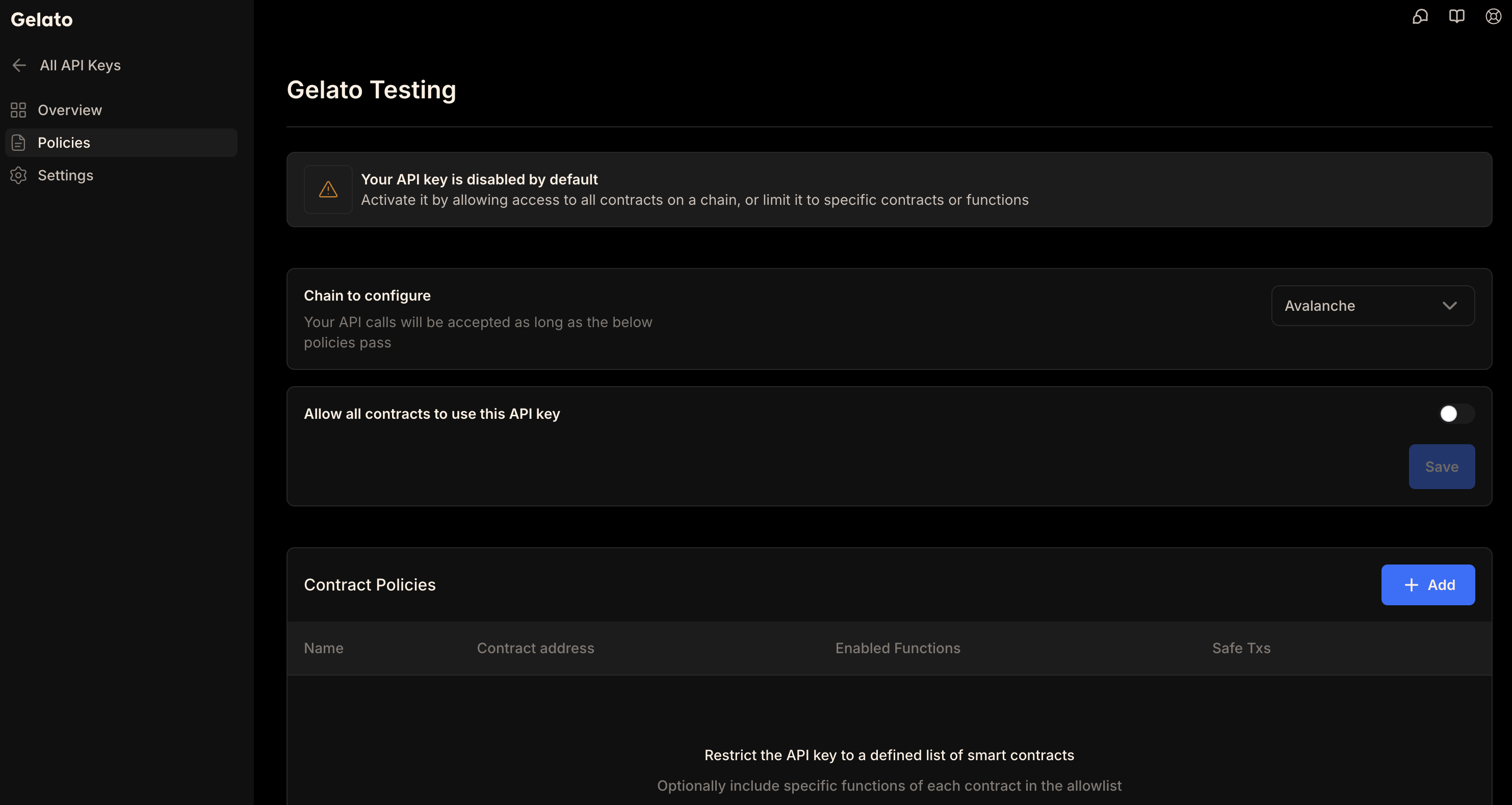
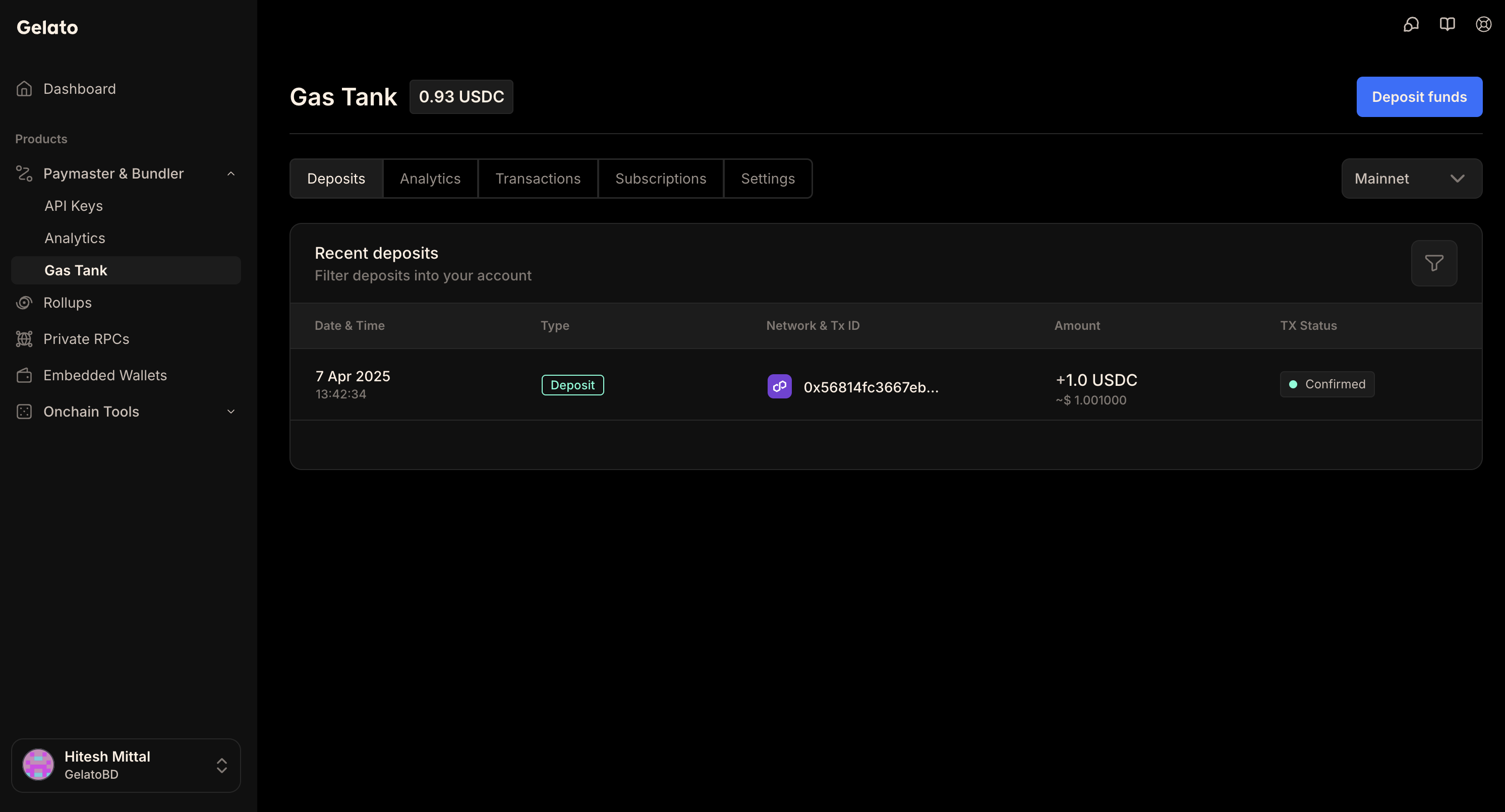
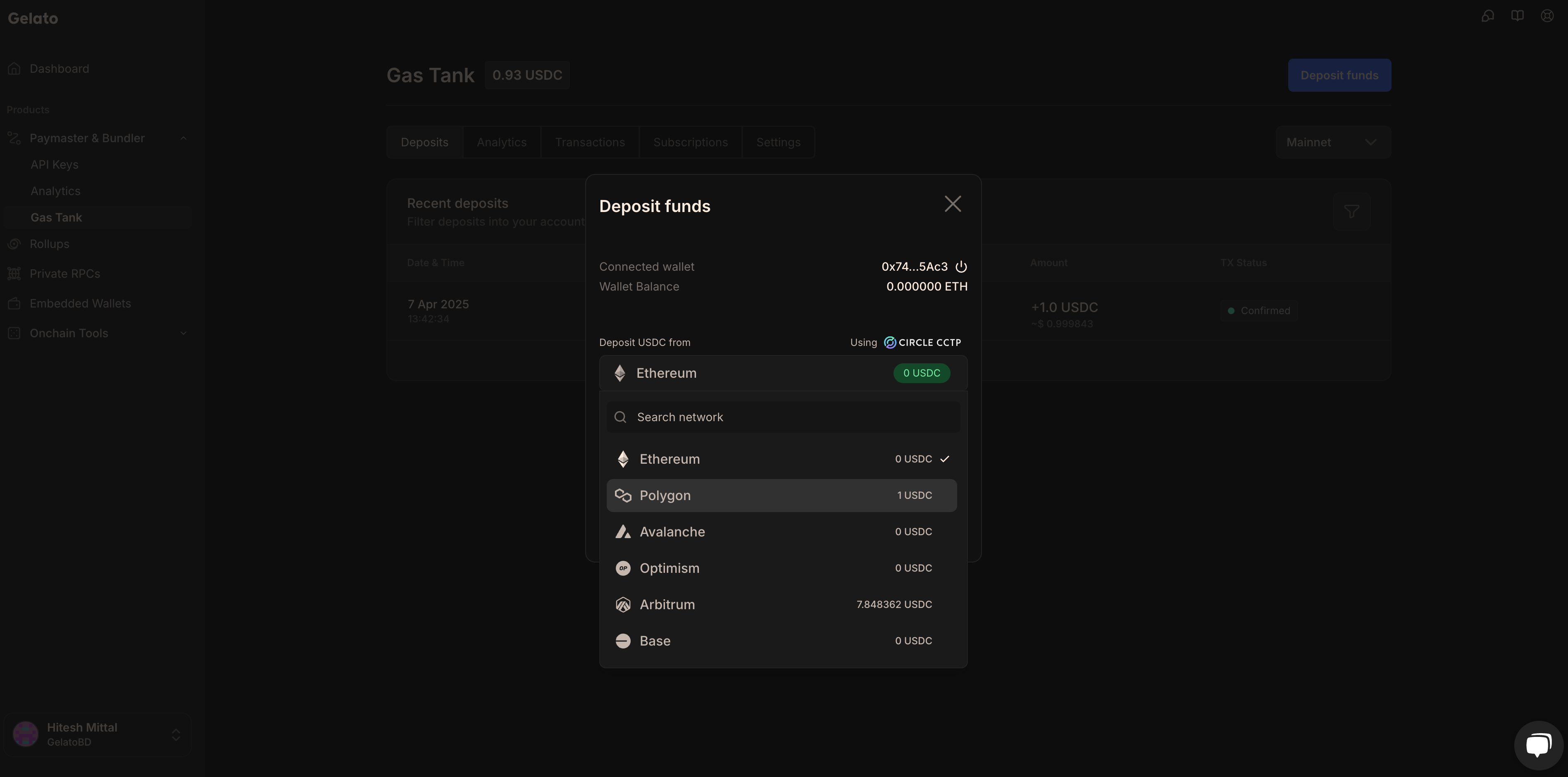
Network
Environment
{networksData.map((item, index) => (
{item.network}
{item.environment}
))}
); })()} For the most up-to-date information on Relay subscription limits and pricing plans, please visit our dedicated [Pricing Plans page](/pricing/pricing-plans). Here you can find detailed breakdowns of request monthly limits, throughput limits, autoscale options, and dynamic gas premium fees for each of our supported networks. --- ## ERC20 Payment Tokens **Path:** /gasless-with-relay/additional-resources/erc20-payment-tokens When utilizing Gelato Gasless SDK, you have the option to pay transaction fees with a token other than the native one. In addition to the native token, support is also extended to the wrapped native token, and on mainnets, the major ERC20 tokens. Please refer to the table below for the full array of supported tokens. ## Mainnets {(() => { const mainnetsData = [ { network: "All networks", tokens: [{ name: "NATIVE", address: "0xEeeeeEeeeEeEeeEeEeEeeEEEeeeeEeeeeeeeEEeE" }] }, { network: "Arbitrum", tokens: [ { name: "WETH", address: "0x82af49447d8a07e3bd95bd0d56f35241523fbab1" }, { name: "DAI", address: "0xda10009cbd5d07dd0cecc66161fc93d7c9000da1" }, { name: "USDC.e", address: "0xff970a61a04b1ca14834a43f5de4533ebddb5cc8" }, { name: "USDC", address: "0xaf88d065e77c8cc2239327c5edb3a432268e5831" }, { name: "USDT", address: "0xfd086bc7cd5c481dcc9c85ebe478a1c0b69fcbb9" }, { name: "WBTC", address: "0x2f2a2543b76a4166549f7aab2e75bef0aefc5b0f" } ] }, { network: "Avalanche", tokens: [ { name: "WAVAX", address: "0xB31f66AA3C1e785363F0875A1B74E27b85FD66c7" }, { name: "DAI.e", address: "0xd586e7f844cea2f87f50152665bcbc2c279d8d70" }, { name: "USDC.e", address: "0xa7d7079b0fead91f3e65f86e8915cb59c1a4c664" }, { name: "USDC", address: "0xb97ef9ef8734c71904d8002f8b6bc66dd9c48a6e" }, { name: "USDT.e", address: "0xc7198437980c041c805a1edcba50c1ce5db95118" }, { name: "USDT", address: "0x9702230a8ea53601f5cd2dc00fdbc13d4df4a8c7" }, { name: "WBTC.e", address: "0x50b7545627a5162f82a992c33b87adc75187b218" }, { name: "WETH.e", address: "0x49d5c2bdffac6ce2bfdb6640f4f80f226bc10bab" } ] }, { network: "Base", tokens: [ { name: "WETH", address: "0x4200000000000000000000000000000000000006" }, { name: "USDC", address: "0x833589fCD6eDb6E08f4c7C32D4f71b54bdA02913" }, { name: "USDbC", address: "0xd9aaec86b65d86f6a7b5b1b0c42ffa531710b6ca" } ] }, { network: "Berachain", tokens: [ { name: "WBERA", address: "0x6969696969696969696969696969696969696969" } ] }, { network: "Blast", tokens: [ { name: "WETH", address: "0x4200000000000000000000000000000000000023" } ] }, { network: "BSC", tokens: [ { name: "WBNB", address: "0xbb4CdB9CBd36B01bD1cBaEBF2De08d9173bc095c" }, { name: "BUSD", address: "0xe9e7cea3dedca5984780bafc599bd69add087d56" }, { name: "BSC-USD", address: "0x55d398326f99059ff775485246999027b3197955" }, { name: "HERO", address: "0xd40bedb44c081d2935eeba6ef5a3c8a31a1bbe13" }, { name: "CAKE", address: "0x0e09fabb73bd3ade0a17ecc321fd13a19e81ce82" }, { name: "BTCB", address: "0x7130d2a12b9bcbfae4f2634d864a1ee1ce3ead9c" }, { name: "USDC", address: "0x8AC76a51cc950d9822D68b83fE1Ad97B32Cd580d" } ] }, { network: "Ethereum", tokens: [ { name: "WETH", address: "0xc02aaa39b223fe8d0a0e5c4f27ead9083c756cc2" }, { name: "DAI", address: "0x6b175474e89094c44da98b954eedeac495271d0f" }, { name: "USDC", address: "0xa0b86991c6218b36c1d19d4a2e9eb0ce3606eb48" }, { name: "USDT", address: "0xdac17f958d2ee523a2206206994597c13d831ec7" }, { name: "WBTC", address: "0x2260fac5e5542a773aa44fbcfedf7c193bc2c599" } ] }, { network: "Gnosis", tokens: [ { name: "WXDAI", address: "0xe91D153E0b41518A2Ce8Dd3D7944Fa863463a97d" }, { name: "GNO", address: "0x9C58BAcC331c9aa871AFD802DB6379a98e80CEdb" }, { name: "USDC", address: "0xDDAfbb505ad214D7b80b1f830fcCc89B60fb7A83" }, { name: "USDT", address: "0x4ECaBa5870353805a9F068101A40E0f32ed605C6" }, { name: "WETH", address: "0x6A023CCd1ff6F2045C3309768eAd9E68F978f6e1" } ] }, { network: "Ink", tokens: [ { name: "WETH", address: "0x4200000000000000000000000000000000000006" } ] }, { network: "Linea", tokens: [ { name: "WETH", address: "0xe5D7C2a44FfDDf6b295A15c148167daaAf5Cf34f" } ] }, { network: "Optimism", tokens: [ { name: "WETH", address: "0x4200000000000000000000000000000000000006" }, { name: "DAI", address: "0xda10009cbd5d07dd0cecc66161fc93d7c9000da1" }, { name: "USDC.e", address: "0x7f5c764cbc14f9669b88837ca1490cca17c31607" }, { name: "USDC", address: "0x0b2C639c533813f4Aa9D7837CAf62653d097Ff85" }, { name: "USDT", address: "0x94b008aa00579c1307b0ef2c499ad98a8ce58e58" }, { name: "WBTC", address: "0x68f180fcce6836688e9084f035309e29bf0a2095" }, { name: "SNX", address: "0x8700daec35af8ff88c16bdf0418774cb3d7599b4" }, { name: "AELIN", address: "0x61baadcf22d2565b0f471b291c475db5555e0b76" }, { name: "FRAX", address: "0x2e3d870790dc77a83dd1d18184acc7439a53f475" } ] }, { network: "Polygon", tokens: [ { name: "WMATIC", address: "0x0d500B1d8E8eF31E21C99d1Db9A6444d3ADf1270" }, { name: "DAI", address: "0x8f3cf7ad23cd3cadbd9735aff958023239c6a063" }, { name: "USDC.e", address: "0x2791bca1f2de4661ed88a30c99a7a9449aa84174" }, { name: "USDC", address: "0x3c499c542cef5e3811e1192ce70d8cc03d5c3359" }, { name: "USDT", address: "0xc2132d05d31c914a87c6611c10748aeb04b58e8f" }, { name: "WBTC", address: "0x1bfd67037b42cf73acf2047067bd4f2c47d9bfd6" }, { name: "WETH", address: "0x7ceb23fd6bc0add59e62ac25578270cff1b9f619" } ] }, { network: "Polygon zkEVM", tokens: [ { name: "WETH", address: "0x4F9A0e7FD2Bf6067db6994CF12E4495Df938E6e9" }, { name: "USDC", address: "0xA8CE8aee21bC2A48a5EF670afCc9274C7bbbC035" } ] }, { network: "zkSync Era", tokens: [ { name: "WETH", address: "0x5AEa5775959fBC2557Cc8789bC1bf90A239D9a91" }, { name: "USDC", address: "0x3355df6D4c9C3035724Fd0e3914dE96A5a83aaf4" } ] }, { network: "Zora", tokens: [ { name: "WETH", address: "0x4200000000000000000000000000000000000006" } ] }, { network: "Shibarium", tokens: [ { name: "WBONE", address: "0xC76F4c819D820369Fb2d7C1531aB3Bb18e6fE8d8" } ] } ]; return (
Network
Payment Tokens
{mainnetsData.map((item, index) => (
{item.network}
{item.tokens.map((token, idx) => (
{token.name}:{' '} {token.address}
))}
))}
); })()} ## Testnets {(() => { const testnetsData = [ { network: "All networks", tokens: [{ name: "NATIVE", address: "0xEeeeeEeeeEeEeeEeEeEeeEEEeeeeEeeeeeeeEEeE" }] }, { network: "Amoy", tokens: [ { name: "NATIVE", address: "0xEeeeeEeeeEeEeeEeEeEeeEEEeeeeEeeeeeeeEEeE" }, { name: "WMATIC", address: "0x22f92e5a6219bEf9Aa445EBAfBeB498d2EAdBF01" } ] }, { network: "Sepolia", tokens: [ { name: "USDC", address: "0x1c7D4B196Cb0C7B01d743Fbc6116a902379C7238" }, { name: "WETH", address: "0x7b79995e5f793A07Bc00c21412e50Ecae098E7f9" } ] }, { network: "Arbitrum Sepolia", tokens: [ { name: "WETH", address: "0x980B62Da83eFf3D4576C647993b0c1D7faf17c73" } ] }, { network: "Base Sepolia", tokens: [ { name: "USDC", address: "0x036CbD53842c5426634e7929541eC2318f3dCF7e" }, { name: "WETH", address: "0x4200000000000000000000000000000000000006" } ] }, { network: "Berachain Bepolia", tokens: [ { name: "WBERA", address: "0x6969696969696969696969696969696969696969" } ] }, { network: "Blast Sepolia", tokens: [ { name: "WETH", address: "0x4200000000000000000000000000000000000023" } ] }, { network: "Ink Sepolia", tokens: [ { name: "WETH", address: "0x60C67E75292B101F9289f11f59aD7DD75194CCa6" } ] }, { network: "Optimism Sepolia", tokens: [ { name: "WETH", address: "0x4200000000000000000000000000000000000006" } ] } ]; return (
Network
Payment Tokens
{testnetsData.map((item, index) => (
{item.network}
{item.tokens.map((token, idx) => (
{token.name}:{' '} {token.address}
))}
))}
); })()} --- ## Demo **Path:** /gasless-with-relay/additional-resources/demo --- ## Templates **Path:** /gasless-with-relay/additional-resources/templates ## Template A template to get started using Gelato Relay with unit tests in your hardhat dev environment. ## Examples Repo showcasing how to call the relay from a React UI as well as from node. Examples demonstrating how to use Gelato Relay with the Viem SDK. --- ## ERC-2771 Migration Guide **Path:** /gasless-with-relay/additional-resources/migration-to-turbo-relayer/erc2771 Gelato is **deprecating the trusted forwarder** contracts. The old forwarder will no longer be available, and Gelato will not provide a replacement. To continue using ERC-2771 meta-transactions, you must **deploy your own trusted forwarder** and update your integration. ## Migration Steps Choose between two forwarder types based on your needs: | Type | Replay Protection | Use Case | |------|------------------|----------| | **Sequential** | Nonce (0, 1, 2...) | Simple operations, ordered transactions | | **Concurrent** | Random salt (hash-based) | Batch operations, parallel transactions | **DISCLAIMER:** All Solidity contracts in the referenced repository are provided as **examples for educational purposes only**. They have **NOT been audited** and may contain bugs or security vulnerabilities. **USE AT YOUR OWN RISK.** For production use, please ensure proper security audits are conducted by qualified professionals. **Sequential Forwarder (Nonce-based)** Contract: [`TrusteForwarderERC2771.sol`](https://github.com/gelatodigital/gelato-migration-erc2271-syncfee/blob/main/contracts/trustedForwarders/TrusteForwarderERC2771.sol) **Concurrent Forwarder (Hash-based)** Contract: [`TrustedForwarderConcurrentERC2771.sol`](https://github.com/gelatodigital/gelato-migration-erc2271-syncfee/blob/main/contracts/trustedForwarders/TrustedForwarderConcurrentERC2771.sol) Save your deployed forwarder address - you'll need it for the next steps. Your contract must trust the new forwarder address. How you do this depends on your contract's architecture: **If your contract has an updateable forwarder:** ```solidity yourContract.setTrustedForwarder(newForwarderAddress); ``` **If your contract has an immutable forwarder:** You'll need to redeploy your contract with the new forwarder address: ```solidity contract YourContract is ERC2771Context { constructor(address trustedForwarder) ERC2771Context(trustedForwarder) {} function yourFunction() external { address user = _msgSender(); // Still works the same // ... } } ``` If your contract is not upgradeable and contains important state data, a migration strategy will be required to transfer the state to the new contract. Previously, Gelato handled the encoding to the trusted forwarder internally. Now **you must encode the call to the forwarder yourself**. ```typescript import { ethers } from "ethers"; // 1. Encode your function call const functionData = yourContract.interface.encodeFunctionData("yourFunction", [args]); // 2. Get user's nonce from YOUR forwarder const userNonce = await trustedForwarder.userNonce(userAddress); // 3. Create EIP-712 domain for YOUR forwarder const domain = { name: "TrustedForwarder", version: "1", chainId: chainId, verifyingContract: trustedForwarderAddress // YOUR forwarder address }; // 4. Define the type structure const types = { SponsoredCallERC2771: [ { name: "chainId", type: "uint256" }, { name: "target", type: "address" }, { name: "data", type: "bytes" }, { name: "user", type: "address" }, { name: "userNonce", type: "uint256" }, { name: "userDeadline", type: "uint256" } ] }; // 5. Create the message const message = { chainId: chainId, target: yourContractAddress, // Your contract (the target) data: functionData, // Your function call user: userAddress, userNonce: userNonce, // From forwarder userDeadline: 0 // 0 = no expiry }; // 6. User signs the message const signature = await signer.signTypedData(domain, types, message); // 7. Encode the call to the forwarder const forwarderData = trustedForwarder.interface.encodeFunctionData( "sponsoredCallERC2771", [ message, // The CallWithERC2771 struct sponsorAddress, // Who pays (can be same as user) feeToken, // Fee token address oneBalanceChainId, // Chain ID for 1Balance signature, // User's signature 0, // nativeToFeeTokenXRateNumerator 0, // nativeToFeeTokenXRateDenominator ethers.ZeroHash // correlationId ] ); // 8. Send to Gelato with FORWARDER as target await gelatoRelay.sponsoredCall({ target: trustedForwarderAddress, // YOUR forwarder, not your contract! data: forwarderData }); ``` ```typescript import { ethers } from "ethers"; // 1. Encode your function call const functionData = yourContract.interface.encodeFunctionData("yourFunction", [args]); // 2. Generate a unique salt (random bytes32) const userSalt = ethers.hexlify(ethers.randomBytes(32)); // 3. Create EIP-712 domain for YOUR forwarder const domain = { name: "TrustedForwarderConcurrentERC2771", version: "1", chainId: chainId, verifyingContract: trustedForwarderAddress // YOUR forwarder address }; // 4. Define the type structure const types = { SponsoredCallConcurrentERC2771: [ { name: "chainId", type: "uint256" }, { name: "target", type: "address" }, { name: "data", type: "bytes" }, { name: "user", type: "address" }, { name: "userSalt", type: "bytes32" }, { name: "userDeadline", type: "uint256" } ] }; // 5. Create the message const message = { chainId: chainId, target: yourContractAddress, // Your contract (the target) data: functionData, // Your function call user: userAddress, userSalt: userSalt, // Random salt for replay protection userDeadline: 0 // 0 = no expiry }; // 6. User signs the message const signature = await signer.signTypedData(domain, types, message); // 7. Encode the call to the forwarder const forwarderData = trustedForwarder.interface.encodeFunctionData( "sponsoredCallConcurrentERC2771", [ message, // The CallWithConcurrentERC2771 struct sponsorAddress, // Who pays feeToken, // Fee token address oneBalanceChainId, // Chain ID for 1Balance signature, // User's signature 0, // nativeToFeeTokenXRateNumerator 0, // nativeToFeeTokenXRateDenominator ethers.ZeroHash // correlationId ] ); // 8. Send to Gelato with FORWARDER as target await gelatoRelay.sponsoredCall({ target: trustedForwarderAddress, // YOUR forwarder, not your contract! data: forwarderData }); ``` ## Key Changes Summary | What | Before (Gelato handled it) | After (You handle it) | |------|---------------------------|----------------------| | **Forwarder** | Gelato's forwarder | Your deployed forwarder | | **EIP-712 Domain** | - | Sign for YOUR forwarder | | **Domain name** | - | `"TrustedForwarder"` or `"TrustedForwarderConcurrentERC2771"` | | **Domain verifyingContract** | - | Your forwarder address | | **Get nonce from** | - | Your forwarder (sequential only) | | **Gelato target** | Your contract | Your forwarder | | **Encoding** | Just your function | Full forwarder call | ## Sequential vs Concurrent | Feature | Sequential | Concurrent | |---------|-----------|------------| | **Replay protection** | Nonce (0, 1, 2...) | Random salt | | **Transaction order** | Must be in order | Any order | | **Parallel transactions** | No | Yes | | **Failed tx blocks others** | Yes | No | | **Get from forwarder** | `userNonce(address)` | Nothing (generate salt) | | **EIP-712 type name** | `SponsoredCallERC2771` | `SponsoredCallConcurrentERC2771` | | **Forwarder function** | `sponsoredCallERC2771()` | `sponsoredCallConcurrentERC2771()` | ## Migration Checklist - [ ] Deploy trusted forwarder (sequential or concurrent) - [ ] Whitelist forwarder in your contract (update address or redeploy) - [ ] Update frontend to encode calls to your forwarder - [ ] Test on testnet - [ ] Deploy to production ## Troubleshooting - Ensure domain `verifyingContract` is your **forwarder address** (not your contract) - Ensure domain `name` matches exactly: `"TrustedForwarder"` or `"TrustedForwarderConcurrentERC2771"` - Ensure `chainId` matches the network - Get fresh nonce from forwarder before each signature: `forwarder.userNonce(user)` - Don't reuse old signatures - Generate a new random `userSalt` for each transaction - Don't reuse salts - Ensure your contract uses `_msgSender()` (from `ERC2771Context`) - Ensure the forwarder is whitelisted in your contract ## Example Implementations Nonce-based replay protection Salt-based replay protection Complete sequential implementation Complete concurrent implementation **Example Contracts:** - [SimpleCounterTrusted.sol](https://github.com/gelatodigital/gelato-migration-erc2271-syncfee/blob/main/contracts/SimpleCounterTrusted.sol) - Sequential example - [SimpleCounterTrustedConcurrent.sol](https://github.com/gelatodigital/gelato-migration-erc2271-syncfee/blob/main/contracts/SimpleCounterTrustedConcurrent.sol) - Concurrent example --- ## SyncFee Migration Guide **Path:** /gasless-with-relay/additional-resources/migration-to-turbo-relayer/syncFee Gelato is **deprecating the SyncFee payment pattern** (`callWithSyncFee` and `GelatoRelayContext`). The old pattern will no longer be available. To continue accepting ERC-20 token payments for relayed transactions, you must **update your contracts and frontend** to use direct token transfers. ## What's Changing? The old approach required: - **Contract inheritance** from `GelatoRelayContext` - **Fee data encoded in calldata** - Gelato appended `fee`, `feeToken`, and `feeCollector` to the calldata - **On-chain fee extraction** - Contract called `_transferRelayFee()` to decode and transfer fees - **`onlyGelatoRelay` modifier** - To restrict who can call the function ```solidity // OLD WAY - Being deprecated import {GelatoRelayContext} from "@gelatonetwork/relay-context/contracts/GelatoRelayContext.sol"; contract MyContract is GelatoRelayContext { function myFunction() external onlyGelatoRelay { // Your logic here // Extract fee from calldata and transfer to Gelato _transferRelayFee(); } } ``` The new approach is simpler: 1. **Call Gelato API** to get fee collector address and fee quote 2. **Transfer tokens directly** from the contract to fee collector 3. **No inheritance needed** - your contract stays clean The contract must hold the fee tokens. Ensure your contract has sufficient token balance before executing transactions. ```solidity // NEW WAY - Direct transfer import {IERC20} from "@openzeppelin/contracts/token/ERC20/IERC20.sol"; contract MyContract { function myFunction( address feeToken, address feeCollector, uint256 fee ) external { // Transfer fee from contract to Gelato's fee collector // Contract must hold the fee tokens IERC20(feeToken).transfer(feeCollector, fee); // Your logic here } } ``` For gasless approvals, use EIP-2612 permit to pull tokens from the user: 1. **Call Gelato API** to get fee collector address and fee quote 2. **User signs permit** for gasless token approval 3. **Transfer tokens from user** via `transferFrom` This approach pulls tokens from the user's wallet. The permit signature validates the user address, so no additional verification is needed. ```solidity // NEW WAY - With permit import {IERC20} from "@openzeppelin/contracts/token/ERC20/IERC20.sol"; import {IERC20Permit} from "@openzeppelin/contracts/token/ERC20/extensions/IERC20Permit.sol"; contract MyContract { function myFunction( address user, address feeToken, address feeCollector, uint256 fee, uint256 deadline, uint8 v, bytes32 r, bytes32 s ) external { // Execute permit (signature validates the user) IERC20Permit(feeToken).permit(user, address(this), fee, deadline, v, r, s); IERC20(feeToken).transferFrom(user, feeCollector, fee); // Your logic here } } ``` ## Migration Steps Remove the old Gelato inheritance and add direct token transfer. ```solidity import {GelatoRelayContext} from "@gelatonetwork/relay-context/contracts/GelatoRelayContext.sol"; contract MyContract is GelatoRelayContext { uint256 public counter; function increment() external onlyGelatoRelay { counter++; // Fee extracted from calldata _transferRelayFee(); } } ``` The contract must hold the fee tokens. Ensure your contract has sufficient token balance before executing transactions. ```solidity import {IERC20} from "@openzeppelin/contracts/token/ERC20/IERC20.sol"; contract MyContract { uint256 public counter; function increment( address feeToken, address feeCollector, uint256 fee ) external { // Transfer fee from contract to Gelato's fee collector // Contract must hold the fee tokens IERC20(feeToken).transfer(feeCollector, fee); counter++; } } ``` For gasless approvals using EIP-2612 permit, transfer tokens from the user: This approach pulls tokens from the user's wallet. The permit signature validates the user address, so no additional verification is needed. ```solidity import {IERC20} from "@openzeppelin/contracts/token/ERC20/IERC20.sol"; import {IERC20Permit} from "@openzeppelin/contracts/token/ERC20/extensions/IERC20Permit.sol"; contract MyContract { uint256 public counter; function incrementWithPermit( address user, address feeToken, address feeCollector, uint256 fee, uint256 deadline, uint8 v, bytes32 r, bytes32 s ) external { // Execute permit (signature validates the user) IERC20Permit(feeToken).permit(user, address(this), fee, deadline, v, r, s); // Transfer fee from user to Gelato's fee collector IERC20(feeToken).transferFrom(user, feeCollector, fee); counter++; } } ``` **Changes Required:** 1. Remove `GelatoRelayContext` inheritance 2. Remove `_transferRelayFee()` calls 3. Remove `onlyGelatoRelay` modifier 4. Add `feeToken`, `feeCollector`, and `fee` parameters to your function 5. Add direct `IERC20.transfer()` call from the contract (or `transferFrom` with permit) Deploy your updated contract to the network. If your contract is not upgradeable and contains important state data, a migration strategy will be required to transfer the state to the new contract. Your frontend now needs to fetch the fee collector and fee quote. ```typescript import { createGelatoEvmRelayerClient } from '@gelatocloud/gasless'; import { createPublicClient, http, formatUnits } from 'viem'; import { baseSepolia } from 'viem/chains'; const USDC_ADDRESS = '0x036CbD53842c5426634e7929541eC2318f3dCF7e'; const relayer = createGelatoEvmRelayerClient({ apiKey: process.env.GELATO_API_KEY, testnet: true }); const publicClient = createPublicClient({ chain: baseSepolia, transport: http() }); // Get fee collector address const capabilities = await relayer.getCapabilities(); const feeCollector = capabilities[baseSepolia.id].feeCollector; // Estimate gas for your transaction const gasEstimate = await publicClient.estimateGas({ to: contractAddress, data: functionData }); // Get fee quote in token const quote = await relayer.getFeeQuote({ chainId: baseSepolia.id, gas: gasEstimate, token: USDC_ADDRESS }); console.log('Fee:', formatUnits(quote.fee, 6), 'USDC'); console.log('Fee Collector:', feeCollector); ``` Use `https://api.gelato.cloud` for mainnets, or `https://api.t.gelato.cloud` for testnets. **Get Fee Collector** ```typescript const response = await fetch('https://api.t.gelato.cloud/rpc', { method: 'POST', headers: { 'Content-Type': 'application/json', 'X-API-Key': process.env.GELATO_API_KEY }, body: JSON.stringify({ jsonrpc: '2.0', id: 1, method: 'relayer_getCapabilities', params: {} }) }); const data = await response.json(); const feeCollector = data.result['84532'].feeCollector; // Base Sepolia ``` **Get Fee Quote** ```typescript const USDC_ADDRESS = '0x036CbD53842c5426634e7929541eC2318f3dCF7e'; const response = await fetch('https://api.t.gelato.cloud/rpc', { method: 'POST', headers: { 'Content-Type': 'application/json', 'X-API-Key': process.env.GELATO_API_KEY }, body: JSON.stringify({ jsonrpc: '2.0', id: 1, method: 'relayer_getFeeQuote', params: { chainId: '84532', gas: gasEstimate.toString(), token: USDC_ADDRESS } }) }); const data = await response.json(); const fee = data.result.fee; // Fee amount in token units ``` ```typescript // OLD WAY - Gelato appended fee data to calldata const functionData = contract.interface.encodeFunctionData("increment", []); await gelatoRelay.callWithSyncFee({ chainId: chainId, target: contractAddress, data: functionData, feeToken: FEE_TOKEN_ADDRESS, }); ``` ```typescript import { createGelatoEvmRelayerClient, token } from '@gelatocloud/gasless'; import { encodeFunctionData } from 'viem'; import { baseSepolia } from 'viem/chains'; const USDC_ADDRESS = '0x036CbD53842c5426634e7929541eC2318f3dCF7e'; const relayer = createGelatoEvmRelayerClient({ apiKey: process.env.GELATO_API_KEY, testnet: true }); // Get fee collector and quote const capabilities = await relayer.getCapabilities(); const feeCollector = capabilities[baseSepolia.id].feeCollector; const quote = await relayer.getFeeQuote({ chainId: baseSepolia.id, gas: gasEstimate, token: USDC_ADDRESS }); // Encode transaction with fee parameters const data = encodeFunctionData({ abi: contractAbi, functionName: 'increment', args: [USDC_ADDRESS, feeCollector, quote.fee] }); // Submit to Gelato Relay const id = await relayer.sendTransaction({ chainId: baseSepolia.id, to: contractAddress, data, payment: token(USDC_ADDRESS) }); console.log(`Gelato transaction id: ${id}`); ``` The contract must hold the fee tokens before the transaction is executed. For gasless token approvals using EIP-2612 permit: ```typescript import { createGelatoEvmRelayerClient, token } from '@gelatocloud/gasless'; import { encodeFunctionData } from 'viem'; import { baseSepolia } from 'viem/chains'; const USDC_ADDRESS = '0x036CbD53842c5426634e7929541eC2318f3dCF7e'; const relayer = createGelatoEvmRelayerClient({ apiKey: process.env.GELATO_API_KEY, testnet: true }); // Get fee collector and quote const capabilities = await relayer.getCapabilities(); const feeCollector = capabilities[baseSepolia.id].feeCollector; const quote = await relayer.getFeeQuote({ chainId: baseSepolia.id, gas: gasEstimate, token: USDC_ADDRESS }); // Sign EIP-2612 permit (gasless approval) const deadline = Math.floor(Date.now() / 1000) + 3600; const nonce = await feeToken.nonces(userAddress); const permitSignature = await signer.signTypedData( { name: await feeToken.name(), version: "1", chainId: baseSepolia.id, verifyingContract: USDC_ADDRESS, }, { Permit: [ { name: "owner", type: "address" }, { name: "spender", type: "address" }, { name: "value", type: "uint256" }, { name: "nonce", type: "uint256" }, { name: "deadline", type: "uint256" }, ], }, { owner: userAddress, spender: contractAddress, value: quote.fee, nonce: nonce, deadline: deadline, } ); const { v, r, s } = ethers.Signature.from(permitSignature); // Encode transaction with permit parameters const data = encodeFunctionData({ abi: contractAbi, functionName: 'incrementWithPermit', args: [userAddress, USDC_ADDRESS, feeCollector, quote.fee, deadline, v, r, s] }); // Submit to Gelato Relay const id = await relayer.sendTransaction({ chainId: baseSepolia.id, to: contractAddress, data, payment: token(USDC_ADDRESS) }); ``` This approach pulls tokens from the user's wallet using a permit signature. ## Key Changes Summary | What | Before (SyncFee) | After (Direct Transfer) | |------|-----------------|------------------------| | **Contract inheritance** | `GelatoRelayContext` | None required | | **Fee extraction** | `_transferRelayFee()` | Direct `IERC20.transfer()` | | **Modifier** | `onlyGelatoRelay` | Not required | | **Fee data source** | Encoded in calldata by Gelato | From Gelato API | | **Fee collector** | Extracted from calldata | From `relayer_getCapabilities` | | **Fee amount** | Extracted from calldata | Calculated from `relayer_getFeeData` | ## Migration Checklist - [ ] Update contract to remove `GelatoRelayContext` and add direct transfer - [ ] Redeploy your updated contract - [ ] Update frontend to call Gelato API for fee data - [ ] Update frontend transaction encoding - [ ] Test on testnet - [ ] Deploy to production ## API Reference | Environment | URL | |-------------|-----| | Mainnet | `https://api.gelato.cloud/rpc` | | Testnet | `https://api.t.gelato.cloud/rpc` | | Method | Description | |--------|-------------| | `relayer_getCapabilities` | Get supported tokens and fee collector per chain | | `relayer_getFeeData` | Get fee quote with exchange rate and gas price | | `relayer_sendTransaction` | Submit transaction for relay | | `relayer_getStatus` | Check transaction status | ## Example Implementations Direct token transfer pattern Complete frontend implementation ================================================================================ # Paymaster & Bundler ================================================================================ --- ## Overview **Path:** /paymaster-&-bundler/gelato-bundler-paymaster/overview The Gelato Paymaster & Bundler provides infrastructure for Account Abstraction, supporting both ERC-4337 and EIP-7702 standards. Sponsor gas fees, enable ERC-20 payments, and integrate with any smart account provider. ## What is ERC-4337? ERC-4337 implements account abstraction without requiring protocol changes. Instead of users sending transactions directly, they sign **UserOperations** that are collected by **Bundlers** and submitted to the network through an **EntryPoint** contract. | Component | Description | | --- | --- | | **UserOperation** | A pseudo-transaction containing the user's intent, gas parameters, and signature | | **Bundler** | Collects UserOperations and submits them as a single transaction (Gelato Bundler) | | **EntryPoint** | Singleton contract that validates and executes UserOperations | | **Paymaster** | Sponsors transaction fees on behalf of users (Gelato Gas Tank) | | **Smart Account** | Contract wallet that validates UserOperations (Kernel, Safe, etc.) | EIP-7702 is complementary to ERC-4337. It upgrades EOAs to smart accounts that can then use ERC-4337 infrastructure for gas sponsorship and batching. ## Gelato Bundler Features Sponsor gas, pay with ERC-20 tokens, or use native tokens Gelato SDK, Viem/Permissionless, or direct API Gelato, Kernel, Safe, Alchemy, Biconomy, and more Dynamic, Privy, Web3Auth, Turnkey integrations Use your EOA as a smart account - no asset transfers needed Step-by-step implementation guides --- ## Quickstart **Path:** /paymaster-&-bundler/gelato-bundler-paymaster/quick-start ### Get Your API Key Get started by creating an API key from the Gelato App ### Example for sponsored UserOperation using Gelato Account Set up the owner wallet and create a Gelato smart account: ```typescript import { createGelatoBundlerClient, sponsored, toGelatoSmartAccount } from "@gelatocloud/gasless"; import { createPublicClient, http, type Hex } from "viem"; import { generatePrivateKey, privateKeyToAccount } from "viem/accounts"; import { baseSepolia } from "viem/chains"; const owner = privateKeyToAccount((process.env.PRIVATE_KEY ?? generatePrivateKey()) as Hex); const client = createPublicClient({ chain: baseSepolia, transport: http() }); const account = await toGelatoSmartAccount({ client, owner }); ``` Initialize the Gelato bundler client with your account and payment method: ```typescript const bundler = await createGelatoBundlerClient({ account, apiKey: process.env.GELATO_API_KEY, client, payment: sponsored(), pollingInterval: 100 }); ``` Send a UserOperation and wait for the transaction receipt: ```typescript const hash = await bundler.sendUserOperation({ calls: [ { data: '0xd09de08a', to: '0xE27C1359cf02B49acC6474311Bd79d1f10b1f8De' } ] }); console.log(`User operation hash: ${hash}`); const { receipt } = await bundler.waitForUserOperationReceipt({ hash }); console.log(`Transaction hash: ${receipt.transactionHash}`); ``` --- ## Implementation Paths **Path:** /paymaster-&-bundler/features/implementation-paths There are three ways to integrate Gelato's Paymaster & Bundler into your application. Choose the approach that best fits your development workflow and requirements. ## Gelato Gasless SDK The `@gelatocloud/gasless` SDK provides the simplest integration path with built-in abstractions for smart accounts, payment methods, and transaction handling. - Handles smart account creation and management automatically - No paymaster configuration required for any payment method - Built-in support for sponsored, ERC-20, and native token payments - Automatic gas estimation and transaction polling - Recommended for new projects and rapid development ## Viem / Permissionless For developers already using Viem or Permissionless in their stack, Gelato Bundler integrates seamlessly as a standard ERC-4337 bundler endpoint. - Use your existing smart account setup and tooling - Compatible with any smart account implementation (Kernel, Light Account, Safe, etc.) - Requires paymaster configuration for ERC-20 and native token payments - Full control over transaction construction and gas parameters - Ideal for projects with existing account abstraction infrastructure ## Direct API For maximum flexibility or non-JavaScript environments, interact directly with Gelato's JSON-RPC API endpoints. - Language-agnostic integration via standard HTTP requests - Full control over request/response handling - Supports all ERC-4337 bundler methods - Useful for backend services, mobile apps, or custom implementations - Requires manual UserOperation construction and signing ## Comparison | Approach | Complexity | Flexibility | Paymaster Required | |----------|------------|-------------|-------------------| | Gelato Gasless SDK | Low | Medium | No | | Viem / Permissionless | Medium | High | Yes (for token payments) | | Direct API | High | Full | Yes (for token payments) | --- ## Payment Methods **Path:** /paymaster-&-bundler/features/paymnet-methods Gelato Bundler supports three flexible payment methods for gas fees, allowing you to choose the best option for your use case. ## Sponsored (Gas Tank) Sponsor gas fees for your users using Gelato's cross-chain Gas Tank. Deposit funds once and sponsor transactions across all supported networks. Learn how to sponsor transactions for your users ## Pay with ERC-20 Tokens Allow users to pay gas fees using ERC-20 tokens like USDC, USDT, or other supported tokens directly from their smart account. When using the `@gelatocloud/gasless` SDK, no paymaster is required - token payments are handled automatically. If using Viem or Permissionless directly, you'll need to provide paymaster data from an on-chain paymaster. Learn how to enable ERC-20 token payments ## Pay with Native Tokens Users pay gas fees directly with native tokens (ETH, MATIC, etc.) from their smart account balance. Learn how to enable native token payments ## Comparison | Method | Who Pays | Token Type | Use Case | |--------|----------|------------|----------| | Sponsored | Developer | N/A | Gasless UX for users | | ERC-20 | User | USDC, USDT, etc. | Stablecoin holders | | Native | User | ETH, MATIC, etc. | Traditional gas payment | --- ## Smart Accounts **Path:** /paymaster-&-bundler/features/smart-accounts Gelato Bundler is compatible with all ERC-4337 smart account implementations. You can use your preferred smart account provider seamlessly with Gelato's infrastructure. ## Supported Smart Accounts Gelato's native smart account with built-in SDK support. Modular smart account with plugin architecture. Battle-tested multi-sig smart account. Lightweight smart account optimized for gas efficiency. Feature-rich smart account with session keys. Smart account with embedded wallet support. Consumer-friendly smart wallet from Coinbase. Trust Wallet's smart account implementation. Any smart account compatible with Viem's [Smart Account](https://viem.sh/account-abstraction/accounts/smart) type works with Gelato Bundler. ## Usage Example All smart accounts follow the same pattern - only the account instantiation differs: ```typescript import { toGelatoSmartAccount } from "@gelatocloud/gasless"; const account = await toGelatoSmartAccount({ client, owner }); ``` ```typescript import { toSoladySmartAccount } from "viem/account-abstraction"; const account = await toSoladySmartAccount({ client, owner, }); ``` Once instantiated, use the account with Gelato Bundler the same way regardless of the implementation. --- ## Embedded Wallets **Path:** /paymaster-&-bundler/features/embedded-wallets For frontend applications, users need a way to sign transactions. There are two main approaches: **Browser Extension Wallets** - Users connect existing wallets like MetaMask, Rabby, or Coinbase Wallet. This requires users to have a wallet already installed. **Embedded Wallets** - Wallets created within your application using familiar login methods like email, phone, or social accounts. This provides a smoother onboarding experience for users new to Web3. ## Supported Embedded Wallet Providers Gelato integrates with the following embedded wallet providers: Multi-chain embedded wallets with social login and email authentication. User-friendly embedded wallets with email, SMS, and social login options. Non-custodial embedded wallets using MPC technology and social logins. Secure embedded wallets with institutional-grade key management. ## How It Works Embedded wallet providers handle key generation and management, allowing users to sign transactions without managing seed phrases. When integrated with Gelato: 1. User logs in via email, social account, or other supported method 2. The embedded wallet provider creates or retrieves the user's wallet 3. Your application uses the wallet to sign UserOperations 4. Gelato Bundler submits the transactions on-chain ## Implementation For detailed integration guides with code examples, see the [Embedded Wallets How-To Guide](/paymaster-&-bundler/how-to-guides/embedded-wallets). --- ## EIP-7702 Support **Path:** /paymaster-&-bundler/features/EIP-7702 support EIP-7702 enables EOAs (Externally Owned Accounts) to temporarily act as smart accounts. This means your existing wallet **is** your smart account - no need to transfer assets to a separate contract address. ## Why EIP-7702? With traditional ERC-4337 smart accounts, users must: 1. Deploy a new smart account contract 2. Transfer assets from their EOA to the smart account 3. Manage two separate addresses With EIP-7702: - Your EOA address becomes your smart account - No asset transfers required - use your existing balances - Same address across all chains - Seamless upgrade path for existing wallets ## Network & Account Support EIP-7702 is supported on most chains and smart account implementations. However, support varies by network and account type. Check the [Supported Networks](/paymaster-&-bundler/additional-resources/supported-networks) page to verify EIP-7702 availability on your target chain. ## Usage To use EIP-7702, you need to signal it in your request and provide an authorization signature. In following code snippets you can see the difference implementaitons Set `eip7702: true` when creating the bundler client: ```typescript const bundler = await createGelatoBundlerClient({ account, apiKey: process.env.GELATO_API_KEY, client, payment: sponsored(), eip7702: true, }); ``` Include the authorization object in the UserOperation using viem's bundler client: ```typescript import { createPublicClient, createWalletClient, http } from "viem"; import { privateKeyToAccount } from "viem/accounts"; import { baseSepolia } from "viem/chains"; const owner = privateKeyToAccount(process.env.PRIVATE_KEY as `0x${string}`); const walletClient = createWalletClient({ account: owner, chain: baseSepolia, transport: http(), }); const publicClient = createPublicClient({ chain: baseSepolia, transport: http(), }); const authorization = await walletClient.signAuthorization({ contractAddress: smartAccountImplementation, delegate: true, }); const hash = await walletClient.sendTransaction({ authorizationList: [authorization], to: targetAddress, data: callData, }); ``` Use permissionless with the 7702 smart account variant: ```typescript import { createSmartAccountClient } from "permissionless"; import { to7702SimpleSmartAccount } from "permissionless/accounts"; import { createPublicClient, http } from "viem"; import { privateKeyToAccount } from "viem/accounts"; import { baseSepolia } from "viem/chains"; const owner = privateKeyToAccount(process.env.PRIVATE_KEY as `0x${string}`); const publicClient = createPublicClient({ chain: baseSepolia, transport: http(), }); const account = await to7702SimpleSmartAccount({ client: publicClient, owner, }); const bundlerClient = createSmartAccountClient({ account, chain: baseSepolia, bundlerTransport: http("https://api.gelato.cloud/bundler/84532?apiKey=YOUR_API_KEY"), }); // First transaction requires authorization const hash = await bundlerClient.sendTransaction({ to: targetAddress, data: callData, value: 0n, authorization: await owner.signAuthorization({ contractAddress: account.implementation, }), }); ``` When using the API directly, use viem's `signAuthorization` to create the authorization and include it in the UserOperation. **Step 1: Sign the authorization** ```typescript import { createWalletClient, http } from "viem"; const authorization = await walletClient.signAuthorization({ contractAddress: smartAccountImplementation, chainId: 84532, // Base Sepolia nonce: await publicClient.getTransactionCount({ address: eoaAddress }), }); // authorization contains: { address, chainId, nonce, r, s, yParity } ``` **Step 2: Include in the API request** ```json { "jsonrpc": "2.0", "method": "eth_sendUserOperation", "params": [ { "sender": "0x...", "nonce": "0x0", "callData": "0x...", "signature": { "signature": "0x...", "authorization": { "address": "0x...", "chainId": 84532, "nonce": 0, "r": "0x...", "s": "0x...", "yParity": 0 } } }, "0x0000000071727De22E5E9d8BAf0edAc6f37da032" ], "id": 1 } ``` ## Authorization Signature The authorization signature delegates your EOA to act as a smart account. It includes: - **address**: The smart account implementation contract - **nonce**: Your EOA's current nonce - **chainId**: The target chain (included automatically) This signature is attached to the UserOperation and verified on-chain during execution. --- ## Create a API Key **Path:** /paymaster-&-bundler/how-to-guides/create-a-api-key Sign up on the [Gelato App](https://app.gelato.cloud/) to establish an account. Within your Gelato account, Navigate to `Paymaster & Bundler > API Keys` to create a new API Key. While creating the key, make sure to configure the environment as either Mainnet or Testnet, depending on your use case. After creating the API Key, navigate to its dashboard to locate your API Key. Gelato API Keys now supports API key rotation, allowing users to create and delete API keys. This helps prevent unauthorized usage in case an API key is exposed. `Activate` your API key by allowing access to `all contracts` on a network, or restrict it to `specific contracts` or `specific functions` in policies section. Here, you can configure different networks. For each network, you can choose to allow access to all target contracts or limit it to selected contracts or specific functions. Before you can start sponsoring gas with Gas Tank, you need to setup your Gas Tank. Check out our [Guide](/paymaster-&-bundler/gastank/setting-up-gastank) for detailed instructions on setting up your Gas Tank. For `Sponsorship` purposes, add funds to your Gas Tank account according to your target environment: - **Mainnets**: Deposit USDC. - **Testnets**: Deposit Sepolia ETH. Since Gas Tank is deployed on Polygon, you can deposit USDC in one step, and deposits from other networks are supported via Circle CCTP. Learn [more](/paymaster-&-bundler/gastank/introduction). --- ## Sponsor Gas with Gas Tank **Path:** /paymaster-&-bundler/how-to-guides/sponsor-gas-with-gastank Gelato's Gas Tank is a powerful alternative to traditional onchain paymasters. It acts as a cross-chain gas tank, allowing you to sponsor gas fees across any supported EVM-compatible chain - using just a single balance. Instead of maintaining balances on multiple chains, you only need to deposit funds in one place, and you're ready to sponsor gas anywhere. Important: When using Gelato Bundler for `Sponsoring` Transactions with `Gas Tank`, both `maxFeePerGas` and `maxPriorityFeePerGas` are set to `0`. This allows transaction fees to be accurately settled post-execution, rather than upfront via the EntryPoint. ## Implementations ```bash npm npm install @gelatocloud/gasless viem ``` ```bash yarn yarn add @gelatocloud/gasless viem ``` ```bash pnpm pnpm add @gelatocloud/gasless viem ``` Check out our [How-To Guide](/paymaster-&-bundler/how-to-guides/create-a-api-key) for detailed instructions on generating an API key. ```typescript import { createGelatoBundlerClient, sponsored, toGelatoSmartAccount } from '@gelatocloud/gasless'; import { createPublicClient, http } from 'viem'; import { privateKeyToAccount } from "viem/accounts"; import { baseSepolia } from "viem/chains"; const owner = privateKeyToAccount(process.env.PRIVATE_KEY); const client = createPublicClient({ chain: baseSepolia, transport: http(), }); const account = await toGelatoSmartAccount({ client, owner, }); ``` ```typescript const bundler = await createGelatoBundlerClient({ account, apiKey: process.env.GELATO_API_KEY, client, payment: sponsored(), pollingInterval: 100 }); ``` ```typescript const hash = await bundler.sendUserOperation({ calls: [ { data: '0xd09de08a', to: '0xE27C1359cf02B49acC6474311Bd79d1f10b1f8De' } ] }); console.log(`User operation hash: ${hash}`); const { receipt } = await bundler.waitForUserOperationReceipt({ hash }); console.log(`Transaction hash: ${receipt.transactionHash}`); ``` ```bash npm npm install viem ``` ```bash yarn yarn add viem ``` ```bash pnpm pnpm add viem ``` Check out our [How-To Guide](/paymaster-&-bundler/how-to-guides/create-a-api-key) for detailed instructions on generating an API key. Use `https://api.gelato.cloud` for mainnets, or `https://api.t.gelato.cloud` for testnets. Pass the API key in the `X-API-Key` header via `fetchOptions`. ```typescript import { createPublicClient, http } from "viem"; import { createBundlerClient } from "viem/account-abstraction"; import { privateKeyToAccount } from "viem/accounts"; import { baseSepolia } from "viem/chains"; const owner = privateKeyToAccount(process.env.PRIVATE_KEY); const publicClient = createPublicClient({ chain: baseSepolia, transport: http(), }); const bundlerClient = createBundlerClient({ client: publicClient, transport: http(`https://api.gelato.cloud/rpc/84532?payment=sponsored`, { fetchOptions: { headers: { 'X-API-Key': process.env.GELATO_API_KEY } } }), }); ``` To use Gas Tank sponsorship efficiently, set `maxFeePerGas` and `maxPriorityFeePerGas` to `0n`. This allows transaction fees to be settled after execution via Gelato Gas Tank. ```typescript const hash = await bundlerClient.sendUserOperation({ account, calls: [ { data: '0xd09de08a', to: '0xE27C1359cf02B49acC6474311Bd79d1f10b1f8De', value: 0n, } ], maxFeePerGas: 0n, maxPriorityFeePerGas: 0n, }); console.log(`User operation hash: ${hash}`); const receipt = await bundlerClient.waitForUserOperationReceipt({ hash }); console.log(`Transaction hash: ${receipt.receipt.transactionHash}`); ``` ```bash npm npm install permissionless viem ``` ```bash yarn yarn add permissionless viem ``` ```bash pnpm pnpm add permissionless viem ``` Check out our [How-To Guide](/paymaster-&-bundler/how-to-guides/create-a-api-key) for detailed instructions on generating an API key. ```typescript import { createSmartAccountClient } from "permissionless"; import { createPublicClient, http } from "viem"; import { createBundlerClient, toSoladySmartAccount } from "viem/account-abstraction"; import { privateKeyToAccount } from "viem/accounts"; import { baseSepolia } from "viem/chains"; const owner = privateKeyToAccount(process.env.PRIVATE_KEY); const client = createPublicClient({ chain: baseSepolia, transport: http(), }); const account = await toSoladySmartAccount({ client, owner, }); ``` Use `https://api.gelato.cloud` for mainnets, or `https://api.t.gelato.cloud` for testnets. Pass the API key in the `X-API-Key` header via `fetchOptions`. ```typescript const smartClient = createSmartAccountClient({ account, chain: baseSepolia, bundlerTransport: http(`https://api.gelato.cloud/rpc/84532?payment=sponsored`, { fetchOptions: { headers: { 'X-API-Key': process.env.GELATO_API_KEY } } }), }); ``` To use Gas Tank sponsorship efficiently, set `maxFeePerGas` and `maxPriorityFeePerGas` to `0n`. This allows transaction fees to be settled after execution via Gelato Gas Tank. ```typescript const hash = await smartClient.sendUserOperation({ account, calls: [ { data: '0xd09de08a', to: '0xE27C1359cf02B49acC6474311Bd79d1f10b1f8De', value: 0n, } ], maxFeePerGas: 0n, maxPriorityFeePerGas: 0n, }); console.log(`User operation hash: ${hash}`); const receipt = await smartClient.waitForUserOperationReceipt({ hash }); console.log(`Transaction hash: ${receipt.receipt.transactionHash}`); ``` Use `https://api.gelato.cloud` for mainnets, or `https://api.t.gelato.cloud` for testnets. Pass the API key in the `X-API-Key` header. Check out our [How-To Guide](/paymaster-&-bundler/how-to-guides/create-a-api-key) for detailed instructions on generating an API key. To use Gas Tank sponsorship, ensure your UserOperation includes `maxFeePerGas` and `maxPriorityFeePerGas` set to `"0x0"`: ```json { "sender": "0x...", "nonce": "0x...", "callData": "0x...", "maxFeePerGas": "0x0", "maxPriorityFeePerGas": "0x0", ... } ``` ```typescript const response = await fetch( `https://api.gelato.cloud/rpc/${chainId}?payment=sponsored`, { method: "POST", headers: { "Content-Type": "application/json", "X-API-Key": process.env.GELATO_API_KEY }, body: JSON.stringify({ jsonrpc: "2.0", method: "eth_sendUserOperation", params: [userOperation, entryPoint], id: 1, }), } ); const data = await response.json(); const userOpHash = data.result; ``` ```typescript const response = await fetch( `https://api.gelato.cloud/rpc/${chainId}`, { method: "POST", headers: { "Content-Type": "application/json", "X-API-Key": process.env.GELATO_API_KEY }, body: JSON.stringify({ jsonrpc: "2.0", method: "eth_estimateUserOperationGas", params: [userOperation, entryPoint], id: 1, }), } ); const data = await response.json(); const gasEstimate = data.result; ``` ```typescript const response = await fetch( `https://api.gelato.cloud/rpc/${chainId}`, { method: "POST", headers: { "Content-Type": "application/json", "X-API-Key": process.env.GELATO_API_KEY }, body: JSON.stringify({ jsonrpc: "2.0", method: "eth_getUserOperationReceipt", params: [userOpHash], id: 1, }), } ); const data = await response.json(); const receipt = data.result; ``` ### Available Endpoints Send a user operation to the bundler Estimate gas for a user operation Get receipt for a user operation Get user operation by hash --- ## Overview **Path:** /paymaster-&-bundler/how-to-guides/pay-with-erc20-tokens/overview Allow users to pay gas fees using ERC-20 tokens like USDC, USDT, or other supported tokens instead of native ETH. This significantly improves user experience by removing the need to hold native tokens. ## Payment Approaches There are two ways to enable ERC-20 gas payments with the Gelato Bundler: Simplest integration using Gelato's built-in token payment Use third-party paymasters like Pimlico for token payments ## When to Use Each Approach ### Direct Payment (Recommended) Use the Gelato Gasless SDK when you want: - **Fastest integration** - Single SDK handles everything - **Automatic token handling** - No manual paymaster setup required - **Gelato-optimized gas costs** - Built-in fee optimization - **Simple API** - Just specify `payment: token(tokenAddress)` ### On-Chain Paymaster Use an on-chain paymaster when you need: - **Custom paymaster logic** - Specific business rules for gas sponsorship - **Existing paymaster integration** - Already using Pimlico, Alchemy, or other providers ## Additional Resources - [Sponsor Gas with Gas Tank](/paymaster-&-bundler/how-to-guides/sponsor-gas-with-gastank) - Sponsored transactions alternative - [Estimate Gas](/paymaster-&-bundler/how-to-guides/estimate-gas) - Get fee quotes before sending - [Supported Networks](/paymaster-&-bundler/additional-resources/supported-networks) - Network availability --- ## Direct Payment (Gelato SDK) **Path:** /paymaster-&-bundler/how-to-guides/pay-with-erc20-tokens/direct-payment The simplest way to enable ERC-20 gas payments. Gelato's SDK handles token payment automatically - just specify the payment token and send your UserOperation. ## Installation ```bash npm npm install @gelatocloud/gasless viem ``` ```bash yarn yarn add @gelatocloud/gasless viem ``` ```bash pnpm pnpm add @gelatocloud/gasless viem ``` ## Implementation Check out our [How-To Guide](/paymaster-&-bundler/how-to-guides/create-a-api-key) for detailed instructions on generating an API key. ```typescript import { createGelatoBundlerClient, token, toGelatoSmartAccount } from '@gelatocloud/gasless'; import { createPublicClient, http, type Hex } from 'viem'; import { privateKeyToAccount } from "viem/accounts"; import { baseSepolia } from "viem/chains"; const owner = privateKeyToAccount(process.env.PRIVATE_KEY as Hex); const client = createPublicClient({ chain: baseSepolia, transport: http(), }); const account = await toGelatoSmartAccount({ client, owner, }); ``` Specify the ERC-20 token address using `token()`: ```typescript const USDC_ADDRESS = "0x036CbD53842c5426634e7929541eC2318f3dCF7e"; // USDC (Base Sepolia) const bundler = await createGelatoBundlerClient({ account, apiKey: process.env.GELATO_API_KEY, client, payment: token(USDC_ADDRESS), }); ``` ```typescript const hash = await bundler.sendUserOperation({ calls: [ { to: '0xE27C1359cf02B49acC6474311Bd79d1f10b1f8De', data: '0xd09de08a', // increment() } ] }); console.log(`User operation hash: ${hash}`); const { receipt } = await bundler.waitForUserOperationReceipt({ hash }); console.log(`Transaction hash: ${receipt.transactionHash}`); ``` ## How It Works When using direct payment with Gelato: 1. **Fee Calculation** - Gelato calculates the gas fee in the specified ERC-20 token 2. **Token Approval** - Ensure your smart account has approved Gelato's paymaster to spend the token 3. **Automatic Deduction** - The fee is automatically deducted from your smart account's token balance 4. **Transaction Execution** - Gelato sponsors the native gas and executes your UserOperation Your smart account must have sufficient ERC-20 token balance to cover the gas fee. Use `getUserOperationQuote()` to estimate the fee before sending. ## Get Fee Quote Estimate the fee before sending: ```typescript const quote = await bundler.getUserOperationQuote({ calls: [ { to: '0xE27C1359cf02B49acC6474311Bd79d1f10b1f8De', data: '0xd09de08a', } ] }); console.log('Fee:', quote.fee); // Fee in token units console.log('Total gas:', quote.gas); // Total gas console.log('L1 fee:', quote.l1Fee); // L1 data fee (L2 chains) ``` ## Additional Resources - [On-Chain Paymaster](/paymaster-&-bundler/how-to-guides/pay-with-erc20-tokens/onchain-paymaster) - Alternative approach using third-party paymasters - [ERC-20 Payment Tokens](/paymaster-&-bundler/additional-resources/erc20-payment-tokens) - Supported tokens - [Estimate Gas](/paymaster-&-bundler/how-to-guides/estimate-gas) - Gas estimation methods --- ## On-Chain Paymaster **Path:** /paymaster-&-bundler/how-to-guides/pay-with-erc20-tokens/onchain-paymaster Use third-party on-chain paymasters for ERC-20 gas payments. This approach gives you flexibility to use different paymaster providers while still benefiting from Gelato's high-performance bundler. On-chain paymasters are smart contracts that sponsor gas fees by accepting ERC-20 tokens from users. They handle the token-to-ETH conversion on-chain, allowing users to pay gas with tokens they hold. ## Implementations This example uses [Pimlico's ERC-20 Paymaster](https://docs.pimlico.io/). You can substitute any compatible on-chain paymaster. ```bash npm npm install permissionless viem ``` ```bash yarn yarn add permissionless viem ``` ```bash pnpm pnpm add permissionless viem ``` Check out our [How-To Guide](/paymaster-&-bundler/how-to-guides/create-a-api-key) for detailed instructions on generating a Gelato API key. You'll also need an API key from your paymaster provider (e.g., [Pimlico](https://dashboard.pimlico.io/)). ```typescript import { createSmartAccountClient } from "permissionless"; import { createPimlicoClient } from "permissionless/clients/pimlico"; import { prepareUserOperationForErc20Paymaster } from "permissionless/actions/erc20"; import { createPublicClient, http, type Hex } from "viem"; import { entryPoint07Address, toSoladySmartAccount } from "viem/account-abstraction"; import { privateKeyToAccount } from "viem/accounts"; import { baseSepolia } from "viem/chains"; const owner = privateKeyToAccount(process.env.PRIVATE_KEY as Hex); const client = createPublicClient({ chain: baseSepolia, transport: http(), }); const account = await toSoladySmartAccount({ client, owner, }); ``` Set up the on-chain paymaster client. This example uses Pimlico: ```typescript const pimlicoUrl = `https://api.pimlico.io/v2/${baseSepolia.id}/rpc?apikey=${process.env.PIMLICO_API_KEY}`; const paymasterClient = createPimlicoClient({ chain: baseSepolia, transport: http(pimlicoUrl), entryPoint: { address: entryPoint07Address, version: "0.7", }, }); ``` Combine Gelato's bundler with the on-chain paymaster: ```typescript const bundlerUrl = `https://api.t.gelato.cloud/rpc/${baseSepolia.id}`; const smartClient = createSmartAccountClient({ account, chain: baseSepolia, bundlerTransport: http(bundlerUrl, { fetchOptions: { headers: { 'X-API-Key': process.env.GELATO_API_KEY } } }), paymaster: paymasterClient, userOperation: { estimateFeesPerGas: async ({ bundlerClient }) => { const gasPrices = await bundlerClient.request({ method: "eth_getUserOperationGasPrice", params: [], }); return { maxFeePerGas: BigInt(gasPrices.maxFeePerGas), maxPriorityFeePerGas: BigInt(gasPrices.maxPriorityFeePerGas), }; }, prepareUserOperation: prepareUserOperationForErc20Paymaster(paymasterClient), }, }); ``` ```typescript const USDC_ADDRESS = "0x036CbD53842c5426634e7929541eC2318f3dCF7e"; // USDC (Base Sepolia) const txHash = await smartClient.sendTransaction({ to: "0xE27C1359cf02B49acC6474311Bd79d1f10b1f8De", value: 0n, data: "0xd09de08a", // increment() paymasterContext: { token: USDC_ADDRESS, }, }); console.log(`Transaction hash: ${txHash}`); ``` When using the API directly, you need to obtain paymaster fields from your chosen paymaster provider and include them in the UserOperation. You'll need: - A Gelato API key from [app.gelato.cloud](https://app.gelato.cloud) - A paymaster API key from your provider (e.g., Pimlico, Alchemy) Request sponsorship data from your paymaster. Example with Pimlico: ```typescript const USDC_ADDRESS = "0x036CbD53842c5426634e7929541eC2318f3dCF7e"; const paymasterResponse = await fetch( `https://api.pimlico.io/v2/${chainId}/rpc?apikey=${PIMLICO_API_KEY}`, { method: "POST", headers: { "Content-Type": "application/json" }, body: JSON.stringify({ jsonrpc: "2.0", id: 1, method: "pm_getPaymasterStubData", params: [ { sender: "0xYourSmartAccountAddress", nonce: "0x0", callData: "0xCalldata", maxFeePerGas: "0x...", maxPriorityFeePerGas: "0x..." }, "0x0000000071727De22E5E9d8BAf0edAc6f37da032", // EntryPoint v0.7 chainId.toString(), { token: USDC_ADDRESS } ] }) } ); const paymasterData = await paymasterResponse.json(); // Returns: paymaster, paymasterData, paymasterVerificationGasLimit, paymasterPostOpGasLimit ``` Include the paymaster fields in your UserOperation: ```typescript const userOperation = { sender: "0xYourSmartAccountAddress", nonce: "0x0", callData: "0xCalldata", callGasLimit: "0x...", verificationGasLimit: "0x...", preVerificationGas: "0x...", maxFeePerGas: "0x...", maxPriorityFeePerGas: "0x...", signature: "0xSignature", // Paymaster fields from step 2 paymaster: paymasterData.result.paymaster, paymasterData: paymasterData.result.paymasterData, paymasterVerificationGasLimit: paymasterData.result.paymasterVerificationGasLimit, paymasterPostOpGasLimit: paymasterData.result.paymasterPostOpGasLimit, }; ``` ```typescript const response = await fetch( `https://api.t.gelato.cloud/rpc/${chainId}`, { method: "POST", headers: { "Content-Type": "application/json", "X-API-Key": process.env.GELATO_API_KEY }, body: JSON.stringify({ jsonrpc: "2.0", id: 1, method: "eth_sendUserOperation", params: [ userOperation, "0x0000000071727De22E5E9d8BAf0edAc6f37da032" // EntryPoint v0.7 ] }) } ); const data = await response.json(); const userOpHash = data.result; console.log(`UserOperation hash: ${userOpHash}`); ``` ```typescript const response = await fetch( `https://api.t.gelato.cloud/rpc/${chainId}`, { method: "POST", headers: { "Content-Type": "application/json", "X-API-Key": process.env.GELATO_API_KEY }, body: JSON.stringify({ jsonrpc: "2.0", id: 1, method: "eth_getUserOperationReceipt", params: [userOpHash] }) } ); const data = await response.json(); if (data.result) { console.log(`Transaction hash: ${data.result.receipt.transactionHash}`); } ``` ## How It Works ```mermaid sequenceDiagram participant User participant SmartAccount participant Paymaster participant Bundler as Gelato Bundler participant EntryPoint User->>SmartAccount: Sign UserOperation SmartAccount->>Paymaster: Request sponsorship Paymaster-->>SmartAccount: Return paymaster fields SmartAccount->>Bundler: Submit UserOperation Bundler->>EntryPoint: Bundle & execute EntryPoint->>Paymaster: Validate & charge tokens Paymaster->>SmartAccount: Deduct ERC-20 tokens EntryPoint-->>Bundler: Execution result Bundler-->>User: Transaction receipt ``` 1. **Request Sponsorship** - Your app requests paymaster data from the on-chain paymaster provider 2. **Build UserOperation** - Include the paymaster fields (`paymaster`, `paymasterData`, gas limits) 3. **Submit to Bundler** - Gelato validates and bundles the UserOperation 4. **On-Chain Execution** - The paymaster validates the operation and charges ERC-20 tokens ## Compatible Paymasters Any ERC-4337 compatible paymaster works with Gelato's bundler: | Provider | Documentation | |----------|---------------| | Pimlico | [docs.pimlico.io](https://docs.pimlico.io/) | | Alchemy | [docs.alchemy.com](https://docs.alchemy.com/reference/account-abstraction-api-quickstart) | | Biconomy | [docs.biconomy.io](https://docs.biconomy.io/) | | StackUp | [docs.stackup.sh](https://docs.stackup.sh/) | ## Additional Resources - [Direct Payment](/paymaster-&-bundler/how-to-guides/pay-with-erc20-tokens/direct-payment) - Simpler approach using Gelato SDK - [ERC-20 Payment Tokens](/paymaster-&-bundler/additional-resources/erc20-payment-tokens) - Supported tokens - [Estimate Gas](/paymaster-&-bundler/how-to-guides/estimate-gas) - Gas estimation methods --- ## Pay with Native Tokens **Path:** /paymaster-&-bundler/how-to-guides/pay-with-native ## Overview Users can pay gas fees directly with native tokens from their smart accounts. This provides a familiar payment method while still benefiting from the enhanced features of smart wallets. ## Implementations ## Gelato Gasless SDK ```bash npm npm install @gelatocloud/gasless viem ``` ```bash yarn yarn add @gelatocloud/gasless viem ``` ```bash pnpm pnpm add @gelatocloud/gasless viem ``` ### Example: Gelato Smart Account ```typescript import { createGelatoBundlerClient, toGelatoSmartAccount, token } from '@gelatocloud/gasless'; import { baseSepolia } from "viem/chains"; import { createPublicClient, http } from 'viem'; import { privateKeyToAccount } from "viem/accounts"; ``` ```typescript const owner = privateKeyToAccount(process.env.PRIVATE_KEY); const client = createPublicClient({ chain: baseSepolia, transport: http(), }); const account = await toGelatoSmartAccount({ client, owner, }); ``` ```typescript const tokenAddress = "0x0000000000000000000000000000000000000000"; // Native const bundler = await createGelatoBundlerClient({ account, apiKey: process.env.GELATO_API_KEY, client, payment: token(tokenAddress), pollingInterval: 100 }); ``` ```typescript const hash = await bundler.sendUserOperation({ calls: [ { data: '0xd09de08a', to: '0xE27C1359cf02B49acC6474311Bd79d1f10b1f8De' } ] }); console.log(`User operation hash: ${hash}`); const { receipt } = await bundler.waitForUserOperationReceipt({ hash }); console.log(`Transaction hash: ${receipt.transactionHash}`); ``` ## Viem To start sending transactions while paying gas with native tokens using Viem, follow these steps: Check out our [How-To Guide](/paymaster-&-bundler/how-to-guides/create-a-api-key) for detailed instructions on generating a API key. ```typescript import { createPublicClient, http } from 'viem' import { createBundlerClient, toSoladySmartAccount } from "viem/account-abstraction"; import { privateKeyToAccount } from "viem/accounts"; import { baseSepolia } from "viem/chains"; ``` Any smart account that implements viem's `Account` type can be used here. Check out other available smart accounts [here](https://viem.sh/account-abstraction/accounts/smart). ```typescript const publicClient = createPublicClient({ chain: baseSepolia, transport: http() }); const signer = privateKeyToAccount(PRIVATE_KEY as any); const account = await toSoladySmartAccount({ client: publicClient, owner: signer, }); ``` Create a `BundlerClient` with the account and publicClient. Use `https://api.gelato.digital/bundlers` as the bundler endpoint. Pass the API key as a query parameter. Learn more about Bundler Client [here](https://viem.sh/account-abstraction/clients/bundler). ```typescript const bundlerClient = createBundlerClient({ account, client: publicClient, transport: http(`https://api.gelato.digital/bundlers/${chainId}/rpc?apiKey=${process.env.GELATO_API_KEY}`), userOperation: { estimateFeesPerGas: async ({ bundlerClient }) => { const gasPrices = await bundlerClient.request({ method: 'eth_getUserOperationGasPrice', params: [] }); return { maxFeePerGas: BigInt(gasPrices.maxFeePerGas), maxPriorityFeePerGas: BigInt(gasPrices.maxPriorityFeePerGas) }; } } }); ``` Send a `UserOperation` with the `bundlerClient`. The smart account must hold native tokens (ETH) to pay for gas fees. ```typescript const userOperationHash = await bundlerClient.sendUserOperation({ account, calls: [{ to: account.address, value: 0n, data: "0x" }], }); console.log("UserOperation Hash: ", userOperationHash); const receipt = await bundlerClient.waitForUserOperationReceipt({ hash: userOperationHash }); console.log("Transaction Hash: ", receipt.receipt.transactionHash); ``` ## Permissionless ```bash npm npm install permissionless viem ``` ```bash yarn yarn add permissionless viem ``` ```bash pnpm pnpm add permissionless viem ``` ## Basic Setup ```typescript import { createPublicClient, http } from "viem"; import { createBundlerClient, entryPoint07Address } from "viem/account-abstraction"; import { toKernelSmartAccount } from "permissionless/accounts"; import { privateKeyToAccount } from "viem/accounts"; import { baseSepolia } from "viem/chains"; ``` ```typescript const owner = privateKeyToAccount(process.env.PRIVATE_KEY); const publicClient = createPublicClient({ chain: baseSepolia, transport: http(), }); const account = await toKernelSmartAccount({ client: publicClient, owners: [owner], entryPoint: { address: entryPoint07Address, version: "0.7", }, version: "0.3.3", }); ``` Use `https://api.gelato.digital/bundlers` as the bundler endpoint. Pass the API key as a query parameter. Learn more about Bundler Client [here](https://viem.sh/account-abstraction/clients/bundler). ```typescript const bundlerClient = createBundlerClient({ client: publicClient, transport: http(`https://api.gelato.digital/bundlers/${chainId}/rpc?apiKey=${process.env.GELATO_API_KEY}`), userOperation: { estimateFeesPerGas: async ({ bundlerClient }) => { const gasPrices = await bundlerClient.request({ method: 'eth_getUserOperationGasPrice', params: [] }); return { maxFeePerGas: BigInt(gasPrices.maxFeePerGas), maxPriorityFeePerGas: BigInt(gasPrices.maxPriorityFeePerGas) }; } } }); ``` The smart account must hold native tokens (ETH) to pay for gas fees. ```typescript const userOpHash = await bundlerClient.sendUserOperation({ account, calls: [ { to: "0xE27C1359cf02B49acC6474311Bd79d1f10b1f8De", data: "0xd09de08a", // increment() value: 0n, }, ], }); console.log("UserOperation Hash: ", userOpHash); const receipt = await bundlerClient.waitForUserOperationReceipt({ hash: userOpHash, }); console.log(`Transaction successful: ${receipt.receipt.transactionHash}`); ``` ### Authentication Use `https://api.gelato.cloud` for mainnets, or `https://api.t.gelato.cloud` for testnets. Pass the API key in the `X-API-Key` header. ### Basic Example ```typescript const tokenAddress = "0x0000000000000000000000000000000000000000"; // Native const response = await fetch( `https://api.gelato.cloud/rpc/${chainId}?payment=token&token=${tokenAddress}`, { method: "POST", headers: { "Content-Type": "application/json", "X-API-Key": process.env.GELATO_API_KEY }, body: JSON.stringify({ jsonrpc: "2.0", method: "eth_sendUserOperation", params: [userOperation, entryPoint], id: 1, }), } ); const data = await response.json(); const userOpHash = data.result; ``` ```typescript const tokenAddress = "0x0000000000000000000000000000000000000000"; // Native const response = await fetch( `https://api.gelato.cloud/rpc/${chainId}?payment=token&token=${tokenAddress}`, { method: "POST", headers: { "Content-Type": "application/json", "X-API-Key": process.env.GELATO_API_KEY }, body: JSON.stringify({ jsonrpc: "2.0", method: "eth_estimateUserOperationGas", params: [userOperation, entryPoint], id: 1, }), } ); const data = await response.json(); const gasEstimate = data.result; ``` ```typescript const response = await fetch( `https://api.gelato.cloud/rpc/${chainId}`, { method: "POST", headers: { "Content-Type": "application/json", "X-API-Key": process.env.GELATO_API_KEY }, body: JSON.stringify({ jsonrpc: "2.0", method: "eth_getUserOperationReceipt", params: [userOpHash], id: 1, }), } ); const data = await response.json(); const receipt = data.result; ``` ### Available Endpoints Send a user operation to the bundler Estimate gas for a user operation Get receipt for a user operation Get user operation by hash ## Additional Resources - [Supported Networks](/paymaster-&-bundler/additional-resources/supported-networks) - Check network availability --- ## Native Payments **Path:** /paymaster-&-bundler/how-to-guides/native-payments **Best Practices/Recommendations**: - We recommend users to rely on the exact values returned by the `eth_getUserOperationGasPrice` endpoint rather than applying buffers, as the values provided by our bundler are designed to handle gas price volatility effectively. - When sending multiple UserOps back-to-back, querying the nonce from different providers may cause inconsistencies and stale nonces. For high-throughput use cases, we recommend: - Using parallel nonces so ordering doesn’t matter. - Managing nonces internally (query once, then increment locally for subsequent UserOps). This method allows gas fees to be paid using native tokens (e.g., ETH, MATIC, etc.) under the ERC-4337 standard. It does not require a paymaster to be configured. ## Using Viem To start paying gas fees with native tokens using Viem in ERC-4337 Standard, follow these steps: Check out our [How-To Guide](/paymaster-&-bundler/how-to-guides/create-a-api-key) for detailed instructions on generating a API key. ```typescript import { createPublicClient, http } from 'viem' import { createBundlerClient, toSoladySmartAccount } from "viem/account-abstraction"; import { privateKeyToAccount } from "viem/accounts"; import { mainnet } from "viem/chains"; ``` Any smart account that implements viem's `Account` type can be used here. Check out other available smart accounts [here](https://viem.sh/account-abstraction/accounts/smart). ```typescript const publicClient = createPublicClient({ chain: mainnet, transport: http() }); const signer = privateKeyToAccount(PRIVATE_KEY as any); const account = await toSoladySmartAccount({ client: publicClient, owner: signer, }) ``` Create a `BundlerClient` with the account and publicClient and pass the `apiKey` as query parameter to the transport option. Learn more about Bundler Client [here](https://viem.sh/account-abstraction/clients/bundler). ```typescript const bundlerClient = createBundlerClient({ account, client: publicClient, transport: http(`https://api.gelato.digital/bundlers/${chainID}/rpc?apiKey=${apiKey}`), userOperation: { estimateFeesPerGas: async ({ account, bundlerClient, userOperation }) => { const gasPrices = await bundlerClient.request({ method: "eth_getUserOperationGasPrice", params: [], }); return { maxFeePerGas: BigInt(gasPrices.maxFeePerGas), maxPriorityFeePerGas: BigInt(gasPrices.maxPriorityFeePerGas), }; }, }, }) ``` Send a `UserOperation` with the `bundlerClient` and the `account`. ```typescript const userOperationHash = await bundlerClient.sendUserOperation({ account, calls: [{ to: account.address, value: 0n, data: "0x" }], }) console.log("UserOperation Hash: ", userOperationHash); ``` ## Using Bundler API Endpoints This is the standard method where users pay gas fees directly using their native tokens (like ETH, MATIC, etc.). To use this method, follow these steps: Check out our [How-To Guide](/paymaster-&-bundler/how-to-guides/create-a-api-key) for detailed instructions on generating a API key. Do not include any paymaster-related fields in the UserOperation parameters. This ensures the transaction is treated as a self-sponsored native token payment. When calling Gelato API endpoints, make sure to include the `apiKey` and `sponsored` set to `false` as a query parameter. Your Bundler URL will look like this: ```bash https://api.gelato.digital/bundlers/${chainID}/rpc?apiKey=${apiKey} ``` Use the following endpoints to retrieve gas-related values: - `maxFeePerGas` and `maxPriorityFeePerGas` can be fetched from `eth_getUserOperationGasPrice` API Endpoint. - `callGasLimit`, `verificationGasLimit`, `preVerificationGas` can be fetched from `eth_estimateUserOperationGas` API Endpoint. Check out the required parameters for paying gas with native tokens in the following scenarios: - [Gas estimation parameters](https://github.com/gelatodigital/how-to-use-bundler-api-endpoints/blob/main/eth_estimateUserOperationGas/Native-Payments/NativeGasPayments.ts) - [Send UserOperation parameters](https://github.com/gelatodigital/how-to-use-bundler-api-endpoints/blob/main/eth_sendUserOperation/Native-Payments/NativeGasPayments.ts) --- ## Estimate Gas **Path:** /paymaster-&-bundler/how-to-guides/estimate-gas **Best Practices/Recommendations**: - We recommend users to rely on the exact values returned by the gas estimation endpoints rather than applying buffers, as the values provided by our bundler are designed to handle gas price volatility effectively. - In case you want to estimate gas cost with some state overrides such as balance, code, etc., you can check our [state override](/paymaster-&-bundler/how-to-guides/estimate-gas#state-overrides) section. ## Implementations ```bash npm npm install @gelatocloud/gasless viem ``` ```bash yarn yarn add @gelatocloud/gasless viem ``` ```bash pnpm pnpm add @gelatocloud/gasless viem ``` Check out our [How-To Guide](/paymaster-&-bundler/how-to-guides/create-a-api-key) for detailed instructions on generating an API key. ```typescript import { createGelatoBundlerClient, sponsored, token, } from "@gelatocloud/gasless"; import { createPublicClient, http, type Hex } from "viem"; import { privateKeyToAccount } from "viem/accounts"; import { baseSepolia } from "viem/chains"; import { toSoladySmartAccount } from "viem/account-abstraction"; const owner = privateKeyToAccount(process.env.PRIVATE_KEY as Hex); const client = createPublicClient({ chain: baseSepolia, transport: http(), }); const account = await toSoladySmartAccount({ client, owner, }); const bundler = await createGelatoBundlerClient({ account, client, apiKey: process.env.GELATO_API_KEY, payment: sponsored(), }); ``` Use `estimateUserOperationGas()` to get gas limits for a UserOperation: ```typescript const gasEstimate = await bundler.estimateUserOperationGas({ calls: [ { to: "0xE27C1359cf02B49acC6474311Bd79d1f10b1f8De", data: "0xd09de08a", }, ], }); console.log("callGasLimit:", gasEstimate.callGasLimit); console.log("verificationGasLimit:", gasEstimate.verificationGasLimit); console.log("preVerificationGas:", gasEstimate.preVerificationGas); ``` Use `getUserOperationQuote()` to get gas estimation plus fee in your payment token: ```typescript const USDC_ADDRESS = "0x036CbD53842c5426634e7929541eC2318f3dCF7e"; // Base Sepolia const bundlerWithToken = await createGelatoBundlerClient({ account, client, apiKey: process.env.GELATO_API_KEY, payment: token(USDC_ADDRESS), }); const quote = await bundlerWithToken.getUserOperationQuote({ calls: [ { to: "0xE27C1359cf02B49acC6474311Bd79d1f10b1f8De", data: "0xd09de08a", }, ], }); console.log("Fee:", quote.fee); // Fee in USDC console.log("Total gas:", quote.gas); // Total gas console.log("L1 fee:", quote.l1Fee); // L1 data fee (L2 chains) console.log("callGasLimit:", quote.callGasLimit); ``` Use `getUserOperationGasPrice()` to get current gas prices: ```typescript const gasPrice = await bundler.getUserOperationGasPrice(); console.log("maxFeePerGas:", gasPrice.maxFeePerGas); console.log("maxPriorityFeePerGas:", gasPrice.maxPriorityFeePerGas); ``` Check out our [How-To Guide](/paymaster-&-bundler/how-to-guides/create-a-api-key) for detailed instructions on generating an API key. ```typescript import { createPublicClient, http } from 'viem' import { createBundlerClient, toSoladySmartAccount } from "viem/account-abstraction"; import { privateKeyToAccount } from "viem/accounts"; import { baseSepolia } from "viem/chains"; ``` Any smart account that implements viem's `Account` type can be used here. Check out other available smart accounts [here](https://viem.sh/account-abstraction/accounts/smart). You can also use smart accounts from [permissionless](https://docs.pimlico.io/permissionless) like `toKernelSmartAccount`, `toLightSmartAccount`, etc. The bundler client setup and gas estimation work the same way. ```typescript const publicClient = createPublicClient({ chain: baseSepolia, transport: http() }); const signer = privateKeyToAccount(process.env.PRIVATE_KEY as `0x${string}`); const account = await toSoladySmartAccount({ client: publicClient, owner: signer, }); ``` Create a `BundlerClient` with the account and publicClient. Use `https://api.gelato.digital/bundlers` as the bundler endpoint. Pass the API key as a query parameter. Learn more about Bundler Client [here](https://viem.sh/account-abstraction/clients/bundler). ```typescript const bundlerClient = createBundlerClient({ account, client: publicClient, transport: http(`https://api.gelato.digital/bundlers/${baseSepolia.id}/rpc?apiKey=${process.env.GELATO_API_KEY}`), userOperation: { estimateFeesPerGas: async ({ bundlerClient }) => { const gasPrices = await bundlerClient.request({ method: "eth_getUserOperationGasPrice", params: [], }); return { maxFeePerGas: BigInt(gasPrices.maxFeePerGas), maxPriorityFeePerGas: BigInt(gasPrices.maxPriorityFeePerGas), }; }, }, }) ``` Estimate gas for a `UserOperation` with the `bundlerClient` and the `account`. ```typescript const results = await bundlerClient.estimateUserOperationGas({ account, calls: [{ to: account.address, value: 0n, data: "0x" }], }) console.log("Estimated gas values: ", results); ``` Use `https://api.gelato.cloud` for mainnets, or `https://api.t.gelato.cloud` for testnets. Pass the API key in the `X-API-Key` header. Check out our [How-To Guide](/paymaster-&-bundler/how-to-guides/create-a-api-key) for detailed instructions on generating an API key. ```typescript const chainId = 84532; // Base Sepolia const response = await fetch( `https://api.t.gelato.cloud/rpc/${chainId}?payment=sponsored`, { method: "POST", headers: { "Content-Type": "application/json", "X-API-Key": process.env.GELATO_API_KEY }, body: JSON.stringify({ jsonrpc: "2.0", id: 1, method: "eth_getUserOperationGasPrice", params: [] }) } ); const data = await response.json(); console.log("maxFeePerGas:", data.result.maxFeePerGas); console.log("maxPriorityFeePerGas:", data.result.maxPriorityFeePerGas); ``` Configure the UserOperation with: - Set `maxFeePerGas` and `maxPriorityFeePerGas` to `0` (0x0) for sponsored transactions - Leave paymaster-related fields empty (`paymaster`, `paymasterData`, etc.) ```typescript const response = await fetch( `https://api.t.gelato.cloud/rpc/${chainId}?payment=sponsored`, { method: "POST", headers: { "Content-Type": "application/json", "X-API-Key": process.env.GELATO_API_KEY }, body: JSON.stringify({ jsonrpc: "2.0", id: 1, method: "eth_estimateUserOperationGas", params: [ { sender: "0xYourSmartAccountAddress", nonce: "0x0", callData: "0xCalldata", maxFeePerGas: "0x0", maxPriorityFeePerGas: "0x0", signature: "0xDummySignature" }, "0xEntryPointAddress" ] }) } ); const data = await response.json(); console.log("callGasLimit:", data.result.callGasLimit); console.log("verificationGasLimit:", data.result.verificationGasLimit); console.log("preVerificationGas:", data.result.preVerificationGas); ``` Check out the required parameters for estimating gas in the following scenarios: - [Using Gas Tank](https://github.com/gelatodigital/how-to-use-bundler-api-endpoints/blob/main/eth_estimateUserOperationGas/Gas-Tank/SponsoredGas.ts) - [Using Onchain Paymasters](https://github.com/gelatodigital/how-to-use-bundler-api-endpoints/tree/main/eth_estimateUserOperationGas/OnChain-Paymasters) - [Using Native Payments](https://github.com/gelatodigital/how-to-use-bundler-api-endpoints/blob/main/eth_estimateUserOperationGas/Native-Payments/NativeGasPayments.ts) ## State Overrides While estimating gas, you can include state overrides such as balance, code, etc. to test the gas cost with different state values. ```typescript const results = await bundler.estimateUserOperationGas({ stateOverride: [ { address: account.address, balance: 100000000000000000000n, }, ], calls: [{ to: account.address, value: 0n, data: "0x" }], }); console.log("Estimated gas values:", results); ``` Include a state override object in your API request: ```typescript import { toHex } from 'viem'; const stateOverride = { [account.address]: { //code: "", //nonce: "", balance: toHex(100000000000000000000n), //state:{}, //stateDiff:{}, }, }; ``` Checkout parameters for state overrides [here](https://viem.sh/account-abstraction/actions/bundler/estimateUserOperationGas#stateoverride-optional) and full example code [here](https://github.com/gelatodigital/how-to-use-bundler-api-endpoints/blob/main/eth_estimateUserOperationGas/State-Overrides/stateOverrideExample.ts). ## SDK Methods Reference | Method | Description | Returns | |--------|-------------|---------| | `estimateUserOperationGas()` | Standard ERC-4337 gas estimation | Gas limits only | | `getUserOperationQuote()` | Gas estimation + fee in payment token | Gas limits + fee | | `getUserOperationGasPrice()` | Current gas prices | `maxFeePerGas`, `maxPriorityFeePerGas` | --- ## Track & Debug Requests **Path:** /paymaster-&-bundler/how-to-guides/tracking-gelato-request We’ve introduced [UI Logs](https://app.gelato.cloud/logs) for Gelato Bundler endpoints! - You can now track all your requests directly in the dashboard, and easily **debug failed requests** using built-in Tenderly simulations. - Additionally, you can get info such as **response time, request body, response body**, and more. ## Debugging Failed Requests Using UI Logs You can use the **UI logs** to debug failed requests directly from the Gelato app. These logs are available in the [Paymaster & Bundler](https://app.gelato.cloud/logs) section of the dashboard. Paymaster & Bundler Logs ### Steps to Debug 1. Go to the **logs** section and locate your failed bundler endpoints request. 2. On the right side of the log entry, click the **Debug** button. 3. A new option, **View Debug**, will appear. Click it. 4. This will open a **Tenderly simulation**, which you can use to analyze and debug the failed request. ## Using Status Endpoint In any of the payment methods, when using `Gelato Bundler`, if you call the `eth_sendUserOperation` API endpoint, the returned `userOpHash` can also be used to track the status of the UserOperation through Gelato's infrastructure like this: ```bash curl --request POST \ --url https://api.gelato.cloud/rpc \ --header 'Content-Type: application/json' \ --header 'X-API-Key: YOUR_API_KEY' \ --data '{ "id": 1, "jsonrpc": "2.0", "method": "relayer_getStatus", "params": { "id": "0x0e670ec64341771606e55d6b4ca35a1a6b75ee3d5145a99d05921026d1527331", "logs": false } }' ``` --- ## Embedded Wallet Integrations **Path:** /paymaster-&-bundler/how-to-guides/embedded-wallets Embedded wallets enable users to interact with your dApp using familiar login methods like email, phone, or social accounts. Gelato Gasless SDK integrates seamlessly with popular embedded wallet providers. ## Quick Start ### Installation ```bash npm install @gelatocloud/gasless @dynamic-labs/sdk-react-core @dynamic-labs/ethereum @dynamic-labs/wagmi-connector @tanstack/react-query wagmi viem ``` ### Setup 1. Create an app at [Dynamic Dashboard](https://app.dynamic.xyz/) and enable `Embedded Wallets` 2. Get your Gelato API Key from [Gelato App](https://app.gelato.cloud/) ```bash NEXT_PUBLIC_DYNAMIC_APP_ID=your_dynamic_environment_id NEXT_PUBLIC_GELATO_API_KEY=your_gelato_api_key ``` ### Configure Providers ```typescript const queryClient = new QueryClient(); export default function Providers({ children }: { children: React.ReactNode }) { return ( {children} ); } ``` ### Create Gelato Bundler Client ```typescript const { primaryWallet } = useDynamicContext(); if (!primaryWallet || !isEthereumWallet(primaryWallet)) return; const connector = primaryWallet.connector; if (!connector || !isDynamicWaasConnector(connector)) return; const client = await primaryWallet.getWalletClient(); client.account.signAuthorization = async (parameters) => { const preparedAuthorization = await prepareAuthorization(client, parameters); const signedAuthorization = await connector.signAuthorization(preparedAuthorization); return { address: preparedAuthorization.address, chainId: preparedAuthorization.chainId, nonce: preparedAuthorization.nonce, r: signedAuthorization.r, s: signedAuthorization.s, v: signedAuthorization.v, yParity: signedAuthorization.yParity, } as SignAuthorizationReturnType; }; const account = toGelatoSmartAccount({ client: client, owner: client.account, }); const bundler = await createGelatoBundlerClient({ account, apiKey: process.env.NEXT_PUBLIC_GELATO_API_KEY as string, client, payment: sponsored(), pollingInterval: 100, }); ``` [Dynamic Docs](https://docs.dynamic.xyz/) ### Installation ```bash npm install @gelatocloud/gasless @privy-io/react-auth @privy-io/wagmi @tanstack/react-query viem ``` ### Setup 1. Create an app at [Privy Dashboard](https://dashboard.privy.io/) and enable `Embedded Wallets` 2. Get your Gelato API Key from [Gelato App](https://app.gelato.cloud/) ```bash NEXT_PUBLIC_PRIVY_APP_ID=your_privy_app_id NEXT_PUBLIC_GELATO_API_KEY=your_gelato_api_key ``` ### Configure Providers ```typescript const queryClient = new QueryClient(); const wagmiConfig = createConfig({ chains: [baseSepolia], transports: { [baseSepolia.id]: http() }, }); const privyConfig: PrivyClientConfig = { embeddedWallets: { createOnLogin: "users-without-wallets", requireUserPasswordOnCreate: false, }, loginMethods: ["email"], }; export const App = () => ( ); ``` ### Create Gelato Bundler Client ```typescript const { wallets } = useWallets(); const { signAuthorization } = useSign7702Authorization(); const primaryWallet = wallets[0]; const provider = await primaryWallet?.getEthereumProvider(); const client = createWalletClient({ account: primaryWallet.address as Hex, chain: baseSepolia, transport: custom(provider), }); client.account.signAuthorization = async (parameters) => { const preparedAuthorization = await prepareAuthorization(client, parameters); return await signAuthorization({ chainId: preparedAuthorization.chainId, contractAddress: preparedAuthorization.address, nonce: preparedAuthorization.nonce, }); }; const account = toGelatoSmartAccount({ client: client, owner: client.account, }); const bundler = await createGelatoBundlerClient({ account, apiKey: process.env.NEXT_PUBLIC_GELATO_API_KEY as string, client, payment: sponsored(), pollingInterval: 100, }); ``` [Privy Docs](https://docs.privy.io/) ### Installation ```bash npm install @gelatocloud/gasless @web3auth/modal @web3auth/ethereum-provider viem ``` ### Setup 1. Create an app at [Web3Auth Dashboard](https://dashboard.web3auth.io/) 2. Get your Gelato API Key from [Gelato App](https://app.gelato.cloud/) ```bash NEXT_PUBLIC_WEB3AUTH_CLIENT_ID=your_web3auth_client_id NEXT_PUBLIC_GELATO_API_KEY=your_gelato_api_key ``` ### Initialize Web3Auth ```typescript const chainConfig = { chainNamespace: "eip155", chainId: "0x14a34", rpcTarget: "https://sepolia.base.org", displayName: "Base Sepolia", ticker: "ETH", tickerName: "Ethereum", }; const privateKeyProvider = new EthereumPrivateKeyProvider({ config: { chainConfig } }); const web3auth = new Web3Auth({ clientId: process.env.NEXT_PUBLIC_WEB3AUTH_CLIENT_ID!, web3AuthNetwork: "sapphire_devnet", privateKeyProvider, }); await web3auth.initModal(); const provider = await web3auth.connect(); ``` ### Create Gelato Bundler Client ```typescript const client = createWalletClient({ chain: baseSepolia, transport: custom(provider), }); const account = await toKernelSmartAccount({ client, version: "0.3.1", entryPoint: { address: entryPoint07Address, version: "0.7" }, owners: [client], }); const bundler = await createGelatoBundlerClient({ account, apiKey: process.env.NEXT_PUBLIC_GELATO_API_KEY as string, client, payment: sponsored(), pollingInterval: 100, }); ``` [Web3Auth Docs](https://web3auth.io/docs/) ### Installation ```bash npm install @gelatocloud/gasless @turnkey/sdk-browser @turnkey/viem viem ``` ### Setup 1. Create an organization at [Turnkey Dashboard](https://app.turnkey.com/) 2. Get your Gelato API Key from [Gelato App](https://app.gelato.cloud/) ```bash NEXT_PUBLIC_TURNKEY_ORG_ID=your_turnkey_org_id NEXT_PUBLIC_GELATO_API_KEY=your_gelato_api_key ``` ### Initialize Turnkey ```typescript const turnkey = new Turnkey({ apiBaseUrl: "https://api.turnkey.com", defaultOrganizationId: process.env.NEXT_PUBLIC_TURNKEY_ORG_ID!, }); const account = await createAccount({ client: turnkey.apiClient(), organizationId: process.env.NEXT_PUBLIC_TURNKEY_ORG_ID!, signWith: walletAddress, }); const client = createWalletClient({ account, chain: baseSepolia, transport: http(), }); ``` ### Create Gelato Bundler Client ```typescript const account = toGelatoSmartAccount({ client: client, owner: client.account, }); const bundler = await createGelatoBundlerClient({ account, apiKey: process.env.NEXT_PUBLIC_GELATO_API_KEY as string, client, payment: sponsored(), pollingInterval: 100, }); ``` [Turnkey Docs](https://docs.turnkey.com/) ## Execute Transactions All providers support the same payment methods: ```typescript const nonce = await publicClient.getTransactionCount({ address: primaryWallet.address as Hex, }); const authorization = await client.signAuthorization({ address: account.authorization.address, nonce, }); const hash = await bundler.sendUserOperation({ account, calls: [{ to: account.address, value: 0n, data: "0x" }], authorization, }); ``` ```typescript const nonce = await publicClient.getTransactionCount({ address: primaryWallet.address as Hex, }); const authorization = await client.signAuthorization({ address: account.authorization.address, nonce, }); const tokenAddress = "0x036CbD53842c5426634e7929541eC2318f3dCF7e"; // USDC (Base Sepolia) const hash = await bundler.sendUserOperation({ account, calls: [{ to: account.address, value: 0n, data: "0x" }], authorization, }); ``` ```typescript const nonce = await publicClient.getTransactionCount({ address: primaryWallet.address as Hex, }); const authorization = await client.signAuthorization({ address: account.authorization.address, nonce, }); const hash = await bundler.sendUserOperation({ account, calls: [{ to: account.address, value: 0n, data: "0x" }], authorization, }); ``` ## Smart Account Types All providers support multiple smart account types: | Type | Description | | --- | --- | | `gelato` | Gelato Smart Account (EIP-7702 optimized), Also supports ERC-4337 | | `kernel` | Kernel Account (ERC-4337 + optional EIP-7702) | | `safe` | Safe Account (ERC-4337) | ```typescript const account = toGelatoSmartAccount({ client: client, owner: client.account, }); const bundler = await createGelatoBundlerClient({ account, apiKey: process.env.NEXT_PUBLIC_GELATO_API_KEY as string, client, payment: sponsored(), pollingInterval: 100, }); ``` ## Additional Resources - [Supported Networks](/paymaster-&-bundler/additional-resources/supported-networks) - [Smart Accounts](/paymaster-&-bundler/features/smart-accounts) - [GitHub Examples](https://github.com/gelatodigital/gasless/tree/master/examples) --- ## Introduction **Path:** /paymaster-&-bundler/gastank/introduction When you use each of Gelato's services there are two costs that you need to pay: - Gas costs of your executed transactions (or those of your end users if you are sponsoring them) - Service fees - Gelato subscriptions or % premiums on the gas costs of each transaction Gas Tank makes it easy for you to pay all of your costs across all the networks that you are using from one single easy-to-manage balance. Regardless of the network you choose for deposits, Gas Tank provides the flexibility to cover costs across multiple networks Gas Tank now supports cross-chain native USDC deposits powered by Circle’s Cross-Chain Transfer Protocol (CCTP). This enables a seamless and secure transfer of USDC across different blockchain networks. What is Circle CCTP? Circle's Cross-Chain Transfer Protocol (CCTP) is a permissionless on-chain utility designed to facilitate the transfer of USDC between blockchains. By leveraging native burning and minting mechanisms, CCTP ensures that USDC transfers are executed with high security and interoperability. [Read more here](https://www.circle.com/en/cross-chain-transfer-protocol). CCTP deposits using Safes or smart contract wallets is not currently supported. Users may want to consider adding EOA addresses to their team as these can deposit into the team’s Gas Tank account. ## How does Gas Tank work? - For example, a user can top up their Gelato Gas Tank using USDC on Polygon. This USDC balance will now be used to cover all gas costs and fees for any paymaster & bundler (sponsored with Gas Tank) call, regardless of the underlying chain. ![1Balance and Relay](../../images/1balance_relay.png) - Therefore, a user could request paymaster & bundler calls on Ethereum mainnet, and Gelato will query their Gas Tank to see if they possess enough equivalent USDC to cover the costs for this call. If the balance is sufficient, Gelato will go ahead and process the message on-chain. - After the transaction is successful, Gelato can use the transaction receipts to charge you exactly the amount that the transaction costs plus a nominal fee. This makes Gelato Gas Tank much more friendly on your wallet than payment based on a priori gas simulation which can be uncertain at best, and lead to consistent overcharging in the worst case. ## Getting Started To get started with Gas Tank on mainnets you will need USDC (plus some native token to cover gas costs for depositing). To see the list of supported chains for CCTP deposits, check out USDC Addresses 1. [Access the Gas Tank in the Gelato app](https://app.gelato.cloud/one-balance) 2. Connect your wallet if you have not already done so 3. Select USDC from the desired chain you would like to deposit from. 4. Click on deposit and then approve USDC into your Gas Tank. Deposit USDC 5. After confirming your deposit transaction in your wallet you will see a Pending deposit appear in your deposits history: Deposited USDC Once the required number of confirmations has been reached your deposit will be credited and your Gas Tank is ready for use. ## Depositing from Network other than Polygon When you deposit USDC into your Gas Tank account from a network other than Polygon, your deposit will undergo a two-step process that ensures your funds are securely bridged and deposited using Circle’s Cross-Chain Transfer Protocol (CCTP). For this example, we will be making use of USDC on Base: - We have entered 0.5 USDC that we wish to deposit into our Gas Tank. - The funds will first undergo a 'Bridging' process, with a clear display of the bridging fee that covers the gas costs - Confirm the transaction from our wallet, then track the two-step process—Bridging followed by Depositing, culminating in the funds reflecting in our Gas Tank, typically within 15 minutes. Confirm Deposit When you make a deposit from a network other than Polygon, you'll notice a small fee applied during the bridging process. It's important to understand that these fees are strictly to cover the CCTP and gas costs. Gas Tank does not charge any additional fees for this service. ## Fees More details on the fees applied by each service are available: - [Paymaster & Bundler Fees](/pricing/pricing-plans) - [Web3 Function Fees](/pricing/pricing-plans) ## Low Balance Alerts To ensure that your transactions execute as you expect, it is critical that you have sufficient funds deposited in Gas Tank. To help you monitor your balance and receive alerts when it drops below you preferred threshold, we provide a [Gas Tank Alerts service](/paymaster-&-bundler/gastank/gastank-alerts). --- ## Setting up Gas Tank **Path:** /paymaster-&-bundler/gastank/setting-up-gastank As we have launched the `Gelato Onchain Cloud`, we have also updated the `Gas Tank` setup, Here are some guides to help you get started. ## Gas Tank with EOA Before you can start using Gelato services, you’ll need to set up your Gas Tank account. Here’s a guide on how to set up Gas Tank with an EOA:
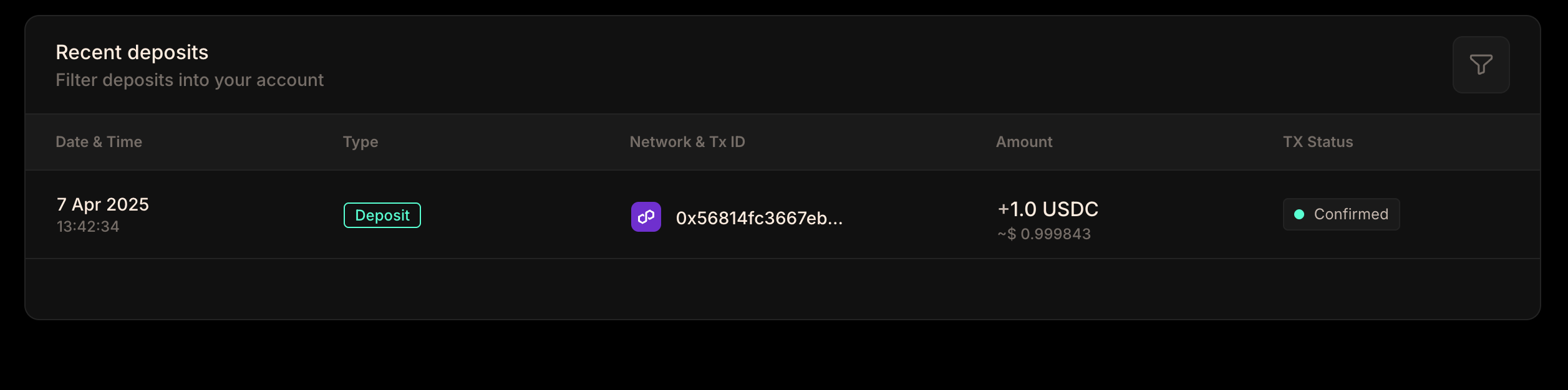
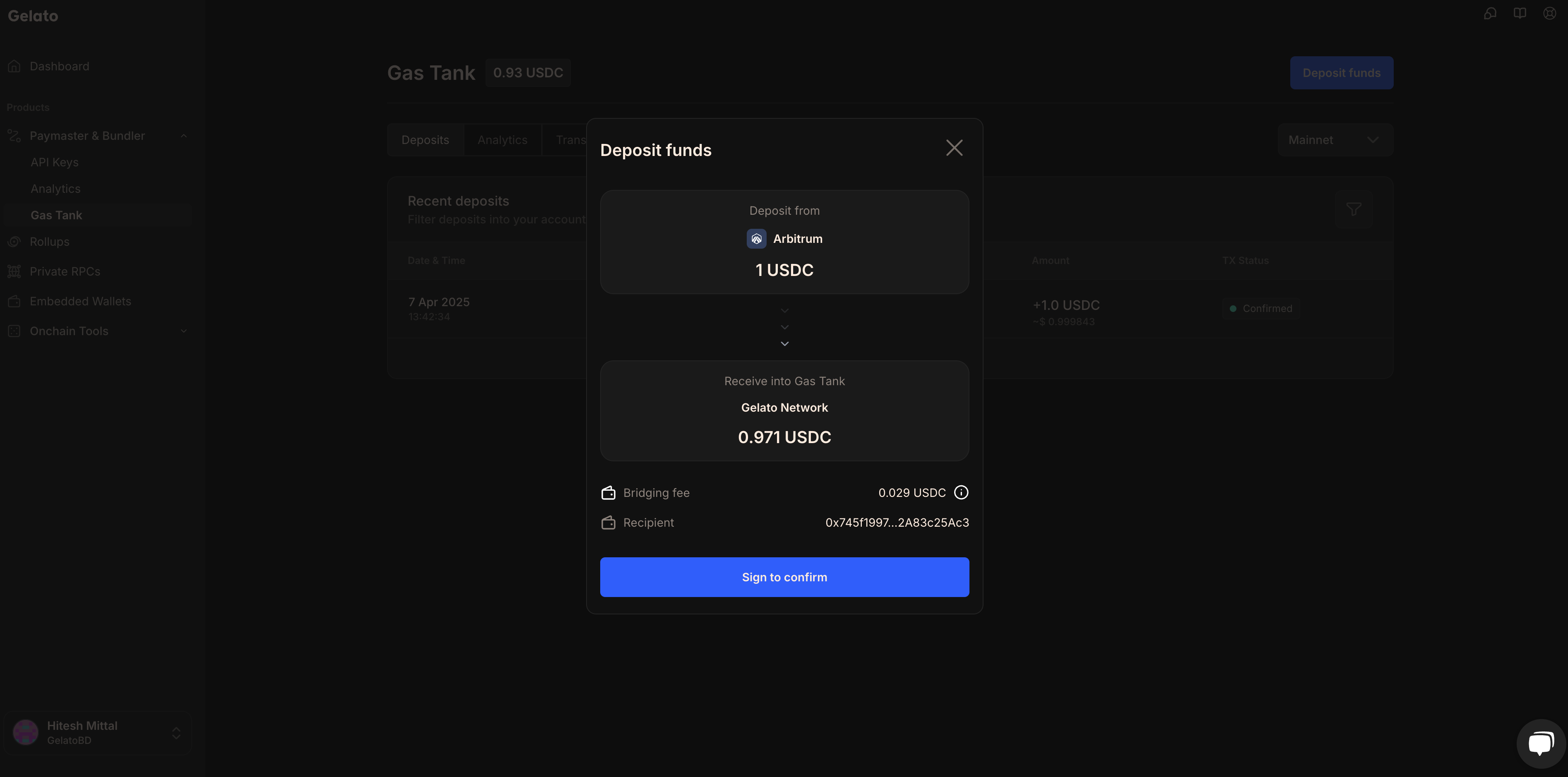
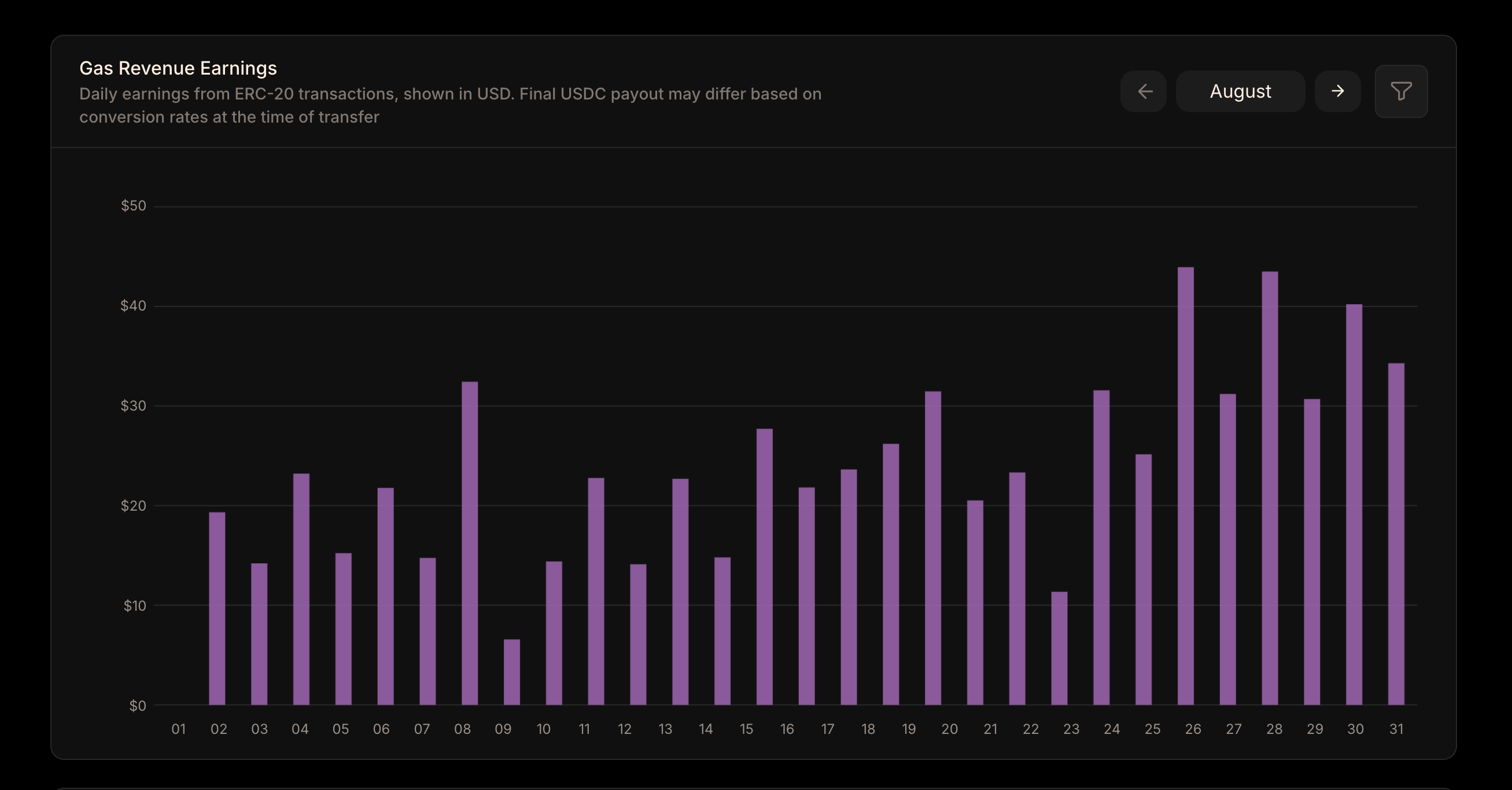
You’ll first need to set up Gas Tank on Mainnet. After that, you can either use the same EOA on testnets or choose a different one if you prefer to keep separate EOAs for different environments. ## Gas Tank with Safe Before you can start using Gelato services, you’ll need to set up your Gas Tank account. Here’s a guide on how to set up Gas Tank with an Safe:
You’ll need to select `WalletConnect`, then search for `Safe` and set it up for Mainnet. Similar to the EOA setup, you’ll have the option to use the same Safe on testnets, or choose a different one if you prefer to keep separate Safes for different environments. --- ## USDC Addresses **Path:** /paymaster-&-bundler/gastank/usdc-addresess Below is a list of USDC contract addresses across different networks. {(() => { const usdcData = [ { chain: "Ethereum", address: "0xa0b86991c6218b36c1d19d4a2e9eb0ce3606eb48" }, { chain: "Avalanche", address: "0xb97ef9ef8734c71904d8002f8b6bc66dd9c48a6e" }, { chain: "Arbitrum", address: "0xaf88d065e77c8cc2239327c5edb3a432268e5831" }, { chain: "Base", address: "0x833589fcd6edb6e08f4c7c32d4f71b54bda02913" }, { chain: "Optimism", address: "0x0b2c639c533813f4aa9d7837caf62653d097ff85" }, { chain: "Polygon", address: "0x3c499c542cef5e3811e1192ce70d8cc03d5c3359" } ]; return (
Chain
USDC Address
{usdcData.map((item, index) => (
{item.chain}
{item.address}
))}
); })()} --- ## Gas Tank Alerts **Path:** /paymaster-&-bundler/gastank/gastank-alerts Get alerted when your balance is running low. If you are utilizing Gelato Gas Tank, you can subscribe to a real-time alerting system that uses Email to inform you when your Gas Tank funds drop below a specified threshold. ![Gas Tank Alerts](/images/gastank-alerts.png) ## Email Notifications Email alerts are sent to each **Admin** of your organization. This ensures that all administrators are kept informed about the Gas Tank balance status and can take appropriate action when needed. ### Setting Alert Thresholds You can configure the minimum USDC balance threshold for which you want the alert system to send email notifications. When your Gas Tank balance drops below this configured threshold, the system will automatically send email alerts to notify you. **Important:** Email alerts are not repeated or resent when there is no change in balance and subscription after sending once. The system only sends a new alert when the balance changes or when you update your subscription settings. Therefore, make sure to check your alerts and refill the balances accordingly to maintain uninterrupted service. --- ## eth_sendUserOperation **Path:** /paymaster-&-bundler/bundler-api-endpoints/bundlers/eth_senduseroperation Before using the API Endpoints, make sure to check out the [How-To Guides](/paymaster-&-bundler/how-to-guides/create-a-api-key) to understand the required parameters for different payment methods with the Gelato Bundler. The API Playground below defaults to `EntryPoint v0.7` & `EntryPoint v0.8` parameters, If you're working with `EntryPoint v0.6`, please change the object parameter to `UserOperationEntryPoint0.6`. Important: After entering the userOperation parameters, make sure to click `Add an Item` to include the EntryPoint address. --- ## eth_sendUserOperationSync **Path:** /paymaster-&-bundler/bundler-api-endpoints/bundlers/eth_senduseroperationsync --- title: "eth_sendUserOperationSync" openapi: "/paymaster-&-bundler/bundler-api-endpoints/erc4337/eth_sendUserOperationSync.json post /rpc/{chainId}" --- --- ## eth_estimateUserOperationGas **Path:** /paymaster-&-bundler/bundler-api-endpoints/bundlers/eth_estimateuseroperationgas Update: State overrides are now supported in this API endpoint. Checkout this [example](https://github.com/gelatodigital/how-to-use-bundler-api-endpoints/blob/main/eth_estimateUserOperationGas/State-Overrides/stateOverrideExample.ts) and [Guide](/paymaster-&-bundler/how-to-guides/estimate-gas#state-overrides) to understand how to use it. - In the Playground, click `Add an Item` to include the `StateOverrideSet` object. - Then, click `Add a Property` and add sender address there. - Now you can add the override values such as `balance`, `nonce`, `code`, `state`, `stateDiff` etc. Before using the API Endpoints, make sure to check out the [How-To Guides](/paymaster-&-bundler/how-to-guides/create-a-api-key) to understand the required parameters for different payment methods with the Gelato Bundler. The API Playground below defaults to `EntryPoint v0.7` & `EntryPoint v0.8` parameters, If you're working with `EntryPoint v0.6`, please change the object parameter to `UserOperationEntryPoint0.6`. Important: After entering the userOperation parameters, make sure to click `Add an Item` to include the EntryPoint address. --- ## eth_getUserOperationByHash **Path:** /paymaster-&-bundler/bundler-api-endpoints/bundlers/eth_getuseroperationbyhash --- title: "eth_getUserOperationByHash" openapi: "/paymaster-&-bundler/bundler-api-endpoints/erc4337/eth_getUserOperationByHash.json post /rpc/{chainId}" --- --- ## eth_getUserOperationReceipt **Path:** /paymaster-&-bundler/bundler-api-endpoints/bundlers/eth_getuseroperationreceipt --- title: "eth_getUserOperationReceipt" openapi: "/paymaster-&-bundler/bundler-api-endpoints/erc4337/eth_getUserOperationReceipt.json post /rpc/{chainId}" --- --- ## eth_supportedEntryPoints **Path:** /paymaster-&-bundler/bundler-api-endpoints/bundlers/eth_supportedentrypoints --- title: "eth_supportedEntryPoints" openapi: "/paymaster-&-bundler/bundler-api-endpoints/erc4337/eth_supportedEntryPoints.json post /rpc/{chainId}" --- --- ## eth_chainId **Path:** /paymaster-&-bundler/bundler-api-endpoints/bundlers/eth_chainid --- title: "eth_chainId" openapi: "/paymaster-&-bundler/bundler-api-endpoints/erc4337/eth_chainId.json post /rpc/{chainId}" --- --- ## gelato_getUserOperationGasPrice **Path:** /paymaster-&-bundler/bundler-api-endpoints/bundlers/gelato_getuseroperationgasprice --- title: "gelato_getUserOperationGasPrice" openapi: "/paymaster-&-bundler/bundler-api-endpoints/erc4337/gelato_getUserOperationGasPrice.json post /rpc/{chainId}" --- --- ## gelato_getUserOperationQuote **Path:** /paymaster-&-bundler/bundler-api-endpoints/bundlers/gelato_getuseroperationquote --- title: "gelato_getUserOperationQuote" openapi: "/paymaster-&-bundler/bundler-api-endpoints/erc4337/gelato_getUserOperationQuote.json post /rpc/{chainId}" --- --- ## wallet_getCapabilities **Path:** /paymaster-&-bundler/smart-wallet-endpoints/wallet_getcapabilities --- title: "wallet_getCapabilities" openapi: "/smart-wallet-sdk/smart-wallet-endpoints/wallet_getcapabilities.json post /smartwallet" --- --- ## wallet_prepareCalls **Path:** /paymaster-&-bundler/smart-wallet-endpoints/wallet_preparecalls --- title: "wallet_prepareCalls" openapi: "/smart-wallet-sdk/smart-wallet-endpoints/wallet_preparecalls.json post /smartwallet" --- --- ## wallet_sendPreparedCalls **Path:** /paymaster-&-bundler/smart-wallet-endpoints/wallet_sendpreparedcalls --- title: "wallet_sendPreparedCalls" openapi: "/smart-wallet-sdk/smart-wallet-endpoints/wallet_sendpreparedcalls.json post /smartwallet" --- --- ## wallet_sendTransaction **Path:** /paymaster-&-bundler/smart-wallet-endpoints/wallet_sendtransaction --- title: "wallet_sendTransaction" openapi: "/smart-wallet-sdk/smart-wallet-endpoints/wallet_sendtransaction.json post /smartwallet" --- --- ## Supported Networks **Path:** /paymaster-&-bundler/additional-resources/supported-networks {(() => { const networksData = [ { network: "ABC", environment: "Testnet" }, { network: "Arbitrum", environment: "Mainnet, Sepolia" }, { network: "Arc", environment: "Testnet" }, { network: "Arena-Z", environment: "Mainnet, Testnet" }, { network: "Avalanche", environment: "Mainnet" }, { network: "Base", environment: "Mainnet, Sepolia" }, { network: "BaseCamp", environment: "Testnet" }, { network: "Berachain", environment: "Mainnet, Bepolia" }, { network: "Blast", environment: "Mainnet, Sepolia" }, { network: "Botanix", environment: "Testnet" }, { network: "BSC", environment: "Mainnet" }, { network: "Camp", environment: "Mainnet" }, { network: "Ethernity", environment: "Mainnet" }, { network: "Ethereum", environment: "Mainnet, Sepolia" }, { network: "Flow", environment: "Mainnet, Testnet" }, { network: "Gnosis", environment: "Mainnet, Chiado" }, { network: "Ink", environment: "Mainnet, Sepolia" }, { network: "Katana", environment: "Mainnet" }, { network: "Lisk", environment: "Mainnet, Sepolia" }, { network: "Lumia", environment: "Mainnet" }, { network: "Mantle", environment: "Mainnet"}, { network: "MegaETH", environment: "Mainnet, Testnet" }, { network: "Mode", environment: "Mainnet" }, { network: "Monad", environment: "Mainnet, Testnet" }, { network: "Optimism", environment: "Mainnet, Sepolia" }, { network: "Plasma", environment: "Mainnet, Testnet" }, { network: "Polygon", environment: "Mainnet, Amoy" }, { network: "Polygon zkEVM", environment: "Mainnet" }, { network: "Saigon", environment: "Testnet" }, { network: "Sonic", environment: "Mainnet" }, { network: "Story", environment: "Aeneid" }, { network: "Synfutures ABC", environment: "Testnet" }, { network: "Thrive", environment: "Testnet" }, { network: "Unichain", environment: "Mainnet, Sepolia" }, { network: "Zircuit", environment: "Mainnet" }, { network: "Zora", environment: "Mainnet" } ]; return (
Network
Environment
{networksData.map((item, idx) => (
{item.network}
{item.environment}
))}
); })()} If you don't see a network that you'd like supported, feel free to [reach out to us via the support option on the Gelato Dashboard](https://app.gelato.cloud/dashboard). --- ## ERC20 Payment Tokens **Path:** /paymaster-&-bundler/additional-resources/erc20-payment-tokens When utilizing Gelato Gasless SDK, you have the option to pay transaction fees with a token other than the native one. In addition to the native token, support is also extended to the wrapped native token, and on mainnets, the major ERC20 tokens. Please refer to the table below for the full array of supported tokens. ## Mainnets {(() => { const mainnetsData = [ { network: "All networks", tokens: [{ name: "NATIVE", address: "0xEeeeeEeeeEeEeeEeEeEeeEEEeeeeEeeeeeeeEEeE" }] }, { network: "Arbitrum", tokens: [ { name: "WETH", address: "0x82af49447d8a07e3bd95bd0d56f35241523fbab1" }, { name: "DAI", address: "0xda10009cbd5d07dd0cecc66161fc93d7c9000da1" }, { name: "USDC.e", address: "0xff970a61a04b1ca14834a43f5de4533ebddb5cc8" }, { name: "USDC", address: "0xaf88d065e77c8cc2239327c5edb3a432268e5831" }, { name: "USDT", address: "0xfd086bc7cd5c481dcc9c85ebe478a1c0b69fcbb9" }, { name: "WBTC", address: "0x2f2a2543b76a4166549f7aab2e75bef0aefc5b0f" } ] }, { network: "Avalanche", tokens: [ { name: "WAVAX", address: "0xB31f66AA3C1e785363F0875A1B74E27b85FD66c7" }, { name: "DAI.e", address: "0xd586e7f844cea2f87f50152665bcbc2c279d8d70" }, { name: "USDC.e", address: "0xa7d7079b0fead91f3e65f86e8915cb59c1a4c664" }, { name: "USDC", address: "0xb97ef9ef8734c71904d8002f8b6bc66dd9c48a6e" }, { name: "USDT.e", address: "0xc7198437980c041c805a1edcba50c1ce5db95118" }, { name: "USDT", address: "0x9702230a8ea53601f5cd2dc00fdbc13d4df4a8c7" }, { name: "WBTC.e", address: "0x50b7545627a5162f82a992c33b87adc75187b218" }, { name: "WETH.e", address: "0x49d5c2bdffac6ce2bfdb6640f4f80f226bc10bab" } ] }, { network: "Base", tokens: [ { name: "WETH", address: "0x4200000000000000000000000000000000000006" }, { name: "USDC", address: "0x833589fCD6eDb6E08f4c7C32D4f71b54bdA02913" }, { name: "USDbC", address: "0xd9aaec86b65d86f6a7b5b1b0c42ffa531710b6ca" } ] }, { network: "Berachain", tokens: [ { name: "WBERA", address: "0x6969696969696969696969696969696969696969" } ] }, { network: "Blast", tokens: [ { name: "WETH", address: "0x4200000000000000000000000000000000000023" } ] }, { network: "BSC", tokens: [ { name: "WBNB", address: "0xbb4CdB9CBd36B01bD1cBaEBF2De08d9173bc095c" }, { name: "BUSD", address: "0xe9e7cea3dedca5984780bafc599bd69add087d56" }, { name: "BSC-USD", address: "0x55d398326f99059ff775485246999027b3197955" }, { name: "HERO", address: "0xd40bedb44c081d2935eeba6ef5a3c8a31a1bbe13" }, { name: "CAKE", address: "0x0e09fabb73bd3ade0a17ecc321fd13a19e81ce82" }, { name: "BTCB", address: "0x7130d2a12b9bcbfae4f2634d864a1ee1ce3ead9c" }, { name: "USDC", address: "0x8AC76a51cc950d9822D68b83fE1Ad97B32Cd580d" } ] }, { network: "Ethereum", tokens: [ { name: "WETH", address: "0xc02aaa39b223fe8d0a0e5c4f27ead9083c756cc2" }, { name: "DAI", address: "0x6b175474e89094c44da98b954eedeac495271d0f" }, { name: "USDC", address: "0xa0b86991c6218b36c1d19d4a2e9eb0ce3606eb48" }, { name: "USDT", address: "0xdac17f958d2ee523a2206206994597c13d831ec7" }, { name: "WBTC", address: "0x2260fac5e5542a773aa44fbcfedf7c193bc2c599" } ] }, { network: "Gnosis", tokens: [ { name: "WXDAI", address: "0xe91D153E0b41518A2Ce8Dd3D7944Fa863463a97d" }, { name: "GNO", address: "0x9C58BAcC331c9aa871AFD802DB6379a98e80CEdb" }, { name: "USDC", address: "0xDDAfbb505ad214D7b80b1f830fcCc89B60fb7A83" }, { name: "USDT", address: "0x4ECaBa5870353805a9F068101A40E0f32ed605C6" }, { name: "WETH", address: "0x6A023CCd1ff6F2045C3309768eAd9E68F978f6e1" } ] }, { network: "Ink", tokens: [ { name: "WETH", address: "0x4200000000000000000000000000000000000006" } ] }, { network: "Linea", tokens: [ { name: "WETH", address: "0xe5D7C2a44FfDDf6b295A15c148167daaAf5Cf34f" } ] }, { network: "Optimism", tokens: [ { name: "WETH", address: "0x4200000000000000000000000000000000000006" }, { name: "DAI", address: "0xda10009cbd5d07dd0cecc66161fc93d7c9000da1" }, { name: "USDC.e", address: "0x7f5c764cbc14f9669b88837ca1490cca17c31607" }, { name: "USDC", address: "0x0b2C639c533813f4Aa9D7837CAf62653d097Ff85" }, { name: "USDT", address: "0x94b008aa00579c1307b0ef2c499ad98a8ce58e58" }, { name: "WBTC", address: "0x68f180fcce6836688e9084f035309e29bf0a2095" }, { name: "SNX", address: "0x8700daec35af8ff88c16bdf0418774cb3d7599b4" }, { name: "AELIN", address: "0x61baadcf22d2565b0f471b291c475db5555e0b76" }, { name: "FRAX", address: "0x2e3d870790dc77a83dd1d18184acc7439a53f475" } ] }, { network: "Polygon", tokens: [ { name: "WMATIC", address: "0x0d500B1d8E8eF31E21C99d1Db9A6444d3ADf1270" }, { name: "DAI", address: "0x8f3cf7ad23cd3cadbd9735aff958023239c6a063" }, { name: "USDC.e", address: "0x2791bca1f2de4661ed88a30c99a7a9449aa84174" }, { name: "USDC", address: "0x3c499c542cef5e3811e1192ce70d8cc03d5c3359" }, { name: "USDT", address: "0xc2132d05d31c914a87c6611c10748aeb04b58e8f" }, { name: "WBTC", address: "0x1bfd67037b42cf73acf2047067bd4f2c47d9bfd6" }, { name: "WETH", address: "0x7ceb23fd6bc0add59e62ac25578270cff1b9f619" } ] }, { network: "Polygon zkEVM", tokens: [ { name: "WETH", address: "0x4F9A0e7FD2Bf6067db6994CF12E4495Df938E6e9" }, { name: "USDC", address: "0xA8CE8aee21bC2A48a5EF670afCc9274C7bbbC035" } ] }, { network: "zkSync Era", tokens: [ { name: "WETH", address: "0x5AEa5775959fBC2557Cc8789bC1bf90A239D9a91" }, { name: "USDC", address: "0x3355df6D4c9C3035724Fd0e3914dE96A5a83aaf4" } ] }, { network: "Zora", tokens: [ { name: "WETH", address: "0x4200000000000000000000000000000000000006" } ] }, { network: "Shibarium", tokens: [ { name: "WBONE", address: "0xC76F4c819D820369Fb2d7C1531aB3Bb18e6fE8d8" } ] } ]; return (
Network
Payment Tokens
{mainnetsData.map((item, index) => (
{item.network}
{item.tokens.map((token, idx) => (
{token.name}:{' '} {token.address}
))}
))}
); })()} ## Testnets {(() => { const testnetsData = [ { network: "All networks", tokens: [{ name: "NATIVE", address: "0xEeeeeEeeeEeEeeEeEeEeeEEEeeeeEeeeeeeeEEeE" }] }, { network: "Amoy", tokens: [ { name: "NATIVE", address: "0xEeeeeEeeeEeEeeEeEeEeeEEEeeeeEeeeeeeeEEeE" }, { name: "WMATIC", address: "0x22f92e5a6219bEf9Aa445EBAfBeB498d2EAdBF01" } ] }, { network: "Sepolia", tokens: [ { name: "USDC", address: "0x1c7D4B196Cb0C7B01d743Fbc6116a902379C7238" }, { name: "WETH", address: "0x7b79995e5f793A07Bc00c21412e50Ecae098E7f9" } ] }, { network: "Arbitrum Sepolia", tokens: [ { name: "WETH", address: "0x980B62Da83eFf3D4576C647993b0c1D7faf17c73" } ] }, { network: "Base Sepolia", tokens: [ { name: "USDC", address: "0x036CbD53842c5426634e7929541eC2318f3dCF7e" }, { name: "WETH", address: "0x4200000000000000000000000000000000000006" } ] }, { network: "Berachain Bepolia", tokens: [ { name: "WBERA", address: "0x6969696969696969696969696969696969696969" } ] }, { network: "Blast Sepolia", tokens: [ { name: "WETH", address: "0x4200000000000000000000000000000000000023" } ] }, { network: "Ink Sepolia", tokens: [ { name: "WETH", address: "0x60C67E75292B101F9289f11f59aD7DD75194CCa6" } ] }, { network: "Optimism Sepolia", tokens: [ { name: "WETH", address: "0x4200000000000000000000000000000000000006" } ] } ]; return (
Network
Payment Tokens
{testnetsData.map((item, index) => (
{item.network}
{item.tokens.map((token, idx) => (
{token.name}:{' '} {token.address}
))}
))}
); })()} --- ## FAQs **Path:** /paymaster-&-bundler/additional-resources/faq ## General Questions **ERC-4337** is an account abstraction standard that works without protocol changes. It introduces UserOperations, bundlers, and paymasters to enable smart account features. **EIP-7702** is a protocol-level upgrade (requires hard fork) that allows EOAs to temporarily become smart accounts for a transaction. **They work together**: EIP-7702 can upgrade an EOA to a smart account, which then uses ERC-4337 infrastructure (bundler, paymaster). - **Gelato SDK**: Best for quick start and when using Kernel, Safe, OKX, or Trust accounts - **Permissionless.js**: Best for Alchemy, Biconomy, Thirdweb accounts or when you need multi-account support - **Viem**: Best for Coinbase Smart Wallet or when you need maximum control - **Direct API**: Best for non-JavaScript backends or custom implementations See the [comparison table](/paymaster-&-bundler/features/smart-accounts) for more details. - **Kernel**: Most flexible, supports all integration methods and EIP-7702 - **Safe**: Battle-tested, widely adopted, great for multi-sig - **Coinbase**: Native integration with Coinbase ecosystem - **Alchemy/Biconomy/Thirdweb**: Use if you're already in their ecosystem See the [smart account comparison](/paymaster-&-bundler/features/smart-accounts) for details. ## Payment & Gas With sponsored gas, your dApp pays for users' gas fees using your Gas Tank balance. Users can transact without holding any native tokens. 1. Fund your Gas Tank in the [Gelato App](https://app.gelato.cloud/) 2. Create a sponsor API key 3. Use `sponsored(sponsorApiKey)` as the payment method See [Sponsor Gas](/paymaster-&-bundler/how-to-guides/sponsor-gas-with-gastank) for implementation details. Gelato supports various ERC-20 tokens for gas payment including USDC, USDT, and other stablecoins. The supported tokens vary by network. Check the full list: [ERC-20 Payment Tokens](/paymaster-&-bundler/additional-resources/erc20-payment-tokens) Sponsoring costs the actual gas fees plus Gelato's service fee. Gas costs vary by: - Network (Ethereum mainnet vs L2s) - Transaction complexity - Network congestion Use gas estimation to predict costs: ```typescript const estimate = await smartWalletClient.estimate({ payment: sponsored(sponsorApiKey), calls: [...], }); console.log(`Estimated fee: ${formatEther(estimate.fee.amount)} ETH`); ``` Yes! You can dynamically choose payment methods based on your use case: ```typescript // Sponsor for onboarding const payment = isNewUser ? sponsored(sponsorApiKey) : native(); const response = await smartWalletClient.execute({ payment, calls: [...], }); ``` ## Technical Questions Gelato supports 50+ networks including: - Ethereum Mainnet & Testnets - Arbitrum, Optimism, Base - Polygon, BNB Chain - And many more L2s Check the full list: [Supported Networks](/paymaster-&-bundler/additional-resources/supported-networks) Transaction speed depends on: - **Network**: L2s are typically faster than mainnet - **Block time**: Each chain has different block times - **Bundler submission**: Gelato submits as soon as possible On most L2s, expect confirmation within a few seconds. On Ethereum mainnet, expect 12-15 seconds per block. You can batch multiple calls in a single transaction. The limit depends on: - Gas limits of the target network - Complexity of each call In practice, most use cases work well with 10-20 batched calls. For larger batches, consider splitting into multiple transactions. ```typescript const response = await smartWalletClient.execute({ payment: sponsored(sponsorApiKey), calls: [ { to: addr1, data: data1, value: 0n }, { to: addr2, data: data2, value: 0n }, // ... more calls ], }); ``` Yes! You can call any smart contract through the bundler. The calls array accepts any valid contract interaction: ```typescript const callData = encodeFunctionData({ abi: yourContractAbi, functionName: "yourFunction", args: [arg1, arg2], }); const response = await smartWalletClient.execute({ payment: sponsored(sponsorApiKey), calls: [ { to: yourContractAddress, data: callData, value: 0n, }, ], }); ``` Common reasons: 1. **Insufficient Gas Tank balance** - Top up at [Gelato App](https://app.gelato.cloud/) 2. **Invalid API key** - Verify key includes target network 3. **Contract reverted** - Check your calldata and target contract 4. **Account not deployed** - First transaction deploys the account See [Troubleshooting](/paymaster-&-bundler/additional-resources/troubleshooting) for detailed solutions. ## Account Management All smart accounts have a counterfactual address that's known before deployment: ```typescript const account = await kernel({ owner, client, }); // This address is valid even before the first transaction console.log("Account address:", account.address); ``` The smart account is deployed automatically with the first transaction. The bundler handles deployment + your first call in a single operation. Deployment costs are included in the first transaction's gas. Recovery options depend on your smart account provider: - **Safe**: Built-in recovery modules - **Kernel**: Supports recovery modules - **Others**: Check provider documentation Recovery is not a Gelato feature - it's implemented at the smart account level. ## Getting Help - **Documentation**: Browse our [full documentation](/) - **GitHub**: Report issues at [github.com/gelatodigital/gasless](https://github.com/gelatodigital/gasless/issues) ## Additional Resources - [Create an API Key](/paymaster-&-bundler/how-to-guides/create-a-api-key) - Get started - [Gas Tank Setup](/paymaster-&-bundler/gastank/setting-up-gastank) - Fund your Gas Tank - [Troubleshooting](/paymaster-&-bundler/additional-resources/troubleshooting) - Common issues and solutions --- ## Troubleshooting **Path:** /paymaster-&-bundler/additional-resources/troubleshooting This guide covers common issues you may encounter when using Gelato's Paymaster and Bundler infrastructure, along with their solutions. ## Common Error Codes ### ERC-4337 Error Codes | Error Code | Description | Solution | |------------|-------------|----------| | AA10 | Sender already constructed | Account already deployed, use existing address | | AA13 | InitCode failed | Check your account factory and initialization parameters | | AA21 | Signature validation failed | Verify signature format and signer key | | AA22 | Timestamp expired | Transaction took too long, retry with fresh signature | | AA23 | Paymaster timestamp expired | Paymaster approval expired, request new approval | | AA24 | Signature error | Invalid signature format or wrong chain ID | | AA25 | Invalid nonce | Account nonce mismatch - may not be deployed | | AA31 | Paymaster deposit too low | Check your Gas Tank balance | | AA33 | Paymaster validation failed | Verify paymaster configuration and Gas Tank balance | | AA40 | Over verification gas limit | Reduce complexity of your operation | | AA41 | Over execution gas limit | Split into smaller batches | ## Common Issues ### 1. UserOperation Execution Reverted **Symptoms:** - Error message contains "execution reverted" - Transaction fails after submission **Causes:** - Invalid calldata encoding - Target contract reverted - Insufficient token balance for the operation **Solutions:** ```typescript // Verify your calldata before sending const callData = encodeFunctionData({ abi: contractAbi, functionName: "transfer", args: [recipientAddress, amount], }); // Test with simulation first const estimate = await smartWalletClient.estimate({ payment: sponsored(sponsorApiKey), calls: [{ to: contractAddress, data: callData, value: 0n }], }); ``` ### 2. Paymaster Validation Failed **Symptoms:** - Error contains "paymaster" or "AA31/AA33" - Sponsored transactions fail **Causes:** - Gas Tank has insufficient balance - API key is invalid or doesn't include the network - Paymaster is not configured for the network **Solutions:** 1. Check your Gas Tank balance in the [Gelato App](https://app.gelato.cloud/) 2. Verify your API key includes the target network 3. Ensure you're using the correct API key for sponsored payments ```typescript // Verify Gas Tank balance before sending // Visit: https://app.gelato.cloud/ > Paymaster & Bundler > Gas Tank ``` ### 3. Insufficient Funds for Gas **Symptoms:** - Error contains "insufficient funds" - Native or ERC-20 payment fails **Causes:** - User doesn't have enough native tokens - User doesn't have enough ERC-20 tokens for gas payment - Account is not deployed yet **Solutions:** ```typescript // For native payments - ensure user has ETH const balance = await publicClient.getBalance({ address: accountAddress }); if (balance < estimatedGas) { console.error("Insufficient native token balance"); } // For ERC-20 payments - ensure user has approved tokens const tokenBalance = await publicClient.readContract({ address: tokenAddress, abi: erc20Abi, functionName: "balanceOf", args: [accountAddress], }); ``` ### 4. Account Not Deployed **Symptoms:** - Error contains "AA25" or nonce-related errors - First transaction fails **Causes:** - Smart account hasn't been deployed yet - Using wrong account address **Solutions:** ```typescript // Get the counterfactual address before deployment const accountAddress = account.address; console.log("Account address:", accountAddress); // First transaction will deploy the account automatically // Ensure you have funds for deployment gas ``` ### 5. Invalid Signature **Symptoms:** - Error contains "AA21" or "AA24" - Signature validation fails **Causes:** - Wrong private key - Wrong chain ID - Signature expired **Solutions:** ```typescript // Ensure you're using the correct signer const owner = privateKeyToAccount(process.env.PRIVATE_KEY); console.log("Signer address:", owner.address); // Verify chain configuration console.log("Chain ID:", client.chain.id); ``` ### 6. Transaction Pending Forever **Symptoms:** - Transaction submitted but never confirms - `wait()` never resolves **Causes:** - Network congestion - Bundler mempool issues - Low gas price **Solutions:** ```typescript // Add timeout to your wait call const txHash = await Promise.race([ response.wait(), new Promise((_, reject) => setTimeout(() => reject(new Error("Transaction timeout")), 120000) ), ]); // Or check status manually const receipt = await bundler.getUserOperationReceipt({ hash: userOpHash, }); ``` ## Debugging Tips ### 1. Enable Verbose Logging ```typescript // Log all transaction details console.log("Account address:", account.address); console.log("Chain:", client.chain.name); console.log("Calls:", JSON.stringify(calls, null, 2)); ``` ### 2. Use Gas Estimation ```typescript // Always estimate before executing const estimate = await smartWalletClient.estimate({ payment: sponsored(sponsorApiKey), calls: [...], }); console.log(`Estimated gas: ${estimate.fee.gas}`); console.log(`Estimated fee: ${formatEther(estimate.fee.amount)} ETH`); ``` ### 3. Check Network Support Before deploying, verify your network is supported: - [Supported Networks](/paymaster-&-bundler/additional-resources/supported-networks) - [ERC-20 Payment Tokens](/paymaster-&-bundler/additional-resources/erc20-payment-tokens) ### 4. Verify API Key Configuration 1. Go to [Gelato App](https://app.gelato.cloud/) 2. Navigate to **Paymaster & Bundler > API Keys** 3. Verify the API key includes your target network 4. Check the API key type (sponsor vs. non-sponsor) ## Getting Help If you're still experiencing issues: 1. Review the [API Endpoints](/paymaster-&-bundler/bundler-api-endpoints/bundlers/eth_senduseroperation) documentation 2. Report issues on [GitHub](https://github.com/gelatodigital/smartwallet/issues) ## Additional Resources - [Create an API Key](/paymaster-&-bundler/how-to-guides/create-a-api-key) - Setup guide - [Gas Tank Setup](/paymaster-&-bundler/gastank/setting-up-gastank) - Fund your Gas Tank - [Estimate Gas](/paymaster-&-bundler/how-to-guides/estimate-gas) - Gas estimation guide --- ## Revenue Policies **Path:** /paymaster-&-bundler/monetization/revenue-policies With Gelato’s **Bundler & Paymaster**, you can earn revenue on ERC-20 transactions when users pay gas fees with any ERC-20 token. Revenue Policies ## Key Benefits - **Zero code changes** – fully managed from the dashboard - **Seamless monetization** – earn revenue from ERC-20 flows - **Weekly USDC payouts** – consistent, automated deposits - **Flexible configuration** – set margins per chain and update anytime - **Universal support** – works with all ERC-20 tokens, no restrictions ## How It Works 1. **User pays gas in ERC-20** - The Paymaster sponsors the transaction, while the user pays for it using any ERC-20 token. 2. **Add a revenue margin** - Define a percentage margin (e.g., 5%) on top of the actual gas cost. - Example: If gas costs **1 USD**, and you set a **5%** margin, the total is **1.05 USD**. - **1 USD** covers the gas - **0.05 USD** is your revenue 3. **Automated conversion & payout** - Gelato collects the margin in ERC-20 - Revenue is converted into **USDC weekly** - Converted USDC is automatically deposited into your **Gas Tank** ## Getting Started 1. Log in to the **[Gelato Cloud Platform](https://app.gelato.cloud/)** 2. Navigate to: **API Key → Policies → Gas Revenue Policy** 3. Select your network 4. Define your gas revenue percentage (e.g., 5%) 5. Save your settings Your margin is applied immediately, and payouts appear weekly in USDC. ## Monitoring Earnings Track your earnings in real time under: **Gas Tank → Analytics → Gas Revenue Earnings** - View daily revenue per chain - Earnings displayed in USD equivalent using real-time token prices - For payout details, see **Payouts & Conversion** section below. ## Payouts & Conversion - **Collection**: Revenue is collected in the ERC-20 tokens users pay with - **Conversion**: Once per week, Gelato converts accumulated revenue into USDC at the settlement rate - **Payout**: Converted USDC is automatically deposited into your Gas Tank - **Variation**: Daily earnings shown in Analytics reflect real-time USD value. Final payouts may vary slightly based on conversion rates ## Supported Networks Gas Revenue is available on the following chains: {(() => { const networksData = [ { network: "Arbitrum", environment: "Mainnet" }, { network: "Base", environment: "Mainnet, Sepolia" }, { network: "Ethereum", environment: "Mainnet, Sepolia" }, { network: "Ink", environment: "Mainnet" }, ]; return (
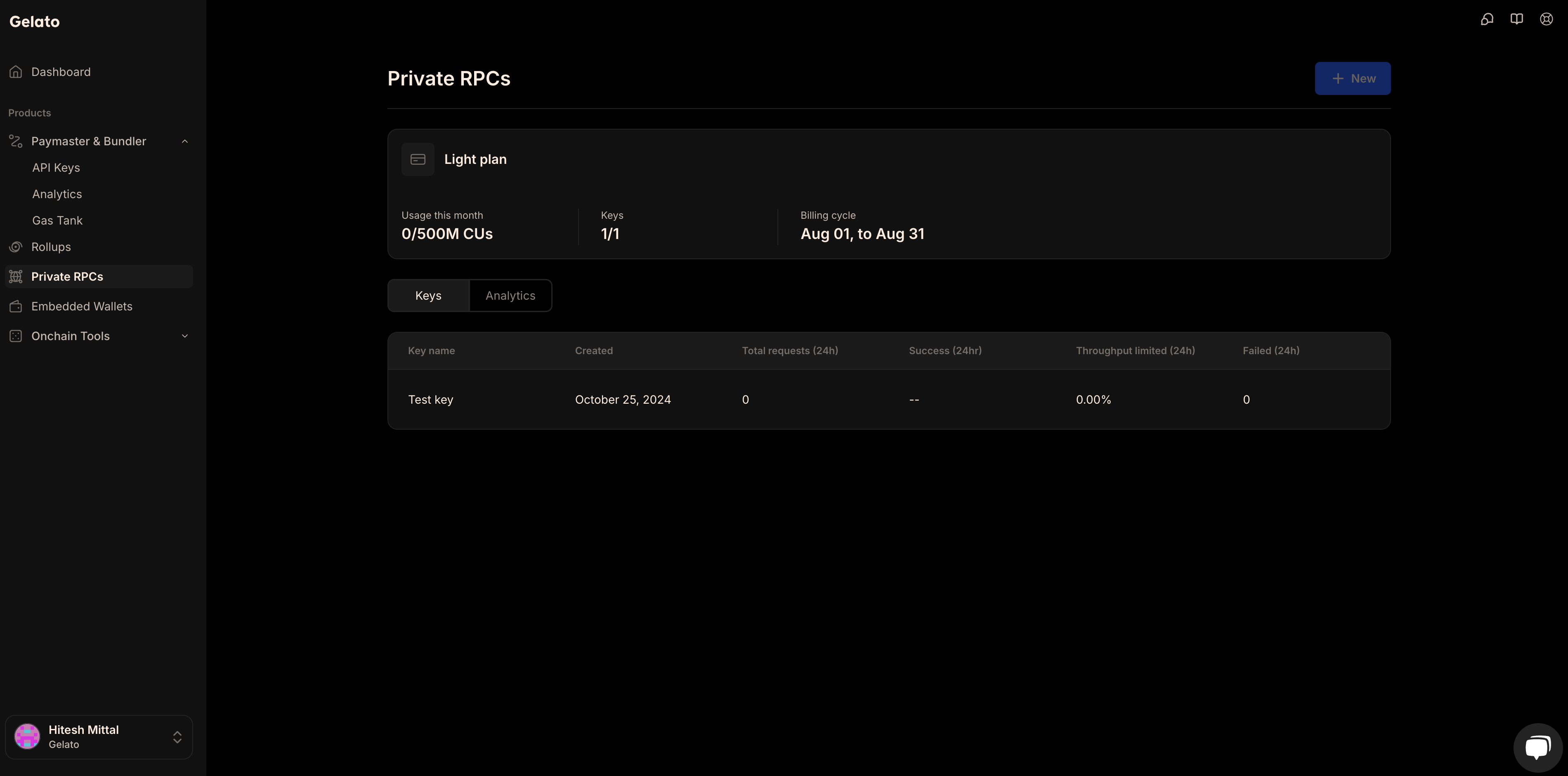
Network
Environment
{networksData.map((item, idx) => (
{item.network}
{item.environment}
))}
); })()} > Need another chain? Contact us and we can enable it on request. ================================================================================ # Pricing ================================================================================ --- ## Pricing Plans **Path:** /pricing/pricing-plans Choose a plan and get Compute Units you can use across all Gelato products. Learn how Compute Units work [here](/pricing/compute-units). {(() => { const pricingData = [ { feature: "Price", free: "$0", pro: "$99", growth: "$399", enterprise: "Custom", isSection: false }, { feature: "Compute Units", free: "10M", pro: "20M", growth: "100M", enterprise: "Custom", isSection: false }, { feature: "Networks", free: "Testnet & Mainnet", pro: "Testnet & Mainnet", growth: "Testnet & Mainnet", enterprise: "Testnet & Mainnet", isSection: false }, { feature: "Auto-scaling", free: "No", pro: "Yes", growth: "Yes", enterprise: "Yes", isSection: false }, { feature: "Autoscale price per 1M CUs", free: "-", pro: "$40.00 per 1M CUs", growth: "$40.00 per 1M CUs", enterprise: "Custom", isSection: false }, { feature: "Paymaster & Bundler", free: "", pro: "", growth: "", enterprise: "", isSection: true }, { feature: "What You Can Do", free: "Up to 1K Requests", pro: "Up to 2K Requests", growth: "Up to 10K Requests", enterprise: "Custom", isSection: false }, { feature: "Requests / minute", free: "1", pro: "10", growth: "50", enterprise: "Custom", isSection: false }, { feature: "Gas premium fee", free: "20.00%", pro: "10.00%", growth: "8.00%", enterprise: "Custom", isSection: false }, { feature: "Cost per request over minute limit", free: "-", pro: "40K CUs", growth: "30K CUs", enterprise: "Custom", isSection: false }, { feature: "Private RPCs", free: "", pro: "", growth: "", enterprise: "", isSection: true }, { feature: "What You Can Do", free: "Up to 4M RPC calls", pro: "Up to 20M RPC calls", growth: "Up to 40M RPC calls", enterprise: "Custom", isSection: false }, { feature: "Rate Limit", free: "1K CUs/sec", pro: "5K CUs/sec", growth: "10K CUs/sec", enterprise: "Custom", isSection: false }, { feature: "API Keys", free: "1", pro: "5", growth: "20", enterprise: "Unlimited", isSection: false }, { feature: "Functions", free: "", pro: "", growth: "", enterprise: "", isSection: true }, { feature: "What You Can Do", free: "-", pro: "Up to 1M Solidity runs", growth: "Up to 5M Solidity runs", enterprise: "Custom", isSection: false }, { feature: "Gas premium fee", free: "-", pro: "Variable", growth: "Variable", enterprise: "Variable", isSection: false }, { feature: "Memory / run", free: "-", pro: "128 MB", growth: "128 MB", enterprise: "256 MB", isSection: false }, { feature: "Duration / run", free: "-", pro: "10 secs", growth: "30 secs", enterprise: "30 secs", isSection: false }, { feature: "RPC requests / run", free: "-", pro: "10", growth: "50", enterprise: "100", isSection: false }, { feature: "Storage / function", free: "-", pro: "1048576 MB", growth: "1048576 MB", enterprise: "1048576 MB", isSection: false }, { feature: "Support", free: "", pro: "", growth: "", enterprise: "", isSection: true }, { feature: "Support", free: "Standard support", pro: "Priority support", growth: "Priority support", enterprise: "VIP support", isSection: false } ]; return (
Feature
Free
Pro
Growth
Enterprise
{pricingData.map((item, index) => { const isLastItem = index === pricingData.length - 1; const nextItem = pricingData[index + 1]; const shouldAddTopBorder = item.isSection && index > 0; const shouldAddBottomBorder = item.isSection || (nextItem && nextItem.isSection); return (
{item.feature}
{item.free}
{item.pro}
{item.growth}
{item.enterprise}
); })}
); })()} --- ## Compute Units **Path:** /pricing/compute-units ## What Are Compute Units? **Compute Units (CUs)** represent the amount of computational resources consumed by your API calls. They provide a standardized way to measure and compare usage across different types of requests. ## Why Use Compute Units? Compute Units enable transparent and fair pricing. Instead of paying flat rates, you’re billed based on the actual computational cost of your requests. This approach ensures: - You don’t overpay for lightweight API calls. - Complex operations are accurately billed according to the resources they consume. ## Throughput Some services, such as Paymaster and Bundler, include a throughput limit (e.g., requests per minute). If throughput autoscale is enabled, requests that exceed this limit are still processed - billed using additional Compute Units. ## Autoscale Compute Units When you reach the Compute Units included in your plan, **autoscale** ensures uninterrupted usage. Any additional consumption beyond your quota is billed at the end of the month. ### Paymaster & Bundler These products support two types of autoscaling: 1. **Monthly Autoscale** – Allows usage beyond your monthly CU quota. 2. **Throughput Autoscale** – Automatically scales during high-traffic spikes. ### Private RPCs Supports **monthly autoscale**, enabling continued usage even after your quota is reached. ### Functions - Does **not support autoscaling**. - Usage is capped at your plan’s limit. You can manage all autoscaling settings per product directly in your dashboard. --- ## Compute Units Costs **Path:** /pricing/compute-units-costs ## Paymaster & Bundler Every user operation you submit consumes compute units. Here's a breakdown of the typical CU costs depending on the call. {(() => { const paymasterData = [ { apiMethod: "User Operation", cus: "15,000" } ]; return (
API/Method
CUs
{paymasterData.map((item, index) => (
{item.apiMethod}
{item.cus}
))}
); })()} ### Throughput If you exceed your plan's requests-per-minute limit, additional requests will still be processed if throughput autoscale is enabled. These extra requests also consume Compute Units. You can find the cost per extra request in the [pricing table](/pricing/pricing-plans). ## Functions Each function call consumes compute units depending on the type of function. Below is an overview of how different executions are measured. {(() => { const functionsData = [ { type: "Solidity Function", resource: "1 Run", cusPerRun: "200" }, { type: "Typescript Function", resource: [ "1 RPC Call", "1 CPU Second" ], cusPerRun: [ "200", "400" ] }, { type: "Transaction Simulation", resource: "Each time a solidity or a typescript function returns an executable payload, we verify that the transaction is not reverting.", cusPerRun: "200" } ]; return (
Type of function
Resource
CUs per run
{functionsData.map((item, index) => (
{item.type}
{Array.isArray(item.resource) ? (
{item.resource.map((resource, idx) => (
{resource} {idx === 0 && item.type === "Typescript Function" && (
)}
))}
) : (
{item.resource}
)}
{Array.isArray(item.cusPerRun) ? (
{item.cusPerRun.map((cus, idx) => (
{cus} {idx === 0 && item.type === "Typescript Function" && (
)}
))}
) : (
{item.cusPerRun}
)}
))}
); })()} ## Private RPCs Not all rollups require the same computational power to process API requests. Some are lightweight, while others demand significantly more resources. To account for these variations, we apply a Rollup Multiplier to Compute Units (CUs), ensuring that pricing accurately reflects the underlying computational cost. ### How Compute Units Are Calculated ``` Method Responses × Rollups Multiplier = Compute Units (CUs) ``` This ensures that high-throughput rollups, which consume more resources, are fairly priced compared to smaller chains. By aligning costs with computational intensity, Rollup Multipliers prevent inefficiencies, optimize pricing, and help developers scale seamlessly. {(() => { const rollupMultipliers = [ { network: "All Rollups", methods: "All methods*", multipliers: "1" } ]; return (
Network
Methods
Multipliers
{rollupMultipliers.map((item, idx) => (
{item.network}
{item.methods}
{item.multipliers}
))}
); })()} ### CU Costs for Common Calls {(() => { const methodCosts = [ { method: "batch", cost: "CU of method # of times the method is called" }, { method: "debug_traceBlockByHash", cost: "170" }, { method: "debug_traceBlockByNumber", cost: "170" }, { method: "debug_traceCall", cost: "170" }, { method: "debug_traceTransaction", cost: "170" }, { method: "erigon_forks", cost: "24" }, { method: "erigon_getHeaderByHash", cost: "24" }, { method: "erigon_getHeaderByNumber", cost: "24" }, { method: "erigon_getLogsByHash", cost: "24" }, { method: "erigon_issuance", cost: "24" }, { method: "eth_accounts", cost: "10" }, { method: "eth_blockNumber", cost: "10" }, { method: "eth_call", cost: "26" }, { method: "eth_chainId", cost: "0" }, { method: "eth_createAccessList", cost: "10" }, { method: "eth_estimateGas", cost: "87" }, { method: "eth_feeHistory", cost: "10" }, { method: "eth_gasPrice", cost: "19" }, { method: "eth_getBalance", cost: "19" }, { method: "eth_getBlockByHash", cost: "21" }, { method: "eth_getBlockByNumber", cost: "16" }, { method: "eth_getBlockReceipts", cost: "500" }, { method: "eth_getBlockTransactionCountByHash", cost: "20" }, { method: "eth_getBlockTransactionCountByNumber", cost: "20" }, { method: "eth_getCode", cost: "19" }, { method: "eth_getFilterChanges", cost: "20" }, { method: "eth_getFilterLogs", cost: "75" }, { method: "eth_getLogs", cost: "75" }, { method: "eth_getProof", cost: "21" }, { method: "eth_getStorageAt", cost: "17" }, { method: "eth_getTransactionByBlockHashAndIndex", cost: "15" }, { method: "eth_getTransactionByBlockNumberAndIndex", cost: "15" }, { method: "eth_getTransactionByHash", cost: "17" }, { method: "eth_getTransactionCount", cost: "26" }, { method: "eth_getTransactionReceipt", cost: "15" }, { method: "eth_getUncleByBlockHashAndIndex", cost: "15" }, { method: "eth_getUncleByBlockNumberAndIndex", cost: "15" }, { method: "eth_getUncleCountByBlockHash", cost: "15" }, { method: "eth_getUncleCountByBlockNumber", cost: "15" }, { method: "eth_maxPriorityFeePerGas", cost: "10" }, { method: "eth_newBlockFilter", cost: "20" }, { method: "eth_newFilter", cost: "20" }, { method: "eth_newPendingTransactionFilter", cost: "20" }, { method: "eth_protocolVersion", cost: "0" }, { method: "eth_sendRawTransaction", cost: "250" }, { method: "eth_subscribe", cost: "10" }, { method: "eth_syncing", cost: "0" }, { method: "eth_uninstallFilter", cost: "10" }, { method: "eth_unsubscribe", cost: "10" }, { method: "net_listening", cost: "0" }, { method: "net_version", cost: "0" }, { method: "web3_clientVersion", cost: "15" }, { method: "web3_sha3", cost: "15" } ]; return (
{/* Header */}
Method
Cost
{/* Rows */} {methodCosts.map((item, idx) => (
{item.method}
{item.cost}
))}
); })()} ================================================================================ # Private Rpcs ================================================================================ --- ## Introduction **Path:** /private-rpcs/introduction Build on Gelato chains with access to enterprise-grade RPCs. ## Key Features - **Elastic, Auto-scalable Nodes** : Our nodes automatically scale with your volume, ensuring optimal performance at all times. - **Failover Support** : Guaranteed uptime with redundancy across servers, data centers, and networks providing uninterrupted service to your users. - **Monitoring Dashboard** : Monitor your compute usage, throughput, requests and more with dedicated RPC dashboard on the Gelato RaaS Platform. - **Multi-Network Access** : Easily access multiple networks with a single RPC key. ## Overview Gelato Private RPCs provide a fast and reliable production environment, enabling access to Gelato rollups via RPC. You can send transactions, deploy smart contracts, query blockchain data, and perform other operations without the need to run your own RPC node or manage infrastructure. ## Getting Started Learn about compute units and how they work in our RPC infrastructure. Get started with our Private RPCs and learn how to integrate them into your application. --- ## Get a Private RPC **Path:** /private-rpcs/how-to-guides/get-a-private-rpc To fully leverage Gelato's high-performance Private RPCs service, it's recommended to use authenticated access with API keys. While public endpoints are available, they are rate-limited, making API keys the optimal choice for consistent, scalable access. When using an API key, Compute Units (CUs) are allocated at the organization level, meaning your usage is pooled across all networks and keys within your Gelato account. This provides a flexible way to manage your CU consumption across multiple projects. Creating an API key is quick and simple, enabling you to unlock seamless, high-performance access to Gelato-supported chains. ## Creating your API Key To start accessing Gelato's high-performance Private RPCs, you'll need to create an API key. The steps below outline how you can quickly generate and manage your API keys within the Gelato dashboard. Once logged in, go to the `Private RPCs` section on the sidebar. You will see a dashboard with your current plan details, including usage and available API keys. Under `My keys`, click on the blue `Create` button. RPC Nodes Dashboard A dialog box will appear, prompting you to name your new API key. Choose a descriptive name for your key (e.g., "ProjectName-Mainnet" or "TestProject-RPC"). After entering the name, click Create to generate the key. RPC Nodes Create Key Your new API key will be listed under the My keys section. You can now click on the key to view its details, including: - Success rate (last 24 hours) - Median response time - Total requests - CU usage and more You'll also see the supported networks (HTTP and WebSocket endpoints) for your key at the bottom of the key details page. RPC Nodes Key Details --- ## Supported Networks **Path:** /private-rpcs/additional-resources/supported-networks Gelato Private RPCs are supported on following networks: {(() => { const supportedNetworks = [ { network: "Aleph Zero", environment: "Mainnet" }, { network: "Arena-Z", environment: "Mainnet" }, { network: "Ethernity", environment: "Mainnet" }, { network: "Everclear (prev Connext)", environment: "Mainnet" }, { network: "Fluence", environment: "Mainnet" }, { network: "Ink", environment: "Mainnet" }, { network: "Lisk", environment: "Mainnet" }, { network: "EDU Chain", environment: "Mainnet" }, { network: "Playnance", environment: "Mainnet" }, { network: "Reya", environment: "Mainnet" }, { network: "SX", environment: "Mainnet" }, { network: "re.al", environment: "Mainnet" } ]; return (
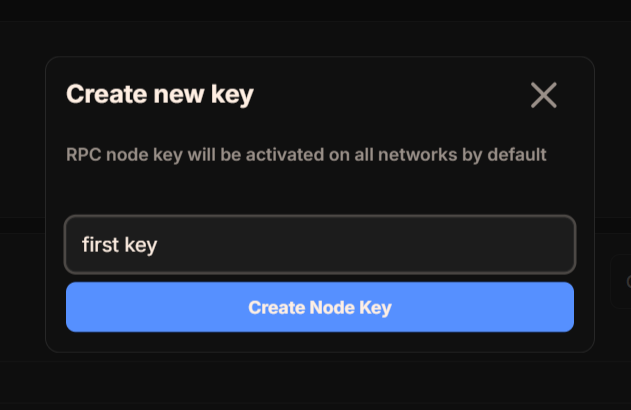
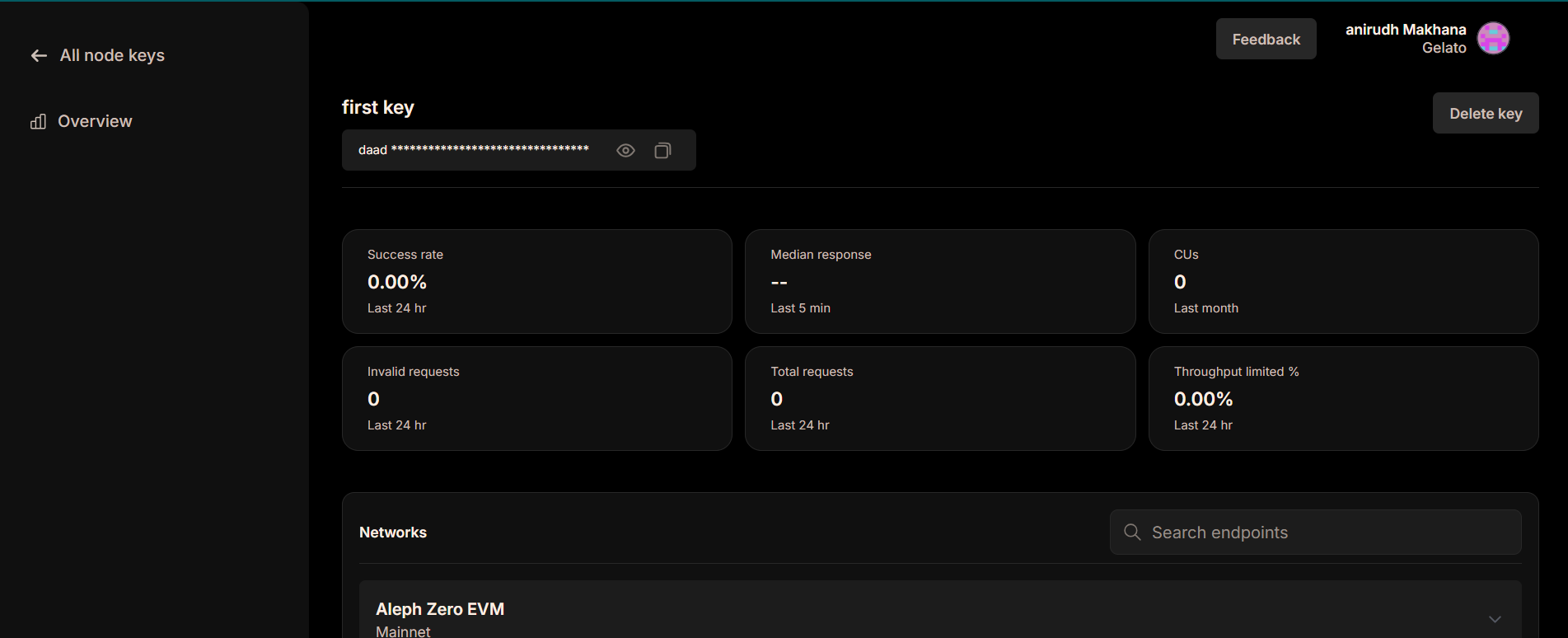
Network
Environment
{supportedNetworks.map((item, idx) => (
{item.network}
{item.environment}
))}
); })()} If you don't see a network that you'd like supported, feel free to reach out to us via the support option on the Gelato Dashboard](https://app.gelato.cloud/dashboard). --- ## FAQ **Path:** /private-rpcs/additional-resources/faq ## Q: Can I use Private RPCs without an RPC key? A: Yes, but it's rate-limited. We recommend using an RPC key for the best experience. ## Q: How are CUs allocated across my organization? A: CUs are pooled at the organization level and can be used across multiple projects and RPC keys. ## Additional Terms - CUs don't roll over between billing cycles - CU costs for specific methods may change with 30 days notice - Accounts inactive for 90 days may be suspended - Enterprise accounts include a 99.9% uptime SLA ================================================================================ # Relay ================================================================================ --- ## Legacy Relay **Path:** /relay/introduction/overview Enabling developers to get transactions validated fast, reliably and securely Gelato Relay enables web3 developers like you to get on with what you do best, building. Gelato handles the blockchain complexities for you, every step of the way, from the moment you initiate the transaction, to the moment it is validated on-chain. We take the utmost care to make sure your transaction is relayed from off-chain to successfully carried out on-chain in the shortest amount of time, reliably within the next few blocks, and with no downtime. We support 45 EVM networks and a multitude of ways to pay using either native or ERC-20 tokens. In combination with Gelato [Gas Tank](/paymaster-&-bundler/gastank/introduction), a flexible cross-chain gas tank system which allows for payment across all supported networks using just one balance on the chain of your choosing. ## What is the Gelato Relay SDK? Gelato Relay SDK offers a convenient suite of functions in order to interact with the Gelato Relay API. Gelato Relay API is a service that allows users and developers to get transactions validated fast, reliably and securely, without having to deal with the low-level complexities of blockchains. Gelato Relay Overview ## Overview of how Gelato Relay works As requests are submitted to Gelato Relay, a network of decentralised Gelato Executors will execute and get the transactions validated as soon as possible. [EIP-712 signatures](/relay/introduction/what-is-relaying#eip-712-signatures) enforce the integrity of data, while gas fee payments can be handled in any of our supported payment methods. In this way, developers can rely on Gelato's battle-tested blockchain infrastructure improving the UX, costs, security and liveness of their Web3 systems. ## Security Considerations While Gelato Relay offers very powerful features, improper implementation can introduce vulnerabilities in your contracts. We strongly recommend always using the built-in [ERC-2771](/relay/erc2771-recommended) user signature verification found in our [sponsoredCallERC2771](/relay/erc2771-recommended/sponsoredcall-erc2771) or [callWithSyncFeeERC2771](/relay/erc2771-recommended/callwithsyncfee-erc2771/overview) methods to enhance security. Please read the [Security Considerations](/relay/security-considerations/overview) section to understand all potential security risks and measures to mitigate them when using a Gelato Relay. ## How can I get started with gasless transactions? 1. Deploy a compatible contract, or use one of ours (see code example links below). 2. Run the code examples found on each SDK method page: - [sponsoredCallERC2771](/relay/erc2771-recommended/sponsoredcall-erc2771) - [callWithSyncFeeERC2771](/relay/erc2771-recommended/callwithsyncfee-erc2771/overview) - [sponsoredCall](/relay/non-erc2771/sponsoredcall) - [callWithSyncFee](/relay/non-erc2771/callwithsyncfee/overview) That's all it takes to get started with Gelato Relay and the Gelato Relay SDK! We hope you have as much fun using Gelato Relay as we did building it! 😄 Any feedback, please [get in touch](https://www.gelato.cloud/contact)! ## API Docs If your codebase is not JS compatible, you can use the Gelato Relay API directly. Please find the API docs [here](/relay/api-&-feeoracle). --- ## What is Relaying? **Path:** /relay/introduction/what-is-relaying Understanding the benefits of relaying and how it can help your dApp thrive After reading this page: - You'll understand the context shift between standard transactions and relayed transactions. - You'll know the ways relaying can help improve UX. - You'll know exactly why Gelato Relay is the relayer you should integrate with. - You'll know what meta transactions are and how EIP-712 signatures work. > **Note:** Please visit our page [Security Considerations](/relay/security-considerations/overview) and read carefully before moving forward. ## Standard transactions In a standard Ethereum transaction, an ethereum user signs and sends the transaction themselves. This user controls the private key to an [externally owned account (EOA)](https://ethereum.org/en/developers/docs/accounts/#types-of-account)which they can use to sign a transaction and prove they have the right to spend the balance associated with that account address. For each transaction a user sends, there is an associated transaction fee, known as [gas](https://ethereum.org/en/developers/docs/gas/#top). Since Ethereum executes computation, each unit of computation has an associated gas cost, which deters malicious actors from overloading the network by requiring them to pay heavily for a potential attack. This is excellent news for Ethereum's security and helps keep the network consistent under load, but it comes at a hidden cost for onboarding new users. ## Onboarding issues How does a new user start interacting with exciting on-chain applications like DeFi, NFTs, or gaming? They will always need the native token to pay for gas on every network, even if the network has very cheap gas fees like Polygon. This requires the user to open an account at a centralised exchange, go through KYC, and buy crypto using fiat. This can be quite a process, even for the most skilled of degens out there, and it can deter new users from being onboarded to a dApp by increasing the latency between their initial excitement and the time it takes to actually get started. This is where relaying comes in! A relayer can help solve these issues by sending a transaction on behalf of the user. ## What is a relayer? We allow the user to send a transaction without a native token balance (it turns out relayers can be super nifty in loads of ways, for example, allowing a user who wants to swap a token to pay for the gas using the token being swapped!). Ideally, we would also like to still utilise the excellent security of a user signature, but for the transaction to be sent by a different EOA, one controlled by a relayer, who abstracts gas payment away from the user. This is a very import context shift to understand. We have shifted from a user signing and sending a transaction themselves, to a user signing a standardised message and passing that on to a relayer. This relayer will, first, verify the user's signature for security, and then pass their message along on-chain. Gelato Relay does exactly this by taking a user's message off-chain and subsequently building a meta-transaction which is executed on chain. ## What is Gelato Relay? Using Gelato Relay, we relay your user's transactions on-chain, enabling secure gasless transactions for an ultra smooth UX for your app. This allows for a variety of new web3 experiences, as the user can now pay by only signing a message, or their transaction costs can be sponsored by the developer. As long as the gas costs are covered in one of the multiple payment methods that Gelato supports, we handle the rest reliably, quickly and securely. ## What is a meta transaction? A meta transaction is a regular ethereum transaction which contains the actual message to be delivered on-chain to a target contract within itself, hence the term [meta](https://en.wikipedia.org/wiki/Meta). The outer transaction helps facilitate the first on-chain call which is sent by a relayer. The call is forwarded to the target contract using an intermediate smart contract (Gelato Relay), which in turn forwards the call using the inner transaction to deliver the relayed message. ## EIP-712 signatures To achieve gasless transactions securely, Gelato Relay makes use of the [EIP-712](https://eips.ethereum.org/EIPS/eip-712) standard. EIP-712 allows for a standardised way to sign and hash typed structured data. This means the user can sign a message using their wallet without incurring a gas cost or interacting with the chain at all, and this signature can be verified on-chain, by the relayer, facilitating a gasless transaction with security built in. This message will include important information such as the transaction signer address, the target contract address, and the calldata payload used to target a specific function. --- ## Overview **Path:** /relay/erc2771-recommended/overview # ERC-2771 (Recommended) Native meta transactions with top notch security. If you plan to use ERC-2771 with a multicall method or any other method using delegateCall(), please read carefully the section [Avoid ERC-2771-risks](/relay/security-considerations/erc2771-delegatecall-vulnerability). If you are using `@gelatonetwork/relay-sdk` v3 or contracts from the package `@gelatonetwork/relay-context` v2, please follow this [migration guide](/relay/additional-resources/erc2771-migration-guide) to migrate to the new versions. After reading this page: - You'll understand the difference between `sponsoredCallERC2771` and `callWithSyncFeeERC2771` - You'll understand how to use `sponsoredCallERC2771` and `callWithSyncFeeERC2771` in combination with ERC2771Context to achieve a gasless UX for your app, with secure user signature verification - You'll understand ERC-2771's core functionality and how it allows for the off-chain sender address to be verified on-chain ## Recommendation for using ERC-2771 As detailed in the Security Considerations section, it's crucial to ensure that your relay implementation is impervious to vulnerabilities when using a relayer. The most secure approach is to utilize our ERC-2771 implementations: - `sponsoredCallERC2771` - `callWithSyncFeeERC2771` When using `sponsoredCallERC2771`, you sponsor your user's gas fees, leveraging 1Balance for payment. In contrast, with `callWithSyncFeeERC2771`, the fees are paid from the target contract. In both instances, users are prompted to sign their transaction's relay request using their private keys (for instance, through MetaMask). This step is crucial for security purposes. Gelato verifies on-chain that the user's signature corresponds with the required address before forwarding the call. When relaying a message to a target smart contract function, it's essential for the function to authenticate the message's origin and confirm it was forwarded through the correct relayer. Without these verifications, your target function becomes susceptible to exploitation. ERC-2771 employs sophisticated data encoding to relay the original `_msgSender` from off-chain, and it guarantees that only the `trustedForwarder` is capable of encoding this value. These two parameters, in tandem, safeguard against any potential misconduct, ensuring a secure transmission of information from off-chain to on-chain! ## Why is this important? In the context of relaying, `msg.sender` loses its usual informational significance. Under normal circumstances, `msg.sender` would denote the user initiating the transaction; however, with off-chain relaying, we lose this valuable piece of information. Consider this scenario: how does a target smart contract determine who can call a particular function? In this case, `msg.sender` will be the relayer, but merely whitelisting this address is insufficient and still permits others using the same relayer to call your function. This situation can raise significant concerns, particularly when low-level calls are involved. The optimal solution would be to allow the initiator of the relay call to specify an address and relay this address on-chain. The target smart contract can then authenticate a function call using this address. The challenge then becomes: how can we successfully transmit information (a specific address) via low-level calldata from off-chain to on-chain without disrupting the calldata's integrity? ## Core Functionality of ERC-2771 Here's where the real magic unfolds. The `trustedForwarder` encodes the `from` address (i.e., the off-chain address) into the calldata by appending it at the end: ```solidity (bool success, ) = to.call.value(value)(abi.encodePacked(data, from)); ``` Now, the target contract can validate the `from` address by decoding the data in the same manner, ensuring that this message has been passed through the `trustedForwarder`. The necessary target contract function can then confidently confirm that the correct entity signed and requested this payload to be relayed, and only via a trusted forwarder - in our case, the Gelato Relay. ## How does Gelato encode this data? Let's take as an example relay method `sponsoredCallERC2771`. Method `callWithSyncFeeERC2771` works similarly. Gelato Relay's `sponsoredCallERC2771` function encodes the user's address, which can then be utilized by the ERC-2771 compatible target smart contract. The most relevant part, where the user address is appended to the calldata, is shown below: ```solidity // GelatoRelay1BalanceERC2771.sol _call.target.revertingContractCall( _encodeERC2771Context(_call.data, _call.user), "GelatoRelay1BalanceERC2771.sponsoredCallERC2771:" ); ``` where `_encodeERC2771Context` refers to: ```solidity // GelatoRelayUtils.sol function _encodeERC2771Context(bytes calldata _data, address _msgSender) pure returns (bytes memory) { return abi.encodePacked(_data, _msgSender); } ``` We are encoding the calldata and the user address together by simply appending the user's address to the end as required by ERC-2771. ## How can I modify my smart contract to be ERC-2771 compatible? Let's take a look at an example using relay method `sponsoredCallERC2771`. For `callWithSyncFeeERC2771` please refer to the steps described [here](/relay/how-to-guides/allow-your-users-to-pay-with-erc20). ### 1. Install Gelato's relay-context package in your contract repo ```bash npm install --save-dev @gelatonetwork/relay-context ``` or ```bash yarn add -D @gelatonetwork/relay-context ``` ### 2. Import the ERC2771Context contract: ```solidity ERC2771Context } from "@gelatonetwork/relay-context/contracts/vendor/ERC2771Context.sol"; ``` This contract's main functionality (originally implemented by OpenZeppelin) is to decode the off-chain msg.sender from the encoded calldata using `_msgSender()`. ```solidity // SPDX-License-Identifier: MIT // OpenZeppelin Contracts (last updated v4.7.0) (metatx/ERC2771Context.sol) pragma solidity ^0.8.9; /** * @dev Context variant with ERC2771 support. */ abstract contract ERC2771Context is Context { address private immutable _trustedForwarder; constructor(address trustedForwarder) { _trustedForwarder = trustedForwarder; } function isTrustedForwarder(address forwarder) public view virtual returns (bool) { return forwarder == _trustedForwarder; } function _msgSender() internal view virtual override returns (address sender) { if (isTrustedForwarder(msg.sender)) { // The assembly code is more direct than the Solidity version using `abi.decode`. /// @solidity memory-safe-assembly assembly { sender := shr(96, calldataload(sub(calldatasize(), 20))) } } else { return super._msgSender(); } } function _msgData() internal view virtual override returns (bytes calldata) { if (isTrustedForwarder(msg.sender)) { return msg.data[:msg.data.length - 20]; } else { return super._msgData(); } } } ``` The `trustedForwarder` variable is set in the constructor which allows for setting a trusted party that will relay your message to your target smart contract. In our case, this is `GelatoRelay1BalanceERC2771.sol` which you can find in the contract addresses section. The `_msgSender()` function encapsulates the main functionality of ERC-2771, by decoding the user address from the last 20 bytes of the calldata. In Solidity, the logic is equivalent to: ```solidity abi.decode( msg.data[msg.data.length - 20:], (address) ); ``` Gelato's smart contracts handle the encoding of important information to the calldata (see How does Gelato encode this data?). It is the job of your target smart contract function to decode this information using this `_msgSender()` function. The function `_msgData()` removes the msg.sender from the entire calldata if the contract was called by the trustedForwarder, or otherwise falls back to return the original calldata. ### 3. Replace msg.sender with _msgSender() Within the function that you would like to be called with Gelato Relay, replace all instances of `msg.sender` with a call to the `_msgSender()` function inherited from ERC2771Context. `_msgSender()` is the off-chain signer of the relay request, allowing for secure whitelisting on your target function. ### 4. (Re)deploy your contract and whitelist GelatoRelay1BalanceERC2771 If your contract is not upgradeable, then you will have to redeploy your contract to set `GelatoRelay1BalanceERC2771.sol` as your trustedForwarder: `GelatoRelay1BalanceERC2771.sol` is immutable for security reasons. This means that once you set `GelatoRelay1BalanceERC2771.sol` as your trusted forwarder, there is no way for Gelato to change the ERC2771 signature verification scheme and so you can be sure that the intended `_msgSender` is correct and accessible from within your target contract. Please refer to the contract addresses section to find out which Gelato relay address to use as a trustedForwarder. Use `GelatoRelay1BalanceERC2771.sol` address for `sponsoredCallERC2771`. --- ## Overview **Path:** /relay/erc2771-recommended/callwithsyncfee-erc2771/overview # CallWithSyncFeeERC2771 Transactions with on-chain payments and ERC2771 authentication support. If you plan to use ERC-2771 with a multicall method or any other method using delegateCall(), please read carefully the section [Avoid ERC-2771-risks](/relay/security-considerations/erc2771-delegatecall-vulnerability). If you are using `@gelatonetwork/relay-sdk` v3 or contracts from the package `@gelatonetwork/relay-context` v2, please follow this [migration guide](/relay/additional-resources/erc2771-migration-guide) to migrate to the new versions. After reading this page: - You'll know how to use the `callWithSyncFeeERC2771` SDK method, using the syncFee payment method - You'll see some code which will help you send a relay request within minutes - You'll learn how to pay for transactions using the provided values for fee, feeToken and feeCollector Please proceed to our Security Considerations page and read it thoroughly before advancing with your implementation. It is crucial to understand all potential security risks and measures to mitigate them. ## Overview The `callWithSyncFeeERC2771` method uses the syncFee payment method with ERC-2771 support. ## Paying for Transactions When using `callWithSyncFeeERC2771` relay method, the target contract assumes responsibility for transferring the fee to Gelato's fee collector during transaction execution. For this, the target contract needs to know: - fee: the transfer amount - feeToken: the token to be transferred - feeCollector: the destination address for the fee Fortunately, Gelato provides some useful tools within the Relay Context Contracts: 1. By inheriting the `GelatoRelayContextERC2771` contract in your target contract, you have the ability to transfer the fee through one of two straightforward methods: `_transferRelayFee()` or `_transferRelayFeeCapped(uint256 maxFee)`. In either case, the inherited contract takes care of decoding the fee, feeToken, and feeCollector behind the scenes. 2. The Gelato Relay backend simplifies the process by automatically calculating the fee for you, using Gelato's Fee Oracle to perform the calculations in the background. Alternatively, you may choose to inherit the `GelatoRelayFeeCollectorERC2771` contract. With this approach, Gelato decodes only the feeCollector. You must provide the fee and feeToken on-chain, either by hardcoding them (which is not recommended) or embedding them within the payload to be executed. The suggested way to handle this is to calculate the fee with Gelato's Fee Oracle. This modular design ensures a smooth integration with Gelato's fee handling mechanisms, providing a flexible and user-friendly approach to managing transaction fees within your dApps. ## Setting maxFee for Your Transaction Setting a maximum fee, or maxFee, for your transactions is strongly advised. This practice enables you to ensure that transaction costs remain below a specific limit. The method `_transferRelayFeeCapped(uint256 maxFee)` in the `GelatoRelayContextERC2771` contract provides a convenient way to set the maxFee easily. If you are utilizing the `GelatoRelayFeeCollectorERC2771` contract, the recommended way to pass the maxFee is by calculating the fee with Gelato's Fee Oracle, which is accessible in the Relay SDK. The `getEstimatedFee()` method is provided to facilitate this calculation. ## SDK Methods ### callWithSyncFeeERC2771 This method initiates the signing of ERC2771 requests with the provided BrowserProvider or Wallet. Once the signature is obtained, the request is forwarded to Gelato. ```typescript const callWithSyncFeeERC2771 = async ( request: CallWithSyncFeeERC2771Request | CallWithSyncFeeConcurrentERC2771Request, signerOrProvider: ethers.BrowserProvider | ethers.Signer, options?: RelayRequestOptions, apiKey?: string ): Promise``` **Arguments** - `request`: The body of the request intended for sending - `signerOrProvider`: a valid provider connected to RPC or a signer - `options`: an object for specifying optional parameters - `apiKey`: an optional API key that links your request to your Gelato Relay account. As this call pertains to the syncFee payment method, transaction costs won't be deducted from your Gas Tank account. By using the API key, you can benefit from increased rate limits of your Gelato Relay account **Response** ```typescript type RelayResponse = { taskId: string; }; ``` - `taskId`: a unique task ID which can be used for tracking your request ### getSignatureDataERC2771 This method starts the signing process for ERC2771 requests using the given BrowserProvider or Signer. After capturing the signature, it returns both the signature and the message. This collected data can then be used with the `callWithSyncFeeERC2771WithSignature` method to send the request to Gelato. ```typescript getSignatureDataERC2771 = ( request: CallWithERC2771Request | CallWithConcurrentERC2771Request, signerOrProvider: ethers.BrowserProvider | ethers.Signer, type: ERC2771Type ): Promise``` **Arguments** - `request`: The body of the request intended for sending - `signerOrProvider`: a valid provider connected to RPC or a signer - `type`: CallWithSyncFee for a sequential flow or ConcurrentCallWithSyncFee for a concurrent flow **Response** ```typescript type SignatureData = ConcurrentSignatureData | SequentialSignatureData; type ConcurrentSignatureData = { struct: CallWithConcurrentERC2771Struct; signature: string; }; type SequentialSignatureData = { struct: CallWithERC2771Struct; signature: string; }; ``` - `struct`: EIP-712 message data - `signature`: EIP-712 signature ### getDataToSignERC2771 This method provides the message data intended for external signing along with the EIP-712 typed data. After obtaining the signature, the request can be dispatched using the `callWithSyncFeeERC2771WithSignature` method. ```typescript getDataToSignERC2771 = ( request: CallWithERC2771Request | CallWithConcurrentERC2771Request, type: ERC2771Type, signerOrProvider?: ethers.BrowserProvider | ethers.Signer, ): Promise``` **Arguments** - `request`: The body of the request intended for sending - `type`: CallWithSyncFee for a sequential flow or ConcurrentCallWithSyncFee for a concurrent flow - `signerOrProvider` (optional): A provider needed in a sequential flow to obtain the nonce from the smart contract. If you're providing the nonce within your request or if you're using the concurrent flow, this parameter isn't necessary **Response** ```typescript type PayloadToSign = ConcurrentPayloadToSign | SequentialPayloadToSign; type ConcurrentPayloadToSign = { struct: CallWithConcurrentERC2771Struct; typedData: CallWithSyncFeeConcurrentERC2771PayloadToSign; }; type SequentialPayloadToSign = { struct: CallWithERC2771Struct; typedData: CallWithSyncFeeERC2771PayloadToSign; }; ``` - `struct`: EIP-712 message data - `typedData`: EIP-712 typed data ### callWithSyncFeeERC2771WithSignature This method sends pre-signed requests to Gelato. ```typescript const callWithSyncFeeERC2771WithSignature = async ( struct: CallWithERC2771Struct | CallWithConcurrentERC2771Struct; syncFeeParams: BaseCallWithSyncFeeParams; signature: string; options?: RelayRequestOptions; apiKey?: string ): Promise``` **Arguments** - `struct`: EIP-712 message data returned from the signing methods - `syncFeeParams`: the feetoken and isRelayContext params - `signature`: EIP-712 signature returned after signing the request - `options`: an object for specifying optional parameters - `apiKey`: an optional API key that links your request to your Gelato Relay account. As this call pertains to the syncFee payment method, transaction costs won't be deducted from your Gas Tank account. By using the API key, you can benefit from increased rate limits of your Gelato Relay account **Response** ```typescript type RelayResponse = { taskId: string; }; ``` - `taskId`: a unique task ID which can be used for tracking your request ### Optional Parameters ```typescript type RelayRequestOptions = { gasLimit?: BigNumberish; retries?: number; }; ``` - `gasLimit`: the gas limit of the relay call. This effectively sets an upper price limit for the relay call. If you are using your own custom gas limit, please add a 150k gas buffer on top of the expected gas usage for the transaction. This is for the Gelato Relay execution overhead, and adding this buffer reduces your chance of the task cancelling before it is executed on-chain. If your contract has any hardcoded requirements about gas usage, please always explicitly pass the gasLimit to the SDK/API, as Gelato will not know what hardcoded gas expectations your contract has. Otherwise, your relay requests might not be executable. - `retries`: the number of retries that Gelato should attempt before discarding this relay call. This can be useful if the state of the target contract is not fully known and such reverts can not be definitively avoided. ## Sending a Request As of today, we support two distinct ways of sending `callWithSyncFeeERC2771` requests: 1. **Sequentially**: This approach ensures that each request is ordered and validated against the nonce stored on-chain. You have two options in this method: - Fetch the current nonce value from the smart contract yourself and include it with your request - Allow the relay-sdk to fetch the nonce value for you when handling your relay request 2. **Concurrently**: This method enables you to send multiple transactions simultaneously. Replay protection is achieved using a hash-based salt mechanism. Again, you have two options: - Provide your own salt value - Allow the relay-sdk to generate a unique salt value for you when processing your relay request By default `callWithSyncFeeERC2771` requests are using the sequential method. :::note Concurrent ERC2771 support has been introduced in the relay-sdk version 5.1.0. Please make sure that your package is up-to-date to start using it. ::: ### Request Body ```typescript type SequentialERC2771Request = { chainId: BigNumberish; target: string; data: BytesLike; user: string; userDeadline?: BigNumberish; feeToken: string; isRelayContext?: boolean; isConcurrent?: false; userNonce?: BigNumberish; }; type ConcurrentERC2771Request = { chainId: BigNumberish; target: string; data: BytesLike; user: string; userDeadline?: BigNumberish; feeToken: string; isRelayContext?: boolean; isConcurrent: true; userSalt?: string; }; ``` #### Common Parameters - `chainId`: the chain ID of the chain where the target smart contract is deployed - `target`: the address of the target smart contract - `data`: encoded payload data (usually a function selector plus the required arguments) used to call the required target address - `user`: the address of the user's EOA - `userDeadline`: optional, the amount of time in seconds that a user is willing for the relay call to be active in the relay backend before it is dismissed This way the user knows that if the transaction is not sent within a certain timeframe, it will expire. Without this, an adversary could pick up the transaction in the mempool and send it later. This could transfer money, or change state at a point in time which would be highly undesirable to the user. - `feeToken`: the address of the token that is to be used for payment. Please visit [SyncFee Payment Tokens](/relay/additional-resources/syncfee-payment-tokens) for the full list of supported payment tokens per network - `isRelayContext`: an optional boolean (default: true) denoting what data you would prefer appended to the end of the calldata If set to true (default), Gelato Relay will append the feeCollector address, the feeToken address, and the uint256 fee to the calldata. In this case your target contract should inherit from the `GelatoRelayContextERC2771` contract. If set to false, Gelato Relay will only append the feeCollector address to the calldata. In this case your target contract should inherit from the `GelatoRelayFeeCollectorERC2771` contract. #### Parameters For Sequential Requests - `isConcurrent`: false (default), optional, represents that the users' requests are validated based on a nonce, which enforces them to be processed sequentially - `userNonce`: optional, this nonce, akin to Ethereum nonces, is stored in a local mapping on the relay contracts. It serves to enforce the nonce ordering of relay calls if the user requires sequential processing. If this parameter is omitted, the relay-sdk will automatically query the current value on-chain #### Parameters For Concurrent Requests - `isConcurrent`: true, indicates that the users' requests are validated based on a unique salt, allowing them to be processed concurrently. Replay protection is still ensured by permitting each salt value to be used only once - `userSalt`: optional, this is a bytes32 hash that is used for replay protection. If the salt is not provided then relay-sdk would generate a unique value based on a random seed and a timestamp ## Example Code (using GelatoRelayContextERC2771) ### 1. Deploy a GelatoRelayContextERC2771 compatible contract ```solidity // SPDX-License-Identifier: MIT pragma solidity 0.8.17; GelatoRelayContextERC2771 } from "@gelatonetwork/relay-context/contracts/GelatoRelayContextERC2771.sol"; // Inheriting GelatoRelayContext gives access to: // 1. _getFeeCollector(): returns the address of Gelato's feeCollector // 2. _getFeeToken(): returns the address of the fee token // 3. _getFee(): returns the fee to pay // 4. _transferRelayFee(): transfers the required fee to Gelato's feeCollector.abi // 5. _transferRelayFeeCapped(uint256 maxFee): transfers the fee to Gelato // only if fee < maxFee // 6. function _getMsgSender(): decodes and returns the user's address from the // calldata, which can be used to refer to user safely instead of msg.sender // (which is Gelato Relay in this case). // 7. _getMsgData(): returns the original msg.data without appended information // 8. onlyGelatoRelay modifier: allows only Gelato Relay's smart contract // to call the function contract CounterRelayContextERC2771 is GelatoRelayContextERC2771 { using Address for address payable; mapping(address => uint256) public contextCounter; // emitting an event for testing purposes event IncrementCounter(address msgSender); // `increment` is the target function to call. // This function increments a counter variable which is // mapped to every _getMsgSender(), the address of the user. // This way each user off-chain has their own counter // variable on-chain. function increment() external onlyGelatoRelayERC2771 { // Payment to Gelato // NOTE: be very careful here! // if you do not use the onlyGelatoRelay modifier, // anyone could encode themselves as the fee collector // in the low-level data and drain tokens from this contract. _transferRelayFee(); // Incrementing the counter mapped to the _getMsgSender() contextCounter[_getMsgSender()]++; emit IncrementCounter(_getMsgSender()); } // `incrementFeeCapped` is the target function to call. // This function uses `_transferRelayFeeCapped` method to ensure // better control of gas fees. If gas fees are above the maxFee value // the transaction will not be executed. // The maxFee will be passed as an argument to the contract call. // This function increments a counter variable by 1 // IMPORTANT: with `callWithSyncFee` you need to implement // your own smart contract security measures, as this // function can be called by any third party and not only by // Gelato Relay. If not done properly, funds kept in this // smart contract can be stolen. function incrementFeeCapped(uint256 maxFee) external onlyGelatoRelayERC2771 { // Payment to Gelato // NOTE: be very careful here! // if you do not use the onlyGelatoRelay modifier, // anyone could encode themselves as the fee collector // in the low-level data and drain tokens from this contract. _transferRelayFeeCapped(maxFee); // Incrementing the counter mapped to the _getMsgSender() contextCounter[_getMsgSender()]++; emit IncrementCounter(_getMsgSender()); } } ``` ### 2. Import GelatoRelaySDK into your front-end .js project ```javascript ``` Once we have imported the GelatoRelay class, when using ERC2771 methods, we must initialize it with the appropriate trustedForwarder. The possible configurations are: ```javascript contract: { relay1BalanceERC2771: "trustedForwarder for method sponsoredCallERC2771", relayERC2771: "trustedForwarder for method callWithSyncFeeERC2771", relay1BalanceConcurrentERC2771: "trustedForwarder for method concurrent sponsoredCallERC2771", relayConcurrentERC2771: "trustedForwarder for method concurrent callWithSyncFeeERC2771", relay1BalanceConcurrentERC2771zkSync: "trustedForwarder for method concurrent sponsoredCallERC2771 on zkSync", relay1BalanceERC2771zkSync: "trustedForwarder for method sponsoredCallERC2771 on zkSync", relayConcurrentERC2771zkSync: "trustedForwarder for method concurrent callWithSyncFeeERC2771 on zkSync", relayERC2771zkSync: "trustedForwarder for method callWithSyncFeeERC2771 on zkSync", } ``` We will need to go to the [Supported Networks](/relay/additional-resources/supported-networks) and check the network and the contract addresses to identify the trustedForwarder associated with our method. In the example below, we are using the method `callWithSyncFeeERC2771` on Sepolia, the trustedForwarder associated is `0xb539068872230f20456CF38EC52EF2f91AF4AE49`. We will initialize GelatoRelay with the following config: ```javascript const relay = new GelatoRelay({ contract: { relayERC2771: "0xb539068872230f20456CF38EC52EF2f91AF4AE49" } }); ``` ### 3. Send the payload to Gelato ```javascript // target contract address const counter = ""; // using a human-readable ABI for generating the payload const abi = ["function increment()"]; // address of the token used to pay fees const feeToken = "0xEeeeeEeeeEeEeeEeEeEeeEEEeeeeEeeeeeeeEEeE"; // connect to the blockchain via a front-end provider const provider = new ethers.BrowserProvider(window.ethereum); const signer = await provider.getSigner(); const user = await signer.getAddress(); // instantiate the target contract object const contract = new ethers.Contract(counter, abi, signer); // example calling the increment() method const { data } = await contract.increment.populateTransaction(); // populate the relay SDK request body const request: CallWithSyncFeeERC2771Request = { chainId: (await provider.getNetwork()).chainId, target: counter, data: data, user: user, feeToken: feeToken, isRelayContext: true, }; // send relayRequest to Gelato Relay API const relayResponse = await relay.callWithSyncFeeERC2771(request, provider); // ----------------------------------------------------------------- // the following is an alternative example using Gelato Fee Oracle, // setting maxFee, and calling the incrementFeeCapped(maxFee) method // retrieve the estimate fee from Gelato Fee Oracle const fee = await relay.getEstimatedFee( (await provider.getNetwork()).chainId, feeToken, gasLimit, false, ); // you can use 2x or 3x to set your maxFee const maxFee = fee * 2; // example calling the incrementFeeCapped(maxFee) method const { dataMaxFee } = await contract.incrementFeeCapped.populateTransaction(maxFee); // populate the relay SDK request body const requestMaxFee: CallWithSyncFeeERC2771Request = { chainId: (await provider.getNetwork()).chainId, target: counter, data: dataMaxFee, user: user, feeToken: feeToken, isRelayContext: true, }; // send relayRequest to Gelato Relay API const relayResponseMaxFee = await relay.callWithSyncFeeERC2771(requestMaxFee, provider); ``` --- ## Relay Context Contracts ERC-2771 **Path:** /relay/erc2771-recommended/callwithsyncfee-erc2771/relay-context-contract-erc-2771 If you are using `@gelatonetwork/relay-sdk` v3 or contracts from the package `@gelatonetwork/relay-context` v2 please follow this migration guide to migrate to the new versions. After reading this page: - You'll learn how to use our helper functions to get useful information from directly within your target contract. - These allow you access to the feeCollector, feeToken address , fee, and _msgSenderamount from within your target contract. ## Overview When using `callWithSyncFeeERC2771`, you need to pay Gelato's fee collecting contract when your target function is called, otherwise your relay request will not execute. To carry out this payment, your target contract needs to know the address of the fee collector so that you can transfer funds during the call. Furthermore, you need to know in what token to pay the fee in, and how much to pay the fee collector. Gelato Relay appends this useful information to the end of the calldata, when using the callWithSyncFeeERC2771 SDK method. Gelato Relay's Context contracts give you helper functions which you can use via inheritance in your target contract allowing you to decode information from the relay calldata, giving you access to: - `uint256 _getFee()`: a value denoting how much fee to pay. - `address _getFeeToken()`: the address of the token the fee is paid in. - `address _getFeeCollector()`: the address to which to send your payment. - `address _getMsgSender()`: the address of the off-chain signer. If you need target function needs to know all four variables from the relay calldata, see GelatoRelayContextERC2771. If you only need the feeCollector address (i.e. you already encode the fee and feeToken inside your own function parameters), see GelatoRelayFeeCollectorERC2771. ## Getting Started ### Installing relay-context relay-context is an extremely simple way to create a Gelato Relay compatible smart contract, with just one import. ```bash npm install --save-dev @gelatonetwork/relay-context ``` or ```bash yarn add -D @gelatonetwork/relay-context ``` :::note Please make sure to use version v3.0.0 and above. ::: ### Smart Contract ```solidity GelatoRelayContextERC2771 } from "@gelatonetwork/relay-context/contracts/GelatoRelayContextERC2771.sol"; ``` for GelatoRelayContextERC2771. OR: ```solidity GelatoRelayFeeCollectorERC2771 } from "@gelatonetwork/relay-context/contracts/GelatoRelayFeeCollectorERC2771.sol"; ``` for GelatoRelayFeeCollectorERC2771. ## GelatoRelayContextERC2771 GelatoRelayContextERC2771 allows your smart contract to retrieve the following information from the relay calldata: - Gelato's fee collector address, a contract specifically deployed for collecting relay fees securely. This allows a smart contract to transfer fees directly if you are using the syncFee payment method. - The fee token address specifying which address the fee will be paid in, which Gelato resolved from the original relay-SDK request body. - The fee itself, which includes the gas cost + Gelato's 10% fee on top. - The _getMsgSender() address, the off-chain signer address. Below is an example: ```solidity // SPDX-License-Identifier: MIT pragma solidity 0.8.17; GelatoRelayContextERC2771 } from "@gelatonetwork/relay-context/contracts/GelatoRelayContextERC2771.sol"; contract Counter is GelatoRelayContextERC2771 { mapping(address => uint256) public counter; event IncrementCounter(); // `increment` is the target function to call // this function increments a counter variable after payment to Gelato function increment() external onlyGelatoRelay { // Payment to Gelato // NOTE: be very careful here! // if you do not use the onlyGelatoRelay modifier, // anyone could encode themselves as the fee collector // in the low-level data and drain tokens from this contract. _transferRelayFee(); counter[_getMsgSender()] += 1; emit IncrementCounter(); } } ``` Line 21 inherits the GelatoRelayContextERC2771 contract, giving access to these features: ### Verifying the caller: - `onlyGelatoRelay`: a modifier which will only allow Gelato Relay to call this function. - `_isGelatoRelay(address _forwarder)`: a function which returns true if the address matches Gelato Relay's address. ### Decoding the calldata: - `_getFeeCollector()` : a function to retrieve the fee collector address. - `_getFee()`: a function to retrieve the fee that Gelato will charge. - `_getFeeToken()`: a function to retrieve the address of the token used for fee payment. - `_getMsgSender()`: a function to retrieve the off-chain signer address. - `_getMsgData()`: a function to access the original msg.data without appended information. ### Transferring Fees to Gelato As you are using the callWithSyncFeeERC2771 SDK method, you can use the below helper functions to pay directly to Gelato: - `_transferRelayFee()`: a function which transfers the fee amount to Gelato, with no cap. - `_transferRelayFeeCapped(uint256 _maxFee)`: a function which transfers the fee amount to Gelato which a set cap from the argument maxFee in wei. This helps limit fees on function calls in case of gas volatility or just for general budgeting. ## GelatoRelayFeeCollectorERC2771 ### Why are there two different contracts that I can inherit? You can choose to inherit either GelatoRelayContextERC2771 or GelatoRelayFeeCollectorERC2771. GelatoRelayContextERC2771 gives you access to all four pieces of information: feeCollector, feeToken, fee, and msg.sender whereas GelatoRelayFeeCollectorERC2771 assumes only the feeCollector and the msg.sender addresses are appended to the calldata. ### Which contract should I inherit? In the majority of scenarios, inheriting from GelatoRelayContextERC2771 is recommended. This approach provides the most convenient way to handle fees, as it only requires you to call either the _transferRelayFee() or _transferRelayFeeCapped(uint256 _maxFee) method. All other processes are managed seamlessly behind the scenes. If the fee is known in advance - for instance, if you have already queried our fee oracle for the fee amount and a user has given their approval on this amount and the token to be used for payment via a front-end interface - you would only need to inform your smart contract where to direct this fee. In this case, you would require only the feeCollector address. For this purpose, please inherit from GelatoRelayFeeCollectorERC2771. Refer to the following details. ### Recommendation: maximum fee signing The fee oracle allows you to query and display a fee to your users before sending their transaction via Gelato Relay. Therefore, you could also give them the option to sign off on a certain fee. In this case, you might want to pass the fee you receive from the oracle directly to your target function as an argument. This makes sense, but be wary that due to gas price volatility, a smoother UX might be to query the fee oracle and calculate a maximum fee by adding some overhead, and displaying this maximum fee to the user. This way, if gas prices do fluctuate more than normal, you can be certain that your user's transaction is executed. You can choose to set a very large overhead, or a smaller one, depending on your own trade-off between execution likelihood and cost to the user. This way, you can also integrate a fee check from inside target function to avoid any overpayments. ### GelatoRelayFeeCollectorERC2771 Integration GelatoRelayFeeCollector allows your smart contract to retrieve the following information from the relay calldata: - Gelato's fee collector address, a contract specifically deployed for collecting relay fees securely. This allows a smart contract to transfer fees directly if you are using the syncFee payment method. - The _getMsgSender() address, the off-chain signer address. Below is an example: ```solidity // SPDX-License-Identifier: MIT pragma solidity 0.8.17; SafeERC20 } from "@openzeppelin/contracts/token/ERC20/utils/SafeERC20.sol"; GelatoRelayFeeCollectorERC2771 } from "@gelatonetwork/relay-context/contracts/GelatoRelayFeeCollectorERC2771.sol"; contract Counter is GelatoRelayFeeCollectorERC2771 { using SafeERC20 for IERC20; mapping(address => uint256) public counter; event IncrementCounter(); // `increment` is the target function to call // this function increments a counter variable after payment to Gelato function increment() external onlyGelatoRelay { // Retreiving the feeCollector address, using the nativeToken address feeCollector = _getFeeCollector(); address nativeToken = "0xEeeeeEeeeEeEeeEeEeEeeEEEeeeeEeeeeeeeEEeE"; // Hardcoding the fee to 100 wei - NOTE: this is just for example // If you do not pay enough to feeCollector, // your relay request will not go through // In reality, you should pass in user signatures TODO uint256 fee = 100; // Payment to Gelato // NOTE: be very careful here! // if you do not use the onlyGelatoRelay modifier, // anyone could encode themselves as the fee collector // in the low-level data and drain tokens from this contract. transfer(nativeToken, feeCollector, fee); counter[_getMsgSender()] += 1; emit IncrementCounter(); } function transfer( address _token, address _to, uint256 _amount ) internal { if (_amount == 0) return; _token == NATIVE_TOKEN ? Address.sendValue(payable(_to), _amount) : IERC20(_token).safeTransfer(_to, _amount); } } ``` Line 13 inherits the GelatoRelayFeeCollectorERC2771 contract, giving access to these features: ### Verifying the caller: - `onlyGelatoRelay`: a modifier which will only allow Gelato Relay to call this function. - `_isGelatoRelay(address _forwarder)`: a function which returns true if the address matches Gelato Relay's address. ### Decoding the calldata: - `_getFeeCollector()` : a function to retrieve the fee collector address. - `_getMsgSender()`: a function to retrieve the off-chain signer address. - `_getMsgData()`: a function to access the original msg.data without appended information. --- ## SponsoredCall ERC-2771 **Path:** /relay/erc2771-recommended/sponsoredcall-erc2771 If you plan to use ERC-2771 with a `multicall` method or any other method using `delegateCall()`, please read carefully the section [Avoid ERC-2771-risks](/relay/security-considerations/erc2771-delegatecall-vulnerability). If you are using `@gelatonetwork/relay-sdk` v3 or contracts from the package `@gelatonetwork/relay-context` v2, please follow this [migration guide](/relay/additional-resources/erc2771-migration-guide) to migrate to the new versions. After reading this page: - You'll know how to use the `sponsoredCallERC2771` SDK method. This will give your user's a gasless UX requiring a user signature. This uses the Gas Tank payment method, allowing you to sponsor some/all of your user's gas costs. - You'll learn about how to incorporate `ERC2771Context` into your contract for `_msgSender()` support. - You'll see some code which will help you send a relay request within minutes. ## Overview The `sponsoredCallERC2771` method uses both a sponsor API key and a user's signature, like that from MetaMask, to securely sponsor gasless transactions. Payments are made via the Gelato Gas Tank method. Gelato Relay SDK has various methods for handling sponsored ERC2771 transactions. The most straightforward is `sponsoredCallERC2771`, which handles both signing and sending in one step. If you need to separate these processes, other SDK methods are available. ## SDK Methods ### sponsoredCallERC2771 This method initiates the signing of ERC2771 requests with the provided BrowserProvider or Wallet. Once the signature is obtained, the request is forwarded to Gelato. ```typescript const sponsoredCallERC2771 = async ( request: CallWithERC2771Request | CallWithConcurrentERC2771Request, signerOrProvider: ethers.BrowserProvider | ethers.Signer, sponsorApiKey: string, options?: RelayRequestOptions ): Promise``` **Arguments** - `request`: The body of the request intended for sending. - `signerOrProvider`: a valid provider connected to RPC or a signer. - `sponsorApiKey`: an API key used to authenticate your sponsorship. - `options`: an object for specifying optional parameters. **Response** ```typescript type RelayResponse = { taskId: string; }; ``` - `taskId`: a unique task ID which can be used for tracking your request. ### getSignatureDataERC2771 This method starts the signing process for ERC2771 requests using the given BrowserProvider or Signer. After capturing the signature, it returns both the signature and the message. This collected data can then be used with the sponsoredCallERC2771WithSignature method to send the request to Gelato. ```typescript getSignatureDataERC2771 = ( request: CallWithERC2771Request | CallWithConcurrentERC2771Request, signerOrProvider: ethers.BrowserProvider | ethers.Signer, type: ERC2771Type ): Promise``` **Arguments** - `request`: this is the request body used to send a request. - `signerOrProvider`: a valid provider connected to RPC or a signer. - `type`: SponsoredCall for a sequential flow or ConcurrentSponsoredCall for a concurrent flow. **Response** ```typescript type SignatureData = ConcurrentSignatureData | SequentialSignatureData; type ConcurrentSignatureData = { struct: CallWithConcurrentERC2771Struct; signature: string; }; type SequentialSignatureData = { struct: CallWithERC2771Struct; signature: string; }; ``` - `struct`: EIP-712 message data. - `signature`: EIP-712 signature. ### getDataToSignERC2771 This method provides the message data intended for external signing along with the EIP-712 typed data. After obtaining the signature, the request can be dispatched using the sponsoredCallERC2771WithSignature method. ```typescript getDataToSignERC2771 = ( request: CallWithERC2771Request | CallWithConcurrentERC2771Request, type: ERC2771Type, signerOrProvider?: ethers.BrowserProvider | ethers.Signer, ): Promise``` **Arguments** - `request`: The body of the request intended for sending. - `type`: SponsoredCall for a sequential flow or ConcurrentSponsoredCall for a concurrent flow. - `signerOrProvider` (optional): A provider needed in a sequential flow to obtain the nonce from the smart contract. If you're providing the nonce within your request or if you're using the concurrent flow, this parameter isn't necessary. **Response** ```typescript type PayloadToSign = ConcurrentPayloadToSign | SequentialPayloadToSign; type ConcurrentPayloadToSign = { struct: CallWithConcurrentERC2771Struct; typedData: SponsoredCallConcurrentERC2771PayloadToSign }; type SequentialPayloadToSign = { struct: CallWithERC2771Struct; typedData: SponsoredCallERC2771PayloadToSign }; ``` - `struct`: EIP-712 message data. - `typedData`: EIP-712 typed data. ### sponsoredCallERC2771WithSignature This method sends pre-signed requests to Gelato. ```typescript sponsoredCallERC2771WithSignature = async ( struct: SignatureData["struct"], signature: SignatureData["signature"], sponsorApiKey: string, options?: RelayRequestOptions ): Promise``` **Arguments** - `struct`: EIP-712 message data returned from the signing methods. - `signature`: EIP-712 signature returned after signing the request. - `sponsorApiKey`: an API key used to authenticate your sponsorship. - `options`: an object for specifying optional parameters. **Response** ```typescript type RelayResponse = { taskId: string; }; ``` - `taskId`: a unique task ID which can be used for tracking your request. ### Optional Parameters ```typescript type RelayRequestOptions = { gasLimit?: BigNumberish; retries?: number; }; ``` - `gasLimit`: the gas limit of the relay call. This effectively sets an upper price limit for the relay call. If you are using your own custom gas limit, please add a 150k gas buffer on top of the expected gas usage for the transaction. This is for the Gelato Relay execution overhead, and adding this buffer reduces your chance of the task cancelling before it is executed on-chain. If you’re testing on `Mantle Mainnet`, you must explicitly specify the gas limit. It’s recommended to use a gas limit of 100000000000; otherwise, your relay requests may fail. If your contract has any hardcoded requirements about gas usage, please always explicitly pass the gasLimit to the SDK/API, as Gelato will not know what hardcoded gas expectations your contract has. Otherwise, your relay requests might not be executable. - `retries`: the number of retries that Gelato should attempt before discarding this relay call. This can be useful if the state of the target contract is not fully known and such reverts can not be definitively avoided. ## Sending a Request As of today, we support two distinct ways of sending sponsoredCallERC2771 requests: 1. **Sequentially**: This approach ensures that each request is ordered and validated against the nonce stored on-chain. You have two options in this method: - Fetch the current nonce value from the smart contract yourself and include it with your request. - Allow the relay-sdk to fetch the nonce value for you when handling your relay request. 2. **Concurrently**: This method enables you to send multiple transactions simultaneously. Replay protection is achieved using a hash-based salt mechanism. Again, you have two options: - Provide your own salt value. - Allow the relay-sdk to generate a unique salt value for you when processing your relay request. By default sponsoredCallERC2771 requests are using the sequential method. > **Note:** Concurrent ERC2771 support has been introduced in the relay-sdk version 5.1.0. Please make sure that your package is up-to-date to start using it. ### Request Body ```typescript type SequentialERC2771Request = { chainId: BigNumberish; target: string; data: BytesLike; user: string; userDeadline?: BigNumberish; isConcurrent?: false; userNonce?: BigNumberish; }; type ConcurrentERC2771Request = { chainId: BigNumberish; target: string; data: BytesLike; user: string; userDeadline?: BigNumberish; isConcurrent: true; userSalt?: string }; ``` #### Common Parameters: - `chainId`: the chain ID of the chain where the target smart contract is deployed. - `target`: the address of the target smart contract. - `data`: encoded payload data (usually a function selector plus the required arguments) used to call the required target address. - `user`: the address of the user's EOA. - `userDeadline`: optional, the amount of time in seconds that a user is willing for the relay call to be active in the relay backend before it is dismissed. > **Note:** This way the user knows that if the transaction is not sent within a certain timeframe, it will expire. Without this, an adversary could pick up the transaction in the mempool and send it later. This could transfer money, or change state at a point in time which would be highly undesirable to the user. #### Parameters For Sequential Requests: - `isConcurrent`: false (default), optional, represents that the users' requests are validated based on a nonce, which enforces them to be processed sequentially. - `userNonce`: optional, this nonce, akin to Ethereum nonces, is stored in a local mapping on the relay contracts. It serves to enforce the nonce ordering of relay calls if the user requires sequential processing. If this parameter is omitted, the relay-sdk will automatically query the current value on-chain. #### Parameters For Concurrent Requests: - `isConcurrent`: true, indicates that the users' requests are validated based on a unique salt, allowing them to be processed concurrently. Replay protection is still ensured by permitting each salt value to be used only once. - `userSalt`: optional, this is a bytes32 hash that is used for replay protection. If the salt is not provided then relay-sdk would generate a unique value based on a random seed and a timestamp. ## Example Code For your testing, Gelato has deployed a simple contract which implements logic to increment a counter with ERC2771 support. CounterERC2771.sol: deployed at the address `0x00172f67db60E5fA346e599cdE675f0ca213b47b` on these networks. CounterERC2771.sol's counter is special because it implements ERC-2771 _msgSender authentication to allow for secure whitelisting based on the identity of the original off-chain relay request originator, which has been verified using a user signature. Furthermore, to set your trusted forwarder, you need the address for GelatoRelay1BalanceERC2771.sol that you can find [here](/relay/additional-resources/supported-networks). ### 1. Deploy an ERC2771Context compatible contract ```solidity // SPDX-License-Identifier: MIT pragma solidity 0.8.17; ERC2771Context } from "@gelatonetwork/relay-context/contracts/vendor/ERC2771Context.sol"; // Importing ERC2771Context gives access to: // 1. An immutable trusted forwarder address // 2. function isTrustedForwarder // to verify an input address matches the trustedForwarder address // 3. function _msgSender() // which decodes the user's address from the calldata // _msgSender() can now be used to refer to user safely // instead of msg.sender (which is Gelato Relay in this case). // 4. function _msgData() // which decodes the function signature from the calldata contract CounterERC2771 is ERC2771Context { // Here we have a mapping that maps a counter to an address mapping(address => uint256) public contextCounter; event IncrementCounter(address _msgSender); // ERC2771Context: setting the immutable trustedForwarder variable constructor(address trustedForwarder) ERC2771Context(trustedForwarder) {} // `incrementContext` is the target function to call // This function increments a counter variable which is // mapped to every _msgSender(), the address of the user. // This way each user off-chain has their own counter // variable on-chain. function increment() external { // Remember that with the context shift of relaying, // where we would use `msg.sender` before, // this now refers to Gelato Relay's address, // and to find the address of the user, // which has been verified using a signature, // please use _msgSender()! // If this contract was not not called by the // trusted forwarder, _msgSender() will simply return // the value of msg.sender instead. // Incrementing the counter mapped to the _msgSender! contextCounter[_msgSender()]++; // Emitting an event for testing purposes emit IncrementCounter(_msgSender()); } } ``` ### 2. Import GelatoRelaySDK into your front-end .js project ```typescript ``` Once we have imported the GelatoRelay class, when using ERC2771 methods, we must initialize it with the appropriate trustedForwarder. The possible configurations are: ```typescript contract: { relay1BalanceERC2771: "trustedForwarder for method sponsoredCallERC2771", relayERC2771: "trustedForwarder for method callWithSyncFeeERC2771", relay1BalanceConcurrentERC2771: "trustedForwarder for method concurrent sponsoredCallERC2771", relayConcurrentERC2771:"trustedForwarder for method concurrent callWithSyncFeeERC2771", relay1BalanceConcurrentERC2771zkSync: "trustedForwarder for method concurrent sponsoredCallERC2771 on zkSync", relay1BalanceERC2771zkSync: "trustedForwarder for method sponsoredCallERC2771 on zkSync", relayConcurrentERC2771zkSync: "trustedForwarder for method concurrent callWithSyncFeeERC2771 on zkSync", relayERC2771zkSync: "trustedForwarder for method callWithSyncFeeERC2771 on zkSync", } ``` We will need to go to the [Supported Networks](/relay/additional-resources/supported-networks) and check the network and the contract addresses to identify the trustedForwarder associated with our method. In the example below, we are using the method sponsoredCallERC2771 on Sepolia, the trustedForwarder associated is `0xd8253782c45a12053594b9deB72d8e8aB2Fca54c`. We will initialize GelatoRelay with the following config: ```typescript const relay = new GelatoRelay({ contract: { relay1BalanceERC2771:"0xd8253782c45a12053594b9deB72d8e8aB2Fca54c" } }); ``` ### 3. Send the payload to Gelato This is an example using Gelato's CounterERC2771.sol which is deployed on these networks. ```typescript // Set up on-chain variables, such as target address const counter = "0x00172f67db60E5fA346e599cdE675f0ca213b47b"; const abi = ["function increment()"]; const provider = new ethers.BrowserProvider(window.ethereum); const signer = await provider.getSigner(); const user = await signer.getAddress(); // Generate the target payload const contract = new ethers.Contract(counter, abi, signer); const { data } = await contract.incrementContext.populateTransaction(); // Populate a relay request const request: CallWithERC2771Request = { chainId: (await provider.getNetwork()).chainId, target: counter, data: data, user: user, }; // Without a specific API key, the relay request will fail! // Go to https://relay.gelato.network to get a testnet API key with 1Balance. // Send a relay request using Gelato Relay! const relayResponse = await relay.sponsoredCallERC2771(request, provider, apiKey); ``` --- ## Overview **Path:** /relay/non-erc2771/callwithsyncfee/overview After reading this page: - You'll know how to use the callWithSyncFee SDK method, using the syncFee payment method. - You'll see some code which will help you send a relay request within minutes. - You'll learn how to pay for transactions using the provided values for fee, feeToken and feeCollector. > **Important:** Please proceed to our [Security Considerations](/relay/security-considerations/overview) page and read it thoroughly before advancing with your implementation. It is crucial to understand all potential security risks and measures to mitigate them. ## Overview The callWithSyncFee method uses the syncFee payment method. ## Paying for Transactions When using callWithSyncFee relay method the target contract assumes responsibility for transferring the fee to Gelato's fee collector during transaction execution. For this, the target contract needs to know: - fee: the transfer amount - feeToken: the token to be transferred - feeCollector: the destination address for the fee Fortunately, Gelato provides some useful tools within the Relay Context Contracts: 1. By inheriting the GelatoRelayContext contract in your target contract, you have the ability to transfer the fee through one of two straightforward methods: \_transferRelayFee() or \_transferRelayFeeCapped(uint256 maxFee). In either case, the inherited contract takes care of decoding the fee, feeToken, and feeCollector behind the scenes. - The Gelato Relay backend simplifies the process by automatically calculating the fee for you, using Gelato's Fee Oracle to perform the calculations in the background. 2. Alternatively, you may choose to inherit the GelatoRelayFeeCollector contract. With this approach, Gelato only decodes the feeCollector. You must provide the fee and feeToken on-chain, either by hardcoding them (which is not recommended) or embedding them within the payload to be executed. The suggested way to handle this is to calculate the fee with Gelato's Fee Oracle. If, during the transaction simulation in our backend, the feeCollector does not receive the fee, the request will return the error "Insufficient Fees", and the transaction will not be broadcasted on-chain. \ \ Setting maxFee for Your Transaction Setting a maximum fee, or maxFee, for your transactions is strongly advised. This practice enables you to ensure that transaction costs remain below a specific limit. The method \_transferRelayFeeCapped(uint256 maxFee) in the GelatoRelayContext contract provides a convenient way to set the maxFee easily. If you are utilizing the GelatoRelayFeeCollector contract, the recommended way to pass the maxFee is by calculating the fee with Gelato's Fee Oracle, which is accessible in the relay-sdk. The getEstimatedFee() method is provided to facilitate this calculation. ## SDK method: callWithSyncFee ```typescript const callWithSyncFee = async ( request: CallWithSyncFeeRequest, options?: RelayRequestOptions, apiKey?: string ): Promise``` **Arguments** - `request`: this is the request body used to send a request. - `options`: RelayRequestOptions is an optional object. - `apiKey`: this is an optional API key that links your request to your Gelato Relay account. As this pertains to the syncFee payment method, transaction costs won't be deducted from your Gas Tank account. By using the API key, you can benefit from increased rate limits of your Gelato Relay account. **Return Object: RelayResponse** ```typescript type RelayResponse = { taskId: string; }; ``` - `taskId`: your unique relay task ID which can be used for tracking your request. **Optional Parameters** ```typescript type RelayRequestOptions = { gasLimit?: BigNumberish; retries?: number; }; ``` - `gasLimit`: the gas limit of the relay call. This effectively sets an upper price limit for the relay call. > **Note:** If you are using your own custom gas limit, please add a 150k gas buffer on top of the expected gas usage for the transaction. This is for the Gelato Relay execution overhead, and adding this buffer reduces your chance of the task cancelling before it is executed on-chain. > **Note:** If your contract has any hardcoded requirements about gas usage, please always explicitly pass the gasLimit to the SDK/API, as Gelato will not know what hardcoded gas expectations your contract has. Otherwise, your relay requests might not be executable. - `retries`: the number of retries that Gelato should attempt before discarding this relay call. This can be useful if the state of the target contract is not fully known and such reverts can not be definitively avoided. ## Sending a Request ### Request Body ```typescript const request = { chainId: BigNumberish; target: string; data: BytesLike; isRelayContext?: boolean; feeToken: string; }; ``` - `chainId`: the chain ID of the chain where the target smart contract is deployed. - `target`: the address of the target smart contract. - `data`: encoded payload data (usually a function selector plus the required arguments) used to call the required target address. - `isRelayContext`: an optional boolean (default: true) denoting what data you would prefer appended to the end of the calldata. - If set to true (default), Gelato Relay will append the feeCollector address, the feeToken address, and the uint256 fee to the calldata. This requires the target contract to inherit the GelatoRelayContext contract. - If set to false, Gelato Relay will only append the feeCollector address to the calldata. In this case the contract to be inherit by the target contract is the GelatoRelayFeeCollector. - `feeToken`: the address of the token that is to be used for payment. Please visit [SyncFee Payment Tokens](/relay/additional-resources/syncfee-payment-tokens) for the full list of supported payment tokens per network. ## Example Code (GelatoRelayContext) ### 1. Deploy a GelatoRelayContext compatible contract ```solidity // SPDX-License-Identifier: MIT pragma solidity 0.8.17; GelatoRelayContext } from "@gelatonetwork/relay-context/contracts/GelatoRelayContext.sol"; // Inheriting GelatoRelayContext gives access to: // 1. _getFeeCollector(): returns the address of Gelato's feeCollector // 2. _getFeeToken(): returns the address of the fee token // 3. _getFee(): returns the fee to pay // 4. _transferRelayFee(): transfers the required fee to Gelato's feeCollector.abi // 5. _transferRelayFeeCapped(uint256 maxFee): transfers the fee to Gelato // only if fee < maxFee // 6. _getMsgData(): returns the original msg.data without appended information // 7. onlyGelatoRelay modifier: allows only Gelato Relay's smart contract // to call the function contract CounterRelayContext is GelatoRelayContext { using Address for address payable; uint256 public counter; event IncrementCounter(uint256 newCounterValue); // `increment` is the target function to call. // This function increments a counter variable by 1 // IMPORTANT: with `callWithSyncFee` you need to implement // your own smart contract security measures, as this // function can be called by any third party and not only by // Gelato Relay. If not done properly, funds kept in this // smart contract can be stolen. function increment() external onlyGelatoRelay { // Remember to autheticate your call since you are not using ERC-2771 // _yourAuthenticationLogic() // Payment to Gelato // NOTE: be very careful here! // if you do not use the onlyGelatoRelay modifier, // anyone could encode themselves as the fee collector // in the low-level data and drain tokens from this contract. _transferRelayFee(); counter++; emit IncrementCounter(counter); } // `incrementFeeCapped` is the target function to call. // This function uses `_transferRelayFeeCapped` method to ensure // better control of gas fees. If gas fees are above the maxFee value // the transaction will not be executed. // This function increments a counter variable by 1 // IMPORTANT: with `callWithSyncFee` you need to implement // your own smart contract security measures, as this // function can be called by any third party and not only by // Gelato Relay. If not done properly, funds kept in this // smart contract can be stolen. function incrementFeeCapped(uint256 maxFee) external onlyGelatoRelay { // Remember to autheticate your call since you are not using ERC-2771 // _yourAuthenticationLogic() // Payment to Gelato // NOTE: be very careful here! // if you do not use the onlyGelatoRelay modifier, // anyone could encode themselves as the fee collector // in the low-level data and drain tokens from this contract. _transferRelayFeeCapped(maxFee); counter++; emit IncrementCounter(counter); } } ``` ### 2. Import GelatoRelaySDK into your front-end .js project ```typescript const relay = new GelatoRelay(); ``` ### 3. Send the payload to Gelato ```typescript // set up target address and function signature abi const counter = ""; const abi = ["function increment()"]; // generate payload using front-end provider such as MetaMask const provider = new ethers.BrowserProvider(window.ethereum); const signer = provider.getSigner(); // address of the token to pay fees const feeToken = "0xEeeeeEeeeEeEeeEeEeEeeEEEeeeeEeeeeeeeEEeE"; // instantiate the target contract object const contract = new ethers.Contract(counterAddress, abi, signer); // example callig the increment() method const { data } = await contract.populateTransaction.increment(); // populate the relay SDK request body const request: CallWithSyncFeeRequest = { chainId: (await provider.getNetwork()).chainId, target: counter, data: data, feeToken: feeToken, isRelayContext: true, }; // send relayRequest to Gelato Relay API const relayResponse = await relay.callWithSyncFee(request); // ----------------------------------------------------------------- // the following is an alternative example using Gelato Fee Oracle, // setting maxFee, and calling the incrementFeeCapped(maxFee) method // retrieve the estimate fee from the Gelato const fee = await relay.getEstimatedFee( (await provider.getNetwork()).chainId, feeToken, gasLimit, false, ) const maxFee = fee * 2 // you can use 2x or 3x to set your maxFee // example calling the incrementFeeCapped(maxFee) method const { dataMaxFee } = await contract.incrementFeeCapped.populateTransaction(maxFee); // populate the relay SDK request body const requestMaxFee: CallWithSyncFeeRequest = { chainId: (await provider.getNetwork()).chainId, target: counter, data: dataMaxFee, feeToken: feeToken, isRelayContext: true, }; // send relayRequest to Gelato Relay API const relayResponse = await relay.callWithSyncFee(requestMaxFee); ``` --- ## Relay Context Contracts **Path:** /relay/non-erc2771/callwithsyncfee/relay-context-contract After reading this page: - You'll learn how to use our helper functions to get useful information from directly within your target contract. - These allow you access to the feeCollector, feeToken address , and fee amount from within your target contract. When using callWithSyncFee, you need to pay Gelato's fee collecting contract when your target function is called, otherwise your relay request will not execute. To carry out this payment, your target contract needs to know the address of the fee collector so that you can transfer funds during the call. Furthermore, you need to know in what token to pay the fee in, and how much to pay the fee collector. Gelato Relay appends this useful information to the end of the calldata, when using the callWithSyncFee SDK method. Gelato Relay's Context contracts give you helper functions which you can use via inheritance in your target contract allowing you to decode information from the relay calldata, giving you access to: - `uint256 _getFee()`: a value denoting how much fee to pay. - `address _getFeeToken()`: the address of the token the fee is paid in. - `address _getFeeCollector()`: the address to which to send your payment. If you need target function needs to know all three variables from the relay calldata, see GelatoRelayContext. If you only need the feeCollector address (i.e. you already encode the fee and feeToken inside your own function parameters), see GelatoRelayFeeCollector. ## Getting Started ### Installing relay-context relay-context is an extremely simple way to create a Gelato Relay compatible smart contract, with just one import. ```bash npm install --save-dev @gelatonetwork/relay-context ``` or ```bash yarn add -D @gelatonetwork/relay-context ``` Please make sure to use version v3.0.0 and above. ### Smart Contract ```solidity GelatoRelayContext } from "@gelatonetwork/relay-context/contracts/GelatoRelayContext.sol"; ``` for GelatoRelayContext. OR: ```solidity GelatoRelayFeeCollector } from "@gelatonetwork/relay-context/contracts/GelatoRelayFeeCollector.sol"; ``` for GelatoRelayFeeCollector. ## GelatoRelayContext GelatoRelayContext allows your smart contract to retrieve the following information from the relay calldata: - Gelato's fee collector address, a contract specifically deployed for collecting relay fees securely. This allows a smart contract to transfer fees directly if you are using the syncFee payment method. - The fee token address specifying which address the fee will be paid in, which Gelato resolved from the original relay-SDK request body. - The fee itself, which includes the gas cost + Gelato's fee on top. Below is an example: ```solidity // SPDX-License-Identifier: MIT pragma solidity 0.8.17; GelatoRelayContext } from "@gelatonetwork/relay-context/contracts/GelatoRelayContext.sol"; // Inheriting GelatoRelayContext gives access to: // 1. onlyGelatoRelay modifier // 2. payment methods, i.e. _transferRelayFee // 3. _getFeeCollector(), _getFeeToken(), _getFee() contract Counter is GelatoRelayContext { uint256 public counter; event IncrementCounter(); // `increment` is the target function to call // this function increments a counter variable after payment to Gelato function increment() external onlyGelatoRelay { // Remember to autheticate your call since you are not using ERC-2771 // _yourAuthenticationLogic() // Payment to Gelato // NOTE: be very careful here! // if you do not use the onlyGelatoRelay modifier, // anyone could encode themselves as the fee collector // in the low-level data and drain tokens from this contract. _transferRelayFee(); counter++; emit IncrementCounter(); } } ``` Line 12 inherits the GelatoRelayContext contract, giving access to these features: ### Verifying the caller: - `onlyGelatoRelay`: a modifier which will only allow Gelato Relay to call this function. - `_isGelatoRelay(address _forwarder)`: a function which returns true if the address matches Gelato Relay's address. ### Decoding the calldata: - `_getFeeCollector()` : a function to retrieve the fee collector address. - `_getFee()`: a function to retrieve the fee that Gelato will charge. - `_getFeeToken()`: a function to retrieve the address of the token used for fee payment. ### Transferring Fees to Gelato As you are using the callWithSyncFee SDK method, you can use the below helper functions to pay directly to Gelato: - `_transferRelayFee()`: a function which transfers the fee amount to Gelato, with no cap. - `_transferRelayFeeCapped(uint256 _maxFee)`: a function which transfers the fee amount to Gelato which a set cap from the argument maxFee in wei. This helps limit fees on function calls in case of gas volatility or just for general budgeting. ## GelatoRelayFeeCollector ### Why are there two different contracts that I can inherit? You can choose to inherit either GelatoRelayContext or GelatoRelayFeeCollector. GelatoRelayContext gives you access to all three pieces of information: feeCollector, feeToken, and fee, whereas GelatoRelayFeeCollector assumes only the feeCollector address is appended to the calldata. ### Which contract should I inherit? In the majority of scenarios, inheriting from GelatoRelayContext is recommended. This approach provides the most convenient way to handle fees, as it only requires you to call either the _transferRelayFee() or _transferRelayFeeCapped(uint256 _maxFee) method. All other processes are managed seamlessly behind the scenes. If the fee is known in advance - for instance, if you have already queried our fee oracle for the fee amount and a user has given their approval on this amount and the token to be used for payment via a front-end interface - you would only need to inform your smart contract where to direct this fee. In this case, you would require only the feeCollector address. For this purpose, please inherit from GelatoRelayFeeCollector. Refer to the following details. ### Recommendation: maximum fee signing The fee oracle allows you to query and display a fee to your users before sending their transaction via Gelato Relay. Therefore, you could also give them the option to sign off on a certain fee. In this case, you might want to pass the fee you receive from the oracle directly to your target function as an argument. This makes sense, but be wary that due to gas price volatility, a smoother UX might be to query the fee oracle and calculate a maximum fee by adding some overhead, and displaying this maximum fee to the user. This way, if gas prices do fluctuate more than normal, you can be certain that your user's transaction is executed. You can choose to set a very large overhead, or a smaller one, depending on your own trade-off between execution likelihood and cost to the user. This way, you can also integrate a fee check from inside target function to avoid any overpayments. ### GelatoRelayFeeCollector Integration GelatoRelayFeeCollector allows your smart contract to retrieve the following information from the relay calldata: - Gelato's fee collector address, a contract specifically deployed for collecting relay fees securely. This allows a smart contract to transfer fees directly if you are using the syncFee payment method. Below is an example: ```solidity // SPDX-License-Identifier: MIT pragma solidity 0.8.17; SafeERC20 } from "@openzeppelin/contracts/token/ERC20/utils/SafeERC20.sol"; GelatoRelayFeeCollector } from "@gelatonetwork/relay-context/contracts/GelatoRelayFeeCollector.sol"; contract Counter is GelatoRelayFeeCollector { using SafeERC20 for IERC20; uint256 public counter; event IncrementCounter(); // `increment` is the target function to call // this function increments a counter variable after payment to Gelato function increment() external onlyGelatoRelay { // Remember to autheticate your call since you are not using ERC-2771 // _yourAuthenticationLogic() // Retreiving the feeCollector address, using the nativeToken address feeCollector = _getFeeCollector(); address nativeToken = "0xEeeeeEeeeEeEeeEeEeEeeEEEeeeeEeeeeeeeEEeE"; // Hardcoding the fee to 100 wei - NOTE: this is just for example // If you do not pay enough to feeCollector, // your relay request will not go through // In reality, you should pass in user signatures TODO uint256 fee = 100; // Payment to Gelato // NOTE: be very careful here! // if you do not use the onlyGelatoRelay modifier, // anyone could encode themselves as the fee collector // in the low-level data and drain tokens from this contract. transfer(nativeToken, feeCollector, fee); counter++; emit IncrementCounter(); } function transfer( address _token, address _to, uint256 _amount ) internal { if (_amount == 0) return; _token == NATIVE_TOKEN ? Address.sendValue(payable(_to), _amount) : IERC20(_token).safeTransfer(_to, _amount); } } ``` Line 13 inherits the GelatoRelayFeeCollector contract, giving access to these features: ### Verifying the caller: - `onlyGelatoRelay`: a modifier which will only allow Gelato Relay to call this function. - `_isGelatoRelay(address _forwarder)`: a function which returns true if the address matches Gelato Relay's address. ### Decoding the calldata: - `_getFeeCollector()`: a function to retrieve the fee collector address. --- ## SponsoredCall **Path:** /relay/non-erc2771/sponsoredcall After reading this page: - You'll know how to use the SponsoredCall SDK method. This uses the Gas Tank payment method, allowing you to sponsor some/all of your user's gas costs. - You'll see some code which will help you send a relay request within minutes. Please proceed to our [Security Considerations](/relay/security-considerations/overview) page and read it thoroughly before advancing with your implementation. It is crucial to understand all potential security risks and measures to mitigate them. The nature of `sponsoredCall` is permissionless and does not enforce any security. Target contracts should not whitelist the calling contract as an authorized `msg.sender`. The contract address is subject to change without further notice. ## Overview sponsoredCall method utilises authentication via a sponsor API key to sponsor gasless transactions for your users securely. The payment method is Gelato Gas Tank. ## SDK method: sponsoredCall ```typescript const sponsoredCall = async ( request: SponsoredCallRequest, sponsorApiKey: string, options?: RelayRequestOptions ): Promise``` **Arguments** - `request`: this is the request body used to send a request. - `sponsorApiKey`: an API key used to authenticate your sponsorship. - `options`: RelayRequestOptions is an optional request object. **Return Object: RelayResponse** ```typescript type RelayResponse = { taskId: string; }; ``` - `taskId`: your unique relay task ID which can be used for tracking your request. **Optional Parameters** ```typescript type RelayRequestOptions = { gasLimit?: BigNumberish; retries?: number; }; ``` - `gasLimit`: the gas limit of the relay call. This effectively sets an upper price limit for the relay call. > **Note:** If you are using your own custom gas limit, please add a 150k gas buffer on top of the expected gas usage for the transaction. This is for the Gelato Relay execution overhead, and adding this buffer reduces your chance of the task cancelling before it is executed on-chain. > **Note:** If your contract has any hardcoded requirements about gas usage, please always explicitly pass the gasLimit to the SDK/API, as Gelato will not know what hardcoded gas expectations your contract has. Otherwise, your relay requests might not be executable. - `retries`: the number of retries that Gelato should attempt before discarding this relay call. This can be useful if the state of the target contract is not fully known and such reverts can not be definitively avoided. ## Using Safe smart contract wallets for sponsoredCall If you need to dispatch transactions from Safe smart contract wallets using Gelato Relay via sponsoredCall, you can opt to activate Safe-enabled transactions in your Relay Dapp configuration. ![Safe Non-ERC2771 Configuration](../../images/safe_nonerc2771.avif) ### Allow sponsored transactions from Safes Usually when submitting Gelato Relay transactions that originate from Safe smart contract wallets, the Safe wallet address is specified in the target field of the Relay API request, whereas both the actual target contract address and its calldata are encoded into the execTransaction payload. By activating Safe-enabled transactions - accomplished by checking the "Allow sponsored transactions from Safes" box - Gelato Relay will validate your Safe smart contract and decode the target contract address and function selector from the execTransaction calldata. It will then apply your pre-configured Relay Dapp rules to these values, rather than to the values given in the Relay request. If your intention is to deploy Safe smart contract wallets prior to their usage, be sure to whitelist the multicall contract address in your Relay Dapp. This contract is typically invoked when you deploy a Safe smart contract wallet before it can be used for the first time. ## Sending a Request ### Request Body ```typescript const request = { chainId: BigNumberish; target: string; data: BytesLike; }; ``` - `chainId`: the chain ID of the chain where the target smart contract is deployed. - `target`: the address of the target smart contract. - `data`: encoded payload data (usually a function selector plus the required arguments) used to call the required target address. ## Example Code Since sponsoredCall assumes you have your own security logic built in (i.e. replay and re-entrancy protection), you can go ahead and generate the payload for your function call and populate a request object. ### 1. Import GelatoRelaySDK into your front-end .js project ```typescript const relay = new GelatoRelay(); ``` ### 2. Deploy a smart contract This is an example using Gelato's SimpleCounter.sol which is deployed on Goerli and Polygon. ```solidity pragma solidity 0.8.17; contract SimpleCounter { uint256 public counter; event IncrementCounter(uint256 newCounterValue, address msgSender); // `increment` is the target function to call. // This function increments a counter variable by 1 // IMPORTANT: with `sponsoredCall` you need to implement // your own smart contract security measures, as this // function can be called by any third party and not only by // Gelato Relay. If not done properly, funds kept in this // smart contract can be stolen. function increment() external { counter++; emit IncrementCounter(counter, msg.sender); } } ``` ### 3. Generate a payload for your target contract ```typescript // set up target address and function signature abi const counter = "0x763D37aB388C5cdd2Fb0849d6275802F959fbF30"; const abi = ["function increment()"]; // generate payload using front-end provider such as MetaMask const provider = new ethers.BrowserProvider(window.ethereum); const signer = provider.getSigner(); const contract = new ethers.Contract(counterAddress, abi, signer); const { data } = await contract.increment.populateTransaction(); ``` ### 4. Send the payload to Gelato ```typescript // Populate a relay request const request: SponsoredCallRequest = { chainId: (await provider.getNetwork()).chainId, target: counter, data: data, }; // Without a specific API key, the relay request will fail! // Go to https://relay.gelato.network to get a testnet API key with 1Balance. // Send the relay request using Gelato Relay! const relayResponse = await relay.sponsoredCall(request, apiKey); ``` --- ## Create a API Key **Path:** /relay/how-to-guides/create-a-sponsor-api-key Sign up on the [Gelato App](https://relay.gelato.network/) to establish an account. This account is the foundation for setting up relay tasks and managing gas sponsorships. Within your Gelato account, create a API Key on the specific network where you plan to sponsor transactions. This step enables sponsored transactions on your chosen chain. Checkout supported networks [here](/relay/additional-resources/supported-networks) After creating the relay app, navigate to its dashboard to locate your Sponsor API Key. This key links your Gelato setup with Gas Tank for gas sponsorship. Gelato Relay now supports API key rotation, allowing users to create and delete API keys. This helps prevent unauthorized usage in case an API key is exposed. `Activate` your sponsor API key by allowing access to `all contracts` on a network, or restrict it to `specific contracts` or `specific functions`. Here, you can configure different networks. For each network, you can choose to allow access to all target contracts or limit it to selected contracts or specific functions. Add funds to your Gas Tank account according to your target environment: - **Mainnets**: Deposit USDC. - **Testnets**: Deposit Sepolia ETH. Since Gas Tank is deployed on Polygon, you can deposit USDC in one step, and deposits from other networks are supported via Circle CCTP. Learn [more](/paymaster-&-bundler/gastank/introduction). --- ## Send Sponsored Transactions **Path:** /relay/how-to-guides/send-sponsored-transactions # Sponsored Calls Sponsored Calls enable you to cover your users' gas fees, providing a seamless and gasless experience for interacting with your dApp. This is made possible through Gelato's multi-chain unified gas payment system, Gas Tank. Learn more about Gas Tank [here](/paymaster-&-bundler/gastank/introduction). ## Implementation Steps ### 1. Import GelatoRelaySDK into your front-end .js project Import SponsoredCallRequest for Non ERC2771 sponsored calls with GelatoRelay. ```typescript const relay = new GelatoRelay(); ``` or If you're using the Viem library in your project, consider importing @gelatonetwork/relay-sdk-viem. ```typescript const relay = new GelatoRelay(); ``` #### For ERC2771 Sponsored Calls (Recommended) Import CallWithERC2771Request for ERC2771 sponsored calls with GelatoRelay. Learn more about ERC2771 [here](/relay/erc2771-recommended/overview). ```typescript viem ``` ```typescript ethers v6 ``` Once we have imported the GelatoRelay class, when using ERC2771 methods, we must initialize it with the appropriate trustedForwarder. The possible configurations are: ```typescript contract: { relay1BalanceERC2771: "trustedForwarder for method sponsoredCallERC2771", relayERC2771: "trustedForwarder for method callWithSyncFeeERC2771", relay1BalanceConcurrentERC2771: "trustedForwarder for method concurrent sponsoredCallERC2771", relayConcurrentERC2771:"trustedForwarder for method concurrent callWithSyncFeeERC2771", relay1BalanceConcurrentERC2771zkSync: "trustedForwarder for method concurrent sponsoredCallERC2771 on zkSync", relay1BalanceERC2771zkSync: "trustedForwarder for method sponsoredCallERC2771 on zkSync", relayConcurrentERC2771zkSync: "trustedForwarder for method concurrent callWithSyncFeeERC2771 on zkSync", relayERC2771zkSync: "trustedForwarder for method callWithSyncFeeERC2771 on zkSync", } ``` We will need to go to the [Supported Networks](/relay/additional-resources/supported-networks) and check the network and the contract addresses to identify the trustedForwarder associated with our method. In the example below, we are using the method sponsoredCallERC2771 on Sepolia, the trustedForwarder associated is 0xd8253782c45a12053594b9deB72d8e8aB2Fca54c. We will initialize GelatoRelay with the following config: ```typescript const relay = new GelatoRelay({ contract: { relay1BalanceERC2771:"0xd8253782c45a12053594b9deB72d8e8aB2Fca54c" } }); ``` ### 2. Deploy a smart contract For non-ERC2771 sponsored calls, no modifications are required in your target contract. Below is an example of a target contract. ```solidity contract TargetContract { // your logic function example() external { // your logic } } ``` #### For ERC2771 Sponsored Calls Import ERC2771Context into your target contract and initialize it in the constructor with the appropriate trusted forwarder based on your use case. checkout list of trusted forwarders [here](/relay/additional-resources/supported-networks). ```solidity ERC2771Context } from "@gelatonetwork/relay-context/contracts/vendor/ERC2771Context.sol"; contract TargetContract is ERC2771Context { // ERC2771Context: setting the immutable trustedForwarder variable constructor(address trustedForwarder) ERC2771Context(trustedForwarder) {} function example() external{ // your logic } } ``` ### 3. Generate a payload for your target contract ```typescript viem // set up target address and function signature abi const targetContractAddress = "your target contract address"; const abi = ["function example()"]; const [address] = await window.ethereum!.request({ method: "eth_requestAccounts", }); // generate payload using front-end provider such as MetaMask const client = createWalletClient({ account: address, chain, transport: custom(window.ethereum!), }); const chainId = await client.getChainId(); //encode function data const data = encodeFunctionData({ abi: abi, functionName: "example", }); ``` ```typescript ethers v6 // set up target address and function signature abi const targetContractAddress = "target contract address"; const abi = ["function example()"]; // generate payload using front-end provider such as MetaMask const provider = new ethers.BrowserProvider(window.ethereum); const signer = provider.getSigner(); const user = await signer.getAddress(); const contract = new ethers.Contract(targetContractAddress, abi, signer); const { data } = await contract.populateTransaction.example(); ``` ### 4. Send the payload to Gelato For sending sponsored calls, you need to have a sponsor API key. Learn how to create a sponsor API key [here](/relay/how-to-guides/create-a-sponsor-api-key). ```typescript viem // Populate a relay request const request: SponsoredCallRequest = { chainId: BigInt(chainId), target: targetContractAddress, data: data as BytesLike, }; const relayResponse = await relay.sponsoredCall( request, GELATO_RELAY_API_KEY ); ``` ```typescript ethers v6 // Populate a relay request const request: SponsoredCallRequest = { chainId: (await provider.getNetwork()).chainId, target: targetContractAddress, data: data, }; const relayResponse = await relay.sponsoredCall(request, apiKey); ``` #### For ERC2771 Sponsored Calls ```typescript viem // Populate a relay request const request : CallWithERC2771Request = { user: address, chainId: BigInt(chainId), target: targetContractAddress, data: data as BytesLike, }; const response = await relay.sponsoredCallERC2771( request, client as any, GELATO_RELAY_API_KEY ); ``` ```typescript ethers v6 // Populate a relay request const request: CallWithERC2771Request = { chainId: (await provider.getNetwork()).chainId, target: targetContractAddress; data: data; user: user; }; const relayResponse = await relay.sponsoredCallERC2771(request, signer, apiKey); ``` Learn more about implementation of ERC2771 Sponsored Calls [here](/relay/erc2771-recommended/sponsoredcall-erc2771) and Non ERC2771 Sponsored Calls [here](/relay/non-erc2771/sponsoredcall). --- ## Allow your users to pay with ERC-20 **Path:** /relay/how-to-guides/allow-your-users-to-pay-with-erc20 Non-Sponsored calls, also known as Sync Fee Calls, are the simplest way to pay for relay services. However, they delegate all security (reentrancy/replay protection etc.) and payment logic to the target smart contract. You can use ERC-2771 to achieve out-of-the-box security and authentication. Relay costs are covered in either native or ERC-20 tokens and they are paid synchronously during the relay call. For ERC-20 tokens that implement the permit function (EIP-2612), you can enable gasless transactions by allowing users to authorize token spending through off-chain signatures instead of requiring an on-chain approval transaction. ## Implementation Steps ### 1. Deploy a GelatoRelayContext compatible contract Import GelatoRelayContext in your target contract to inherit callWithSyncFee functionalities: ```solidity GelatoRelayContext } from "@gelatonetwork/relay-context/contracts/GelatoRelayContext.sol"; contract TargetContract is GelatoRelayContext { function example() external onlyGelatoRelay { // _yourAuthenticationLogic() // Payment to Gelato // NOTE: be very careful here! // if you do not use the onlyGelatoRelay modifier, // anyone could encode themselves as the fee collector // in the low-level data and drain tokens from this contract. _transferRelayFee(); } function exampleFeeCapped(uint256 maxFee) external onlyGelatoRelay { // Remember to authenticate your call since you are not using ERC-2771 // _yourAuthenticationLogic() // Payment to Gelato // NOTE: be very careful here! // if you do not use the onlyGelatoRelay modifier, // anyone could encode themselves as the fee collector // in the low-level data and drain tokens from this contract. _transferRelayFeeCapped(maxFee); } } ``` ### For ERC2771 Sync Fee Calls (Recommended) Import GelatoRelayContextERC2771 in your target contract to inherit ERC2771 functionalities with callWithSyncFee: ```solidity GelatoRelayContextERC2771 } from "@gelatonetwork/relay-context/contracts/GelatoRelayContextERC2771.sol"; contract TargetContractRelayContextERC2771 is GelatoRelayContextERC2771 { mapping (address=>bool) public caller; function increment() external onlyGelatoRelayERC2771 { // Payment to Gelato // NOTE: be very careful here! // if you do not use the onlyGelatoRelayERC2771 modifier, // anyone could encode themselves as the fee collector // in the low-level data and drain tokens from this contract. _transferRelayFee(); // _getMsgSender() will fetch the original user who signed the relay request. caller[_getMsgSender()] = true; } function incrementFeeCapped(uint256 maxFee) external onlyGelatoRelayERC2771 { // Payment to Gelato // NOTE: be very careful here! // if you do not use the onlyGelatoRelayERC2771 modifier, // anyone could encode themselves as the fee collector // in the low-level data and drain tokens from this contract. _transferRelayFeeCapped(maxFee); // _getMsgSender() will fetch the original user who signed the relay request. caller[_getMsgSender()] = true; } // Enhanced functions with ERC-20 permit support for gasless payments function incrementWithPermit( address token, uint256 amount, uint256 deadline, uint8 v, bytes32 r, bytes32 s ) external onlyGelatoRelayERC2771 { address user = _getMsgSender(); // Execute permit to allow contract to spend user's tokens // This eliminates the need for a separate approval transaction IERC20Permit(token).permit(user, address(this), amount, deadline, v, r, s); // Your business logic here IERC20(token).transferFrom(user, address(this), amount); // Payment to Gelato // NOTE: be very careful here! // if you do not use the onlyGelatoRelayERC2771 modifier, // anyone could encode themselves as the fee collector // in the low-level data and drain tokens from this contract. _transferRelayFee(); // _getMsgSender() will fetch the original user who signed the relay request. caller[user] = true; } function incrementWithPermitFeeCapped( address token, uint256 amount, uint256 deadline, uint8 v, bytes32 r, bytes32 s, uint256 maxFee ) external onlyGelatoRelayERC2771 { address user = _getMsgSender(); // Execute permit to allow contract to spend user's tokens IERC20Permit(token).permit(user, address(this), amount, deadline, v, r, s); // Your business logic here IERC20(token).transferFrom(user, address(this), amount); // Payment to Gelato // NOTE: be very careful here! // if you do not use the onlyGelatoRelayERC2771 modifier, // anyone could encode themselves as the fee collector // in the low-level data and drain tokens from this contract. _transferRelayFeeCapped(maxFee); // _getMsgSender() will fetch the original user who signed the relay request. caller[user] = true; } } ``` ### 2. Import GelatoRelaySDK into your front-end .js project ```javascript const relay = new GelatoRelay(); ``` Or if you're using the Viem library: ```javascript const relay = new GelatoRelay(); ``` ### For ERC2771 Sync Fee Calls ```javascript ``` When using ERC2771 methods, initialize GelatoRelay with the appropriate trustedForwarder. The possible configurations are: ```javascript contract: { relay1BalanceERC2771: "trustedForwarder for method sponsoredCallERC2771", relayERC2771: "trustedForwarder for method callWithSyncFeeERC2771", relay1BalanceConcurrentERC2771: "trustedForwarder for method concurrent sponsoredCallERC2771", relayConcurrentERC2771: "trustedForwarder for method concurrent callWithSyncFeeERC2771", relay1BalanceConcurrentERC2771zkSync: "trustedForwarder for method concurrent sponsoredCallERC2771 on zkSync", relay1BalanceERC2771zkSync: "trustedForwarder for method sponsoredCallERC2771 on zkSync", relayConcurrentERC2771zkSync: "trustedForwarder for method concurrent callWithSyncFeeERC2771 on zkSync", relayERC2771zkSync: "trustedForwarder for method callWithSyncFeeERC2771 on zkSync", } ``` Check the Supported Networks and contract addresses to identify the trustedForwarder associated with your method. Example for Sepolia using callWithSyncFeeERC2771: ```javascript const relay = new GelatoRelay({ contract: { relayERC2771: "0xb539068872230f20456CF38EC52EF2f91AF4AE49" } }); ``` ### 3. Generate a payload for your target contract ```javascript // Set up target address and function signature abi const targetContractAddress = ""; const abi = [ "function example()", "function exampleFeeCapped(uint256)", "function increment()", "function incrementFeeCapped(uint256)", "function incrementWithPermit(address,uint256,uint256,uint8,bytes32,bytes32)", "function incrementWithPermitFeeCapped(address,uint256,uint256,uint8,bytes32,bytes32,uint256)" ]; const [address] = await window.ethereum!.request({ method: "eth_requestAccounts", }); // Generate payload using front-end provider such as MetaMask const client = createWalletClient({ account: address, chain, transport: custom(window.ethereum!), }); // Address of the token to pay fees const feeToken = "0xEeeeeEeeeEeEeeEeEeEeeEEEeeeeEeeeeeeeEEeE"; const chainId = await client.getChainId(); // Helper function to check if token supports permit async function checkPermitSupport(tokenContract) { try { const hasPermit = await tokenContract.permit.staticCall( ethers.ZeroAddress, ethers.ZeroAddress, 0, 0, 0, "0x00", "0x00" ).catch(() => false); return hasPermit !== false; } catch { return false; } } // Helper function to generate permit signature async function signPermit(signer, token, amount, spender, deadline, chainId) { const domain = { name: await token.name(), version: "1", chainId: chainId, verifyingContract: token.target }; const types = { Permit: [ { name: "owner", type: "address" }, { name: "spender", type: "address" }, { name: "value", type: "uint256" }, { name: "nonce", type: "uint256" }, { name: "deadline", type: "uint256" } ] }; const nonce = await token.nonces(signer.address); const values = { owner: signer.address, spender: spender, value: amount, nonce: nonce, deadline: deadline }; const signature = await signer.signTypedData(domain, types, values); return ethers.Signature.from(signature); } // Encode function data const data = encodeFunctionData({ abi: abi, functionName: "example", }); // ----------------------------------------------------------------- // Alternative example using Gelato Fee Oracle // Retrieve the estimate fee from the Gelato const fee = await relay.getEstimatedFee( BigInt(chainId), feeToken, gasLimit, false, ); const maxFee = fee * 2 // You can use 2x or 3x to set your maxFee // Encode function data const dataMaxFee = encodeFunctionData({ abi: abi, functionName: "exampleFeeCapped", args: [maxFee] }); // ----------------------------------------------------------------- // For ERC-20 tokens with permit support (enhanced user experience) const tokenContract = new ethers.Contract(tokenAddress, tokenABI, provider); const supportsPermit = await checkPermitSupport(tokenContract); if (supportsPermit) { const signer = await provider.getSigner(); const amount = ethers.parseUnits("100", 6); // 100 USDC const deadline = Math.floor(Date.now() / 1000) + 3600; // 1 hour from now // Generate permit signature const sig = await signPermit( signer, tokenContract, amount, targetContractAddress, deadline, chainId ); const { v, r, s } = sig; // Encode function data with permit const dataWithPermit = encodeFunctionData({ abi: abi, functionName: "incrementWithPermit", args: [tokenAddress, amount, deadline, v, r, s] }); // With fee cap using permit const dataWithPermitFeeCapped = encodeFunctionData({ abi: abi, functionName: "incrementWithPermitFeeCapped", args: [tokenAddress, amount, deadline, v, r, s, maxFee] }); } ``` ### 4. Send payload to Gelato ```javascript // Populate the relay SDK request body const request: CallWithSyncFeeRequest = { chainId: BigInt(chainId), target: targetContractAddress, data: data, feeToken: feeToken, isRelayContext: true, }; // Send relayRequest to Gelato Relay API const relayResponse = await relay.callWithSyncFee(request); // ----------------------------------------------------------------- // Alternative example using Gelato Fee Oracle const requestMaxFee: CallWithSyncFeeRequest = { chainId: BigInt(chainId), target: targetContractAddress, data: dataMaxFee, feeToken: feeToken, isRelayContext: true, }; // Send relayRequest to Gelato Relay API const relayResponse = await relay.callWithSyncFee(requestMaxFee); ``` ### For ERC2771 Sync Fee Calls ```javascript // Populate the relay SDK request body const request: CallWithSyncFeeERC2771Request = { chainId: BigInt(chainId), target: targetContractAddress, data: data, user: address, feeToken: feeToken, isRelayContext: true, }; // Send relayRequest to Gelato Relay API const relayResponse = await relay.callWithSyncFeeERC2771(request, client as any); // ----------------------------------------------------------------- // Alternative example using Gelato Fee Oracle const requestMaxFee: CallWithSyncFeeERC2771Request = { chainId: BigInt(chainId), target: targetContractAddress, data: dataMaxFee, user: address, feeToken: feeToken, isRelayContext: true, }; // Send relayRequest to Gelato Relay API const relayResponseMaxFee = await relay.callWithSyncFeeERC2771(requestMaxFee, client as any); // ----------------------------------------------------------------- // Example with permit support for enhanced UX if (supportsPermit) { // Use permit-enabled functions for gasless experience const requestWithPermit: CallWithSyncFeeERC2771Request = { chainId: BigInt(chainId), target: targetContractAddress, data: dataWithPermit, user: signer.address, feeToken: tokenAddress, isRelayContext: true, }; const relayResponseWithPermit = await relay.callWithSyncFeeERC2771(requestWithPermit, signer); // With fee cap const requestWithPermitFeeCapped: CallWithSyncFeeERC2771Request = { chainId: BigInt(chainId), target: targetContractAddress, data: dataWithPermitFeeCapped, user: signer.address, feeToken: tokenAddress, isRelayContext: true, }; const relayResponseWithPermitFeeCapped = await relay.callWithSyncFeeERC2771(requestWithPermitFeeCapped, signer); } else { // Fallback to standard implementation requiring prior approval console.warn("Token doesn't support permit. User will need to approve tokens first."); // Use standard increment() or incrementFeeCapped() functions shown above } ``` Learn more about Implementation of Non ERC2771 SyncFee Calls and ERC2771 SyncFee Calls in our documentation. ## Important Considerations for ERC-20 Permit When implementing permit functionality, keep these points in mind: - Token Compatibility: Not all ERC-20 tokens support permit - always check compatibility first - Single Transaction Flow: Users can approve and execute in one transaction when permit is supported - Signature Expiration: Permit signatures have deadlines - ensure adequate time for transaction execution - Nonce Mechanism: Each permit signature can only be used once due to the nonce mechanism - Security: Always validate permit parameters in your smart contract to prevent replay attacks --- ## Allow your target contract to pay for gas **Path:** /relay/how-to-guides/allow-your-target-contract-to-pay-for-gas # Non-Sponsored Calls Non-Sponsored calls are also known as Sync fee Calls. It is the simplest way to pay, but it delegates all security (reentrancy/replay protection etc.) and payment logic to the target smart contract. You can use ERC-2771 to achieve out-of-the-box security and authentication. Relay costs are covered in either native or ERC-20 tokens and they are paid synchronously during the relay call. ## Implementation Steps ### 1. Deploy a GelatoRelayContext compatible contract Import GelatoRelayContext in your target contract to inherit callWithSyncFee functionalities. ```solidity GelatoRelayContext } from "@gelatonetwork/relay-context/contracts/GelatoRelayContext.sol"; contract TargetContract is GelatoRelayContext { function example() external onlyGelatoRelay { // _yourAuthenticationLogic() // Payment to Gelato // NOTE: be very careful here! // if you do not use the onlyGelatoRelay modifier, // anyone could encode themselves as the fee collector // in the low-level data and drain tokens from this contract. _transferRelayFee(); } function exampleFeeCapped(uint256 maxFee) external onlyGelatoRelay { // Remember to autheticate your call since you are not using ERC-2771 // _yourAuthenticationLogic() // Payment to Gelato // NOTE: be very careful here! // if you do not use the onlyGelatoRelay modifier, // anyone could encode themselves as the fee collector // in the low-level data and drain tokens from this contract. _transferRelayFeeCapped(maxFee); } } ``` #### For ERC2771 Sync Fee Calls (Recommended) Import GelatoRelayContextERC2771 in your target contract to inherit ERC2771 functionalities with callWithSyncFee. Learn more about ERC2771 [here](/relay/erc2771-recommended/overview). ```solidity GelatoRelayContextERC2771 } from "@gelatonetwork/relay-context/contracts/GelatoRelayContextERC2771.sol"; contract TargetContractRelayContextERC2771 is GelatoRelayContextERC2771 { mapping (address=>bool) public caller; function increment() external onlyGelatoRelayERC2771 { // Payment to Gelato // NOTE: be very careful here! // if you do not use the onlyGelatoRelayERC2771 modifier, // anyone could encode themselves as the fee collector // in the low-level data and drain tokens from this contract. _transferRelayFee(); // _getMsgSender() will fetch the original user who signed the relay request. caller[_getMsgSender()] = true; } function incrementFeeCapped(uint256 maxFee) external onlyGelatoRelayERC2771 { // Payment to Gelato // NOTE: be very careful here! // if you do not use the onlyGelatoRelayERC2771 modifier, // anyone could encode themselves as the fee collector // in the low-level data and drain tokens from this contract. _transferRelayFeeCapped(maxFee); // _getMsgSender() will fetch the original user who signed the relay request. caller[_getMsgSender()] = true; } } ``` ### 2. Import GelatoRelaySDK into your front-end .js project ```javascript const relay = new GelatoRelay(); ``` or If you're using the Viem library in your project, consider importing @gelatonetwork/relay-sdk-viem. ```javascript const relay = new GelatoRelay(); ``` #### For ERC2771 Sync Fee Calls ```typescript viem ``` ```typescript ethers v6 ``` Once we have imported the GelatoRelay class, when using ERC2771 methods, we must initialize it with the appropriate trustedForwarder. The possible configurations are: ```typescript contract: { relay1BalanceERC2771: "trustedForwarder for method sponsoredCallERC2771", relayERC2771: "trustedForwarder for method callWithSyncFeeERC2771", relay1BalanceConcurrentERC2771: "trustedForwarder for method concurrent sponsoredCallERC2771", relayConcurrentERC2771:"trustedForwarder for method concurrent callWithSyncFeeERC2771", relay1BalanceConcurrentERC2771zkSync: "trustedForwarder for method concurrent sponsoredCallERC2771 on zkSync", relay1BalanceERC2771zkSync: "trustedForwarder for method sponsoredCallERC2771 on zkSync", relayConcurrentERC2771zkSync: "trustedForwarder for method concurrent callWithSyncFeeERC2771 on zkSync", relayERC2771zkSync: "trustedForwarder for method callWithSyncFeeERC2771 on zkSync", } ``` We will need to go to the [Supported Networks](/relay/additional-resources/supported-networks) and check the network and the contract addresses to identify the trustedForwarder associated with our method. In the example below, we are using the method callWithSyncFeeERC2771 on Sepolia, the trustedForwarder associated is 0xb539068872230f20456CF38EC52EF2f91AF4AE49. We will initialize GelatoRelay with the following config: ```typescript const relay = new GelatoRelay({ contract: { relayERC2771:"0xb539068872230f20456CF38EC52EF2f91AF4AE49" } }); ``` ### 3. Generate a payload for your target contract ```typescript viem // set up target address and function signature abi const targetContractAddress = ""; const abi = ["function example()","function exampleFeeCapped(uint256)"]; const [address] = await window.ethereum!.request({ method: "eth_requestAccounts", }); // generate payload using front-end provider such as MetaMask const client = createWalletClient({ account: address, chain, transport: custom(window.ethereum!), }); // address of the token to pay fees const feeToken = "0xEeeeeEeeeEeEeeEeEeEeeEEEeeeeEeeeeeeeEEeE"; const chainId = await client.getChainId(); //encode function data const data = encodeFunctionData({ abi: abi, functionName: "example", }); // ----------------------------------------------------------------- // the following is an alternative example using Gelato Fee Oracle, // setting maxFee, and calling the exampleFeeCapped(maxFee) method // retrieve the estimate fee from the Gelato const fee = await relay.getEstimatedFee( BigInt(chainId), feeToken, gasLimit, false, ) const maxFee = fee * 2 // you can use 2x or 3x to set your maxFee //encode function data const data = encodeFunctionData({ abi: abi, functionName: "exampleFeeCapped", args : [maxFee] }); ``` ```typescript ethers v6 // set up target address and function signature abi const targetContractAddress = ""; const abi = ["function example()","function exampleFeeCapped(uint256)"]; // generate payload using front-end provider such as MetaMask const provider = new ethers.BrowserProvider(window.ethereum); const signer = provider.getSigner(); const user = await signer.getAddress(); // address of the token to pay fees const feeToken = "0xEeeeeEeeeEeEeeEeEeEeeEEEeeeeEeeeeeeeEEeE"; // instantiate the target contract object const contract = new ethers.Contract(targetContractAddress, abi, signer); // example callig the example() method const { data } = await contract.example.populateTransaction(); // ----------------------------------------------------------------- // the following is an alternative example using Gelato Fee Oracle, // setting maxFee, and calling the exampleFeeCapped(maxFee) method // retrieve the estimate fee from the Gelato const fee = await relay.getEstimatedFee( (await provider.getNetwork()).chainId, feeToken, gasLimit, false, ) const maxFee = fee * 2 // you can use 2x or 3x to set your maxFee // example calling the exampleFeeCapped(maxFee) method const { dataMaxFee } = await contract.exampleFeeCapped.populateTransaction(maxFee); ``` ### 4. Send payload to Gelato ```typescript viem // populate the relay SDK request body const request: CallWithSyncFeeRequest = { chainId: BigInt(chainId), target: targetContractAddress, data: data, feeToken: feeToken, isRelayContext: true, }; // send relayRequest to Gelato Relay API const relayResponse = await relay.callWithSyncFee(request); // ----------------------------------------------------------------- // the following is an alternative example using Gelato Fee Oracle, // setting maxFee, and calling the exampleFeeCapped(maxFee) method // populate the relay SDK request body const requestMaxFee: CallWithSyncFeeRequest = { chainId: BigInt(chainId), target: targetContractAddress, data: dataMaxFee, feeToken: feeToken, isRelayContext: true, }; // send relayRequest to Gelato Relay API const relayResponse = await relay.callWithSyncFee(requestMaxFee); ``` ```typescript ethers v6 // populate the relay SDK request body const request: CallWithSyncFeeRequest = { chainId: (await provider.getNetwork()).chainId, target: targetContractAddress, data: data, feeToken: feeToken, isRelayContext: true, }; // send relayRequest to Gelato Relay API const relayResponse = await relay.callWithSyncFee(request); // ----------------------------------------------------------------- // the following is an alternative example using Gelato Fee Oracle, // setting maxFee, and calling the exampleFeeCapped(maxFee) method // populate the relay SDK request body const requestMaxFee: CallWithSyncFeeRequest = { chainId: (await provider.getNetwork()).chainId, target: targetContractAddress, data: dataMaxFee, feeToken: feeToken, isRelayContext: true, }; // send relayRequest to Gelato Relay API const relayResponse = await relay.callWithSyncFee(requestMaxFee); ``` #### For ERC2771 Sync Fee Calls ```typescript viem // populate the relay SDK request body const request: CallWithSyncFeeERC2771Request = { chainId: BigInt(chainId), target: targetContractAddress, data: data, user: address, feeToken: feeToken, isRelayContext: true, }; // send relayRequest to Gelato Relay API const relayResponse = await relay.callWithSyncFeeERC2771(request, client as any); // ----------------------------------------------------------------- // the following is an alternative example using Gelato Fee Oracle, // setting maxFee, and calling the incrementFeeCapped(maxFee) method // populate the relay SDK request body const requestMaxFee: CallWithSyncFeeERC2771Request = { chainId: BigInt(chainId), target: targetContractAddress, data: dataMaxFee, user: address, feeToken: feeToken, isRelayContext: true, }; // send relayRequest to Gelato Relay API const relayResponseMaxFee = await relay.callWithSyncFeeERC2771(requestMaxFee, client as any); ``` ```typescript ethers v6 // populate the relay SDK request body const request: CallWithSyncFeeERC2771Request = { chainId: (await provider.getNetwork()).chainId, target: targetContractAddress, data: data, user: user, feeToken: feeToken, isRelayContext: true, }; // send relayRequest to Gelato Relay API const relayResponse = await relay.callWithSyncFeeERC2771(request, provider); // ----------------------------------------------------------------- // the following is an alternative example using Gelato Fee Oracle, // setting maxFee, and calling the incrementFeeCapped(maxFee) method // populate the relay SDK request body const requestMaxFee: CallWithSyncFeeERC2771Request = { chainId: (await provider.getNetwork()).chainId, target: targetContractAddress, data: dataMaxFee, user: user, feeToken: feeToken, isRelayContext: true, }; // send relayRequest to Gelato Relay API const relayResponseMaxFee = await relay.callWithSyncFeeERC2771(requestMaxFee, provider); ``` Learn more about Implementation of Non ERC2771 SyncFee Calls [here](/relay/non-erc2771/callwithsyncfee/overview) and ERC2771 SyncFee Calls [here](/relay/erc2771-recommended/callwithsyncfee-erc2771/overview). --- ## Decode original msg.sender in target contract **Path:** /relay/how-to-guides/decode-original-msg.sender-in-target-contract Let's take a look at an example using relay method `sponsoredCallERC2771`. For `callWithSyncFeeERC2771` please refer to the steps described here. ## 1. Install Gelato's relay-context package in your contract repo See also relay-context-contracts: Installation ```bash npm install --save-dev @gelatonetwork/relay-context ``` or ```bash yarn add -D @gelatonetwork/relay-context ``` ## 2. Import the ERC2771Context contract: ```solidity ERC2771Context } from "@gelatonetwork/relay-context/contracts/vendor/ERC2771Context.sol"; ``` This contract's main functionality (originally implemented by OpenZeppelin) is to decode the off-chain msg.sender from the encoded calldata using `_msgSender()`. ### ERC2771Context.sol ```solidity // SPDX-License-Identifier: MIT // OpenZeppelin Contracts (last updated v4.7.0) (metatx/ERC2771Context.sol) pragma solidity ^0.8.9; /** * @dev Context variant with ERC2771 support. */ abstract contract ERC2771Context is Context { address private immutable _trustedForwarder; constructor(address trustedForwarder) { _trustedForwarder = trustedForwarder; } function isTrustedForwarder(address forwarder) public view virtual returns (bool) { return forwarder == _trustedForwarder; } function _msgSender() internal view virtual override returns (address sender) { if (isTrustedForwarder(msg.sender)) { // The assembly code is more direct than the Solidity version using `abi.decode`. /// @solidity memory-safe-assembly assembly { sender := shr(96, calldataload(sub(calldatasize(), 20))) } } else { return super._msgSender(); } } function _msgData() internal view virtual override returns (bytes calldata) { if (isTrustedForwarder(msg.sender)) { return msg.data[:msg.data.length - 20]; } else { return super._msgData(); } } } ``` The `trustedForwarder` variable is set in the constructor which allows for setting a trusted party that will relay your message to your target smart contract. In our case, this is `GelatoRelay1BalanceERC2771.sol` which you can find in the contract addresses section. The `_msgSender()` function encapsulates the main functionality of ERC-2771, by decoding the user address from the last 20 bytes of the calldata. In Solidity, the logic is equivalent to: ```solidity abi.decode( msg.data[msg.data.length - 20:], (address) ); ``` Gelato's smart contracts handle the encoding of important information to the calldata (see How does Gelato encode this data?). It is the job of your target smart contract function to decode this information using this `_msgSender()` function. The function `_msgData()` removes the msg.sender from the entire calldata if the contract was called by the trustedForwarder, or otherwise falls back to return the original calldata. ## 3. Replace msg.sender with _msgSender() Within the function that you would like to be called with Gelato Relay, replace all instances of `msg.sender` with a call to the `_msgSender()` function inherited from ERC2771Context. `_msgSender()` is the off-chain signer of the relay request, allowing for secure whitelisting on your target function. ## 4. (Re)deploy your contract and whitelist GelatoRelay1BalanceERC2771 If your contract is not upgradeable, then you will have to redeploy your contract to set `GelatoRelay1BalanceERC2771.sol` as your trustedForwarder: `GelatoRelay1BalanceERC2771.sol` is immutable for security reasons. This means that once you set `GelatoRelay1BalanceERC2771.sol` as your trusted forwarder, there is no way for Gelato to change the ERC2771 signature verification scheme and so you can be sure that the intended `_msgSender` is correct and accessible from within your target contract. Please refer to the contract addresses section to find out which Gelato relay address to use as a trustedForwarder. Use `GelatoRelay1BalanceERC2771.sol` address for `sponsoredCallERC2771`. --- ## Track your relay request **Path:** /relay/how-to-guides/track-your-relay-request When submitting your Gelato Relay requests, you'll receive a taskId in response. This taskId allows you to track the status of your request in two primary ways: - **Websocket Subscriptions**: This is the recommended and most efficient method. By subscribing via websocket, the Gelato backend will automatically push updates for all your tasks to your Relay SDK client. To start receiving these updates, you must register a callback function which will be triggered every time one of your tasks gets updated. - **Polling for Updates**: Alternatively, you can periodically query the Gelato task status API for updates. If you're using the Gelato Relay SDK, the getTaskStatus method makes this easy. For both methods, if you aren't using the Gelato Relay SDK package, you can still interact directly with the websocket or REST APIs, as detailed in the documentation linked [here](/relay/api-&-feeoracle). ## Websocket Subscriptions ### Using Gelato Relay SDK Support for Websocket Subscriptions was introduced in Gelato Relay SDK version 5.5.0, make sure to update your package. You can subscribe to websocket updates by registering a callback handler function like this: ```javascript const gelatoRelay = new GelatoRelay(); gelatoRelay.onTaskStatusUpdate((taskStatus: TransactionStatusResponse) => { console.log("Task status update", taskStatus); }); const request: SponsoredCallRequest = { chainId, target, data, }; const response = await gelatoRelay.sponsoredCall( request, sponsorApiKey ); ``` ### Using websocket API You can interact with the websocket API directly by connecting to this endpoint: ``` wss://api.gelato.digital/tasks/ws/status ``` Once connected, you can subscribe to updates using taskIds of your submitted tasks by sending messages like this: ```json { "action": "subscribe", "taskId": "0x..." } ``` To unsubscribe from updates: ```json { "action": "unsubscribe", "taskId": "0x..." } ``` ## Polling for Updates ### Using Gelato Relay SDK To query the latest task status you can use the following method: ```javascript const gelatoRelay = new GelatoRelay(); const request: SponsoredCallRequest = { chainId, target, data, }; const response = await gelatoRelay.sponsoredCall( request, sponsorApiKey ); const taskStatus = await gelatoRelay.getTaskStatus( response.taskId ); ``` ### Querying from Gelato API ``` https://api.gelato.digital/tasks/status/:taskId ``` For example, if your taskId returned from your Relay response is: ```json { "taskId": "0x93a3defc618ff97c32a37bdd567b15c50748a5c3e8e858bca67f0c967b74a7fe" } ``` then the URL to go to is: ``` https://api.gelato.digital/tasks/status/0x93a3defc618ff97c32a37bdd567b15c50748a5c3e8e858bca67f0c967b74a7fe ``` For this taskId, here is the returned task information: ```json { "task": { "chainId": 5, "taskId": "0x93a3defc618ff97c32a37bdd567b15c50748a5c3e8e858bca67f0c967b74a7fe", "taskState": "ExecSuccess", "creationDate": "2022-10-10T10:15:03.932Z", "executionDate": "2022-10-10T10:15:28.718Z", "transactionHash": "0x9d260d1bbe075be0cda52a3271df062748f3182ede91b3aae5cd115f7b26552b", "blockNumber": 7744557 } } ``` ## Task Status Response The task status response object has the following format: ```typescript type TransactionStatusResponse = { chainId: number; taskId: string; taskState: TaskState; creationDate: string; lastCheckDate?: string; lastCheckMessage?: string; transactionHash?: string; blockNumber?: number; executionDate?: string; gasUsed?: string; effectiveGasPrice?: string; }; enum TaskState { CheckPending = "CheckPending", ExecPending = "ExecPending", WaitingForConfirmation = "WaitingForConfirmation", ExecSuccess = "ExecSuccess", ExecReverted = "ExecReverted", Cancelled = "Cancelled", } ``` ### Task states For the taskState key, these are the possible values: - **CheckPending**: the relay request has been received by Gelato Relay (pending simulation). - **ExecPending**: the relay task is executable and is awaiting inclusion into the blockchain. - **WaitingForConfirmation**: the task was included into the blockchain but is still awaiting the required amount of blocks confirmations. - **ExecSuccess**: the task has been successfully executed. - **Cancelled**: the task has been cancelled due to failed simulations or other errors. The error message will be shown in the lastCheckMessage key. - **ExecReverted**: the task transaction has been reverted. ## What if my task is cancelled? If your task is cancelled, you can find your error message under the lastCheckMessage key, for example: ```json { "task": { "chainId": 56, "taskId": "0x5f0200652404f9f113a757b4208984f7f4ca25754ddd5c49ca28330e72160c12", "taskState": "Cancelled", "creationDate": "2023-03-03T14:01:14.327Z", "lastCheckDate": "2023-03-03T14:01:44.128Z", "lastCheckMessage": "Execution error: GelatoRelay.sponsoredCall:root already sent" } } ``` The error message in this case refers to the target contract reverting with the message "root already sent" when being called by Gelato Relay's sponsoredCall function. If you get something similar and you are stuck on troubleshooting, then try: ### Self-debugging using API Endpoint For those who prefer to troubleshoot issues independently, you can use our API endpoint to fetch detailed execution logs. Ensure you have a Tenderly account, as this will allow you to access direct simulations of your tasks on Tenderly, providing deeper insights into what may have gone wrong during execution. This tool is especially useful for developers looking to quickly identify and rectify errors in their smart contract interactions. Head over to [Debug Endpoint](/relay/api-&-feeoracle/tasks/retrieve-debug-information-for-a-specific-task#how-to-use-it-with-tenderly) to learn more about the API. If you don't want to make use of tenderly, you can copy the data returned from the API to either foundry or a simulation software of your choice. Otherwise, please get in touch with us via the support option on the Gelato Dashboard](https://app.gelato.cloud/dashboard)! We will be sure to figure out what's going on. --- ## Gelato **Path:** /relay/api-&-feeoracle/gelato's-fee-oracle After reading this page: - You'll understand how to query the fee oracle using either the SDK or the API directly and which methods/endpoints are available. - You'll learn the difference between different fee modalities and trade offs: for example, allowing your user to sign off on a maximum fee they are willing to pay helping account for gas volatility, or allowing them to sign off on the exact fee but with a higher risk of non-execution. You can query our fee oracle before the relay request to get an overall estimated fee (gas costs + Gelato fee) for your relay request. ## Querying via the SDK ### SDK method: isOracleActive ```typescript const isOracleActive = async (chainId: bigint): Promise ``` **Arguments:** - `chainId`: the chain ID of the network on which to check if the fee oracle is active. **Return Object:** - `true/false`: depending on the status of the fee oracle on the requested network. ### SDK method: getPaymentTokens ```typescript const getPaymentTokens = async (chainId: bigint): Promise ``` **Arguments:** - `chainId`: the chain ID of the network where you want to check if the fee oracle is active there. **Return Object:** - An array of strings listing all accepted payment tokens on the requested network. ### SDK method: getEstimatedFee ```typescript getEstimatedFee = ( chainId: bigint, paymentToken: string, gasLimit: bigint, isHighPriority: boolean, gasLimitL1?: bigint ): Promise ``` **Arguments:** - `chainId`: the chain ID of the network where you want to check if the fee oracle is active there. - `paymentToken`: the address of the token you would like to pay in. - `gasLimit`: a custom gas limit for your transaction, please remember to add an overhead for Gelato Relay's contract calls and security checks. - `isHighPriority`: [EIP-1559](https://www.blocknative.com/blog/eip-1559-fees) flag for increasing your priority gas fee. If true, you will incur higher costs but have a higher certainty of block inclusion. - `gasLimitL1`: gas limit for the [L1 data fee](https://docs.optimism.io/stack/transactions/fees#l1-data-fee) which is required to properly estimate fees on OP Stack chains, e.g. Optimism, Base, Zora. Can be omitted on all other chains. **Return Object:** The value of your estimated fee, including gas costs + gelato fee on top. > **Note:** Please be aware that if your relayed transaction incurs gas refunds, for example, for clearing out storage slots, this is not known beforehand. These refunds can only be known after the fact, from the transaction receipts. This means that the fee oracle will give you a price which does not include the gas refunds, so it may be higher than you think. This is due to how the EVM works, and the initial gas allocated for execution should still be the total amount before refunds, otherwise you will get an 'Out of gas' error. See [here](https://ethereum.stackexchange.com/questions/594/how-do-gas-refunds-work) for more info. ## Querying via the API Please see the available endpoints on the [API page](/relay/api-&-feeoracle/oracles). --- ## Untitled **Path:** /relay/api-&-feeoracle/oracles/get-all-the-payment-tokens-on-a-chain --- openapi: get /oracles/{chainId}/paymentTokens --- --- ## Untitled **Path:** /relay/api-&-feeoracle/oracles/get-list-of-chains-where-the-oracle-is-available --- openapi: get /oracles --- --- ## Untitled **Path:** /relay/api-&-feeoracle/oracles/get-the-conversion-rate-from-the-native-token-to-the-requested-token --- openapi: get /oracles/{chainId}/conversionRate --- --- ## Untitled **Path:** /relay/api-&-feeoracle/oracles/get-the-estimated-fee-in-payment-token-with-respect-to-gas-limit-and-priority --- openapi: get /oracles/{chainId}/estimate --- --- ## Untitled **Path:** /relay/api-&-feeoracle/relays-v2/get-list-of-chains-where-relay-v2-is-available --- openapi: get /relays/v2 --- --- ## Untitled **Path:** /relay/api-&-feeoracle/relays-v2/place-a-relay-v2-callwithsyncfee-request --- openapi: post /relays/v2/call-with-sync-fee --- --- ## Untitled **Path:** /relay/api-&-feeoracle/relays-v2/place-a-relay-v2-callwithsyncfeeerc2771-request --- openapi: post /relays/v2/call-with-sync-fee-erc2771 --- --- ## Untitled **Path:** /relay/api-&-feeoracle/relays-v2/place-a-relay-v2-sponsoredcall-request --- openapi: post /relays/v2/sponsored-call --- --- ## Untitled **Path:** /relay/api-&-feeoracle/relays-v2/place-a-relay-v2-sponsoredcallerc2771-request --- openapi: post /relays/v2/sponsored-call-erc2771 --- --- ## Untitled **Path:** /relay/api-&-feeoracle/tasks/get-task-status-of-the-relay-v2-task-id --- openapi: get /tasks/status/{taskId} --- --- ## Untitled **Path:** /relay/api-&-feeoracle/tasks/retrieve-debug-information-for-a-specific-task ### How to use it with Tenderly If you'd like to use the debug endpoint with Tenderly, you can make use of the debug endpoint by adding the following parameters: - `tenderlyUsername` - `tenderlyProjectName` The request URL should look like this: ``` https://api.gelato.digital/tasks/status/{yourRelayTaskId}/debug?tenderlyUsername={yourUserName}&tenderlyProjectName={yourProjectName} ``` Everything will already be pre-set, all you need to do is click on "Simulate" and check what might have been the point of failure. --- ## Overview **Path:** /relay/security-considerations/overview After reading this page: - You will understand the security risks associated with using a Relayer. - You will learn strategies for safeguarding your contracts effectively. - You will be exposed to an example of a contract that is susceptible to exploitation. ## Potential Security Risk in Relayer Authentication A relayer is responsible for dispatching a transaction to an external or public contract method. Given the public nature of this method, it is accessible for invocation by any third party. So, how can we ascertain the legitimacy of the party executing this method? In certain implementations, we have observed an approach that utilizes a mechanism to ensure that solely the Gelato Relay is authorized to call the contract. This mechanism employs a modifier, known as onlyGelatoRelay. This modifier verifies that the transaction's msg.sender is the GelatoRelay contract. However, it's crucial to note that this form of validation does not offer protection from potential malevolent third parties leveraging the relayer to compromise your contract. 🚨 **Additional authentication is required to safeguard your contracts!** To ensure robust security for your contracts, additional layers of authentication are indispensable. We urge you to adhere to our tried and tested security best practices. These guidelines have been designed to efficiently manage and mitigate security risks. Let's dive in! ## ✅ Battle Tested Best Practice The most prevalent method to authenticate users within the web3 ecosystem relies on the ERC-2771 standard and EIP-712 signature. Gelato offers convenient helper contracts that facilitate the verification and decoding of the user's signature, thereby ensuring that the user initiating the transaction is indeed legitimate. Gelato's SDK provides two methods that implement the ERC-2771 standard behind the scenes: - [sponsoredCallERC2771](/relay/erc2771-recommended/sponsoredcall-erc2771) - [callWithSyncFeeERC2771](/relay/erc2771-recommended/callwithsyncfee-erc2771/overview) In both instances, Gelato offers built-in methods to decode the msg.sender and msg.data, substituting these with _msgSender() and _msgData(), respectively. We strongly advocate for the use of Gelato's built-in ERC-2771 user signature verification contracts, coupled with the onlyGelatoRelay modifier. This combination offers a robust level of security and helps safeguard your contracts against potential threats. ## Addressing the Risk of Relayer Fee Payment Gelato Relayer can be used in various ways. Among these, two specific methods exist: callWithSyncFeeERC2771 and callWithSyncFee. In these, the target contract is responsible for transferring the fees to the feeCollector. Gelato provides Relay Context Contracts, which include helper methods that simplify the extraction process for feeCollector, fee, and feeToken. The fees are transferred by invoking the _transferRelayFee() method. ```solidity // DANGER! Only use with onlyGelatoRelay or `_isGelatoRelay` before transferring function _transferRelayFee() internal { _getFeeToken().transfer(_getFeeCollector(), _getFee()); } ``` The following code sample illustrates how feeCollector is extracted from the callData: ```solidity uint256 constant _FEE_COLLECTOR_START = 72; // offset: address + address + uint256 // WARNING: Do not use this free fn by itself, always inherit GelatoRelayContext // solhint-disable-next-line func-visibility, private-vars-leading-underscore function _getFeeCollectorRelayContext() pure returns (address feeCollector) { assembly { feeCollector := shr( 96, calldataload(sub(calldatasize(), _FEE_COLLECTOR_START)) ) } } ``` This snippet lacks a built-in security check or protective measure; it simply extracts the feeCollector from the callData. 🚨 **Without additional safeguards, this implementation is susceptible to Miner Extractable Value (MEV) front running.** Therefore, any external actor could potentially call the target contract and encode their addresses as feeCollector. Given these risks, it is absolutely essential to implement the following security best practices. 👇🏻 ## ✅ Battle Tested Best Practice Alongside implementing the Relay Context Contracts, it's crucial to verify that the msg.sender of the transaction is the GelatoRelay address before executing fee transfers. ```solidity // Using onlyGelatoRelay modifier function targetMethod() external onlyGelatoRelay { ... // If you are not using ERC-2771 remember to authenticate all // on-chain relay calls to your contract's methods even if you // identify GelatoRelay as the msg.sender // The following pseudocode signifies an authentication procedure _yourAuthenticationLogic(); // Payment to Gelato _transferRelayFee(); ... } // Or alternatively using _isGelatoRelay(address _forwarder) method function targetMethod() external { ... // If you are not using ERC-2771 remember to authenticate all // on-chain relay calls to your contract's methods even if you // identify GelatoRelay as the msg.sender // The following pseudocode signifies an authentication procedure _yourAuthenticationLogic(); if (_isGelatoRelay(msg.sender)) { // Payment to Gelato _transferRelayFee(); } ... } ``` ## ✅ Additional Security Layer The aforementioned best practice ensures protection from front-running and unauthorized third-party fund drains. However, if your use case demands heightened control over the fees, you can further minimize risk by introducing a maxFee into your function using the method _transferRelayFeeCapped(uint256 maxFee). ```solidity // Using onlyGelatoRelay modifier function targetMethod() external onlyGelatoRelay { ... // If you are not using ERC-2771 remember to authenticate all // on-chain relay calls to your contract's methods even if you // identify GelatoRelay as the msg.sender // The following pseudocode signifies an authentication procedure _yourAuthenticationLogic(); // Payment to Gelato _transferRelayFeeCapped(maxFee); ... } // Or alternatively using _isGelatoRelay(address _forwarder) method function targetMethod() external { ... // If you are not using ERC-2771 remember to authenticate all // on-chain relay calls to your contract's methods even if you // identify GelatoRelay as the msg.sender // The following pseudocode signifies an authentication procedure _yourAuthenticationLogic(); if (_isGelatoRelay(msg.sender)) { // Payment to Gelato _transferRelayFeeCapped(maxFee); } ... } ``` For more detailed information on utilizing _transferRelayFeeCapped(uint256 maxFee), please consult our comprehensive guide [here](/relay/security-considerations/overview). ## Example of a Poor and Insecure Implementation The VeryDummyWallet in the following example gives the impression of being a well-constructed implementation of the Gelato Relay, since it: - Inherits the GelatoRelayContext - Implements the onlyGelatoRelay modifier - Transfers the fees using the built-in method _transferRelayFee() However, this contract has a critical flaw: any user can create a request by calling the Gelato Relay and passing any "to" address to the sendToFriend() method. This contract does not implement any form of user authentication or authorization, making it susceptible to exploitation. 🚨🚨🚨 **WARNING: THIS IS A BAD EXAMPLE. DO NOT REPLICATE** 🚨🚨🚨 ```solidity // SPDX-License-Identifier: MIT pragma solidity 0.8.17; GelatoRelayContext } from "@gelatonetwork/relay-context/contracts/GelatoRelayContext.sol"; SafeERC20 } from "@openzeppelin/contracts/token/ERC20/utils/SafeERC20.sol"; contract VeryDummyWallet is GelatoRelayContext { // `sendToFriend` is the target function to call // this function uses this contract's mock ERC-20 balance to send // an _amount of tokens to the _to address. function sendToFriend( address _token, address _to, uint256 _amount ) external onlyGelatoRelay { // payment to Gelato _transferRelayFee(); // transfer of ERC-20 tokens SafeERC20.safeTransfer(IERC20(_token), _to, _amount); } } ``` --- ## ERC2771 DelegateCall Vulnerability **Path:** /relay/security-considerations/erc2771-delegatecall-vulnerability Please read the following resources from OpenZeppelin and ThirdWeb explaining the vulnerability: - [Arbitrary Address Spoofing Attack: ERC2771Context Multicall Public Disclosure](https://blog.openzeppelin.com/arbitrary-address-spoofing-vulnerability-erc2771context-multicall-public-disclosure/) - [Security Vulnerability Incident Report 12/8](https://blog.thirdweb.com/security-vulnerability-incident-report-12-8/) ## Vulnerability explained ERC-2771 is a standard enabling contracts to authenticate users during transaction relaying. Before delving into the security risks of its implementation, it is crucial to understand the mechanics of the ERC-2771 flow. ### ERC-2771 Overview #### User Request Signing - The user signs their request and incorporates this signature into the payload. #### Relay Contract Verification - The relay contract validates the signature and appends the user's 20-byte address to the end of the calldata. #### Target Contract Decoding - The target contract decodes the user address by extracting the last 20 bytes from the calldata, but only when msg.sender is the relay contract, known as the Trusted Forwarder. - Decoding is done using assembly for efficiency, as shown in the following code snippet: ```solidity // Decoding the user Address function _msgSender() internal view virtual override returns (address sender) { if (isTrustedForwarder(msg.sender)) { // The assembly code is more direct than the Solidity version using `abi.decode`. assembly { sender := shr(96, calldataload(sub(calldatasize(), 20))) } } else { return super._msgSender(); } } ``` ### Risks of delegatecall #### Context Preservation in delegatecall When Contract A invokes Contract B using delegatecall(), msg.sender in Contract B remains the original caller, as `delegatecall()` preserves the caller's context. #### Address Extraction in ERC-2771 As outlined above, extracting the original user address involves verifying that msg.sender is the Trusted Forwarder, then retrieving the user address from the final 20 bytes of callData. #### ERC-2771 Relayer Specifics If an ERC-2771 Relayer is employed and the target method uses `delegatecall()` to its own address (`address(this).delegatecall(...)`), the Trusted Forwarder check will always pass, as msg.sender will consistently be the Gelato Relay Contract. In scenarios where the target method modifies the calldata, it becomes uncertain whether the last 20 bytes accurately represent the original user when _msgSender() is invoked. > 🚨 **If you're implementing delegatecall() in conjunction with ERC-2771, please reach out to us for assistance. We'll help ensure that your implementation is robust and secure.** ## Vulnerability conditions The vulnerability described arises when all three of the following conditions are met in a smart contract. It's crucial to avoid these conditions concurrently. Avoid the following conditions in the same smart contract: 1. Implementation of ERC2771Context or assumptions on data from the trusted forwarder: the contract either implements ERC2771Context or operates under the assumption that data from the trusted forwarder will be appended to and subsequently extracted from the calldata. 2. Use of delegatecall to Self-Contract: the contract uses delegatecall to call itself, typically indicated by address(this).delegatecall(...). 3. Calldata manipulation: situations involving the manipulation of calldata, common in functions like multicall. ### 🚨 Avoid multicall in combination with ERC-2771 The vulnerability is evident in a typical multicall function, structured as follows: ```solidity function multicall(bytes[] calldata data) external returns(bytes[] memory results) { results = new bytes[](data.length); for(uint i = 0; i < data.length; i++) { (bool success, bytes memory result) = address(this).delegatecall(data[i]); require(success); results[i] = result; } return results; } ``` #### Vulnerability Mechanism - Within the loop, delegateCall() is executed, targeting the contract itself (address(this).delegatecall(data[i]). - When _msgSender() is evaluated within this call, it does not return the original user who signed the transaction. Instead, it yields the last 20 bytes of data[i]. #### Potential for Exploitation - A malicious actor could exploit this by appending a victim's address at the end of data[i]. - As a result, _msgSender() would erroneously identify the victim's address as the validated user who signed the transaction, leading to potential security breaches. ## ✅ Safe multicall & ERC-2771 implementation To securely implement multicall in conjunction with ERC-2771, it is recommended to manually append the context to each data[i], as outlined in OpenZeppelin's blog. The approach involves the following steps: ```solidity function multicall(bytes[] calldata data) external returns(bytes[] memory results) { bytes memory context = msg.sender == _msgSender() ? new bytes(0) : msg.data[msg.data.length - 20:]; results = new bytes[](data.length); for(uint i = 0; i < data.length; i++) { (bool success, bytes memory result) = address(this).delegatecall(bytes.concat(data[i], context)); require(success); results[i] = result; } return results; } ``` ### Key Points 1. **Context Determination**: The context is derived by comparing msg.sender and _msgSender(). If they match, no additional context is appended. Otherwise, the last 20 bytes of msg.data are used. 2. **Secure Delegatecall**: By appending the context to each data[i] before the delegatecall, the function ensures that the original sender's address is correctly interpreted in subsequent calls. 3. **Robust Error Handling**: The use of require(success) after each delegatecall ensures that any call that fails will halt the execution, maintaining the integrity of the operation. --- ## Supported Networks **Path:** /relay/additional-resources/supported-networks Gelato Relay is supported on the following networks: {(() => { const networksData = [ { network: "Abstract", environment: "Mainnet", notes: [{ text: "Abstract Mainnet", href: "#abstract-mainnet" }] }, { network: "Aleph Zero", environment: "Mainnet, Testnet", notes: [{ text: "Group A Deployments", href: "#group-a-deployments" }] }, { network: "Arbitrum", environment: "Mainnet, Sepolia", notes: [{ text: "Group A Deployments", href: "#group-a-deployments" }] }, { network: "Arc", environment: "Testnet", notes: [{ text: "Group D Deployments", href: "#group-d-deployments" }] }, { network: "Arena-Z", environment: "Mainnet, Testnet", notes: [{ text: "Group D Deployments", href: "#group-d-deployments" }] }, { network: "Arbitrum Blueberry", environment: "Testnet", notes: [{ text: "Group A Deployments", href: "#group-a-deployments" }] }, { network: "Avalanche", environment: "Mainnet", notes: [{ text: "Group A Deployments", href: "#group-a-deployments" }] }, { network: "Base", environment: "Mainnet, Sepolia", notes: [{ text: "Group A Deployments", href: "#group-a-deployments" }] }, { network: "Camp", environment: "Mainnet", notes: [{ text: "Group C Deployments", href: "#group-c-deployments" }] }, { network: "Berachain", environment: "Mainnet, Bepolia", notes: [ { text: "Group B Deployments", href: "#group-b-deployments" }, { text: "Group C Deployments", href: "#group-c-deployments" } ] }, { network: "BaseCamp", environment: "Testnet", notes: [{ text: "Group C Deployments", href: "#group-c-deployments" }] }, { network: "Blast", environment: "Mainnet, Sepolia", notes: [{ text: "Group A Deployments", href: "#group-a-deployments" }] }, { network: "BNB", environment: "Mainnet", notes: [{ text: "Group A Deployments", href: "#group-a-deployments" }] }, { network: "Botanix", environment: "Mainnet, Testnet", notes: [ { text: "Botanix Mainnet", href: "#botanix-mainnet" }, { text: "Group C Deployments", href: "#group-c-deployments" } ] }, { network: "Ethernity", environment: "Mainnet, Testnet", notes: [{ text: "Group A Deployments", href: "#group-a-deployments" }] }, { network: "Everclear (prev Connext)", environment: "Mainnet, Testnet", notes: [{ text: "Group A Deployments", href: "#group-a-deployments" }] }, { network: "Ethereum", environment: "Mainnet, Sepolia", notes: [{ text: "Group A Deployments", href: "#group-a-deployments" }] }, { network: "Filecoin", environment: "Mainnet", notes: [{ text: "Group B Deployments", href: "#group-b-deployments" }] }, { network: "Flow", environment: "Mainnet, Testnet", notes: [{ text: "Group B Deployments", href: "#group-b-deployments" }] }, { network: "Gnosis", environment: "Mainnet, Chidao", notes: [{ text: "Group A Deployments", href: "#group-a-deployments" }] }, { network: "HyperEVM", environment: "Mainnet, Testnet", notes: [{ text: "Group C Deployments", href: "#group-c-deployments" }] }, { network: "Ink", environment: "Sepolia, Mainnet", notes: [{ text: "Group B Deployments", href: "#group-b-deployments" }] }, { network: "Katana", environment: "Mainnet", notes: [{ text: "Group D Deployments", href: "#group-d-deployments" }] }, { network: "Linea", environment: "Mainnet", notes: [{ text: "Group A Deployments", href: "#group-a-deployments" }] }, { network: "Lisk", environment: "Mainnet, Sepolia", notes: [{ text: "Group A Deployments", href: "#group-a-deployments" }] }, { network: "Lumia", environment: "Mainnet", notes: [{ text: "Group B Deployments", href: "#group-b-deployments" }] }, { network: "Mantle", environment: "Mainnet", notes: [{ text: "Group D Deployments", href: "#group-d-deployments" }] }, { network: "MegaETH", environment: "Timothy Testnet", notes: [{ text: "Group D Deployments", href: "#group-d-deployments" }] }, { network: "Metis", environment: "Mainnet", notes: [{ text: "Group A Deployments", href: "#group-a-deployments" }] }, { network: "Mode", environment: "Mainnet", notes: [{ text: "Group A Deployments", href: "#group-a-deployments" }] }, { network: "Monad", environment: "Mainnet, Testnet", notes: [{ text: "Group D Deployments", href: "#group-d-deployments" },{ text: "Group B Deployments", href: "#group-b-deployments" }] }, { network: "Open Campus", environment: "Mainnet, Codex", notes: [{ text: "Group A Deployments", href: "#group-a-deployments" }] }, { network: "Optimism", environment: "Mainnet, Sepolia", notes: [{ text: "Group A Deployments", href: "#group-a-deployments" }] }, { network: "Plasma", environment: "Mainnet, Testnet", notes: [{ text: "Group C Deployments", href: "#group-c-deployments" }] }, { network: "Playnance", environment: "Mainnet", notes: [{ text: "Group A Deployments", href: "#group-a-deployments" }] }, { network: "Polygon", environment: "Mainnet, Amoy", notes: [{ text: "Group A Deployments", href: "#group-a-deployments" }] }, { network: "Polygon zkEVM", environment: "Mainnet", notes: [{ text: "Group A Deployments", href: "#group-a-deployments" }] }, { network: "Reya", environment: "Mainnet, Cronos", notes: [{ text: "Group A Deployments", href: "#group-a-deployments" }] }, { network: "Rootstock", environment: "Mainnet, Testnet", notes: [ { text: "Group A Deployments", href: "#group-a-deployments" }, { text: "Group B Deployments", href: "#group-b-deployments" } ] }, { network: "Saigon", environment: "Testnet", notes: [{ text: "Saigon Testnet", href: "#saigon-testnet" }] }, { network: "Sonic", environment: "Mainnet", notes: [{ text: "Group B Deployments", href: "#group-b-deployments" }] }, { network: "Story", environment: "Mainnet, Aeneid", notes: [{ text: "Group B Deployments", href: "#group-b-deployments" },{ text: "Group C Deployments", href: "#group-c-deployments" }] }, { network: "Synfutures ABC", environment: "Testnet", notes: [{ text: "Group C Deployments", href: "#group-c-deployments" }] }, { network: "Tangible", environment: "Real, Unreal", notes: [{ text: "Group A Deployments", href: "#group-a-deployments" }] }, { network: "Tempo", environment: "Testnet", notes: [{ text: "Group D Deployments", href: "#group-d-deployments" }] }, { network: "Thrive", environment: "Testnet", notes: [{ text: "Group C Deployments", href: "#group-c-deployments" }] }, { network: "Unichain", environment: "Mainnet, Sepolia", notes: [{ text: "Group B Deployments", href: "#group-b-deployments" }] }, { network: "Vana", environment: "Moksha, Islander", notes: [{ text: "Group B Deployments", href: "#group-b-deployments" }] }, { network: "Zircuit", environment: "Mainnet", notes: [{ text: "Group B Deployments", href: "#group-b-deployments" }] }, { network: "zkSync Era", environment: "Mainnet", notes: [{ text: "ZkSync Era", href: "#zksync-era-mainnet-%2F-testnet" }] }, { network: "Zora", environment: "Mainnet", notes: [{ text: "Group A Deployments", href: "#group-a-deployments" }] } ]; return (
Network
Environment
Notes
{networksData.map((item, index) => (
{item.network}
{item.environment}
{item.notes.map((note, idx) => ( {note.text} {idx < item.notes.length - 1 && ", "} ))}
))}
); })()} For the most up-to-date information on Relay subscription limits and pricing plans, please visit our dedicated [Pricing Plans page](/pricing/pricing-plans). Here you can find detailed breakdowns of request monthly limits, throughput limits, autoscale options, and dynamic gas premium fees for each of our supported networks. ## Contract Addresses ### Group A Deployments - **GelatoRelay.sol** - Relay method: `callWithSyncFee` - Address: `0xaBcC9b596420A9E9172FD5938620E265a0f9Df92` - **GelatoRelayERC2771.sol** - Relay method: `callWithSyncFeeERC2771` - Address: `0xb539068872230f20456CF38EC52EF2f91AF4AE49` - **GelatoRelayConcurrentERC2771.sol** - Relay method: `callWithSyncFeeERC2771` with `isConcurrent: true` - Address: `0x8598806401A63Ddf52473F1B3C55bC9E33e2d73b` - **GelatoRelay1BalanceERC2771.sol** - Relay method: `sponsoredCallERC2771` - Address: `0xd8253782c45a12053594b9deB72d8e8aB2Fca54c` - **GelatoRelay1BalanceConcurrentERC2771.sol** - Relay method: `sponsoredCallERC2771` with `isConcurrent: true` - Address: `0xc65d82ECE367EF06bf2AB791B3f3CF037Dc0e816` - **FeeCollector.sol** - Address: `0x3AC05161b76a35c1c28dC99Aa01BEd7B24cEA3bf` ### Group B Deployments - **GelatoRelay.sol** - Relay method: `callWithSyncFee` - Address: `0xcd565435e0d2109feFde337a66491541Df0D1420` - **GelatoRelayERC2771.sol** - Relay method: `callWithSyncFeeERC2771` - Address: `0x8aCE64CEA52b409F930f60B516F65197faD4B056` - **GelatoRelayConcurrentERC2771.sol** - Relay method: `callWithSyncFeeERC2771` with `isConcurrent: true` - Address: `0xc7739c195618D314C08E8626C98f8573E4E43634` - **GelatoRelay1BalanceERC2771.sol** - Relay method: `sponsoredCallERC2771` - Address: `0x61F2976610970AFeDc1d83229e1E21bdc3D5cbE4` - **GelatoRelay1BalanceConcurrentERC2771.sol** - Relay method: `sponsoredCallERC2771` with `isConcurrent: true` - Address: `0x2e8235caa6a16E64D7F73b8DBC257369FBF2972D` - **FeeCollector.sol** - Address: `0x92478C7eCCb3c7a3932263712C1555DbaEa7D56C` ### Group C Deployments - **GelatoRelay.sol** - Relay method: `callWithSyncFee` - Address: `0xcd565435e0d2109feFde337a66491541Df0D1420` - **GelatoRelayERC2771.sol** - Relay method: `callWithSyncFeeERC2771` - Address: `0x904835255e3eb390e89FE1F1449CC58C34Aaa58A` - **GelatoRelayConcurrentERC2771.sol** - Relay method: `callWithSyncFeeERC2771` with `isConcurrent: true` - Address: `0x706C938C74A86bFfc93bE2D58Df65E579f71F2EC` - **GelatoRelay1BalanceERC2771.sol** - Relay method: `sponsoredCallERC2771` - Address: `0x2192796A8A877b56c7F5c924d33A43432144E481` - **GelatoRelay1BalanceConcurrentERC2771.sol** - Relay method: `sponsoredCallERC2771` with `isConcurrent: true` - Address: `0x2f1438091176629E5805C1015377feF4D823f8B4` - **FeeCollector.sol** - Address: `0xbBb2122f7B0C2bE67A6D0AfCAC6EdF6B01B8d547` ### Group D Deployments - **GelatoRelay.sol** - Relay method: `callWithSyncFee` - Address: `0xA7D0911FAce140fa0597a6BA7ec73474d9D990E1` - **GelatoRelayERC2771.sol** - Relay method: `callWithSyncFeeERC2771` - Address: `0x40620204bEA35Ea1717C6321b2E2A7dE3fBCb363` - **GelatoRelayConcurrentERC2771.sol** - Relay method: `callWithSyncFeeERC2771` with `isConcurrent: true` - Address: `0xaEf31B474298A91203990b9C7C34D07c8ceCc442` - **GelatoRelay1BalanceERC2771.sol** - Relay method: `sponsoredCallERC2771` - Address: `0x95f066696e3b396362d87e948945384558DB82A0` - **GelatoRelay1BalanceConcurrentERC2771.sol** - Relay method: `sponsoredCallERC2771` with `isConcurrent: true` - Address: `0xA05f40bB35cd503802b318C62E4E73FB0F325896` - **FeeCollector.sol** - Address: `0xdE9d16C7bA177709ac22EA18786079de24361cf5` ### Abstract Mainnet - **GelatoRelay.sol** - Relay method: `callWithSyncFee` - Address: `0x42120A1417a091a52A8d4590E28fc6C0F61E5632` - **GelatoRelayERC2771.sol** - Relay method: `callWithSyncFeeERC2771` - Address: `0xACeD988c5B5Fe3f11848c728D9a5f66Cf34c9e73` - **GelatoRelayConcurrentERC2771.sol** - Relay method: `callWithSyncFeeERC2771` with `isConcurrent: true` - Address: `0xbbCe89ACdD86D0130BDc3f1fe37C3aEDd79fc1F4` - **GelatoRelay1BalanceERC2771.sol** - Relay method: `sponsoredCallERC2771` - Address: `0xD4bb348BD06877F52b0033f444048459108Fd9A0` - **GelatoRelay1BalanceConcurrentERC2771.sol** - Relay method: `sponsoredCallERC2771` with `isConcurrent: true` - Address: `0x0BdB9f40DCD2a56b2c5233D9d8d6FD49b5eeadA7` - **FeeCollector.sol** - Address: `0xbBb2122f7B0C2bE67A6D0AfCAC6EdF6B01B8d547` ### Botanix Mainnet - **GelatoRelay.sol** - Relay method: `callWithSyncFee` - Address: `0x61aCe8fBA7B80AEf8ED67f37CB60bE00180872aD` - **GelatoRelayERC2771.sol** - Relay method: `callWithSyncFeeERC2771` - Address: `0x368165B2AFb95FaE8ceC409Efa59d5091f9875A5` - **GelatoRelayConcurrentERC2771.sol** - Relay method: `callWithSyncFeeERC2771` with `isConcurrent: true` - Address: `0x038479687b7bC7943313bFfd524A4aCc96B3F9BE` - **GelatoRelay1BalanceERC2771.sol** - Relay method: `sponsoredCallERC2771` - Address: `0x9B0b9dd9682409Ed6AE6657FB392AA0dDc77Ae6E` - **GelatoRelay1BalanceConcurrentERC2771.sol** - Relay method: `sponsoredCallERC2771` with `isConcurrent: true` - Address: `0xB7f0D6824FdD8Adec7199Bf72D8743E55A61F16b` - **FeeCollector.sol** - Address: `0x2E8F58273bB92C6C316a7bBcfAd22b0C18E7746D` ### Shibarium Mainnet - **GelatoRelay.sol** - Relay method: `callWithSyncFee` - Address: `0xaBcC9b596420A9E9172FD5938620E265a0f9Df92` - **GelatoRelayERC2771.sol** - Relay method: `callWithSyncFeeERC2771` - Address: `0xb539068872230f20456CF38EC52EF2f91AF4AE49` - **GelatoRelayConcurrentERC2771.sol** - Relay method: `callWithSyncFeeERC2771` with `isConcurrent: true` - Address: `0x8598806401A63Ddf52473F1B3C55bC9E33e2d73b` - **GelatoRelay1BalanceERC2771.sol** - Relay method: `sponsoredCallERC2771` - Address: `0xd8253782c45a12053594b9deB72d8e8aB2Fca54c` - **GelatoRelay1BalanceConcurrentERC2771.sol** - Relay method: `sponsoredCallERC2771` with `isConcurrent: true` - Address: `0xc65d82ECE367EF06bf2AB791B3f3CF037Dc0e816` - **FeeCollector.sol** - Address: `0x32E1CC9810D6051907004DC310BE2E42df33b199` ### zkSync Era Mainnet / Testnet - **GelatoRelay.sol** - Relay method: `callWithSyncFee` - Address: `0xB16a1DbE755f992636705fDbb3A8678a657EB3ea` - **GelatoRelayERC2771.sol** - Relay method: `callWithSyncFeeERC2771` - Address: `0x22DCC39b2AC376862183dd35A1664798dafC7Da6` - **GelatoRelayConcurrentERC2771.sol** - Relay method: `callWithSyncFeeERC2771` with `isConcurrent: true` - Address: `0xBa4082F4961c8Fb76231995C967CD9aa40f321b5` - **GelatoRelay1BalanceERC2771.sol** - Relay method: `sponsoredCallERC2771` - Address: `0x97015cD4C3d456997DD1C40e2a18c79108FCc412` - **GelatoRelay1BalanceConcurrentERC2771.sol** - Relay method: `sponsoredCallERC2771` with `isConcurrent: true` - Address: `0xB8828e4c662D1a7e4f3d1f622EfAE6B63D852ED8` - **FeeCollector.sol** - Address: `0x4626c5Bc8640396076D05D9f6D71d07E21BD6aDC` ### Saigon Testnet - **GelatoRelay.sol** - Relay method: `callWithSyncFee` - Address: `0xeA7b7381bC028Ce00f7f37c9D86bc9849CCbf934` - **GelatoRelayERC2771.sol** - Relay method: `callWithSyncFeeERC2771` - Address: `0xba06c0e7437a2E663179aA4D552EFB17c9932D63` - **GelatoRelayConcurrentERC2771.sol** - Relay method: `callWithSyncFeeERC2771` with `isConcurrent: true` - Address: `0x0F8Eb67314FE4b6b342e6c24204496493C4b1A6B` - **GelatoRelay1BalanceERC2771.sol** - Relay method: `sponsoredCallERC2771` - Address: `0x1Cf106842444A5Abc95Cfe757C7df8fa0152f275` - **GelatoRelay1BalanceConcurrentERC2771.sol** - Relay method: `sponsoredCallERC2771` with `isConcurrent: true` - Address: `0x4C6bA8bA5D85A7891e563239aCcdcbE0b3564d52` --- ## SyncFee Payment Tokens **Path:** /relay/additional-resources/syncfee-payment-tokens When utilizing the callWithSyncFeeERC2771 or callWithSyncFee relay methods, you have the option to pay transaction fees with a token other than the native one. In addition to the native token, support is also extended to the wrapped native token, and on mainnets, the major ERC20 tokens. Please refer to the table below for the full array of supported tokens. ## Mainnets {(() => { const mainnetsData = [ { network: "All networks", tokens: [{ name: "NATIVE", address: "0xEeeeeEeeeEeEeeEeEeEeeEEEeeeeEeeeeeeeEEeE" }] }, { network: "Arbitrum", tokens: [ { name: "WETH", address: "0x82af49447d8a07e3bd95bd0d56f35241523fbab1" }, { name: "DAI", address: "0xda10009cbd5d07dd0cecc66161fc93d7c9000da1" }, { name: "USDC.e", address: "0xff970a61a04b1ca14834a43f5de4533ebddb5cc8" }, { name: "USDC", address: "0xaf88d065e77c8cc2239327c5edb3a432268e5831" }, { name: "USDT", address: "0xfd086bc7cd5c481dcc9c85ebe478a1c0b69fcbb9" }, { name: "WBTC", address: "0x2f2a2543b76a4166549f7aab2e75bef0aefc5b0f" } ] }, { network: "Avalanche", tokens: [ { name: "WAVAX", address: "0xB31f66AA3C1e785363F0875A1B74E27b85FD66c7" }, { name: "DAI.e", address: "0xd586e7f844cea2f87f50152665bcbc2c279d8d70" }, { name: "USDC.e", address: "0xa7d7079b0fead91f3e65f86e8915cb59c1a4c664" }, { name: "USDC", address: "0xb97ef9ef8734c71904d8002f8b6bc66dd9c48a6e" }, { name: "USDT.e", address: "0xc7198437980c041c805a1edcba50c1ce5db95118" }, { name: "USDT", address: "0x9702230a8ea53601f5cd2dc00fdbc13d4df4a8c7" }, { name: "WBTC.e", address: "0x50b7545627a5162f82a992c33b87adc75187b218" }, { name: "WETH.e", address: "0x49d5c2bdffac6ce2bfdb6640f4f80f226bc10bab" } ] }, { network: "Base", tokens: [ { name: "WETH", address: "0x4200000000000000000000000000000000000006" }, { name: "USDC", address: "0x833589fCD6eDb6E08f4c7C32D4f71b54bdA02913" }, { name: "USDbC", address: "0xd9aaec86b65d86f6a7b5b1b0c42ffa531710b6ca" } ] }, { network: "BNB", tokens: [ { name: "WBNB", address: "0xbb4CdB9CBd36B01bD1cBaEBF2De08d9173bc095c" }, { name: "BUSD", address: "0xe9e7cea3dedca5984780bafc599bd69add087d56" }, { name: "BSC-USD", address: "0x55d398326f99059ff775485246999027b3197955" }, { name: "HERO", address: "0xd40bedb44c081d2935eeba6ef5a3c8a31a1bbe13" }, { name: "CAKE", address: "0x0e09fabb73bd3ade0a17ecc321fd13a19e81ce82" }, { name: "BTCB", address: "0x7130d2a12b9bcbfae4f2634d864a1ee1ce3ead9c" }, { name: "USDC", address: "0x8AC76a51cc950d9822D68b83fE1Ad97B32Cd580d" } ] }, { network: "Ethereum", tokens: [ { name: "WETH", address: "0xc02aaa39b223fe8d0a0e5c4f27ead9083c756cc2" }, { name: "DAI", address: "0x6b175474e89094c44da98b954eedeac495271d0f" }, { name: "USDC", address: "0xa0b86991c6218b36c1d19d4a2e9eb0ce3606eb48" }, { name: "USDT", address: "0xdac17f958d2ee523a2206206994597c13d831ec7" }, { name: "WBTC", address: "0x2260fac5e5542a773aa44fbcfedf7c193bc2c599" } ] }, { network: "Gnosis", tokens: [ { name: "WXDAI", address: "0xe91D153E0b41518A2Ce8Dd3D7944Fa863463a97d" }, { name: "GNO", address: "0x9C58BAcC331c9aa871AFD802DB6379a98e80CEdb" }, { name: "USDC", address: "0xDDAfbb505ad214D7b80b1f830fcCc89B60fb7A83" }, { name: "USDT", address: "0x4ECaBa5870353805a9F068101A40E0f32ed605C6" }, { name: "WETH", address: "0x6A023CCd1ff6F2045C3309768eAd9E68F978f6e1" } ] }, { network: "Linea", tokens: [ { name: "WETH", address: "0xe5D7C2a44FfDDf6b295A15c148167daaAf5Cf34f" } ] }, { network: "Optimism", tokens: [ { name: "WETH", address: "0x4200000000000000000000000000000000000006" }, { name: "DAI", address: "0xda10009cbd5d07dd0cecc66161fc93d7c9000da1" }, { name: "USDC.e", address: "0x7f5c764cbc14f9669b88837ca1490cca17c31607" }, { name: "USDC", address: "0x0b2C639c533813f4Aa9D7837CAf62653d097Ff85" }, { name: "USDT", address: "0x94b008aa00579c1307b0ef2c499ad98a8ce58e58" }, { name: "WBTC", address: "0x68f180fcce6836688e9084f035309e29bf0a2095" }, { name: "SNX", address: "0x8700daec35af8ff88c16bdf0418774cb3d7599b4" }, { name: "AELIN", address: "0x61baadcf22d2565b0f471b291c475db5555e0b76" }, { name: "FRAX", address: "0x2e3d870790dc77a83dd1d18184acc7439a53f475" } ] }, { network: "Polygon", tokens: [ { name: "WMATIC", address: "0x0d500B1d8E8eF31E21C99d1Db9A6444d3ADf1270" }, { name: "DAI", address: "0x8f3cf7ad23cd3cadbd9735aff958023239c6a063" }, { name: "USDC.e", address: "0x2791bca1f2de4661ed88a30c99a7a9449aa84174" }, { name: "USDC", address: "0x3c499c542cef5e3811e1192ce70d8cc03d5c3359" }, { name: "USDT", address: "0xc2132d05d31c914a87c6611c10748aeb04b58e8f" }, { name: "WBTC", address: "0x1bfd67037b42cf73acf2047067bd4f2c47d9bfd6" }, { name: "WETH", address: "0x7ceb23fd6bc0add59e62ac25578270cff1b9f619" } ] }, { network: "Polygon zkEVM", tokens: [ { name: "WETH", address: "0x4F9A0e7FD2Bf6067db6994CF12E4495Df938E6e9" }, { name: "USDC", address: "0xA8CE8aee21bC2A48a5EF670afCc9274C7bbbC035" } ] }, { network: "zkSync Era", tokens: [ { name: "WETH", address: "0x5AEa5775959fBC2557Cc8789bC1bf90A239D9a91" }, { name: "USDC", address: "0x3355df6D4c9C3035724Fd0e3914dE96A5a83aaf4" } ] }, { network: "Zora", tokens: [ { name: "WETH", address: "0x4200000000000000000000000000000000000006" } ] }, { network: "Shibarium", tokens: [ { name: "WBONE", address: "0xC76F4c819D820369Fb2d7C1531aB3Bb18e6fE8d8" } ] } ]; return (
Network
Payment Tokens
{mainnetsData.map((item, index) => (
{item.network}
{item.tokens.map((token, idx) => (
{token.name}:{' '} {token.address}
))}
))}
); })()} ## Testnets {(() => { const testnetsData = [ { network: "All networks", tokens: [{ name: "NATIVE", address: "0xEeeeeEeeeEeEeeEeEeEeeEEEeeeeEeeeeeeeEEeE" }] }, { network: "Amoy", tokens: [ { name: "NATIVE", address: "0xEeeeeEeeeEeEeeEeEeEeeEEEeeeeEeeeeeeeEEeE" }, { name: "WMATIC", address: "0x22f92e5a6219bEf9Aa445EBAfBeB498d2EAdBF01" } ] }, { network: "Sepolia", tokens: [ { name: "WETH", address: "0x7b79995e5f793A07Bc00c21412e50Ecae098E7f9" } ] }, { network: "Gelato OP Testnet", tokens: [ { name: "WETH", address: "0x4200000000000000000000000000000000000006" } ] }, { network: "Astar zKatana", tokens: [ { name: "WETH", address: "0x22f92e5a6219bEf9Aa445EBAfBeB498d2EAdBF01" } ] }, { network: "Tangible Unreal", tokens: [ { name: "WETH", address: "0x22f92e5a6219bEf9Aa445EBAfBeB498d2EAdBF01" } ] }, { network: "Arbitrum Goerli", tokens: [ { name: "WETH", address: "0xEe01c0CD76354C383B8c7B4e65EA88D00B06f36f" } ] }, { network: "Base Goelri", tokens: [ { name: "WETH", address: "0x44D627f900da8AdaC7561bD73aA745F132450798" } ] }, { network: "Goerli", tokens: [ { name: "WETH", address: "0x44D627f900da8AdaC7561bD73aA745F132450798" } ] }, { network: "Chiado", tokens: [ { name: "WXDAI", address: "0x18c8a7ec7897177E4529065a7E7B0878358B3BfF" } ] }, { network: "Linea Goerli", tokens: [ { name: "WETH", address: "0x2C1b868d6596a18e32E61B901E4060C872647b6C" } ] }, { network: "Optimism Goerli", tokens: [ { name: "WETH", address: "0x4200000000000000000000000000000000000006" } ] }, { network: "Polygon zkEVM Goerli", tokens: [ { name: "WETH", address: "0xeE589e91401066068AF129B0005aC3EF69E3fdB4" } ] }, { network: "zkSync Era Goerli", tokens: [ { name: "WETH", address: "0x20b28B1e4665FFf290650586ad76E977EAb90c5D" } ] } ]; return (
Network
Payment Tokens
{testnetsData.map((item, index) => (
{item.network}
{item.tokens.map((token, idx) => (
{token.name}:{' '} {token.address}
))}
))}
); })()} --- ## Templates **Path:** /relay/additional-resources/templates ## Template A template to get started using Gelato Relay with unit tests in your hardhat dev environment. ## Examples Repo showcasing how to call the relay from a React UI as well as from node. Examples demonstrating how to use Gelato Relay with the Viem SDK. --- ## ERC-2771 Migration Guide **Path:** /relay/additional-resources/erc2771-migration-guide This only applies if you are using `@gelatonetwork/relay-sdk` v3 or contracts from the package `@gelatonetwork/relay-context` v2 Gelato Relay ERC2771 proxy contracts are immutable for security reasons. We have deployed new versions of our ERC2771 proxy contracts with enhanced security: `GelatoRelayERC2771.sol` and `GelatoRelay1BalanceERC2771.sol`, new addresses of which you can find [here](/relay/additional-resources/supported-networks). To support these new contracts, Relay Context Contracts found in the package `@gelatonetwork/relay-context` have been updated to version v3, along with the Gelato Relay SDK package `@gelatonetwork/relay-sdk`, which has been updated to version v4. Gelato Relay continues to support ERC2771 contracts that inherit from the legacy `@gelatonetwork/relay-context` v2, so you can upgrade at your own convenience. Nevertheless we recommend you to upgrade as soon as possible to ensure optimal security, features and support. ## Package and Contract Compatibility Matrix {(() => { const compatibilityData = [ { contract: "Legacy GelatoRelayERC2771.sol", address: "0xBf175FCC7086b4f9bd59d5EAE8eA67b8f940DE0d", relaySdk: "v3", relayContext: "v2" }, { contract: "GelatoRelayERC2771.sol", address: "0xb539068872230f20456CF38EC52EF2f91AF4AE49", relaySdk: "v4", relayContext: "v3" }, { contract: "GelatoRelay1BalanceERC2771.sol", address: "0xd8253782c45a12053594b9deB72d8e8aB2Fca54c", relaySdk: "v4", relayContext: "v3" } ]; return (
Gelato Relay ERC2771 Contract
relay-sdk
relay-context
{compatibilityData.map((item, index) => (
{item.contract}:
{item.address}
{item.relaySdk}
{item.relayContext}
))}
); })()} Please note that contract addresses differ on [zkSync Era](/relay/additional-resources/supported-networks#zksync-era-mainnet-%2F-testnet). Using `@gelatonetwork/relay-sdk` v3 with contracts inheriting from `@gelatonetwork/relay-context` v3, or using `@gelatonetwork/relay-sdk` v4 with contracts inheriting from `@gelatonetwork/relay-context` v2 won't work, as they refer to different Gelato Relay ERC2771 contracts. ## Migration Steps 1. If you deployed contracts that inherit from `@gelatonetwork/relay-context` - update the package version and either upgrade or redeploy your contracts. 2. If you are using `sponsoredCallERC2771` in combination with `ERC2771Context.sol` - make sure to use the new `GelatoRelay1BalanceERC2771.sol` contract address as the trustedForwarder which you can find [here](/relay/additional-resources/supported-networks). 3. If you are using `@gelatonetwork/relay-sdk` - update the package version in your project. 4. Make sure you use your newly upgraded/deployed contract addresses with the updated Gelato Relay SDK package. If you cannot upgrade or redeploy your ERC2771-compatible contracts, please [contact us](https://gelato.cloud/contact) to find a future-proof solution together. ================================================================================ # Rollup As A Service ================================================================================ --- ## Introduction **Path:** /rollup-as-a-service/introduction # Overview Gelato RaaS (Rollup-as-a-Service) provides tools for deploying, hosting, and managing Ethereum rollup chains efficiently. This platform offers both zero-knowledge and optimistic rollup technologies with various data availability layers to enhance scalability and reduce transaction costs. ## Execution Frameworks - [ABC Stack](/rollup-as-a-service/rollup-stacks/abc) - [OP Stack](/rollup-as-a-service/rollup-stacks/op) - [Arbitrum Orbit](/rollup-as-a-service/rollup-stacks/arbitrum-orbit) ## Data Availability - [Celestia](/rollup-as-a-service/data-availability/celestia) - [Avail](/rollup-as-a-service/data-availability/avail) - [EigenDA](/rollup-as-a-service/data-availability/eigenda) Gelato RaaS offers native integrations with Gelato's Web3 middleware services, including automation, off-chain data, and Account Abstraction, enhancing the user experience. Additionally, it provides out-of-the-box access to web3 services like Etherscan, The Graph, and LayerZero. This documentation presents detailed guides on: - [How to deploy your rollup](/rollup-as-a-service/how-to-guides/deploy-your-own-rollup) - [Execution frameworks](/rollup-as-a-service/rollup-stacks) - [Data availability solutions](/rollup-as-a-service/data-availability) - [Gelato infrastructure marketplace](/rollup-as-a-service/marketplace) ## Why Choose Gelato RaaS? #### Easy to deploy Gelato RaaS features an intuitive UI for no-code deployment, monitoring, and management of Ethereum rollups. It reduces engineering overhead, allowing developers to focus on new features. Gelato handles infrastructure dependencies and essential web3 service integrations, significantly reducing deployment and maintenance time. #### Modularity & Performance Gelato RaaS adopts a modular architecture, separating data availability and consensus from execution. This improves performance and customization, supporting scalable and cost-effective solutions like Rollups, Validiums, and Plasma. It is ideal for high-volume applications with low transaction fees, such as on-chain gaming and DeFi platforms. #### Natively Integrated Tools & Services Gelato RaaS integrates with popular Web3 tools, offering smart contract automation, secure data access, gasless transactions, verifiable random numbers, and auto-scaling RPC nodes. It also integrates with over 23 third-party infrastructure providers, supporting features like Safe UI, indexers, oracles, and bridges. Gelato RaaS Infrastructure Ecosystem #### High Reliability & Multi-Cloud Gelato's RaaS provides a multi-cloud, globally distributed infrastructure designed for high availability and fault tolerance, ensuring a resilient and robust setup that mitigates service disruptions. ## Dive Deeper into the Gelato RaaS Follow our simple guide to launch your Layer-2 / Layer-3 Chains with Gelato. Learn about available execution and data availability solutions. Explore our turnkey marketplace offering with more than 25+ integrations. --- ## OP Stack **Path:** /rollup-as-a-service/rollup-stacks/op The OP Stack is an open-source development framework that, combined with Gelato RaaS, enables developers to deploy their own Optimistic Layer 2 chains on Ethereum. Using optimistic rollups, developers can benefit from low computational overhead, fast throughput, low transaction costs, and improved EVM compatibility. Optimism Bedrock is the current iteration of the OP Stack. The Bedrock release provides the tools for launching a production-quality Optimistic Rollup blockchain. ## OP Stack Features ### Lower Fees Achieves 90% lower fees than Ethereum by optimizing data compression and eliminating gas expenses for EVM execution. ### Fast Transactions Provides a 2-second block time compared to Ethereum's 12-second average, ensuring faster transaction confirmations. ### Enhanced Proof Modularity Allows rollups to use various proof systems, like fault or validity proofs, providing flexibility for technologies like Cannon to verify correct execution. ### Custom Gas Token Supports the use of alternative ERC-20 tokens for gas fees, integrating with different app ecosystems. ### Ethereum Equivalence Offers high compatibility with Ethereum, allowing smart contracts and dApps designed for Ethereum to run without modification and utilizing existing Ethereum tools. ### Improved Node Performance Executes multiple transactions in a single rollup block and removes technical debt from previous versions, improving node software performance. ## The Superchain The Superchain is the next major scalability improvement for the OP Stack, following Bedrock. It envisions a network of chains (OP Chains) that share resources like bridging, decentralized governance, upgrades, and communication layers, all built on the OP Stack. By merging OP Mainnet and other chains into a single, unified network, the Superchain aims to bring scalable and decentralized compute to the world. This unified network will enable efficient resource sharing and significantly enhance scalability. To achieve this vision, the OP Stack will undergo several changes to support the new structure. For more detailed information, refer to the [OP Stack Explainer](https://docs.optimism.io/stack/getting-started). Get more information about [OP Stack](https://docs.optimism.io/stack/getting-started), or Schedule call to set up your custom Op Stack Gelato L2 testnet. --- ## Arbitrum Orbit **Path:** /rollup-as-a-service/rollup-stacks/arbitrum-orbit Arbitrum Orbit is an open-source framework that allows developers to deploy customized Arbitrum Rollup and AnyTrust chains. It is designed for the Ethereum ecosystem, offering high performance, cost efficiency, and Ethereum compatibility. ## Arbitrum Rollup Arbitrum Rollup, implemented by Arbitrum One, stores raw transaction data on Ethereum's Layer 1 (L1) blockchain, ensuring security through Ethereum's model while improving scalability with off-chain computation. ## Arbitrum Orbit Features ### Enhanced Throughput and Isolation Orbit chains offer dedicated throughput and traffic isolation, ensuring reliable gas prices and improved performance for end-users. This is especially beneficial for applications demanding high performance or consistent resource availability. ### Versatility and Interoperability Suitable for hosting a single dApp or an ecosystem of dApps, with the capability to communicate with other Orbit chains. ### Customizable Chain Architecture Supports both Arbitrum Rollup and AnyTrust protocols, allowing developers to choose the optimal proof system for their needs. ### EVM+ Compatibility Supports EVM+ via Stylus, enabling smart contract deployment in multiple programming languages. ### Custom Gas Token Allows the use of alternative ERC-20 tokens for gas fees, integrating seamlessly with different app ecosystems. ### Gas Price Stability Provides more predictable gas prices through isolated chains. Get more information about [Arbitrum Orbit](https://arbitrum.io/orbit), or Schedule call to set up your custom OP Stack Gelato L2 testnet. --- ## ABC Stack **Path:** /rollup-as-a-service/rollup-stacks/abc ABC Stack is a next-generation Rollup L1 framework built on top of Celestia's Sovereign Rollup paradigm. Designed for high-throughput, developer flexibility, and complete sovereignty, ABC Stack delivers an execution-first blockchain architecture without the constraints of traditional Layer 2 solutions. ## Why ABC Stack? ### Sovereign by Design Unlike L2 rollups that rely on enshrined bridges and external settlement layers (like Ethereum), ABC Stack operates as a **sovereign rollup**. This means: - No dependency on external smart contracts for settlement. - Full control over execution, consensus, and governance. - No settlement layer fees or architectural complexity. ### Modular Architecture ABC Stack cleanly separates the core blockchain functions: - **Execution:** Handled entirely within the sovereign rollup. - **Data Availability & Consensus:** Powered by **Celestia**. - **Bridging:** Modular and customizable — choose when and how to integrate. --- ## Performance & Scalability ### Gigagas Throughput ABC Stack delivers **1 Gigagas per second** throughput — significantly outperforming L2s — by optimizing execution and removing settlement overhead. ### Low Latency & Fast Finality - **Sub-100ms block times** through optimized production pipelines. - **Partial block architecture** enables near-instant (10ms) state updates. - **No reorgs**, thanks to Celestia's single-slot finality. --- ## Advanced Block Building - **Custom Block Logic:** Define custom transaction rules and orderings. - **Rollup Boost Integration:** Leverage external block builders for MEV protection or custom needs. - **Lazy Block Building:** Blocks are generated on-demand to conserve resources. - **Dynamic Gas Limits:** Automatically scale block gas capacity with demand. - **Custom EIP-1559:** Modify fee mechanics to match your app's economy. --- ## Developer Infrastructure ABC Stack comes with critical smart contract infrastructure preinstalled: - **Account Abstraction:** Supports EIP-4337 (EntryPoint v0.6.0 & v0.7.0). - **Safe Contracts:** Includes Safe, SafeL2, MultiSend, and more. - **Deployment Tools:** Safe Singleton Factory, create2Deployer, Arachnid's CreateX. - **DeFi Ready:** Permit2, Multicall3, and other utility contracts. ### Cryptographic Precompiles - **EIP-7212:** Native support for `secp256r1` for WebAuthn keys. - **EIP-2537:** Efficient BLS12-381 curve ops for ZK and threshold signatures. - **Prague Hardfork EIPs:** Future-proofed with latest Ethereum tech. --- ## Privacy, UX, and Account Features - **Gasless & Sponsored Transactions** via EIP-7702. - **WebAuthn Integration:** Biometric and passwordless onboarding. - **Call Batching & Session Keys:** Streamlined and secure user flows. - **Multi-Factor Authentication:** Smart contract-level 2FA. - **Private Mempools:** Prevent frontrunning with confidential transaction pools. --- ## Modular Bridging & Interop - **Gelato Hyperlane Cluster:** Connect to 100+ chains with modular messaging. - **Native or Bridged Tokens:** Choose your token model. - **Chain Abstraction (WIP):** Use ERC-7683 intents for invisible cross-chain UX. --- ## Security & Identity - **ZK Privacy:** Confidential transactions and attribute proofs. - **Flexible Recovery:** Social, OAuth, and multi-path account recovery. - **ZK Passport Support:** Anonymous verification with integrity. --- ## Conclusion: The Future of Sovereign Blockchain Design ABC Stack realizes the full potential of the modular blockchain thesis. By eliminating the architectural constraints of L2s, embracing Celestia's modular DA layer, and empowering developers with robust tooling and sovereign control, ABC Stack is the ideal foundation for building scalable, secure, and user-friendly applications — from fully on-chain games to high-throughput DeFi protocols. > "Where we're going, you won't need settlement layers." ABC Stack is the future — and it's sovereign. --- ## Celestia **Path:** /rollup-as-a-service/data-availability/celestia [Celestia](https://celestia.org/) offers a scalable modular data availability network that securely scales with user numbers, enabled by Data Availability Sampling (DAS). It facilitates the deployment of high-throughput and low-cost validium and sovereign rollups on Gelato. Layer 2 solutions utilize Celestia as a network for publishing transaction data, making it available for download by anyone. ## Celestia DA Layer Key Features ### Dynamic Scaling Celestia uses data availability sampling to enable scaling that increases with the number of users, ensuring dynamic adaptability to growing demands. ### Virtual Machine Flexibility Offers the ability to choose any Virtual Machine, facilitating the development of applications with specialized features and diverse use-cases. ### Ease of Deployment Users can deploy their own L2 Blockchain quickly, with a simplicity comparable to deploying a smart contract. ## Design Principles ### Data Availability Sampling (DAS) This process allows light nodes in Celestia to verify the availability of block data without downloading the entire block. Light nodes randomly sample small portions of the data, and if these samples are verified, it indicates that the full block's data is likely available. This method ensures efficient and scalable data verification. ### Namespaced Merkle Trees (NMTs) NMTs are used to organize block data into distinct sections (namespaces), each corresponding to different applications like rollups. They enable applications to download and verify only the data relevant to them, ignoring data from other applications. This system ensures that applications receive all the necessary data for their specific namespace. ## Celestia with Gelato Execution Frameworks Gelato integrates with Celestia so execution frameworks post the calldata to Celestia rather than directly on Ethereum. This reduces data storage costs significantly and enables higher transaction throughput making the roll-ups more attractive for applications that require high performance and lower fees. ### Celestia x Arbitrum Orbit Gelato's support for Celestia integration with Arbitrum Orbit provides developers with an alternative data availability layer facilitating the launch of high-throughput, optimistic-powered Ethereum Layer 2 chains. This integration enables the deployment of Arbitrum Rollups using Celestia for data availability instead of Ethereum, scaling securely with numbers of users' with data availability sampling (DAS). In the case of ERC20 transfer rollup transactions on OP stack with 1M transactions and an average callData size of 120 bytes: - Expected cost: $122,413 - Using Celestia for callData: $347 - Savings: 99.74% ### Celestia x OP Stack Gelato's support for Celestia's integration with OP Stack facilitates the launch of high-throughput, optimistic-powered Ethereum Layer 2 chains made possible by Celestia's data availability sampling (DAS). If Celestia experiences downtime or temporary unavailability, L2s can fallback to posting transactions as calldata on Ethereum or another DA layer to maintain data availability. In the case of ERC20 transfer rollup transactions on OP stack with 1M transactions and an average callData size of 120 bytes: - Expected cost: $78,558 - Using Celestia for callData: $332 - Savings: 99.61% ## Next Steps Get more information about [Celestia](https://celestia.org/), or [Schedule a call](https://app.gelato.cloud/rollups/request?type=1click) to set up your custom Op Stack Gelato L2 testnet. --- ## Avail **Path:** /rollup-as-a-service/data-availability/avail Gelato RaaS leverages [Avail](https://www.availproject.org/) as a data availability (DA) layer. Avail provides a fast and secure data and consensus layer enabling the creation of hyperefficient L2 blockchains such as Validiums and Plasma, for ultimate control of your state, and execution environment. ## Avail DA Layer Key Features ### Secure Verifiable Data Avail allows light clients to easily verify data availability through sampling over a peer-to-peer network, and inherit full node-level security and validation directly from the DA layer. ### Simple Blockchain Integration Avail's modular approach eliminates the need for developers to manage validator sets or understand tokenomics. ### Flexible Execution Environment Avail's data-agnostic nature accommodates multiple execution environments, such as EVM, WASM, and custom new runtimes, providing a flexible foundation for a wide range of blockchain applications. ## Design Principles ### Erasure Coding Erasure coding in Avail works by adding layers of redundancy to transaction data to ensure its integrity and reliability. When transactions are processed in Avail, they are split into parts that are duplicated and can be used to reconstruct the full data. This means that even if some parts are lost or corrupted, the complete data can still be recovered. ### Data Availability Sampling (DAS) Avail's light clients perform data availability sampling by randomly sampling small sections of block data to verify their correctness. Combined with erasure coding and KZG polynomial commitments, this technique enables Avail clients to provide strong guarantees of data availability, nearly 100%, without relying on fraud proofs and with only a minimal number of queries. ## Next Steps Get more information about [Avail](https://www.availproject.org/), or [Schedule a call](https://app.gelato.cloud/rollups/request?type=1click) to set up your custom Op Stack Gelato L2 testnet. --- ## EigenDA **Path:** /rollup-as-a-service/data-availability/eigenda EigenDA is a high-throughput, decentralized data availability (DA) service designed for rollups on the Ethereum blockchain. It uses EigenLayer restaking primitives to ensure a secure and scalable infrastructure for data availability. ## Key Features ### Scalability EigenDA offers scalable data availability with a throughput of up to 10 MBps, demonstrated in private testing. Plans to scale to 1 GBps are underway, enhancing the performance of blockchain networks significantly. ### Security EigenDA leverages EigenLayer's restaking primitives to provide a secure DA infrastructure. Techniques like erasure coding and KZG commitments ensure efficient and secure data storage and retrieval. ### Cost Efficiency EigenDA minimizes the costs associated with data availability by leveraging a shared security model. This approach reduces capital costs of staking and operational costs for operators. ## Design Principles ### Erasure Coding and KZG Commitments EigenDA uses erasure coding to break data into smaller chunks, which are then distributed across multiple operators. KZG commitments ensure the integrity and availability of these chunks. ### Congestion Management EigenDA manages congestion through higher throughput capabilities and bandwidth reservation, making data availability more predictable and cost-effective for rollups. ## Components 1. **Operators** : Run EigenDA node software and are responsible for storing data chunks. 2. **Disperser** : An untrusted service that encodes blobs, generates KZG commitments and proofs, and registers storage on Ethereum. 3. **Retrievers** : Query operators for data chunks, verify them, and reconstruct the original blob for users. ## Next Steps Get more information about EigenDA, or [Schedule a call](https://app.gelato.cloud/rollups/request?type=1click) to set up your custom Op Stack Gelato L2 testnet. --- ## Custom Gas Token **Path:** /rollup-as-a-service/customization/custom-gas-token With Gelato Rollups, you have the option to designate an ERC20 token as the native token for your rollup. This section covers the requirements and steps for integrating custom gas tokens in your deployments on the OP Stack and Arbitrum Orbit Stack. ## ERC20 Token Requirements To use a custom gas token, the ERC20 token must meet the following requirements: 1. **ERC20 Token Smart Contract Address**: Ensure the token contract is deployed and you have the contract address. 2. **Decimals**: The token must have 18 decimal places (dp). 3. **Token Type**: The token must be a non-rebasing token, meaning its total supply does not change due to rebasing mechanisms. ## Arbitrum Orbit Configuration Arbitrum Orbit requires the custom gas tokens to be utilized as part of the deployment process. Follow these steps to integrate a custom gas token with Arbitrum Orbit: 1. **Verify Token Compatibility**: Ensure your ERC20 token meets the specified requirements. 2. **Configure Deployment Settings**: Set the ERC20 token contract address in your deployment configuration. 3. **Deploy Your Contract**: Proceed with the deployment. The custom gas tokens will be utilized as part of the deployment process. ## Next Steps Get more information about Custom Gas Tokens, or Schedule a call to set up your custom Op Stack Gelato L2 testnet. --- ## Flashblocks **Path:** /rollup-as-a-service/customization/flashblocks ## Overview Flashblocks bring sub-second transaction confirmations to OP Stack rollups, now available through **Gelato RaaS**. Instead of waiting for full blocks (e.g. 2s on Optimism or 12s on Ethereum), Flashblocks deliver **execution preconfirmations in ~200ms** by streaming lightweight partial blocks. ## Why Flashblocks? - **Near-instant confirmations**: Users see transaction receipts in milliseconds. - **No EVM-equivalence trade-offs**: Expensive operations like state root generation are deferred to full blocks. - **Efficient scaling**: Amortizes computation while supporting higher gas throughput. - **Better UX**: Feels like Web2 responsiveness, critical for DeFi, gaming, and real-time apps. ## How It Works - Transactions are executed in **ephemeral partial blocks** every 200ms. - Heavy computation (state roots, consensus) happens only once per full block. - RPC nodes can serve flashblock state directly, enabling wallets and dApps to reflect balances or swaps instantly. ## Open Source Infrastructure Flashblocks are powered by **Flashbots** contributions: - **op-rbuilder** – Rust-based block builder separating execution from state commitment. - **Rollup-Boost** – TEE-based, verifiable block building framework. - **Flashblocks WebSocket Proxy** – Streams flashblocks securely to RPC nodes (contributed by Base). ## Benefits - Real-time DeFi with more capital-efficient markets. - Ultra-low latency for trading, payments, and gaming. - Compatible today with **OP Stack rollups** via Gelato RaaS. ## Get Started Flashblocks support is production-ready on Gelato RaaS. [Contact](https://app.gelato.cloud/chains) the Gelato team to enable Flashblocks on your OP Stack chain. --- ## Public Testnet **Path:** /rollup-as-a-service/customization/public-testnet The launch of fully-integrated testnet is a public good initiative by Gelato and 10+ partners to lower the barriers for developers and help them build and test the next generation of applications in a production-ready environment. Our public testnet is entirely free to use, opening up a world of possibilities for developers, students, and innovators worldwide. ## What is Gelato's Fully-Integrated Public Testnet? Developers can start building using this public testnet: ### Blueberry ([Arbitrum](/rollup-as-a-service/rollup-stacks/arbitrum-orbit)) This testnet include all web3 services from Gelato as well as fully integrated partner services. ## Gelato Native Web3 Services At the heart of our testnet is the Gelato web3 services, a powerful toolset designed to automate and enhance your applications: 1. **[Functions](/web3-functions/)** - Smart contract automation 2. **[VRF](/vrf/)** - Verifiable onchain randomness 3. **[Account Abstraction](/smart-wallet-sdk/)** - Programmable Smart Accounts ## Gelato Endpoints 1. **[Relay](/relay/)** - Gasless transactions 2. **[RPCs](/private-rpcs/)** - Reliable Node Infrastructure ## Third Party Services Our testnet feature a fully integrated web3 service offering with all the web3 infrastructure and tooling you need to build feature-rich applications: 1. **[Goldsky](https://goldsky.com/)** - read, edit, and sync fresh chain data 2. **[Blockscout](https://www.blockscout.com/)** - access essential on-chain data 3. **[Thirdweb](https://thirdweb.com/)** - onboard anyone with flexible sign-in options 4. **[ZeroDev](https://zerodev.app/)** - create smart wallets for your users 5. **[Safe](https://safe.global/)** - use the most secure smart wallet infrastructure 6. **[Tenderly](https://tenderly.co/)** - build, test, monitor, and operate smart contracts ## Arbitrum Blueberry [Blueberry](https://app.gelato.cloud/rollups/details/public/arb-blueberry) is the first public Arbitrum Anytrust L3 testnet built on Arbitrum Orbit. Anytrust is designed to significantly reduce the cost of transactions and provide high throughput. ### Network Attributes {(() => { const networkAttributes = [ { attribute: "chainID", value: "88153591557" }, { attribute: "Settlement Layer", value: "Arbitrum Sepolia" }, { attribute: "RPC URL", value: "https://rpc.arb-blueberry.gelato.digital", isLink: true }, { attribute: "Explorer", value: "https://arb-blueberry.gelatoscout.com/", isLink: true } ]; return (
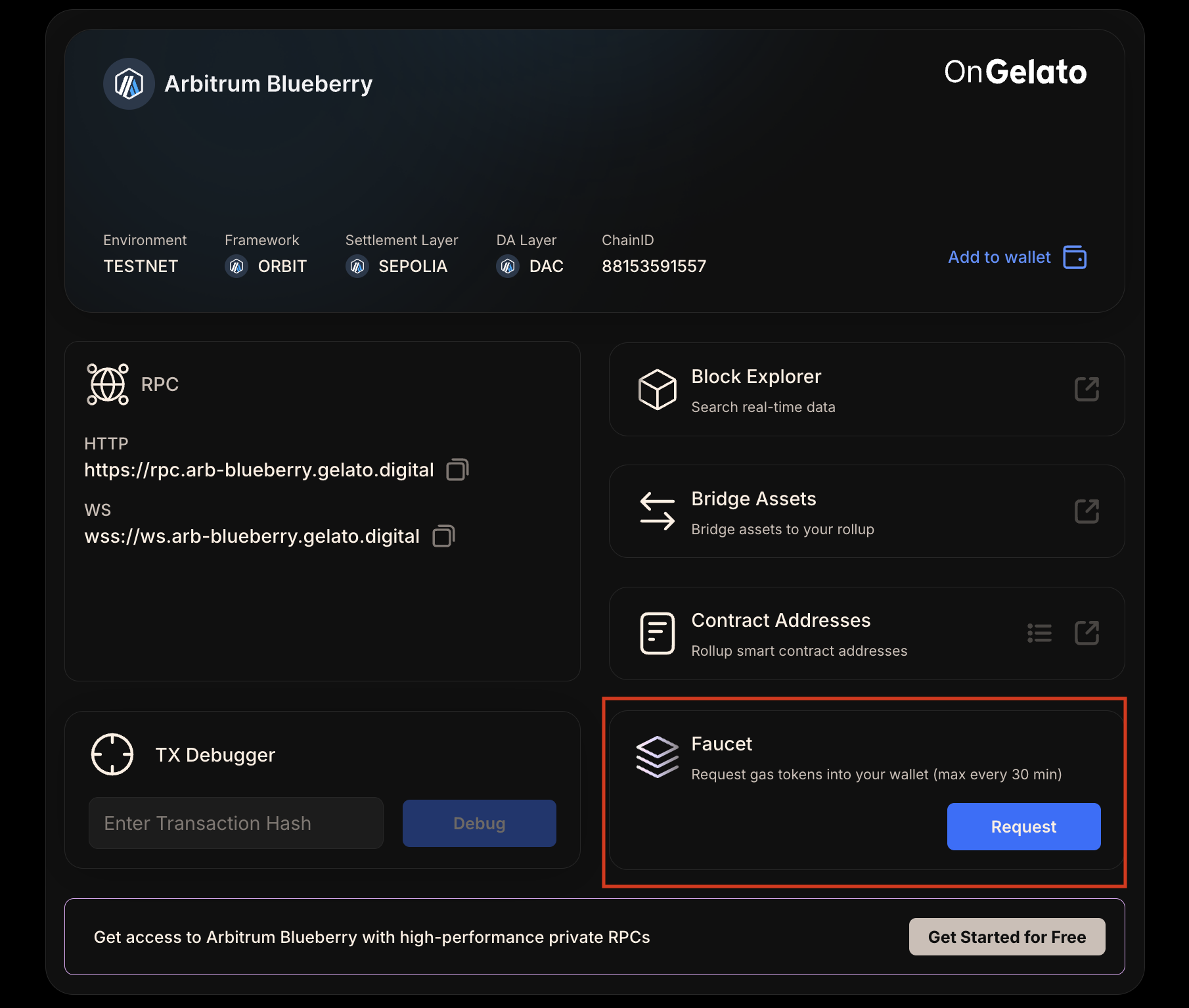
Attribute
Value
{networkAttributes.map((item, idx) => (
{item.attribute}
{item.isLink ? ( {item.value} ) : ( {item.value} )}
))}
); })()} ## Obtaining Testnet Tokens Arbitrum Blueberry utilizes a custom gas token, which requires a different acquisition process. Here's how you can get started: ### 1. Minting CGT on Arb Sepolia Begin by visiting the designated faucet for Arb Sepolia to mint your CGT. This initial step is crucial for obtaining the gas token needed for transactions on Arbitrum Blueberry. Access the faucet [here](https://app.gelato.cloud/rollups/details/public/arb-blueberry). Arb Sepolia Faucet ### 2. Bridging CGT to Arbitrum Blueberry After minting CGT on Arb Sepolia, the next step involves bridging these tokens to Arbitrum Blueberry. This process is facilitated through [Arbitrum Blueberry](https://bridge.gelato.network/bridge/arb-blueberry) bridge service designed to seamlessly transfer your CGT, enabling you to use it for transaction fees within the Arbitrum Blueberry environment. Arbitrum Blueberry Bridge --- ## Verifier Node Package **Path:** /rollup-as-a-service/customization/verifier-node-package Gelato provides a complete ecosystem for successful node sales. We equip you with node clients and smart contracts, connect you with key Launchpad and Node-as-a-Service partners. This end-to-end solution ensures you have everything needed to run a successful node sale, from technical infrastructure to community engagement. ## Benefits of Gelato Verifier Node - **Community Engagement** : Encourage community members to take an active role in securing the rollup, fostering a sense of ownership and participation. Add value and utility to the project by requiring Node Licenses to be purchased and held by node operators. - **Revenue Source** : Projects can use Verifier Nodes as a revenue source. Successful projects have raised significant funds through Node Licenses sales, providing a steady revenue stream over an extended period. - **Decentralization** : Verifier Nodes enable projects to decentralize their rollups by allowing users to verify blocks and secure the network in exchange for rewards, enhancing network security and robustness. - **Security and Reliability** : All smart contracts and the node client provided by Gelato undergo rigorous audits, ensuring maximum security from the start. ## Gelato Verifier Node Package Includes - **Smart Contracts** : Essential contracts for running the Node Sale, including the NodeKey NFT, Referee.sol, and NodeRewards.sol. These contracts serve as the baseline and can be customized by projects to fit their specific requirements. - **Node Client** : A user-friendly client for community members to easily set up and run Verifier Nodes. The Node Client allows operators to verify batches on everyday hardware without needing to run a full node, lowering barriers to entry and encouraging broader participation. - **Hosted Node Integrations** : Partnerships with node hosting providers to offer a simplified node running experience for less technically savvy users. --- ## Deploy your own rollup **Path:** /rollup-as-a-service/how-to-guides/deploy-your-own-rollup This deployment path is for users who want to deploy their own rollup chain using our 1-click deployment feature. By the end of this guide, you'll have a testnet chain up and running in 30 minutes. # Steps for Deployment Head over to the official Gelato [RaaS dashboard](https://app.gelato.cloud) & click on "Deploy 1-click Rollup" Gelato RaaS Dashboard Provide a unique name for your rollup. Additionally, you can add a custom preferred chain ID for your rollup. Gelato RaaS Rollup Name Choose the rollup stack, settlement layer, and data availability layer for your rollup. Gelato RaaS Dashboard Configure the web3 services for your rollup. Gelato RaaS Web3 Services Choose the environment you want to deploy your rollup to. Gelato RaaS Environment Selection Review the chain settings and click next and proceed to pay for your rollup. ## Dashboard Preview After deploying, your dashboard should look like the image below. Here, you can access the block explorer, bridge assets, rollup configuration, and more. Users can also check the logs, status, and analytics. Gelato RaaS Dashboard Preview --- ## Run OP Node **Path:** /rollup-as-a-service/how-to-guides/run-an-op-node This guide will walk you through the process of building a node from source, focusing on the op-node and op-geth implementations. These steps are essential if you want to run a node on a specific architecture or inspect the source code of the node you're running. ## What you're going to Build ### Rollup Node (op-node) - Responsible for deriving L2 block payloads from L1 data and passing those payloads to the Execution Client - Analogous to a consensus client in Ethereum ### Execution Client (op-geth) - Executes the block payloads it receives from the Rollup Node - Exposes the standard JSON-RPC API used by Ethereum developers ## Software Dependencies {(() => { const softwareDependencies = [ { software: "git", version: "^2", command: "`git --version`" }, { software: "go", version: "^1.22.6", command: "`go version`" }, { software: "node", version: "^20", command: "`node --version`" }, { software: "just", version: "^1.34", command: "`just --version`" }, { software: "foundry", version: "^0.2.0", command: "`forge --version`" }, { software: "make", version: "^4", command: "`make --version`" } ]; return (
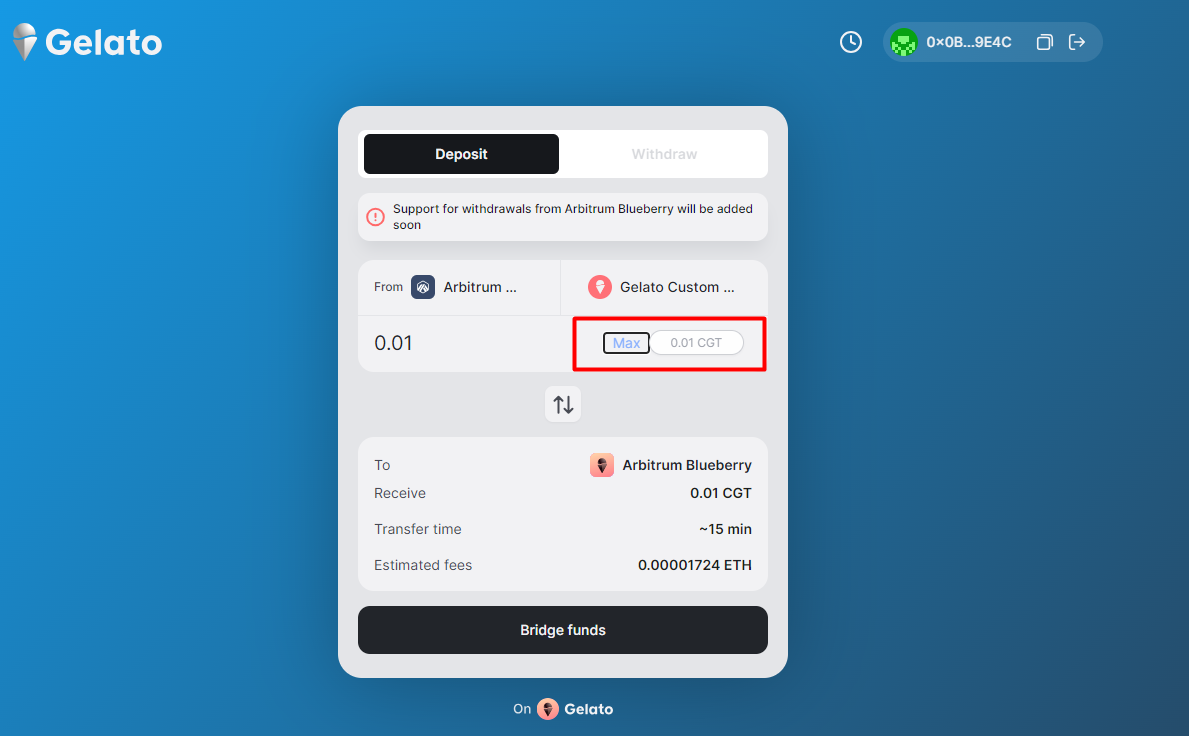

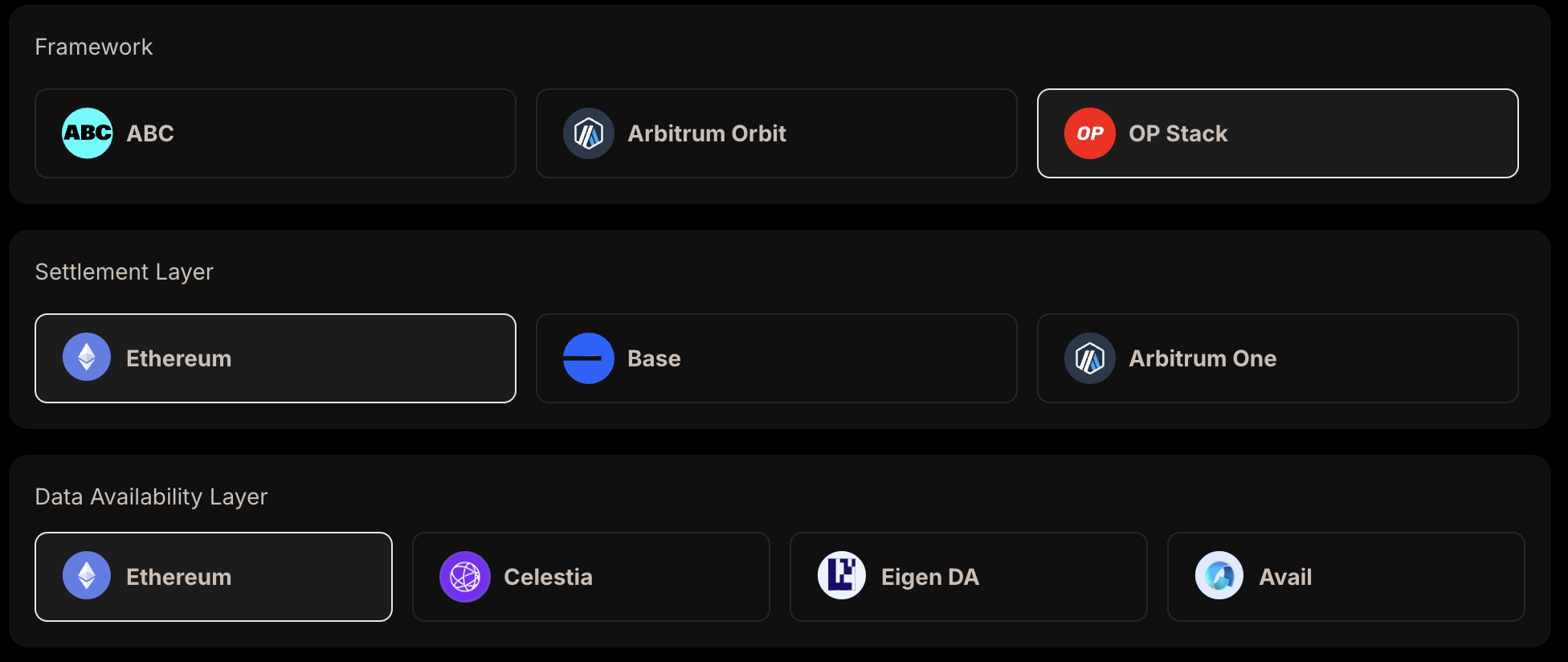
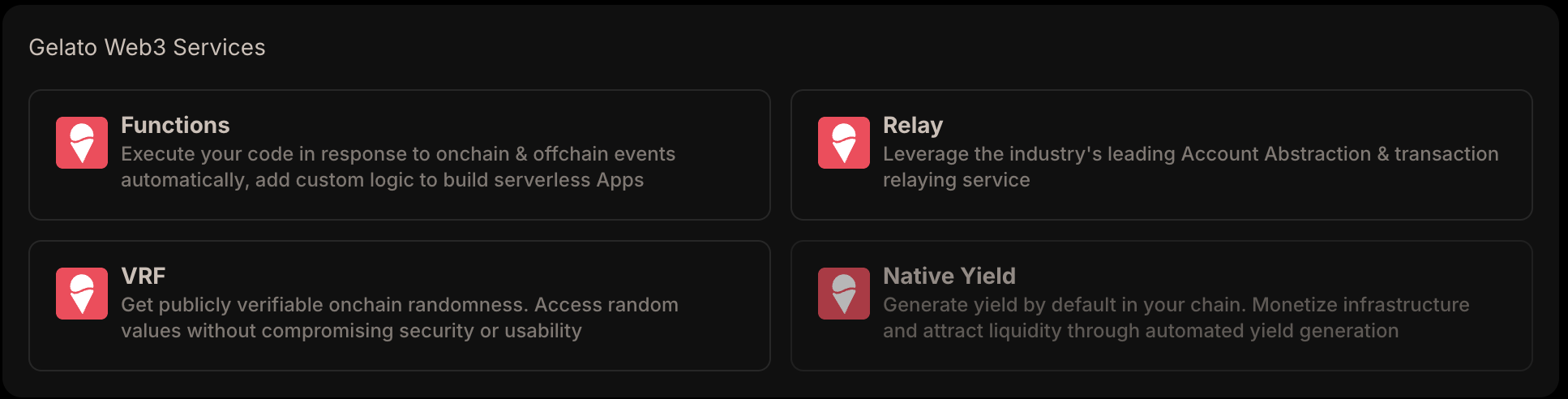

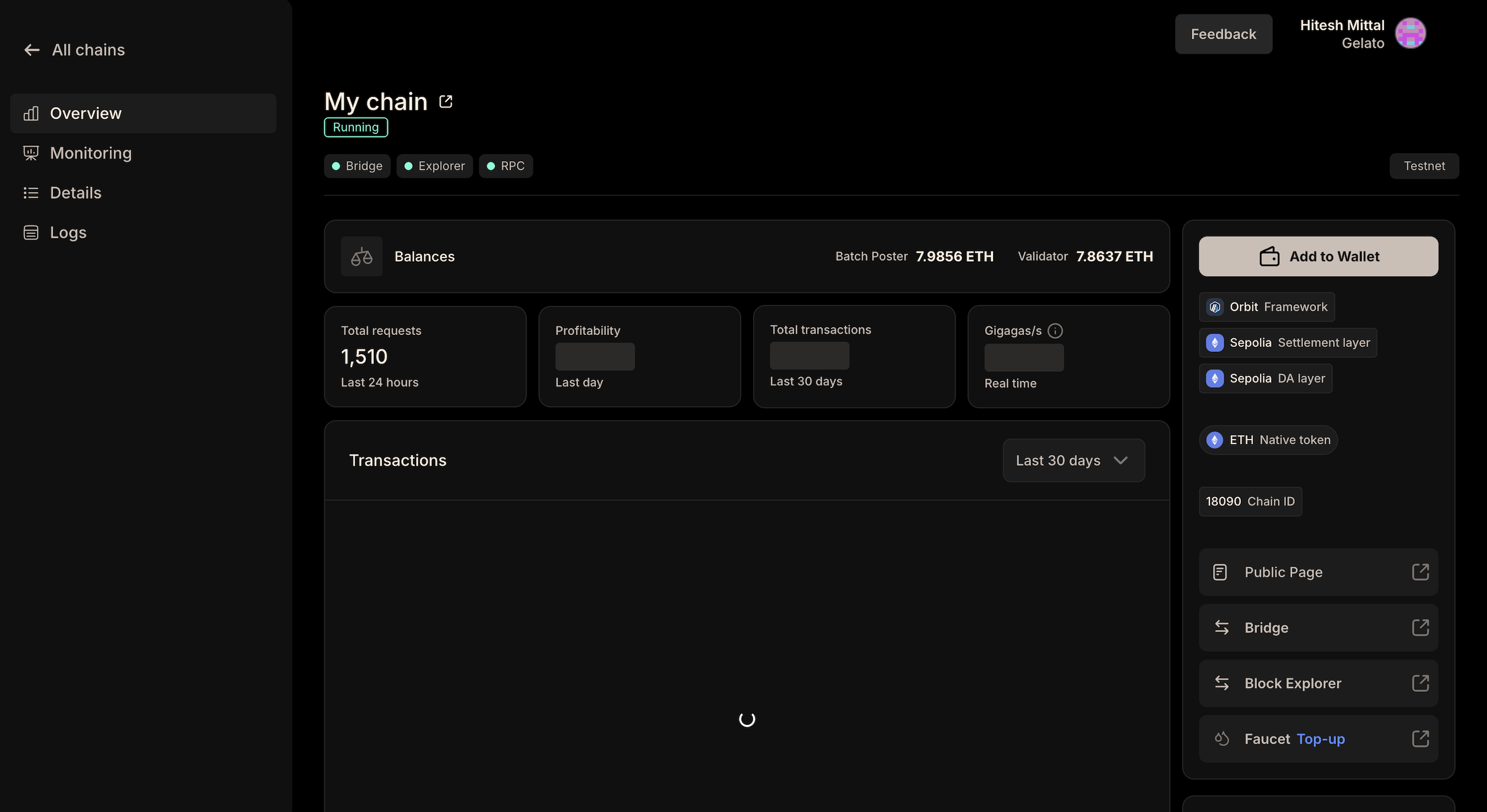
Software
Version
Command
{softwareDependencies.map((item, idx) => (
{item.software}
{item.version}
{item.command}
))}
); })()} ## Folder Structure This guide supports running nodes for arbitrary Gelato RaaS chains, both testnets, and mainnets. Feel free to use any folder structure that suits your needs. For the purposes of this documentation, we will use the following structure: ``` op-rollup-node/ ├── config/ │ ├── testnet/ │ │ ├── genesis.json │ │ └── rollup.json │ ├── mainnet/ │ │ ├── genesis.json │ │ └── rollup.json ├── op-geth/ │ ├── init-geth.sh │ ├── jwt.txt │ ├── .env │ └── ... ├── optimism/ │ ├── jwt.txt │ ├── .env │ ├── op-node │ └── ... └── jwt.txt ``` ## Create a JWT file To communicate with op-node and enable the Engine API, you'll need to generate a JWT secret file and enable Geth's authenticated RPC endpoint. ```bash cd /path/to/op-rollup-node openssl rand -hex 32 > jwt.txt ``` ## Obtain genesis.json and rollup.json 1. Log in to your Dashboard 2. Download `rollup.json` (rollup config) and `genesis.json` (genesis config) from the details section 3. Place them in your `config/testnet` in the op-rollup-node directory Gelato RaaS Genesis JSON ## Build the Rollup Node - Clone the Optimism Monorepo ```bash git clone https://github.com/ethereum-optimism/optimism.git cd optimism ``` - Check Out the Required Release Tag ```bash git checkout ddc37daa49558c2fb5c1a92e694eeb7de5942e00 ``` - Build op-node ```bash make build ``` ## Build the Execution Client - Clone op-geth ```bash git clone https://github.com/ethereum-optimism/op-geth.git cd op-geth ``` - Check Out the Required Release Tag ```bash git checkout 7c2819836018bfe0ca07c4e4955754834ffad4e0 ``` - Build op-geth ```bash make geth ``` ## Running op-geth - Create a Data Directory ```bash cd /path/to/op-rollup-node/op-geth mkdir data-geth ``` - Create a .env File Create a `.env` file in the op-geth directory with the following content: ```bash GENESIS_FILE_PATH="" SNAPSHOT_FILE_PATH="" GETH_DATADIR="" GETH_AUTHRPC_ADDR="0.0.0.0" GETH_AUTHRPC_PORT="" GETH_AUTHRPC_JWTSECRET="" GETH_AUTHRPC_VHOSTS="*" GETH_METRICS="true" GETH_METRICS_EXPENSIVE="false" GETH_METRICS_ADDR="0.0.0.0" GETH_METRICS_PORT="" GETH_GCMODE="archive" GETH_SYNCMODE="full" GETH_MAXPEERS="0" GETH_NODISCOVER="true" GETH_HTTP="true" GETH_HTTP_ADDR="0.0.0.0" GETH_HTTP_PORT="" GETH_HTTP_VHOSTS="*" GETH_HTTP_CORSDOMAIN="*" GETH_HTTP_API="web3,debug,eth,txpool,net,engine" GETH_WS="true" GETH_WS_ADDR="0.0.0.0" GETH_WS_PORT="" GETH_WS_ORIGINS="*" GETH_WS_API="debug,eth,txpool,net,engine" GETH_RPC_ALLOW_UNPROTECTED_TXS="false" ``` ### Initialize op-geth Feel free to customize the base configurations provided in the Optimism documentation to suit your specific requirements. While we will use the recommended configurations for this guide, you can explore and add additional flags as needed. Detailed information about execution layer configurations can be found [here](https://docs.optimism.io/builders/node-operators/configuration/base-config#working-base-configuration). Create `init-geth.sh`: ```bash cd /path/to/op-rollup-node/op-geth nano init-geth.sh ``` ```bash #!/bin/bash # Set environment variables source .env # Create data directory if it doesn't exist mkdir -p $DATADIR_PATH # Initialize geth with the genesis file echo "Initializing geth with genesis file..." ./build/bin/geth --datadir=$DATADIR_PATH init $GENESIS_PATH # Generate JWT secret if it doesn't exist if [ ! -f "$JWT_SECRET_PATH" ]; then echo "Generating JWT secret..." openssl rand -hex 32 > $JWT_SECRET_PATH fi ``` ### Run the geth Node ```bash cd /path/to/op-rollup-node/op-geth # Load environment variables from the .env file in the root directory source .env # Initialize geth ./init-geth.sh # Run the geth command with the environment variables ./build/bin/geth ``` ### Testing the Running Geth Instance After starting your geth instance, you can test if it's running and confirm the chain ID: ```bash curl -X POST http://127.0.0.1:8545 \ -H "Content-Type: application/json" \ --data '{"method":"eth_chainId","params":[],"id":1,"jsonrpc":"2.0"}' ``` You should see a response similar to this: ```json { "jsonrpc": "2.0", "id": 1, "result": "0x2a88" // This is your chain id in hex, in this case its 10888 } ``` ## Running op-node We will utilize the base configurations provided in the Optimism documentation for the consensus layer. However, you can adjust and expand these configurations to fit your specific requirements. For a comprehensive understanding of all available configurations, refer to the detailed documentation on consensus layer configurations [here](https://docs.optimism.io/builders/node-operators/configuration/base-config#working-base-configuration-1). ### Create a .env File Create a `.env` file in the optimism directory with the following content: ```bash OP_NODE_L1_ETH_RPC="" OP_NODE_L1_RPC_KIND="standard" OP_NODE_L2_ENGINE_AUTH="" OP_NODE_ROLLUP_LOAD_PROTOCOL_VERSIONS="true" OP_NODE_ROLLUP_HALT="major" OP_NODE_ROLLUP_CONFIG="" OP_NODE_SEQUENCER_ENABLED="false" OP_NODE_SEQUENCER_L1_CONFS="5" OP_NODE_VERIFIER_L1_CONFS="4" OP_NODE_LOG_FORMAT="json" OP_NODE_LOG_LEVEL="info" OP_NODE_P2P_DISABLE="false" OP_NODE_P2P_LISTEN_IP="0.0.0.0" OP_NODE_P2P_LISTEN_TCP_PORT="" OP_NODE_P2P_LISTEN_UDP_PORT="" OP_NODE_P2P_PEER_SCORING="none" OP_NODE_P2P_PEER_BANNING="false" OP_NODE_P2P_PEER_BANNING_DURATION="0h1m0s" OP_NODE_P2P_BOOTNODES="" OP_NODE_P2P_ADVERTISE_TCP="" OP_NODE_P2P_ADVERTISE_UDP="" OP_NODE_P2P_ADVERTISE_IP="" OP_NODE_P2P_SYNC_REQ_RESP="true" OP_NODE_P2P_STATIC="" OP_NODE_P2P_PRIV_RAW="" OP_NODE_RPC_ADDR="0.0.0.0" OP_NODE_RPC_PORT="" OP_NODE_RPC_ENABLE_ADMIN="true" OP_NODE_SNAPSHOT_LOG="" OP_NODE_METRICS_ENABLED="true" OP_NODE_METRICS_ADDR="0.0.0.0" OP_NODE_METRICS_PORT="" OP_NODE_PPROF_ENABLED="true" OP_NODE_L1_BEACON="" OP_NODE_L2_ENGINE_RPC="" ``` Ensure that op-node P2P ports (`` and ``) are accessible externally via ``. This allows the node to communicate with other peers on the network. Add the sequencer node's multiaddr to `` in your configuration. This helps establish a direct connection with the sequencer, ensuring smooth operation and synchronization. ### Run the op-node ```bash cd /path/to/op-rollup-node/optimism # Load environment variables from the .env file in the root directory source .env # Run the op-node command with the environment variables ./op-node/bin/op-node ``` --- ## Run a Full Orbit Node **Path:** /rollup-as-a-service/how-to-guides/run-an-orbit-node This guide provides step-by-step instructions for running a Arbitrum Orbit node on your local machine. You can also use this as a basis for running nodes of arbitrary orbit rollups on Gelato. ## Prerequisites Before you begin, ensure you have the latest Docker image as mentioned in the Arbitrum Docs: Arbitrum Get the `chain-info.json` from the dashboard by heading over to [https://app.gelato.cloud/chains](https://app.gelato.cloud/chains) and then downloading the "Genesis File" from the "Details" tab. ## Minimum Hardware Requirements {(() => { const hardwareRequirements = [ { component: "CPU", requirement: "2-4 core CPU (For AWS: t3 xLarge)" }, { component: "RAM", requirement: "8-16 GB" }, { component: "Disk", requirement: "Depends on traffic volume" } ]; return (
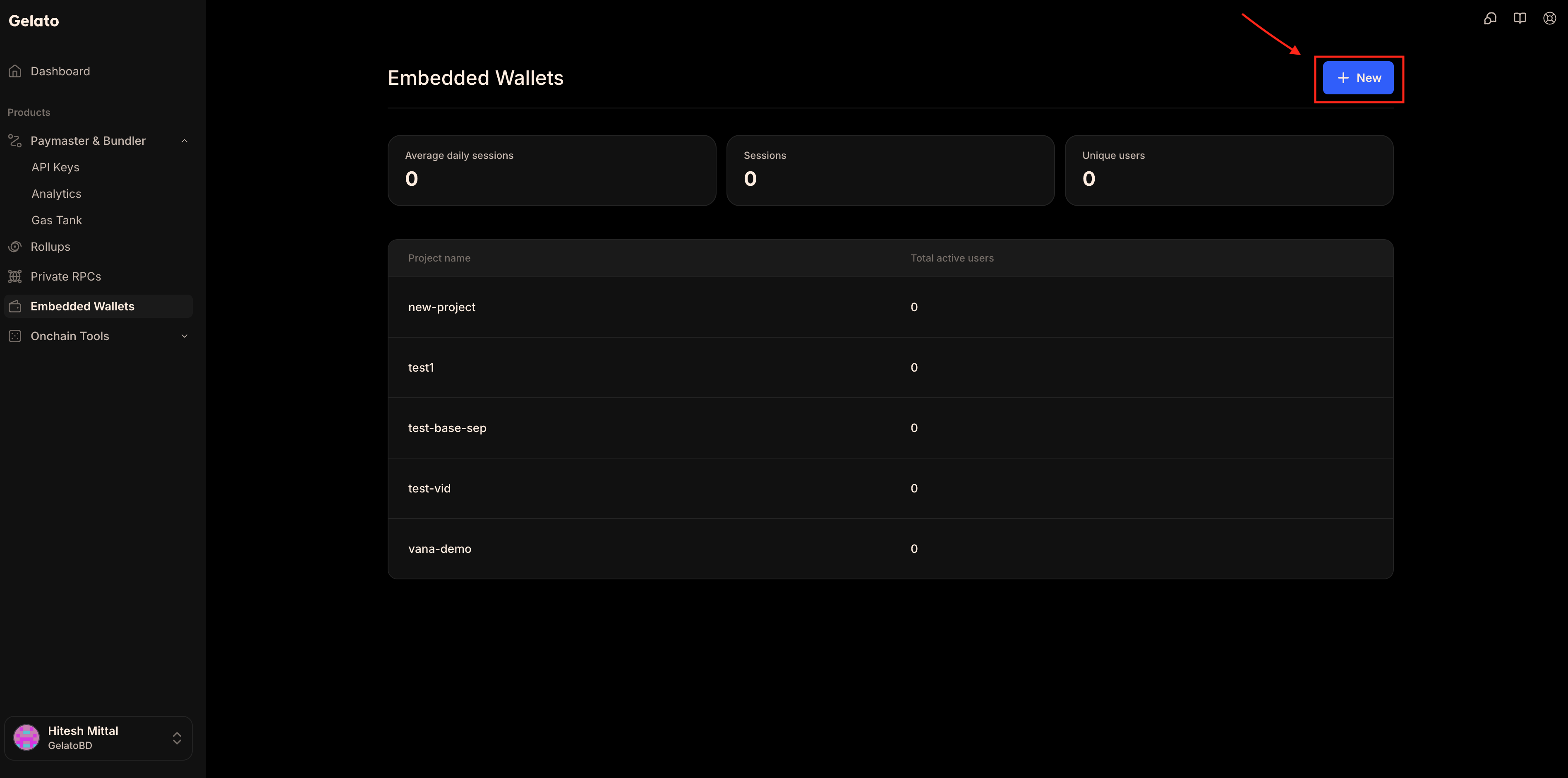
Component
Minimum Requirement
{hardwareRequirements.map((item, idx) => (
{item.component}
{item.requirement}
))}
); })()} ```bash mkdir -p ~/orbit-node ``` ```bash docker run --rm -it -v ~/orbit-node:/home/user/.arbitrum \ -p 0.0.0.0:8547:8547 \ -p 0.0.0.0:8548:8548 \ offchainlabs/nitro-node:{VERSION} \ --parent-chain.connection.url={PARENT_CHAIN_RPC} \ --parent-chain.blob-client.beacon-url={PARENT_BEACON_RPC} \ --parent-chain.node-url={PARENT_CHAIN_NODE_URL} \ --chain.id={CHAIN_ID} \ --chain.name="{CHAIN_NAME}" \ --chain.info-json='[{CHAIN_INFO_FROM_DASHBOARD}]' \ --execution.forwarding-target={CHAIN_RPC} \ --execution.rpc.tx-allow-unprotected=false \ --execution.rpc.gas-cap=50000000 \ --execution.rpc.tx-fee-cap=1 \ --execution.sequencer.enable=false \ --execution.tracing.enable \ --node.sequencer=false \ --node.staker.enable=false \ --node.batch-poster.enable=false \ --node.feed.input.url={FEED_URL} \ --node.data-availability.enable \ --node.data-availability.sequencer-inbox-address={SEQUENCER_INBOX_ADDRESS} \ --node.data-availability.parent-chain-node-url={PARENT_CHAIN_RPC} \ --node.data-availability.rest-aggregator.enable \ --node.data-availability.rest-aggregator.urls={DAS_AGGREGATOR_URL} \ --node.dangerous.disable-blob-reader=true \ --http.addr=0.0.0.0 \ --http.port=8547 \ --http.vhosts="*" \ --http.corsdomain="*" \ --http.api=net,web3,eth,debug,arbtrace,arb \ --ws.addr=0.0.0.0 \ --ws.port=8548 \ --ws.origins="*" \ --ws.api=eth,net,web3,arb,txpool,debug \ --rpc.max-batch-response-size=200000000 \ --metrics \ --metrics-server.addr=0.0.0.0 \ --metrics-server.port=6070 \ --log-type=json \ --log-level=info ``` ```bash INFO [07-02|06:00:56.125] created jwt file filename=/home/user/.arbitrum/jwtsecret INFO [07-02|06:00:56.125] Running Arbitrum nitro node revision=v2.3.4-b4cc111 vcs.time=2024-05-02T11:51:35-05:00 INFO [07-02|06:00:57.263] connected to l1 chain l1url=https://eth.llamarpc.com l1chainid=1 WARN [07-02|06:00:57.969] Getting file info error="stat : no such file or directory" WARN [07-02|06:00:57.973] Getting file info error="stat /workspace/target/machines: no such file or directory" WARN [07-02|06:00:57.974] Getting file info error="stat /home/user/machines: no such file or directory" INFO [07-02|06:00:57.976] Using leveldb as the backing database INFO [07-02|06:00:57.977] Allocated cache and file handles database=/home/user/.arbitrum/real/nitro/l2chaindata cache=16.00MiB handles=16 readonly=true INFO [07-02|06:00:57.977] Using leveldb as the backing database INFO [07-02|06:00:57.977] Allocated cache and file handles database=/home/user/.arbitrum/chainName/nitro/l2chaindata cache=2.00GiB handles=512 INFO [07-02|06:00:57.998] Using LevelDB as the backing database INFO [07-02|06:00:58.019] Opened ancient database database=/home/user/.arbitrum/chainName/nitro/l2chaindata/ancient/chain readonly=false INFO [07-02|06:00:58.019] Initializing ancients=0 genesisBlockNr=0 ... ``` ```bash curl -X POST http://localhost:8547/ \ -H "Content-Type: application/json" \ -d '{"jsonrpc":"2.0","method":"eth_blockNumber","params":[],"id":1}' ``` ## Shutting Down the Node To ensure the current state is saved properly, allow a graceful shutdown: ```bash docker stop --time=300 $(docker ps -aq) ``` --- ## Run a ABC Node **Path:** /rollup-as-a-service/how-to-guides/run-a-abc-node --- ## Run a Verifier Node **Path:** /rollup-as-a-service/how-to-guides/run-a-verifier-node A Verifier Node is a crucial component in securing your rollup by verifying the accuracy of data posted by the sequencer on the settlement layer. It acts as an observation node that monitors the rollup protocol, ensuring its integrity and security. ## Downloading the Client To begin, download the appropriate client based on your operating system: - `verifier-linux.zip` - `verifier-macos.zip` - `verifier-win.zip` Unzip the downloaded file to get a folder containing the verifier node application: - Linux: `verifier-linux/verifier-node-app-linux` - macOS: `verifier-macos/verifier-node-app-macos` - Windows: `verifier-win/verifier-node-app-win.exe` ## Minting the Node Key Before running a node, an ERC2771 node key is required. ### Getting the Gas Token To mint the node key, you need the custom gas token of the chain. Visit the network's public page and request the custom gas token from the faucet. After receiving it on the testnet, bridge it to the target chain following the instructions on the page. ### Minting the Key Once you have the gas token, mint the node key by calling the mint function on the contract: 1. Navigate to `NodeKey.mint` 2. Fill in the required parameters: - `_to`: Address to mint to - `_amount`: Number of NFTs to mint > Note: Projects can build a frontend page to make this process seamless and customized for users. ### Delegating the Key After minting your node key, delegate rights to an Operator to sign attestation transactions on your behalf. This ensures secure and efficient operation of your node. 1. Navigate to `DelegateRegistry.delegateERC721` 2. Fill in the required parameters: - `to`: Operator address - `contract_`: NodeKey contract address - `tokenId`: ID of node key NFT - `rights`: `0x0000000000000000000000000000000000000000000000000000000000000000` - `enable`: true - `send native CGT`: 0 > Note: For production projects, this step will be done on delegate.xyz. ## Getting a Gelato API Key The Gelato API Key is crucial for running the node as it allows the node to use Gelato for transaction fees. This simplifies the process by enabling the use of various tokens (like USDC) to pay for gas fees. To obtain the Gelato API Key: 1. Go to [Gelato App](https://app.gelato.cloud) 2. Connect your wallet to create your account 3. Click "Create App" and complete the basic details 4. After creating the app, go to the details and copy the API key ## Running the Node Client ### On a Personal Computer #### Using the CLI 1. Open the terminal or command prompt 2. Navigate to the directory containing the verifier node application 3. Execute the application: - Linux: `./verifier-node-app-linux` - macOS: `./verifier-node-app-macos` - Windows: `verifier-node-app-win.exe` 4. When prompted, enter the required details: - Operator private key - Gelato Relay API Key - Node key IDs #### Using the .env File To avoid entering settings each time you launch the application, you can use a `.env` file: 1. Create a `.env` file in the folder containing the node application 2. Add the following environment variables: ```env OPERATOR_PK= RELAY_API_KEY= # Set either one #------------1------------- NODE_KEY_IDS= # [1,2,3] #------------2------------- AUTO_KEY_IDS=true WALLETS=[] # [] (Use all fetched node key IDs delegated to operator) or # ["0x...","0x..."] (Use fetched node key IDs that are delegated to operator and owned by defined wallets) #------------------------- # Optionals DEBUG= # true/false ONCE= # true/false INTERVAL= # In ms (Must be > 60000) L1_RPC_URL= # Your personal RPC URL of settlement chain # Setting `L1_RPC_URL` is highly recommended for better reliability and performance ``` ### On a Server The verifier node is also available as a Docker image. Follow these steps to run it on a server: 1. Create a Cloud Run job pulling the `gelatodigital/verifier-node` image 2. Set up the environment variables 3. Add a scheduler trigger to execute the container every hour ## Claiming Rewards To claim rewards, call the `claimReward` function on the Referee smart contract: ```solidity function claimReward(uint256 nodeKeyId, uint256 numberOfBatches) external ``` With foundry cast: ```bash $ cast calldata "claimReward(uint256,uint256)" ${nodeKeyId} 50 ``` You will get the payload to call that looks like `0x86bb8f3700000000000000000000000000000000000000000000000000000000000000010000000000000000000000000000000000000000000000000000000000000032` Send a transaction with the payload: ```bash $ cast send --rpc-url ${RPC_URL} --private-key ${privateKey} ${REFEREE_ADDRESS} ${payload} ``` ## Smart Contracts As part of the Verifier Node package, Gelato provides essential smart contracts for this service: - **NodeKey**: NFT contract for node licenses - **Referee**: Manages attestations and rewards - **NodeRewards**: Handles reward distribution These contracts serve as the baseline and can be customized by projects to fit their specific requirements. ## Benefits of Running a Verifier Node - **Community Engagement**: Encourage community members to take an active role in securing the rollup - **Revenue Source**: Projects can use Verifier Nodes as a revenue source through Node License sales - **Decentralization**: Enable users to verify blocks and secure the network in exchange for rewards - **Security and Reliability**: All smart contracts and the node client undergo rigorous audits ## Package Includes - **Smart Contracts**: Essential contracts for running the Node Sale - **Node Client**: User-friendly client for easy setup and operation - **Hosted Node Integrations**: Partnerships with node hosting providers for simplified deployment --- ## Gelato Services **Path:** /rollup-as-a-service/marketplace/gelato-services [Gelato](https://www.gelato.cloud/) presents a full range of middleware solutions that enable smart contracts to operate autonomously based on both on-chain and off-chain conditions, gasless transactions to overcome the hurdle of transaction costs, and unbiased randomness. ## Functions Gelato's Functions are serverless, event-responsive tools designed for automating smart contracts activities triggered by both on-chain and off-chain data and computations. [Learn more about Functions](/web3-functions/) ## Relay Gelato Relay offers streamlined access to gasless transactions that are reliable, robust, and scalable, all accessible through an easy-to-use API. [Learn more about Relay](/relay/) ## VRF Gelato VRF provides a purpose-built solution for generating unbiased randomness in smart contracts, ensuring fairness and trust in blockchain-based applications. [Learn more about VRF](/vrf/) --- ## Account Abstraction **Path:** /rollup-as-a-service/marketplace/account-abstraction Account abstraction simplifies user experiences by enabling smart contracts to handle transaction rules and account permissions. ## Safe (Natively Integrated) [Safe](https://safe.global/) is a customizable non-custodial wallet infrastructure powered by MPC enabling quick user onboarding to Web3 via familiar OAuth logins across web and mobile platforms. Safe is live with: 1. **[Safe{Core} Account Abstraction (AA) SDK](https://docs.safe.global/sdk/overview)**: Simplify integrating Safe with third parties and abstract the complexity of setting up a smart contract account. 2. **[Safe {Core} Protocol](https://github.com/5afe/safe-core-protocol)**: Discover, integrate, and develop using Safe's robust, battle-tested smart contract account standard and its programmable modules. ## ZeroDev [Zerodev](https://zerodev.app/) is an embedded wallet powered by account abstraction (AA) that enables users to interact seamlessly with DApps through AA wallets, offering them significant user experience benefits. - Facilitate self-custody wallets with Web2 logins, removing seed phrase dependency - Simplify gas payments by sponsoring or accepting ERC20 tokens like USDC - Enhance user experience with batched transactions, fewer signing prompts, and offline automation - Enable wallet recovery for users with lost login credentials ## Privy [Privy](https://privy.io/) offers a unified library for web3 authentication enabling onboarding with options for email, social sign-ins, and embedded wallet creation for your L2. 1. **[Authentication](https://www.privy.io/onboarding)**: Integrate familiar web2-style user experience features like email and social media sign-ins, ensuring easy and efficient user authentication. 2. **[Embedded Wallets](https://www.privy.io/wallets)**: Self-custodial Ethereum wallets that integrate directly into your app, enabling users to effortlessly perform wallet-based actions on your site without the need for an external wallet. ## Biconomy [Biconomy](https://www.biconomy.io/) offers full Stack Account Abstraction with modular smart accounts, paymasters, and bundlers for your L2. Biconomy is live with: 1. **[Modular smart accounts](https://docs.biconomy.io/new/learn-about-biconomy/nexus)**: Add UX capability by easily & securely plugging in programmable modules like social logins, batching transactions, and session keys. 2. **[Paymaster-as-a-Service](https://docs.biconomy.io/new/learn-about-biconomy/understanding-composable-orchestration)**: Abstract gas complexities with flexible payment options by offering gas payment options in all major stablecoins, WETH & WBTC or get it sponsored. 3. **[Bundler-as-a-Service](https://docs.biconomy.io/new/learn-about-biconomy/understanding-composable-orchestrationr)**: Execute ERC4337 UserOps which is designed to automatically scale up or down as per your dApp traffic with accurate ERC4337 Gas Estimates. ## Web3Auth [Web3Auth](https://web3auth.io/) is a customizable wallet infrastructure enabling quick user onboarding to Web3 via familiar OAuth logins across web and mobile platforms for your L2s. Web3Auth is live with: 1. **MPC/TSS**: Utilize Web3Auth's MPC architecture for transaction signing with distributed partial keys and TSS for final blockchain signature generation. 2. **Whitelabeled Wallet UI**: Fully customize your wallet's user interface on mobile and web to match your brand. 3. **Fiat-to-Crypto API**: Partner with leading providers for competitive rates and high global conversions. 4. **Identity Verification**: Implement 'Sign-in With Ethereum' and CAIP proposals for server-side user verification. 5. **Account Abstraction**: Leverage Account Abstraction and MPC for a simplified, gas-less, and innovative Web3 user experience. 6. **BYO Auth/Identity Provider**: Integrate your preferred login providers, including Firebase, Auth0, and Cognito. --- ## Block Explorers **Path:** /rollup-as-a-service/marketplace/block-explorers ## Blockscout [Blockscout](https://www.blockscout.com/) is a comprehensive, easy-to-use block explorer for viewing, confirming, and inspecting transactions on your L2. Blockscout is live with: 1. **Deep Search**: Integrated search capabilities provide detailed information on transactions, tags, and more. 2. **Contract Interaction**: Engage with contracts directly through the Blockscout UI. 3. **Contract Verification**: Multiple tools are available for swift and reliable contract verification. 4. **API Requests**: Standardized and customizable endpoints ensure seamless API interactions. 5. **Custom Views**: The user interface can be tailored with features like tags, watchlists, and more. ## OnDora [OnDora](https://ondora.xyz/) leverages a multi-ecosystem blockchain search engine for your L2. Dora Search Engine offers a seamless integration with Gelato L2 chains, allowing users to efficiently extract, visualize, and review network metrics from the genesis block. It features a user-friendly UI, ensuring a smooth user experience and enables tracking of Transfers, Swaps, and Mints within a multi-chain environment. ## Etherscan [Etherscan](https://etherscan.io/) is the leading block explorer and search, API & analytics platform for your L2 chain. 1. **Transaction Tracking**: View and search for Ethereum transactions, blocks, and addresses. 2. **Smart Contract Analysis**: Analyze and verify smart contracts. 3. **Gas Tracker**: Monitor Ethereum gas prices. 4. **Token Explorer**: Explore ERC-20 tokens and their activities. 5. **Blockchain Analytics**: Access detailed data and analytics on Ethereum network activities. 6. **Developer APIs**: Provide APIs for developers to interact with Ethereum blockchain data. --- ## Bridges **Path:** /rollup-as-a-service/marketplace/bridges Bridges allow interoperability in blockchain is the ability for different blockchain systems to communicate and transact with each other seamlessly. ## LayerZero (Natively Integrated) [LayerZero](https://layerzero.network/) is Omnichain communication for your L2 that supports direct, trust-minimized communication across multiple blockchain networks. Developers can easily send arbitrary data, external function calls, and tokens with omnichain messaging while preserving full autonomy and control over their application. ## Everclear (Prev Connext) [Everclear](https://www.everclear.org/) securely interacts with users, tokens, and other applications on any chain with your L2. Everclear is live with: 1. **[Modular bridge](https://docs.everclear.org/concepts/background)**: Design for tailored, secure cross-chain communication, adapting to various transaction needs while ensuring maximum security through an optimal path and an optimistic verification layer. 2. **[xERC20](https://docs.everclear.org/developers/guides/xerc20)**: Cross-chain iteration of ERC-20, ensuring seamless transfers across chains without slippage or security compromises. ## Hyperlane [Hyperlane](https://www.hyperlane.xyz/) connects your rollup with any blockchain leveraging the permissionless interoperability layer, right out-of-the-box. Hyperlane is live with: 1. **Messaging**: Utilize on-chain API to seamlessly send and receive interchain messages across any blockchain network. 2. **Interchain Accounts**: Easily create and manage accounts on remote chains without the requirement for deploying on those specific chains. 3. **Warp Routes**: Bridge any token to any chain without restrictions using Hyperlane, eliminating the need for token whitelisting. 4. **Interchain Queries**: Conveniently query the state of any contract on any chain supported by Hyperlane, and effortlessly bring Oracle services to your blockchain or rollup. --- ## Data Indexers **Path:** /rollup-as-a-service/marketplace/data-indexers Data indexers organize and index blockchain data, enhancing the efficiency of data retrieval and querying for applications and users. ## The Graph [The Graph](https://thegraph.com/) is a decentralized protocol for indexing and querying data from blockchains, simplifying access to data that is otherwise difficult to query directly. The Graph is live with: [Subgraph](https://thegraph.com/docs/en/subgraphs/quick-start/) Extracts data from a blockchain, processing it and storing it so that it can be easily queried via GraphQL. ## Goldsky [Goldsky](https://goldsky.com/) is the go-to data indexer for web3 builders, offering high-performance subgraph hosting and real-time data replication pipelines. Goldsky is live with: [Subgraph](https://goldsky.com/products/subgraphs) Customized endpoint that allows applications or backends to directly access live, real-time data, eliminating the need for maintenance. [Mirror](https://goldsky.com/products/mirror) Goldsky's Mirror feature provides a tool for directly streaming live data into databases or data warehouses, enabling easy and efficient data integration. --- ## Oracles **Path:** /rollup-as-a-service/marketplace/oracles Oracles provide external data (like temperature, price feeds, etc.) to smart contracts, bridging the gap between off-chain and on-chain environments. ## Redstone (Natively Integrated) [RedStone](https://redstone.finance/) oracle delivers frequently updated, reliable, and diverse data feeds for your dApp and smart contracts on the L2 Chain. Redstone is live with: 1. **[Price Feeds](https://docs.redstone.finance/docs/category/getting-started/)**: Offering over 1000 feeds for data on crypto, stocks, currencies, commodities, and ETFs. 2. **[NFT Data Feeds](https://docs.redstone.finance/docs/category/getting-started/)**: Providing floor price data for 20 popular NFT collections from OpenSea. ## Pyth [Pyth](https://pyth.network/) provides smart contracts with fast, reliable market data from top-tier sources, ideal for building applications with high-accuracy Oracle feeds for critical systems. Pyth is live with: 1. **[Price Feeds](https://www.pyth.network/price-feeds)**: Pyth offers real-time data from real-world markets by delivering verified information from first-party sources on a sub-second timescale and includes 388 distinct price feeds. 2. **[Benchmarks](https://www.pyth.network/benchmarks)**: Access historical market data directly from any Pyth feed for application in both on- and off-chain environments. ## API3 [API3](https://api3.org/) provides decentralized and trust-minimized off-chain data through first-party oracles without intermediaries for your L2 Chain. API3 is live with: 1. **[dAPIs](https://docs.api3.org/dapps/integration/)**: First-party aggregated data feeds sourced directly from the data providers. 2. **[Airnode](https://docs.api3.org/oev-searchers/glossary.html#airnode)**: The first-party serverless Oracle solution to bring any REST API onchain. 3. **QRNG**: Quantum Random Number Generator for verifiable quantum RNG onchain. ## DIA [DIA](https://www.diadata.org/) is a cross-chain data platform that delivers customizable data feeds from 80+ sources for your L2 Chain. DIA is live with: 1. **[Token Price Feeds](https://www.diadata.org/price-feed-oracle/)**: Providing market price feeds for over 3,000 tokens, sourced from multiple high-volume markets. 2. **[NFT Floor Price Feeds](https://www.diadata.org/nft-api-oracle/)**: Delivering multi-source and trade-based accurate pricing for more than 18,000 NFT collections. 3. **[LST Price Feeds](https://www.diadata.org/xlsd-liquid-staking-oracle/)**: Offering fair-value based pricing for 10 LST tokens that account for the collateral ratio. 4. **[On-chain Randomness](https://www.diadata.org/onchain-randomness/)**: Facilitate the building of DeFi and GameFi dApps with DIA's multi-chain randomness, featuring 2,880 updates per day. 5. **[DIA Oracle Builder](https://www.diadata.org/blockchain-oracle-builder/)**: Enables building, deploying, and monitoring of custom oracles, instantly and autonomously. --- ## Identity & KYC **Path:** /rollup-as-a-service/marketplace/identity-&-kyc Add an identity layer to your L2 chain to ensure compliance and minimize risk. ## Fractal ID [Fractal ID](https://web.fractal.id/) is the KYC identity provider for web3 that works for everyone, everywhere. It is a decentralized identity system for Web3, offering an integrated identity stack for identity creation and access management. The platform streamlines identity processes, allowing for the reusability and portability of verified identity information across dApps. ## idOS [idOS](https://idos.network/) enables a decentralized, chain-agnostic, and self-sovereign identity layer for user data control and ownership on your L2. idOS is live with: 1. **User Control**: Users have full ownership and control over their identity data. They can edit, grant, or revoke access to interact with dApps. 2. **Secure Data Storage**: Node operators store encrypted user data safely. 3. **dApp Integration**: dApps can request read or write access to user data or credentials. 4. **Identity Verification**: Providers check user data, issue credentials, and may add them to the user's idOS profile. --- ## On & Off-ramp **Path:** /rollup-as-a-service/marketplace/on-&-off-ramp On & off ramp enable users to convert between fiat currencies and cryptocurrencies. ## Monerium [Monerium](https://monerium.com/) enables sending and receiving euros between any bank account and Web3 wallets with Monerium's EURe stablecoin, bridging traditional and decentralized finance for your L2. Monerium is live with: 1. **EURe Stablecoin**: Fully authorized, overcollateralized onchain euro token, easily manageable and exchangeable on major DeFi platform. 2. **EUR Transfers**: Monerium's web3 IBAN allows for euro transactions between bank accounts and web3 wallets. 3. **Payment API**: Offer services for account management, payment processing, and automated fiat transactions. ## MoonPay [MoonPay](https://www.moonpay.com/en-gb) facilitates the buying and selling of cryptocurrencies and NFTs using traditional payment methods such as cards and bank transfers for your L2. MoonPay is live with: 1. **Off/On ramp**: Seamlessly convert traditional money into cryptocurrencies and vice versa with onramp and offramp services. 2. **Swap**: Enable users to swap crypto across different chains while benefiting from low transaction fees. 3. **Checkout**: Provides a seamless buying experience for brands, creators, and marketplaces, enabling users to purchase NFTs and Web3 Digital Goods with credit or debit cards. --- ## Community **Path:** /rollup-as-a-service/marketplace/community Community is a dynamic network of web3 users and partners that engages and grows through reward-based loyalty programs, digital credential interaction, and NFT Marketplace. ## Galxe [Galxe](https://galxe.com/) is the leading platform for building web3 communities with more than +14m users, It has powered the growth of Optimism, Polygon, Arbitrum, and over 4k partners with reward-based loyalty programs. Galxe is live with: 1. **Loyalty Programs**: Helps protocols to build loyalty programs using web3 credentials, Soul Bound Tokens, and to enhance community engagement. 2. **Galxe Passport**: Provides a large on-chain KYC solution with over 455K current holders. ## Guild.xyz [Guild.xyz](https://guild.xyz/explorer) is a modular community toolkit and CRM for managing membership, Sybil protection, and campaigns for your onchain community. Guild.xyz is live with: 1. **Access Management**: Infrastructure for creating portable memberships and social structures across both on-chain and off-chain platforms. 2. **Real-time Interaction**: Utilizes a powerful query engine for blockchain interaction, supporting asset tracking and community management. ## RaribleX [RaribleX](https://rarible.com/) enables you to deploy your own custom NFT marketplace on your L2. RaribleX is live with: 1. **Revenue Opportunities**: Primary sales, custom fees, protected royalties, auctions, delayed/instant reveals, and packs. 2. **Customization**: Tailored features like UI, rewards programs, and native token support. --- ## Others **Path:** /rollup-as-a-service/marketplace/others ## Shutter [Shutter](https://shutter.network/) is a protocol that protects users from malicious MEV and offers censorship resistance on your L2 by using threshold encryption with Distributed Key Generation (DKG). Shutter is live with: 1. **Advanced MEV protection**: Combat front-running & exploitative attacks. 2. **Encrypted mempool**: Transaction privacy by keeping strategies confidential. 3. **Censorship-resistance**: Safeguard your transactions from undue influence and complete autonomy over trades. ## Zerion [Zerion](https://zerion.io/) streamlines DeFi asset, NFT tracking, and multi-chain portfolio management for your L2. Zerion is live with: 1. **Portfolio Tracking Dapp**: Zerion offers a portfolio tracking application that encompasses NFTs, DeFi, and transaction history for all wallets across major chains. ================================================================================ # Smart Wallet Sdk ================================================================================ --- ## Overview **Path:** /smart-wallet-sdk/introduction/overview Smart Wallets are an evolution of traditional crypto wallets that leverage Account Abstraction (e.g., EIP-4337, EIP-7702) to offer a more flexible, user-friendly, and secure experience. Unlike Externally Owned Accounts (EOAs), which rely solely on private keys, Smart Wallets are upgrade to existing EOA wallets to smart accounts. ## Why Smart Wallets? Traditional EOAs come with several limitations: - Manual gas fee management by users - Complex onboarding with seed phrases - Poor user experience, especially for newcomers - No support for gasless or token-based fee payments ## Key Benefits Smart Wallets address these challenges by introducing: - Allow users to pay fees with ERC-20 tokens or let dApps sponsor gas - Enable login via email, phone, or social accounts (through embedded wallets) - Add features like account recovery, session keys, spending limits, and more - Provide a unified experience across multiple EVM-compatible chains ## Gelato's Gasless SDK Key Features To make smart wallets easy to adopt and integrate, Gelato introduced the Gasless SDK, offering native support for both EIP-7702 and ERC-4337 — all in a single, modular React SDK. ### Developer Benefits With this SDK, developers can: - Instantly upgrade EOAs to smart accounts using EIP-7702 - Build fully ERC-4337-compatible smart accounts without managing their own bundler or paymaster infrastructure - Integrate embedded wallets with familiar Web2-style logins (email, phone, social) - Support gas abstraction with ERC-20 fee payments and gas sponsorship - Maintain a cross-chain native experience across supported EVM networks. ## New to EIP-7702 or ERC-4337? Understand the EIP-7702 standard and how it works. Understand the ERC-4337 standard and how it works. ## Already familiar? Explore our How-To Guides to learn how to integrate Smart Wallets with support for both EIP-7702 and ERC-4337. --- ## Understanding EIP-7702 **Path:** /smart-wallet-sdk/introduction/understanding-eip-7702 EIP-7702 is a proposed enhancement to the Ethereum protocol, slated for inclusion in the 2025 Pectra hardfork. It introduces a new transaction type that allows Externally Owned Accounts (EOAs) to delegate their execution logic to a smart contract. This is achieved via a "delegation designator" field, which specifies a smart contract address. When a transaction is sent to the EOA, the logic at the designated smart contract is executed, while preserving the EOA as the msg.sender. ## Solving the EOA vs Smart Contract Divide Historically, Ethereum users have faced a tradeoff between simplicity and programmability: - **EOAs (Externally Owned Accounts)** - Straightforward and widely adopted - Lack advanced capabilities like transaction batching, gasless transactions, and multi-chain orchestration - **Smart Contract Accounts (SCAs)** - Offer advanced features - Require users to migrate funds and identity to a new address - Lead to friction, fragmented liquidity, and user resistance EIP-7702 removes this divide, allowing EOAs to behave like smart accounts without changing their address. This preserves the user's on-chain history, identity, and asset location, while enabling rich smart account features. ## Key Benefits By delegating to smart contracts at the protocol level, EIP-7702 enables: - Transaction Batching - Gas Sponsorships & ERC-20 Gas Payments (even cross-chain) - Passkey and Session-Based Signers - Account Portability & Identity Preservation ## How It Works EIP-7702 introduces a new transaction type with an authorizations field. When the EOA signs an authorization message, this delegation is recorded by the network. All subsequent transactions sent to the EOA will trigger execution of the linked smart contract's logic. Unlike proxy contracts, this delegation is handled natively at the protocol level—removing the need for deploying per-user contracts and improving gas efficiency. --- Next, explore the pros and cons of both EIP-7702 and ERC-4337, along with key differences to help deepen your understanding. --- ## EIP-7702 vs ERC-4337 **Path:** /smart-wallet-sdk/introduction/eip-7702-vs-erc-4337 This page explores the fundamental distinctions and underlying goals of ERC-4337 and EIP-7702, both designed to enhance Ethereum's account abstraction capabilities through different means. ## Summary - **ERC-4337**: Introduces a smart account framework that integrates with existing infrastructure like bundlers and paymasters, all without needing any changes to the Ethereum protocol. - **EIP-7702**: Proposes a protocol-level enhancement that upgrades EOAs (Externally Owned Accounts) into smart accounts using a new transaction type. This requires a hard fork. Rather than being rivals, these two standards are complementary. In fact, they can work together: EIP-7702 can transform an EOA into a smart account, which can then interact seamlessly with the ERC-4337 infrastructure for relaying and gas abstraction. Given that ERC-4337 is already deployed and widely adopted, it serves as the primary standard for smart account usage today and will likely continue to be the foundation even for EIP-7702-enabled accounts. ## ERC-4337 at a Glance **Protocol Upgrade Needed**: No **Architecture**: Implements a framework around the EntryPoint contract, allowing smart accounts to process and validate custom transactions through bundlers and paymasters. **Core Components**: - UserOperation (UserOp) structure - Bundlers (relayers of UserOps) - Paymasters (sponsors for gas fees) **Strengths**: - Fully operational without requiring protocol-level changes - Modular design supports plug-in components (e.g., paymasters, custom validation logic) **Limitations**: - Adds architectural complexity (e.g., separate mempool, increased calldata) ## EIP-7702 Overview **Protocol Upgrade Needed**: Yes **Mechanism**: Introduces a new transaction type that temporarily transforms an EOA into a contract-based smart account for the duration of the transaction. **Key Feature**: Utilizes authorization_list to define behavior during this transition **Strengths**: - Simplified developer and user experience – the protocol handles the complexity internally - Uses the traditional transaction path – no need for separate infrastructure like EntryPoint or custom mempools **Limitations**: - Requires client upgrades and a hard fork, meaning adoption will vary across networks - Backward compatibility will be a concern during early rollout - The originating EOA maintains full control over the deployed smart account, making it harder to implement robust multisig or social recovery features ## Conclusion ERC-4337 offers a flexible and extensible foundation already adopted by a growing ecosystem, while EIP-7702 simplifies the experience by pushing complexity into the protocol itself. Used together, they promise a powerful combination — enabling seamless onboarding of EOAs into smart account systems that benefit from modern abstraction features. --- ## Overview **Path:** /smart-wallet-sdk/embedded-wallets/overview The Gelato Smart Wallet React SDK brings the power of Account Abstraction (EIP-7702) to your dApp with a single, modular SDK. Instantly upgrade existing EOA wallets to smart accounts, integrate embedded wallets with familiar logins, and enable advanced features like gas sponsorship and ERC-20 fee payments — all without requiring migrations. ## The Challenges of Traditional Wallets Traditional externally owned accounts (EOAs) come with significant limitations: - Manual gas fee handling for users - Cumbersome onboarding with seed phrases - Poor UX and low retention - Limited support for gasless or token-based transactions These barriers increase development overhead and hinder mainstream user adoption. ## Gelato's Gasless SDK to the Rescue Gelato's SDK offers a complete solution for building and upgrading smart wallets: - **Instant Upgrades**: Seamlessly convert EOAs to smart accounts using EIP-7702 - **Embedded Wallets**: Enable one-click wallet creation using email, phone, or social logins - **Gas Abstraction**: Support gasless transactions and ERC-20 token payments across EVM chains - **Cross-Chain Native**: Consistent UX across all supported EVM-compatible chains ## Key Features - **Single SDK Integration**: Integrate smart wallet capabilities with just a few lines of code. Get to production in hours, not days. - **High Performance**: Engineered for low latency and optimized gas usage for fast, efficient user interactions. - **Unified Dashboard**: Manage API keys, view analytics, track usage, and handle billing from a single interface. - **Embedded Wallets**: Allow users to create wallets instantly through familiar login flows such as email, phone, or social accounts. - **Gas Abstraction**: Sponsor transaction gas fees or allow users to pay with ERC-20 tokens on any supported network. - **Advanced Security**: Includes social recovery, multi-factor authentication (MFA), spending limits, and session management. ## Developer-Friendly and Scalable The React SDK is built with modern development standards: - TypeScript support - Hook-based architecture - Context APIs - Pre-built UI components - Provider-agnostic design for flexible integration ## Ready to Integrate? Now that you're familiar with what the Gelato Smart Wallet React SDK has to offer, let's quickly jump into how to integrate the SDK with different wallet providers such as Dynamic and Privy. Learn how to integrate Smart Wallets with support for both EIP-7702 and ERC-4337. Learn how to integrate Smart Wallets with support for both EIP-7702 and ERC-4337. --- ## Quickstart **Path:** /smart-wallet-sdk/embedded-wallets/quickstart ## Template & Examples Check out the full example code for integrating Dynamic as wallet provider with the Gelato Smart Wallets React SDK. ### Setup Instructions ```bash git clone https://github.com/gelatodigital/smartwallet cd smartwallet/examples/react-vite ``` ```bash cp .env.example .env ``` Create a API Key using the [Gelato App](https://app.gelato.cloud/). Paste the key into your `.env` file. Check out the How-To Guides [here](/smart-wallet-sdk/how-to-guides/create-a-api-key). Generate the App ID by following the steps in the How-To Guides [here](/smart-wallet-sdk/embedded-wallets/create-dynamic's-environment-id), then paste the ID into your `.env` file. ```bash pnpm install ``` ```bash pnpm dev ``` Open your browser and navigate to `http://localhost:5173` Not using templates? Prefer a step-by-step approach? Up next: How-To Guides for implementing the Smart Wallet React SDK use cases step-by-step. ## Installation ```bash npm npm install @gelatonetwork/smartwallet-react-sdk viem ``` ```bash yarn yarn add @gelatonetwork/smartwallet-react-sdk viem ``` ```bash pnpm pnpm install @gelatonetwork/smartwallet-react-sdk viem ``` Check out the NPM package for the Gelato Smart Wallets React SDK. ## Getting Started ```typescript import { GelatoSmartWalletContextProvider, useGelatoSmartWalletProviderContext, GelatoSmartWalletConnectButton, dynamic, privy, wagmi, } from "@gelatonetwork/smartwallet-react-sdk"; import { sponsored, native, erc20 } from "@gelatonetwork/smartwallet"; import { baseSepolia } from "viem/chains"; import { http } from "wagmi"; ``` To create a API Key, visit the [Gelato App](https://app.gelato.cloud/) and navigate to the `Paymaster & Bundler > API Keys` section. Create a new API Key, select the required networks, and copy the generated API Key. For detailed instructions, [click here](/smart-wallet-sdk/how-to-guides/create-a-api-key) to learn more about creating a API Key. ```typescript {children} ``` ```typescript {children} ``` You can customize the appearance of your connect button here. This button triggers the wallet connectors widget configured for the UI. ```typescript const children = (
Get Started!
) as React.ReactElement; export const Login = () => ( {children} ); ``` Use this client directly to execute transactions with different gas payment methods. Additionally, a logout option is available to disconnect your connected wallet. ```typescript const { gelato: { client }, switchNetwork, logout, } = useGelatoSmartWalletProviderContext(); ``` You can send transactions using different gas payment methods as shown below. Additionally, you can add multiple transactions to the calls array to batch them and send them on-chain in a single request. ```typescript const results = await client.execute({ payment: sponsored(), calls: [ { to: "0xa8851f5f279eD47a292f09CA2b6D40736a51788E", data: "0xd09de08a", value: 0n } ] }); console.log("userOp hash:", results?.id); const txHash = await results?.wait(); console.log("transaction hash", txHash); ``` ```typescript const token = "0x036CbD53842c5426634e7929541eC2318f3dCF7e"; // USDC (Base Sepolia) const results = await client.execute({ payment: erc20(token), calls: [ { to: "0xa8851f5f279eD47a292f09CA2b6D40736a51788E", data: "0xd09de08a", value: 0n } ] }); console.log("userOp hash:", results?.id); const txHash = await results?.wait(); console.log("transaction hash", txHash); ``` ```typescript const results = await client.execute({ payment: native(), calls: [ { to: "0xa8851f5f279eD47a292f09CA2b6D40736a51788E", data: "0xd09de08a", value: 0n } ] }); console.log("userOp hash:", results?.id); const txHash = await results?.wait(); console.log("transaction hash", txHash); ``` ## Additional Resources - Check out the complete example React app demonstrating the integration wallet providers [here](https://github.com/gelatodigital/smartwallet/tree/master/examples/react-vite). --- ## Create Dynamic **Path:** /smart-wallet-sdk/embedded-wallets/create-dynamic's-environment-id Sign up on the [Gelato App](https://app.gelato.cloud/wallets) to create an account and begin setting up wallet providers like Dynamic using the Smart Wallet React SDK. Once you're logged into your Gelato account, navigate to Embedded Wallets section and create a new Wallet Project. This project will serve as the foundation for managing your wallet providers and configurations. After creating the Wallet Project, navigate to its dashboard to find your Environment ID. Click on View Config, then either copy the Dynamic's Environment ID or the entire configuration code, depending on your needs. Keep your Environment ID secure as it's essential for configuring wallet providers in your application. By default, Ethereum Mainnet is selected as the network. However, you can specify multiple networks in the Network section based on your requirements. You can check the list of supported networks [here](/smart-wallet-sdk/additional-resources/supported-networks). ## Next Steps Now that you've created your Environment ID, you can proceed to integrate it into your code to configure wallet providers in your application. Learn how to use Dynamic as a wallet provider [here](/smart-wallet-sdk/embedded-wallets/use-dynamic-signers). --- ## Adding Custom Networks With Dynamic **Path:** /smart-wallet-sdk/embedded-wallets/adding-custom-networks-with-dynamic If your desired network is not listed in the network list on the [Gelato Dashboard](https://app.gelato.cloud/wallets) or [Dynamic Dashboard](https://app.dynamic.xyz/dashboard/chains-and-networks#evm), but is included in the [supported networks](/smart-wallet-sdk/additional-resources/supported-networks) section, you can manually add it when using the Gelato Smart Wallet React SDK with Dynamic as the wallet provider. Follow the steps below to configure custom networks with Dynamic. ```typescript const customNetwork = { chainId: 1, chainName: "Custom Network", name: "Custom Network", iconUrls: ["https://customnetwork.com/icon.png"], nativeCurrency: { name: "Custom Network", symbol: "CNT", decimals: 18, iconUrl: "https://customnetwork.com/icon.png", }, networkId: 1, rpcUrls: ["https://rpc.customnetwork.com"], blockExplorerUrls: ["https://explorer.customnetwork.com"], vanityName: "Custom Network", }; ``` ```typescript {children} ``` --- Now that you’ve successfully added custom networks with Dynamic, you can proceed to integrate various transaction methods using the Gelato Smart Wallet React SDK [here](/smart-wallet-sdk/embedded-wallets/use-dynamic-signers) --- ## Gelato Smart Account **Path:** /smart-wallet-sdk/smart-accounts/gelato Gelato Smart Accounts are fully optimized and compatible with EIP-7702. See how we rank `#1` in gas efficiency and latency performance compared to other leading smart accounts and bundlers in our latest benchmark report: [Read the full blog](https://www.gelato.cloud/blog/performance-benchmarks-across-top-5-evm-paymaster-and-bundler-providers) ### Features - Sponsored transactions. - ERC20 Gas Payments. - Low latency. - Low gas fees. - High security. ## Installation ```bash npm npm install @gelatonetwork/smartwallet viem ``` ```bash yarn yarn add @gelatonetwork/smartwallet viem ``` ```bash pnpm pnpm add @gelatonetwork/smartwallet viem ``` ## Integration Steps ```ts createGelatoSmartWalletClient, sponsored, } from "@gelatonetwork/smartwallet"; ``` ```ts main.ts const account = await gelato({ owner, client, }); ``` ```ts config.ts export const owner = privateKeyToAccount(process.env.PRIVATE_KEY); export const client = createPublicClient({ chain: baseSepolia, transport: http(), }); ``` ```ts const walletClient = createWalletClient({ account, chain: baseSepolia, transport: http(), }); const smartWalletClient = await createGelatoSmartWalletClient(walletClient, { apiKey: sponsorApiKey, }); ``` ```ts const response = await smartWalletClient.execute({ payment: sponsored(sponsorApiKey), calls: [ { to: zeroAddress, data: "0x", value: 0n, }, ], }); console.log(`userOpHash: ${response.id}`); const txHash = await response.wait(); console.log(`Transaction successful: ${txHash}`); ``` --- Next, you can also explore other smart accounts compatible with the Gelato Bundler and Paymaster, enabling seamless integration of Gelato’s features without requiring user migration. --- ## Zerodev (Kernel) **Path:** /smart-wallet-sdk/smart-accounts/other-smart-accounts/kernel ## Installation ```bash npm npm install @gelatonetwork/smartwallet viem ``` ```bash yarn yarn add @gelatonetwork/smartwallet viem ``` ```bash pnpm pnpm add @gelatonetwork/smartwallet viem ``` ## Integration Steps ```ts createGelatoSmartWalletClient, sponsored, } from "@gelatonetwork/smartwallet"; ``` ```ts main.ts const account = await kernel({ owner, client, eip7702: false, // Set to true if you want to use EIP-7702 }); ``` ```ts config.ts export const owner = privateKeyToAccount(process.env.PRIVATE_KEY); export const client = createPublicClient({ chain: baseSepolia, transport: http(), }); ``` ```ts const walletClient = createWalletClient({ account, chain: baseSepolia, transport: http(), }); const smartWalletClient = await createGelatoSmartWalletClient(walletClient, { apiKey: sponsorApiKey, }); ``` ```ts const response = await smartWalletClient.execute({ payment: sponsored(sponsorApiKey), calls: [ { to: zeroAddress, data: "0x", value: 0n, }, ], }); console.log(`userOpHash: ${response.id}`); const txHash = await response.wait(); console.log(`Transaction successful: ${txHash}`); ``` --- ## Safe Smart Account **Path:** /smart-wallet-sdk/smart-accounts/other-smart-accounts/safe ## Installation ```bash npm npm install @gelatonetwork/smartwallet viem ``` ```bash yarn yarn add @gelatonetwork/smartwallet viem ``` ```bash pnpm pnpm add @gelatonetwork/smartwallet viem ``` ## Integration Steps ```ts createGelatoSmartWalletClient, sponsored, } from "@gelatonetwork/smartwallet"; ``` ```ts main.ts const account = await safe({ client, owners: [owner], version: "1.4.1", }); ``` ```ts config.ts export const owner = privateKeyToAccount(process.env.PRIVATE_KEY); export const client = createPublicClient({ chain: baseSepolia, transport: http(), }); ``` ```ts const walletClient = createWalletClient({ account, chain: baseSepolia, transport: http(), }); const smartWalletClient = await createGelatoSmartWalletClient(walletClient, { apiKey: sponsorApiKey, }); ``` ```ts const response = await smartWalletClient.execute({ payment: sponsored(sponsorApiKey), calls: [ { to: zeroAddress, data: "0x", value: 0n, }, ], }); console.log(`userOpHash: ${response.id}`); const txHash = await response.wait(); console.log(`Transaction successful: ${txHash}`); ``` --- ## Alchemy (Light Account) **Path:** /smart-wallet-sdk/smart-accounts/other-smart-accounts/alchemy To implement Alchemy's [Light Account](https://github.com/alchemyplatform/light-account), you can use the [toLightSmartAccount](https://docs.pimlico.io/references/permissionless/reference/accounts/toLightSmartAccount) module from `permissionless.js`. For using Gelato Bundler with Alchemy's Light Account, you can extend the `createSmartAccountClient` module from `permissionless.js` with the `gelatoBundlerActions` module from `@gelatonetwork/smartwallet`. ## Installation ```bash npm npm install @gelatonetwork/smartwallet permissionless viem ``` ```bash yarn yarn add @gelatonetwork/smartwallet permissionless viem ``` ```bash pnpm pnpm add @gelatonetwork/smartwallet permissionless viem ``` ## Integration Steps ```ts ``` ```ts main.ts const account = await toLightSmartAccount({ client, owner, entryPoint: { address: entryPoint07Address, version: "0.7", }, version: "2.0.0", }); ``` ```ts config.ts export const owner = privateKeyToAccount(process.env.PRIVATE_KEY); export const client = createPublicClient({ chain: baseSepolia, transport: http(), }); ``` ```ts const smartClient = createSmartAccountClient({ account, chain: baseSepolia, // Important: Chain transport (chain rpc) must be passed here instead of bundler transport bundlerTransport: http(), }).extend( gelatoBundlerActions({ payment: sponsored(sponsorApiKey), // payment: erc20(paymentToken), // payment: native(), encoding: WalletEncoding.LightAccount, }) ); ``` ```ts const userOpHash = await smartClient.sendUserOperation({ calls: [ { to: zeroAddress, data: "0x", value: 0n, }, ], }); const receipt = await smartClient.waitForUserOperationReceipt({ hash: userOpHash, }); console.log(`Transaction successful: ${receipt.receipt.transactionHash}`); ``` --- ## Biconomy (Nexus Account) **Path:** /smart-wallet-sdk/smart-accounts/other-smart-accounts/biconomy To implement Biconomy's [Nexus Account](https://github.com/bcnmy/nexus), you can use the [toNexusSmartAccount](https://docs.pimlico.io/references/permissionless/reference/accounts/toNexusSmartAccount) module from `permissionless.js`. For using Gelato Bundler with Biconomy's Nexus Account, you can extend the `createSmartAccountClient` module from `permissionless.js` with the `gelatoBundlerActions` module from `@gelatonetwork/smartwallet`. ## Installation ```bash npm npm install @gelatonetwork/smartwallet permissionless viem ``` ```bash yarn yarn add @gelatonetwork/smartwallet permissionless viem ``` ```bash pnpm pnpm add @gelatonetwork/smartwallet permissionless viem ``` ## Integration Steps ```ts ``` ```ts main.ts const account = await toNexusSmartAccount({ client, owners: [owner], version: "1.0.0", }); ``` ```ts config.ts export const owner = privateKeyToAccount(process.env.PRIVATE_KEY); export const client = createPublicClient({ chain: baseSepolia, transport: http(), }); ``` ```ts const smartClient = createSmartAccountClient({ account, chain: baseSepolia, // Important: Chain transport (chain rpc) must be passed here instead of bundler transport bundlerTransport: http(), }).extend( gelatoBundlerActions({ payment: sponsored(sponsorApiKey), // payment: erc20(paymentToken), // payment: native(), encoding: WalletEncoding.LightAccount, }) ); ``` ```ts const userOpHash = await smartClient.sendUserOperation({ calls: [ { to: zeroAddress, data: "0x", value: 0n, }, ], }); const receipt = await smartClient.waitForUserOperationReceipt({ hash: userOpHash, }); console.log(`Transaction successful: ${receipt.receipt.transactionHash}`); ``` --- ## Coinbase Smart Wallet **Path:** /smart-wallet-sdk/smart-accounts/other-smart-accounts/coinbase The `toCoinbaseSmartAccount` implementation references the [Coinbase Smart Wallet](https://github.com/coinbase/smart-wallet) contract. For using Gelato Bundler with Coinbase's Smart Account, you can extend the `createBundlerClient` module from `viem` with the `gelatoBundlerActions` module from `@gelatonetwork/smartwallet`. ## Installation ```bash npm npm install @gelatonetwork/smartwallet viem ``` ```bash yarn yarn add @gelatonetwork/smartwallet viem ``` ```bash pnpm pnpm add @gelatonetwork/smartwallet viem ``` ## Integration Steps ```ts ``` ```ts main.ts const account = await toCoinbaseSmartAccount({ client, owners: [owner], }); ``` ```ts config.ts export const owner = privateKeyToAccount(process.env.PRIVATE_KEY); export const client = createPublicClient({ chain: baseSepolia, transport: http(), }); ``` ```ts const bundler = createBundlerClient({ account, client, // Important: Chain transport (chain rpc) must be passed here instead of bundler transport transport: http(), }).extend( gelatoBundlerActions({ payment: sponsored(sponsorApiKey), encoding: WalletEncoding.ERC7579, }) ); ``` ```ts const userOpHash = await bundler.sendUserOperation({ calls: [ { to: zeroAddress, data: "0x", value: 0n, }, ], }); const receipt = await bundler.waitForUserOperationReceipt({ hash: userOpHash }); console.log(`Transaction successful: ${receipt.receipt.transactionHash}`); ``` --- ## OKX Smart Account **Path:** /smart-wallet-sdk/smart-accounts/other-smart-accounts/okx ## Installation ```bash npm npm install @gelatonetwork/smartwallet viem ``` ```bash yarn yarn add @gelatonetwork/smartwallet viem ``` ```bash pnpm pnpm add @gelatonetwork/smartwallet viem ``` ## Integration Steps ```ts createGelatoSmartWalletClient, sponsored, } from "@gelatonetwork/smartwallet"; ``` ```ts main.ts const account = await okx({ owner, client, }); ``` ```ts config.ts export const owner = privateKeyToAccount(process.env.PRIVATE_KEY); export const client = createPublicClient({ chain: baseSepolia, transport: http(), }); ``` ```ts const walletClient = createWalletClient({ account, chain: baseSepolia, transport: http(), }); const smartWalletClient = await createGelatoSmartWalletClient(walletClient, { apiKey: sponsorApiKey, }); ``` ```ts const response = await smartWalletClient.execute({ payment: sponsored(sponsorApiKey), calls: [ { to: zeroAddress, data: "0x", value: 0n, }, ], }); console.log(`userOpHash: ${response.id}`); const txHash = await response.wait(); console.log(`Transaction successful: ${txHash}`); ``` --- ## Thirdweb Smart Account **Path:** /smart-wallet-sdk/smart-accounts/other-smart-accounts/thirdweb To implement Thirdweb's [Smart Account](https://portal.thirdweb.com/), you can use the [toThirdwebSmartAccount](https://github.com/pimlicolabs/permissionless.js/blob/main/packages/permissionless/accounts/thirdweb/toThirdwebSmartAccount.ts) module from `permissionless.js`. For using Gelato Bundler with Thirdweb's Smart Account, you can extend the `createSmartAccountClient` module from `permissionless.js` with the `gelatoBundlerActions` module from `@gelatonetwork/smartwallet`. ## Installation ```bash npm npm install @gelatonetwork/smartwallet permissionless viem ``` ```bash yarn yarn add @gelatonetwork/smartwallet permissionless viem ``` ```bash pnpm pnpm add @gelatonetwork/smartwallet permissionless viem ``` ## Integration Steps ```ts ``` ```ts main.ts const account = await toThirdwebSmartAccount({ client, owner, }); ``` ```ts config.ts export const owner = privateKeyToAccount(process.env.PRIVATE_KEY); export const client = createPublicClient({ chain: baseSepolia, transport: http(), }); ``` ```ts const smartClient = createSmartAccountClient({ account, chain: baseSepolia, // Important: Chain transport (chain rpc) must be passed here instead of bundler transport bundlerTransport: http(), }).extend( gelatoBundlerActions({ payment: sponsored(sponsorApiKey), // payment: erc20(paymentToken), // payment: native(), encoding: WalletEncoding.LightAccount, }) ); ``` ```ts const userOpHash = await smartClient.sendUserOperation({ calls: [ { to: zeroAddress, data: "0x", value: 0n, }, ], }); const receipt = await smartClient.waitForUserOperationReceipt({ hash: userOpHash, }); console.log(`Transaction successful: ${receipt.receipt.transactionHash}`); ``` --- ## Trust Wallet **Path:** /smart-wallet-sdk/smart-accounts/other-smart-accounts/trust ## Installation ```bash npm npm install @gelatonetwork/smartwallet viem ``` ```bash yarn yarn add @gelatonetwork/smartwallet viem ``` ```bash pnpm pnpm add @gelatonetwork/smartwallet viem ``` ## Integration Steps ```ts createGelatoSmartWalletClient, sponsored, } from "@gelatonetwork/smartwallet"; ``` ```ts main.ts const account = await trustWallet({ owner, client, }); ``` ```ts config.ts export const owner = privateKeyToAccount(process.env.PRIVATE_KEY); export const client = createPublicClient({ chain: baseSepolia, transport: http(), }); ``` ```ts const walletClient = createWalletClient({ account, chain: baseSepolia, transport: http(), }); const smartWalletClient = await createGelatoSmartWalletClient(walletClient, { apiKey: sponsorApiKey, }); ``` ```ts const response = await smartWalletClient.execute({ payment: sponsored(sponsorApiKey), calls: [ { to: zeroAddress, data: "0x", value: 0n, }, ], }); console.log(`userOpHash: ${response.id}`); const txHash = await response.wait(); console.log(`Transaction successful: ${txHash}`); ``` --- ## Privy **Path:** /smart-wallet-sdk/integration-guides/privy ## Installation ```bash npm npm install @gelatonetwork/smartwallet @privy-io/react-auth @privy-io/wagmi @tanstack/react-query viem ``` ```bash yarn yarn add @gelatonetwork/smartwallet @privy-io/react-auth @privy-io/wagmi @tanstack/react-query viem ``` ```bash pnpm pnpm install @gelatonetwork/smartwallet @privy-io/react-auth @privy-io/wagmi @tanstack/react-query viem ``` ## Setup Instructions 1. Visit the [Privy Dashboard](https://dashboard.privy.io/) 2. Create a new app or select an existing one 3. Enable the `Embedded Wallets` feature 4. Copy your App ID from the dashboard 1. Visit the [Gelato App](https://app.gelato.cloud/) 2. Navigate to `Paymaster & Bundler > API Keys` 3. Create a new API Key and select your required networks 4. Copy the generated API Key Create a `.env.local` file in your project root: ```bash NEXT_PUBLIC_PRIVY_APP_ID=your_privy_app_id NEXT_PUBLIC_GELATO_API_KEY=your_gelato_api_key ``` ## Implementation ```typescript createGelatoSmartWalletClient, sponsored, } from "@gelatonetwork/smartwallet"; PrivyClientConfig, PrivyProvider, useSignAuthorization, useWallets, } from "@privy-io/react-auth"; Chain, Transport, Account, http, zeroAddress, custom, createWalletClient, Hex, } from "viem"; prepareAuthorization, PrepareAuthorizationParameters, } from "viem/actions"; ``` ```typescript const queryClient = new QueryClient(); const wagmiConfig = createConfig({ chains: [baseSepolia], transports: { [baseSepolia.id]: http(), }, }); const privyConfig: PrivyClientConfig = { embeddedWallets: { createOnLogin: "users-without-wallets", requireUserPasswordOnCreate: false, }, loginMethods: ["email"], appearance: { showWalletLoginFirst: false, }, }; export const App = () => { return ( ); }; ``` ```typescript const App = () => { const { wallets } = useWallets(); const { signAuthorization } = useSignAuthorization(); const sendTransaction = async () => { const primaryWallet = wallets[0]; const chain = baseSepolia; const provider = await primaryWallet?.getEthereumProvider(); const client = createWalletClient({ account: primaryWallet.address as Hex, chain, transport: custom(provider), }); ( client.account as SmartAccount & { signAuthorization: typeof client.signAuthorization; } ).signAuthorization = async ( parameters: PrepareAuthorizationParameters ) => { const preparedAuthorization = await prepareAuthorization( client, parameters ); const signedAuthorization = await signAuthorization({ chainId: preparedAuthorization.chainId, contractAddress: preparedAuthorization.address, nonce: preparedAuthorization.nonce, }); return signedAuthorization; }; const smartWalletClient = await createGelatoSmartWalletClient< Transport, Chain, Account >(client, { apiKey: process.env.NEXT_PUBLIC_GELATO_API_KEY, scw: { type: "gelato" }, // use gelato, kernel, safe, or custom }); }; return (
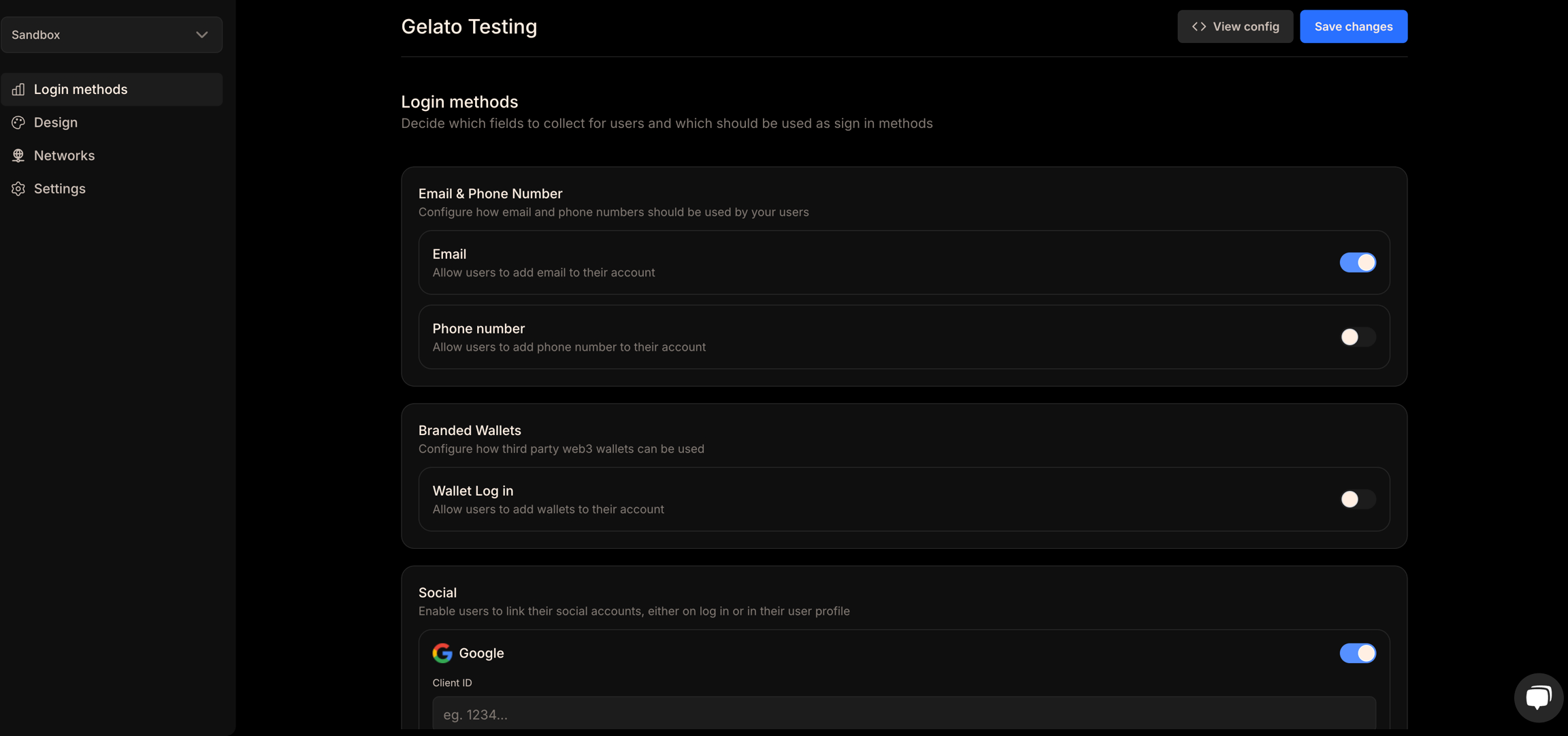
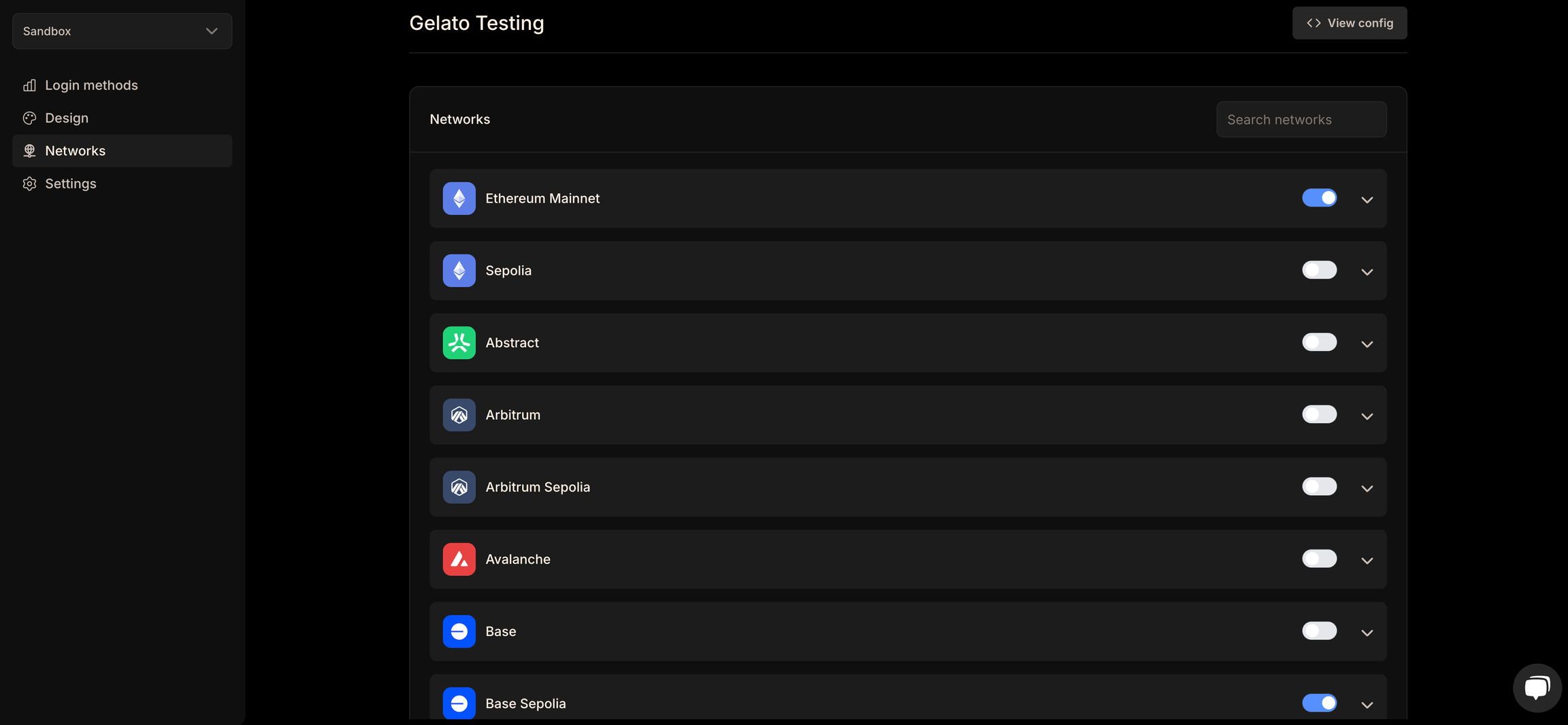
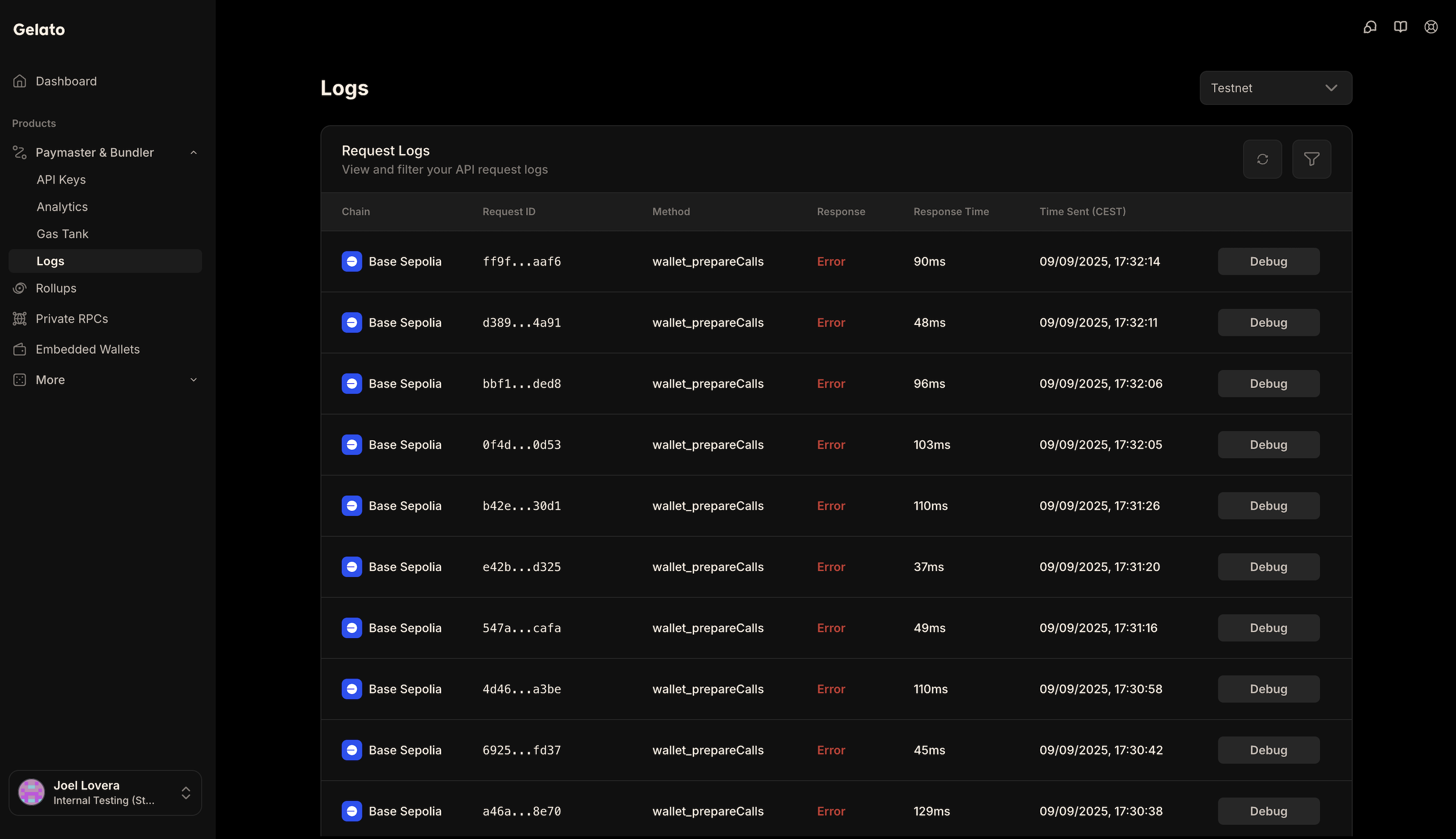
); }; ``` Execute transactions using different payment methods: ```typescript const results = await smartWalletClient?.execute({ payment: sponsored(), calls: [ { to: "0xa8851f5f279eD47a292f09CA2b6D40736a51788E", data: "0xd09de08a", value: 0n } ] }); ``` ```typescript const token = "0x036CbD53842c5426634e7929541eC2318f3dCF7e"; // USDC (Base Sepolia) const results = await smartWalletClient?.execute({ payment: erc20(token), calls: [ { to: "0xa8851f5f279eD47a292f09CA2b6D40736a51788E", data: "0xd09de08a", value: 0n, }, ], }); ``` ```typescript const results = await smartWalletClient?.execute({ payment: native(), calls: [ { to: "0xa8851f5f279eD47a292f09CA2b6D40736a51788E", data: "0xd09de08a", value: 0n, }, ], }); ``` ## Additional Resources - [Privy Documentation](https://docs.privy.io/) - [Implementation Code](https://github.com/gelatodigital/smartwallet/tree/master/plugins/react/privy/src) --- ## Dynamic **Path:** /smart-wallet-sdk/integration-guides/dynamic ## Installation ```bash npm npm install @gelatonetwork/smartwallet @dynamic-labs/sdk-react-core @dynamic-labs/ethereum @dynamic-labs/wagmi-connector @tanstack/react-query wagmi viem ``` ```bash yarn yarn add @gelatonetwork/smartwallet @dynamic-labs/sdk-react-core @dynamic-labs/ethereum @dynamic-labs/wagmi-connector @tanstack/react-query wagmi viem ``` ```bash pnpm pnpm install @gelatonetwork/smartwallet @dynamic-labs/sdk-react-core @dynamic-labs/ethereum @dynamic-labs/wagmi-connector @tanstack/react-query wagmi viem ``` ## Setup Instructions 1. Visit the [Dynamic Dashboard](https://app.dynamic.xyz/) 2. Create a new app or select an existing one 3. Enable the `Embedded Wallets` feature 4. Copy your Environment ID from the dashboard 1. Visit the [Gelato App](https://app.gelato.cloud/) 2. Navigate to `Paymaster & Bundler > API Keys` 3. Create a new API Key and select your required networks 4. Copy the generated API Key Create a `.env.local` file in your project root: ```bash NEXT_PUBLIC_DYNAMIC_APP_ID=your_dynamic_environment_id NEXT_PUBLIC_GELATO_API_KEY=your_gelato_api_key ``` ## Implementation ```typescript createGelatoSmartWalletClient, sponsored, } from "@gelatonetwork/smartwallet"; DynamicContextProvider, useDynamicContext, } from "@dynamic-labs/sdk-react-core"; prepareAuthorization, SignAuthorizationReturnType, } from "viem/actions"; ``` ```typescript const queryClient = new QueryClient(); export default function Providers({ children }: { children: React.ReactNode }) { return ( ); } ``` ```typescript const App = () => { const sendTransaction = async () => { const { primaryWallet, handleLogOut } = useDynamicContext(); if (!primaryWallet || !isEthereumWallet(primaryWallet)) { return; } const connector = primaryWallet.connector; if (!connector || !isDynamicWaasConnector(connector)) { return; } if (chain.id) { await primaryWallet.switchNetwork(chain.id); } const client = await primaryWallet.getWalletClient(); client.account.signAuthorization = async (parameters) => { const preparedAuthorization = await prepareAuthorization( client, parameters ); const signedAuthorization = await connector.signAuthorization( preparedAuthorization ); return { address: preparedAuthorization.address, chainId: preparedAuthorization.chainId, nonce: preparedAuthorization.nonce, r: signedAuthorization.r, s: signedAuthorization.s, v: signedAuthorization.v, yParity: signedAuthorization.yParity, } as SignAuthorizationReturnType; }; const smartWalletClient = await createGelatoSmartWalletClient(client, { apiKey: process.env.NEXT_PUBLIC_GELATO_API_KEY, scw: { type: "gelato" }, // use gelato, kernel, safe, or custom }); }; return (
); }; ``` Execute transactions using different payment methods: ```typescript const results = await smartWalletClient?.execute({ payment: sponsored(), calls: [ { to: "0xa8851f5f279eD47a292f09CA2b6D40736a51788E", data: "0xd09de08a", value: 0n, }, ], }); ``` ```typescript const token = "0x036CbD53842c5426634e7929541eC2318f3dCF7e"; // USDC (Base Sepolia) const results = await smartWalletClient?.execute({ payment: erc20(token), calls: [ { to: "0xa8851f5f279eD47a292f09CA2b6D40736a51788E", data: "0xd09de08a", value: 0n, }, ], }); ``` ```typescript const results = await smartWalletClient?.execute({ payment: native(), calls: [ { to: "0xa8851f5f279eD47a292f09CA2b6D40736a51788E", data: "0xd09de08a", value: 0n, }, ], }); ``` ## Additional Resources - [Dynamic Documentation](https://docs.dynamic.xyz/) - [Custom Networks](https://www.dynamic.xyz/docs/chains/adding-custom-networks#adding-custom-networks) - [Implementation Code](https://github.com/gelatodigital/smartwallet/tree/master/plugins/react/dynamic/src) --- ## Web3Auth **Path:** /smart-wallet-sdk/integration-guides/web3auth ## Installation ```bash npm npm install @web3auth/modal @tanstack/react-query viem ``` ```bash yarn yarn add @web3auth/modal @tanstack/react-query viem ``` ```bash pnpm pnpm install @web3auth/modal @tanstack/react-query viem ``` ## Setup Instructions 1. Visit the [Web3Auth Dashboard](https://dashboard.web3auth.io/) 2. Create a new project or select an existing one 3. Configure your project settings and authentication methods 4. Enable Smart Accounts 4. Copy your Client ID from project settings 1. Visit the [Gelato App](https://app.gelato.cloud/) 2. Navigate to `Paymaster & Bundler > API Keys` 3. Create a new API Key and select your required networks 4. Copy the generated API Key Create a `.env.local` file in your project root: ```bash NEXT_PUBLIC_CLIENT_ID=your_web3auth_client_id NEXT_PUBLIC_GELATO_API_KEY=your_gelato_api_key ``` ## Implementation ```typescript Web3AuthProvider, } from "@web3auth/modal/react"; ``` In the context configuration, add your network environment, network details, and smart account type. ```typescript const queryClient = new QueryClient(); const clientId = process.env.NEXT_PUBLIC_CLIENT_ID as string; const web3AuthContextConfig: Web3AuthContextConfig = { web3AuthOptions: { clientId, web3AuthNetwork: WEB3AUTH_NETWORK.SAPPHIRE_DEVNET, accountAbstractionConfig: { smartAccountType: "metamask", chains: [ { chainId: toHex(baseSepolia.id), bundlerConfig: { url: `https://api.gelato.digital/bundlers/${baseSepolia.id}/rpc?apiKey=${process.env.NEXT_PUBLIC_GELATO_API_KEY}&sponsored=true`, }, }, ], }, }, }; export function Providers() { return ( ); } ``` ```typescript function App() { const { web3Auth, status } = useWeb3Auth(); const { connect, loading, isConnected, error } = useWeb3AuthConnect(); const createBundlerClient = async () => { const accountAbstractionProvider = web3Auth?.accountAbstractionProvider; if (!accountAbstractionProvider) { console.error("Account abstraction provider not available"); return; } const bundlerClient = accountAbstractionProvider.bundlerClient; const smartAccount = accountAbstractionProvider.smartAccount; if (!bundlerClient || !smartAccount) { console.error("Bundler client or smart account not available"); return; } console.log("Bundler client:", bundlerClient); }; return (

Status: {status}

Loading: {loading ? "Yes" : "No"}

Is Connected: {isConnected ? "Yes" : "No"}

Error: {error ? error.message : "No error"}

); } ``` ```typescript const results = await bundlerClient.sendUserOperation({ calls: [{ to: "0xa8851f5f279eD47a292f09CA2b6D40736a51788E", data: "0xd09de08a", value: BigInt(0), }], maxFeePerGas: BigInt(0), maxPriorityFeePerGas: BigInt(0), account: smartAccount, }); console.log("User operation result:", results); ``` ## Additional Resources - [Web3Auth Documentation](https://web3auth.io/docs/) --- ## Turnkey **Path:** /smart-wallet-sdk/integration-guides/turnkey ## Installation ```bash npm npm install @gelatonetwork/smartwallet @turnkey/react-wallet-kit @turnkey/viem viem ``` ```bash yarn yarn add @gelatonetwork/smartwallet @turnkey/react-wallet-kit @turnkey/viem viem ``` ```bash pnpm pnpm install @gelatonetwork/smartwallet @turnkey/react-wallet-kit @turnkey/viem viem ``` ## Setup Instructions 1. Visit the [Turnkey Dashboard](https://app.turnkey.com/) 2. Create a new organization or select an existing one 3. Navigate to the organization settings 4. Copy your Organization ID from the dashboard 1. Navigate to the [Wallet Kit](https://app.turnkey.com/dashboard/walletKit) section in the Turnkey Dashboard and enable the Auth Proxy. 2. Customize auth methods such as email OTP and passkey. 3. Copy the Auth Proxy Config ID 1. Visit the [Gelato App](https://app.gelato.cloud/) 2. Navigate to `Paymaster & Bundler > API Keys` 3. Create a new API Key and select your required networks 4. Copy the generated API Key Create a `.env.local` file in your project root: ```bash NEXT_PUBLIC_ORGANIZATION_ID=your_turnkey_organization_id NEXT_PUBLIC_AUTH_PROXY_CONFIG_ID=your_auth_proxy_config_id NEXT_PUBLIC_GELATO_API_KEY=your_gelato_api_key ``` ## Implementation ```typescript createGelatoSmartWalletClient, sponsored, } from "@gelatonetwork/smartwallet"; TurnkeyProvider, TurnkeyProviderConfig, useTurnkey, } from "@turnkey/react-wallet-kit"; ``` ```typescript export function Providers({ children }: { children: React.ReactNode }) { const suborgParams = useMemo(() => { const ts = Date.now(); return { userName: `User-${ts}`, customWallet: { walletName: `Wallet-${ts}`, walletAccounts: [ { curve: "CURVE_SECP256K1", pathFormat: "PATH_FORMAT_BIP32", path: "m/44'/60'/0'/0/0", addressFormat: "ADDRESS_FORMAT_ETHEREUM", }, ], }, }; }, []); const turnkeyConfig: TurnkeyProviderConfig = { organizationId: process.env.NEXT_PUBLIC_ORGANIZATION_ID!, authProxyConfigId: process.env.NEXT_PUBLIC_AUTH_PROXY_CONFIG_ID!, auth: { createSuborgParams: { emailOtpAuth: suborgParams, smsOtpAuth: suborgParams, walletAuth: suborgParams, oauth: suborgParams, passkeyAuth: { ...suborgParams, passkeyName: "My Passkey", }, }, }, }; return ( console.error("Turnkey error:", error), }} > ); } ``` ```typescript export function createCustomAccount(account: LocalAccount): LocalAccount { return { ...account, signAuthorization: async (parameters: any) => { const authorization = await (account as any).signAuthorization( parameters ); return { ...authorization, yParity: Number(authorization.yParity), }; }, }; } ``` ```typescript export default function App() { const { handleLogin, wallets, httpClient } = useTurnkey(); const sendTransaction = async () => { const viemAccount = await createAccount({ client: httpClient as TurnkeySDKClientBase, organizationId: wallets[0].accounts[0].organizationId, signWith: wallets[0].accounts[0].address, }); const turnkeyAccount = createCustomAccount(viemAccount); const walletClient = createWalletClient({ account: turnkeyAccount, chain: baseSepolia, transport: http(), }); const smartWalletClient = await createGelatoSmartWalletClient( walletClient, { apiKey: process.env.NEXT_PUBLIC_GELATO_API_KEY!, scw: { type: "gelato" }, // use gelato, kernel, safe, or custom } ); }; function LoginButton() { return ; } return (
); } ``` Execute transactions using different payment methods: ```typescript const results = await smartWalletClient?.execute({ payment: sponsored(), calls: [ { to: "0xa8851f5f279eD47a292f09CA2b6D40736a51788E", data: "0xd09de08a", value: 0n, }, ], }); ``` ```typescript const token = "0x036CbD53842c5426634e7929541eC2318f3dCF7e"; // USDC (Base Sepolia) const results = await smartWalletClient?.execute({ payment: erc20(token), calls: [ { to: "0xa8851f5f279eD47a292f09CA2b6D40736a51788E", data: "0xd09de08a", value: 0n, }, ], }); ``` ```typescript const results = await smartWalletClient?.execute({ payment: native(), calls: [ { to: "0xa8851f5f279eD47a292f09CA2b6D40736a51788E", data: "0xd09de08a", value: 0n, }, ], }); ``` ## Additional Resources - [Turnkey Documentation](https://docs.turnkey.com/) - [Turnkey React Wallet Kit](https://docs.turnkey.com/sdks/react/index) --- ## Para **Path:** /smart-wallet-sdk/integration-guides/para ## Installation ```bash npm npm install @gelatonetwork/smartwallet @getpara/react-sdk @getpara/viem-v2-integration @tanstack/react-query viem ``` ```bash yarn yarn add @gelatonetwork/smartwallet @getpara/react-sdk @getpara/viem-v2-integration @tanstack/react-query viem ``` ```bash pnpm pnpm install @gelatonetwork/smartwallet @getpara/react-sdk @getpara/viem-v2-integration @tanstack/react-query viem ``` ## Setup Instructions 1. Visit the [Para Dashboard](https://developer.getpara.com/) 2. Create a new app or select an existing one 3. Copy your API Key from the dashboard 1. Visit the [Gelato App](https://app.gelato.cloud/) 2. Navigate to `Paymaster & Bundler > API Keys` 3. Create a new API Key and select your required networks 4. Copy the generated API Key Create a `.env.local` file in your project root: ```bash NEXT_PUBLIC_PARA_API_KEY=your_para_api_key NEXT_PUBLIC_GELATO_API_KEY=your_gelato_api_key ``` ## Implementation ```typescript createGelatoSmartWalletClient, sponsored, } from "@gelatonetwork/smartwallet"; ParaProvider, Environment, useClient, useModal, useWallet, } from "@getpara/react-sdk"; ``` ```typescript const queryClient = new QueryClient(); export default function Provider({ children }: { children: React.ReactNode }) { return ( ); } ``` ```typescript export default function App() { const para = useClient(); const { openModal } = useModal(); const { data: wallet } = useWallet(); const sendTransaction = async () => { try { if (!para) { throw new Error("Para client not available"); } const viemParaAccount = createParaAccount(para); if (!viemParaAccount) { throw new Error("Failed to create Para account"); } viemParaAccount.signMessage = async ({ message }) => { return customSignMessage(para, message); }; viemParaAccount.signAuthorization = async (authorization) => { return customSignAuthorization(para, authorization); }; viemParaAccount.signTypedData = async (typedData) => { return customSignTypedData(para, typedData); }; const publicClient = createPublicClient({ chain: sepolia, transport: http(""), }); const account = await gelato({ owner: viemParaAccount, client: publicClient, }); const walletClient = createWalletClient({ account: account, chain: sepolia, transport: http(), }); const smartWalletClient = await createGelatoSmartWalletClient( walletClient, { apiKey: process.env.NEXT_PUBLIC_GELATO_API_KEY, } ); } catch (error) { console.error("Client creation failed:", error); throw error; } }; return (

Connected: {wallet?.address}

); } ``` ```typescript Hash, SignableMessage, TypedDataDefinition, TypedData, } from "viem"; const SIGNATURE_LENGTH = 130; const V_OFFSET_FOR_ETHEREUM = 27; function hexStringToBase64(hex: string): string { const cleanHex = hex.startsWith("0x") ? hex.slice(2) : hex; const bytes = Buffer.from(cleanHex, "hex"); return bytes.toString("base64"); } function parseSignature(signature: string): { r: string; s: string; v: number; } { const cleanSig = signature.startsWith("0x") ? signature.slice(2) : signature; if (cleanSig.length !== SIGNATURE_LENGTH) { throw new Error( `Invalid signature length: expected ${SIGNATURE_LENGTH} hex chars, got ${cleanSig.length}` ); } const r = cleanSig.slice(0, 64); const s = cleanSig.slice(64, 128); const vHex = cleanSig.slice(128, 130); const v = parseInt(vHex, 16); if (isNaN(v)) { throw new Error(`Invalid v value in signature: ${vHex}`); } return { r, s, v }; } async function signWithPara( para: ParaWeb, hash: Hash, adjustV: boolean = true ): Promise { const wallet = para.getWalletsByType("EVM")[0]; if (!wallet) { throw new Error("Para wallet not available for signing"); } const messagePayload = hash.startsWith("0x") ? hash.substring(2) : hash; const messageBase64 = hexStringToBase64(messagePayload); const response = await para.signMessage({ walletId: wallet.id, messageBase64, }); if (!("signature" in response)) { throw new Error(`Signature failed: ${JSON.stringify(response)}`); } let signature = (response as SuccessfulSignatureRes).signature; const { v } = parseSignature(signature); if (adjustV && v < 27) { const adjustedV = (v + V_OFFSET_FOR_ETHEREUM).toString(16).padStart(2, "0"); signature = signature.slice(0, -2) + adjustedV; } return `0x${signature}`; } export async function customSignMessage( para: ParaWeb, message: SignableMessage ): Promise { const hashedMessage = hashMessage(message); return signWithPara(para, hashedMessage, true); } export async function customSignAuthorization( para: ParaWeb, authorization: any ): Promise { const address = (authorization.address || authorization.contractAddress) as `0x${string}`; if (!address) { throw new Error("Authorization must include address or contractAddress"); } const authorizationHash = hashAuthorization({ address, chainId: authorization.chainId, nonce: authorization.nonce, }); const fullSignature = await signWithPara(para, authorizationHash, false); const { r, s, v } = parseSignature(fullSignature); if (v !== 0 && v !== 1) { throw new Error(`Invalid v value for EIP-7702: ${v}. Expected 0 or 1`); } return { address, chainId: Number(authorization.chainId), nonce: Number(authorization.nonce), r: `0x${r}`, s: `0x${s}`, yParity: v as 0 | 1, v: BigInt(v), }; } export async function customSignTypedData< const typedData extends TypedData | Record, primaryType extends keyof typedData | "EIP712Domain" = keyof typedData >( para: ParaWeb, parameters: TypedDataDefinition ): Promise { const typedDataHash = hashTypedData(parameters); return signWithPara(para, typedDataHash, true); } ``` Execute transactions using different payment methods: ```typescript const results = await smartWalletClient?.execute({ payment: sponsored(), calls: [ { to: "0xa8851f5f279eD47a292f09CA2b6D40736a51788E", data: "0xd09de08a", value: 0n } ] }); ``` ```typescript const token = "0x036CbD53842c5426634e7929541eC2318f3dCF7e"; // USDC (Base Sepolia) const results = await smartWalletClient?.execute({ payment: erc20(token), calls: [ { to: "0xa8851f5f279eD47a292f09CA2b6D40736a51788E", data: "0xd09de08a", value: 0n, }, ], }); ``` ```typescript const results = await smartWalletClient?.execute({ payment: native(), calls: [ { to: "0xa8851f5f279eD47a292f09CA2b6D40736a51788E", data: "0xd09de08a", value: 0n, }, ], }); ``` ## Additional Resources - [Para Documentation](https://docs.getpara.com/v2/) --- ## Coinbase **Path:** /smart-wallet-sdk/integration-guides/coinbase ## Installation ```bash npm npm install @coinbase/cdp-react @coinbase/cdp-hooks @coinbase/cdp-core viem ``` ```bash yarn yarn add @coinbase/cdp-react @coinbase/cdp-hooks @coinbase/cdp-core viem ``` ```bash pnpm pnpm install @coinbase/cdp-react @coinbase/cdp-hooks @coinbase/cdp-core viem ``` ## Setup Instructions 1. Visit the [Coinbase CDP Portal](https://portal.cdp.coinbase.com/) 2. Create a new project or select an existing one 3. Configure your project settings 4. Copy your Project ID from project settings 1. Visit the [Gelato App](https://app.gelato.cloud/) 2. Navigate to `Paymaster & Bundler > API Keys` 3. Create a new API Key and select your required networks 4. Copy the generated API Key Create a `.env.local` file in your project root: ```bash NEXT_PUBLIC_PROJECT_ID=your_coinbase_cdp_project_id NEXT_PUBLIC_GELATO_API_KEY=your_gelato_api_key ``` ## Implementation ```typescript createBundlerClient, toCoinbaseSmartAccount, } from "viem/account-abstraction"; ``` Set up the CDP React Provider in your app: ```typescript "use client"; function Providers({ children }: { children: React.ReactNode }) { return ( {children} ); } ``` Set up your component to use Coinbase CDP hooks and create a bundler client: ```typescript "use client"; createBundlerClient, toCoinbaseSmartAccount, } from "viem/account-abstraction"; export default function Home() { const { evmAddress } = useEvmAddress(); const { currentUser } = useCurrentUser(); const createAccount = async () => { if (!currentUser?.evmAccounts) return; const viemAccount = await toViemAccount(currentUser?.evmAccounts[0]); const client = createPublicClient({ chain: baseSepolia, transport: http(), }); const account = await toCoinbaseSmartAccount({ client, owners: [viemAccount], version: "1.1", }); const bundlerClient = createBundlerClient({ client: client, transport: http( `https://api.gelato.digital/bundlers/${baseSepolia.id}/rpc?apiKey=${process.env.NEXT_PUBLIC_GELATO_API_KEY}&sponsored=true` ), }); console.log("Bundler client created:", bundlerClient); console.log("Smart account address:", account.address); }; return (
{evmAddress}
); } ``` Send sponsored user operations using the bundler client: ```typescript const sendUserOperation = async () => { const response = await bundlerClient.sendUserOperation({ account, calls: [ { to: account.address, value: BigInt(0), data: "0x", }, ], maxFeePerGas: BigInt(0), maxPriorityFeePerGas: BigInt(0), }); console.log("User operation response:", response); }; ``` ## Additional Resources - [Coinbase Documentation](https://docs.cdp.coinbase.com/) - [Viem Documentation](https://viem.sh/) --- ## Overview **Path:** /smart-wallet-sdk/how-to-guides/overview ## Template & Examples Check out the full example code for implementing the Gasless SDK. > Note: The examples are pre-configured for `baseSepolia`, but you can easily switch to other supported networks. ### Setup Instructions ```bash git clone https://github.com/gelatodigital/smartwallet cd smartwallet/examples ``` ```bash cp .env.example .env ``` Create a API Key using the [Gelato App](https://app.gelato.cloud/). Paste the key into your `.env` file. Check out the How-To Guides [here](/smart-wallet-sdk/how-to-guides/create-a-api-key). You can either include your private key in the `.env` file, or leave it empty—example files will automatically generate a random private key if none is provided. ```bash PRIVATE_KEY=your_private_key_here ``` ```bash pnpm install ``` **Sponsored Transactions:** ```bash pnpm sponsored ``` **ERC20 Gas Payments:** ```bash pnpm erc20 ``` **Native Gas Payments:** ```bash pnpm native ``` **Estimate Gas:** ```bash pnpm estimate ``` **Kernel Smart Account Transactions:** ```bash pnpm kernel-sponsored ``` **Safe Smart Account Transactions:** ```bash pnpm safe-sponsored ``` Not using templates? Prefer a step-by-step approach? Up next: How-To Guides for implementing the Gasless SDK use cases step-by-step. ## Installation ```bash npm npm install @gelatonetwork/smartwallet viem ``` ```bash yarn yarn add @gelatonetwork/smartwallet viem ``` ```bash pnpm pnpm install @gelatonetwork/smartwallet viem ``` Check out the NPM package for the Gelato Smart Wallets SDK. Depending on your target use case, choose from the guides below that best match your desired destination or integration flow. - [Creating API Keys](/smart-wallet-sdk/how-to-guides/create-a-api-key) : Create a API key to kickstart your Smart Wallet journey. - [Sponsoring gas for users](/smart-wallet-sdk/how-to-guides/sponsor-gas) : A third-party sponsor (Gas Tank) covers the gas fees, allowing users to transact without holding any native tokens. - [Allowing users to pay gas with their ERC20 tokens](/smart-wallet-sdk/how-to-guides/allow-user-to-pay-with-erc20) : Users can pay gas fees using supported ERC-20 tokens, eliminating the need to acquire native tokens. - [Allowing users to pay gas with their Native tokens](/smart-wallet-sdk/how-to-guides/allow-user-to-pay-with-native) : Users cover gas fees directly using native tokens like ETH—the default and most widely supported method. - [Using Dynamic/Privy as wallet providers with React SDK](/smart-wallet-sdk/embedded-wallets/use-dynamic-signers) : Users can interact with applications using email, phone, or social logins through wallet providers like Dynamic and Privy, enjoying full dApp functionality with a seamless Web2-like experience. - [Estimating Gas before sending transactions on-chain](/smart-wallet-sdk/how-to-guides/estimate-gas) : Developers can simulate transactions to estimate gas costs in advance, improving reliability and user experience. --- ## Create a API Key **Path:** /smart-wallet-sdk/how-to-guides/create-a-api-key Sign up on the [Gelato App](https://app.gelato.cloud/) to establish an account. Within your Gelato account, Navigate to `Paymaster & Bundler > API Keys` to create a new API Key. While creating the key, make sure to configure the environment as either Mainnet or Testnet, depending on your use case. After creating the API Key, navigate to its dashboard to locate your API Key. Gelato API Keys now supports API key rotation, allowing users to create and delete API keys. This helps prevent unauthorized usage in case an API key is exposed. `Activate` your API key by allowing access to `all contracts` on a network, or restrict it to `specific contracts` or `specific functions` in policies section. Here, you can configure different networks. For each network, you can choose to allow access to all target contracts or limit it to selected contracts or specific functions. Before you can start sponsoring gas with Gas Tank, you need to setup your Gas Tank. Check out our [Guide](/paymaster-&-bundler/gastank/setting-up-gastank) for detailed instructions on setting up your Gas Tank. For `Sponsorship` purposes, add funds to your Gas Tank account according to your target environment: - **Mainnets**: Deposit USDC. - **Testnets**: Deposit Sepolia ETH. Since Gas Tank is deployed on Polygon, you can deposit USDC in one step, and deposits from other networks are supported via Circle CCTP. Learn [more](/paymaster-&-bundler/gastank/introduction). --- ## Sponsor Gas for your users **Path:** /smart-wallet-sdk/how-to-guides/sponsor-gas Sponsoring gas for users is one of the most effective ways to enhance the user experience in dApps. With the Gelato Gasless SDK, developers can easily set up sponsored transactions for their applications in just a few simple steps, enabling seamless onboarding and interaction without requiring users to hold native tokens. ## Getting Started ```typescript import { createGelatoSmartWalletClient, sponsored } from "@gelatonetwork/smartwallet"; import { gelato, kernel, safe, metamask } from "@gelatonetwork/smartwallet/accounts"; import { createWalletClient, createPublicClient, http, type Hex } from "viem"; import { generatePrivateKey, privateKeyToAccount } from "viem/accounts"; ``` You can set up a Smart Account as per your needs. In the case of ```Gelato```, the Gelato Smart Account address will be the same as your EOA, enabling EIP-7702 features.

When using a ```Kernel``` Account, you have the option to use EIP-7702 and ERC-4337 together. Setting ```eip7702``` parameter to true will make your EOA the sender address. However, if you want to utilize existing Kernel accounts only with ERC-4337 features, set it to false.

For a ```Safe``` Account, it defaults to the ERC-4337 standard. You can either use an already deployed Safe Account or create a new one, while enhancing the experience with Gelato's best-in-class infrastructure. ```typescript const privateKey = (process.env.PRIVATE_KEY ?? generatePrivateKey()) as Hex; const owner = privateKeyToAccount(privateKey); const publicClient = createPublicClient({ chain: baseSepolia, transport: http(), }); const account = await gelato({ owner, client: publicClient, }); ``` ```typescript const privateKey = (process.env.PRIVATE_KEY ?? generatePrivateKey()) as Hex; const owner = privateKeyToAccount(privateKey); const publicClient = createPublicClient({ chain: baseSepolia, transport: http(), }); const account = await kernel({ owner, client: publicClient, eip7702: false, // set to true if you want to use EIP-7702 with ERC-4337 }); ``` ```typescript const privateKey = (process.env.PRIVATE_KEY ?? generatePrivateKey()) as Hex; const owner = privateKeyToAccount(privateKey); const publicClient = createPublicClient({ chain: baseSepolia, transport: http(), }); const account = await safe({ client: publicClient, owners: [owner], version: "1.4.1", }); ``` ```typescript const privateKey = (process.env.PRIVATE_KEY ?? generatePrivateKey()) as Hex; const owner = privateKeyToAccount(privateKey); const publicClient = createPublicClient({ chain: baseSepolia, transport: http(), }); const account = await metamask({ owner, client: publicClient, }); ``` Quickly get started by creating a wallet client using ```createWalletClient``` from ```viem``` with local account for your specified network. Checkout supported networks [here](/smart-wallet-sdk/additional-resources/supported-networks). ```typescript const client = createWalletClient({ account, chain: baseSepolia, transport: http() }); ``` To create a API Key, visit the [Gelato App](https://app.gelato.cloud/) and navigate to the `Paymaster & Bundler > API Keys` section. Create a new API Key, select the required networks, and copy the generated API Key.

For detailed instructions, click [here](/smart-wallet-sdk/how-to-guides/create-a-api-key) to learn more about creating a API Key. ```typescript const smartWalletClient = createGelatoSmartWalletClient(client, { apiKey }); ``` To send sponsored transactions, select Sponsored as the payment method: ```typescript const results = await smartWalletClient.execute({ payment: sponsored(apiKey), calls: [ { to: "0xa8851f5f279eD47a292f09CA2b6D40736a51788E", data: "0xd09de08a", value: 0n } ] }); console.log("userOp hash:", results?.id); const txHash = await results?.wait(); console.log("transaction hash", txHash); ``` You can batch multiple transactions to be sent on-chain at once by adding them to the calls array: ```typescript const results = await smartWalletClient.execute({ payment: sponsored(), calls: [ { to: "0xa8851f5f279eD47a292f09CA2b6D40736a51788E", data: "0xd09de08a", value: 0n }, { to: "0xa8851f5f279eD47a292f09CA2b6D40736a51788E", data: "0xd09de08a", value: 0n }, { to: "0xa8851f5f279eD47a292f09CA2b6D40736a51788E", data: "0xd09de08a", value: 0n } ] }); ``` ## Sponsor Gas Playground ## Additional Resources - Check out the full implementation of sponsored transactions using [Gelato Wallets](https://github.com/gelatodigital/smartwallet/tree/master/examples/sponsored/src/index.ts), [Kernel Wallets](https://github.com/gelatodigital/smartwallet/tree/master/examples/kernel-sponsored/src/index.ts), [Safe Wallets](https://github.com/gelatodigital/smartwallet/tree/master/examples/safe-sponsored/src/index.ts) and [Metamask Wallets](https://github.com/gelatodigital/smartwallet/tree/master/examples/metamask-sponsored/src/index.ts). --- ## Pay Gas with ERC-20 Tokens **Path:** /smart-wallet-sdk/how-to-guides/allow-user-to-pay-with-erc20 Enabling users to pay gas fees with ERC-20 tokens enhances the user experience by removing the need to hold native tokens like ETH. This is especially useful for onboarding users who primarily hold stable coins or other ERC-20 assets. ## Getting Started ```typescript import { createGelatoSmartWalletClient, erc20 } from "@gelatonetwork/smartwallet"; import { gelato, kernel, safe, metamask } from "@gelatonetwork/smartwallet/accounts"; import { createWalletClient, createPublicClient, http, type Hex } from "viem"; import { generatePrivateKey, privateKeyToAccount } from "viem/accounts"; ``` You can set up a Smart Account as per your needs. In the case of ```Gelato```, the Gelato Smart Account address will be the same as your EOA, enabling EIP-7702 features.

When using a ```Kernel``` Account, you have the option to use EIP-7702 and ERC-4337 together. Setting ```eip7702``` parameter to true will make your EOA the sender address. However, if you want to utilize existing Kernel accounts only with ERC-4337 features, set it to false.

For a ```Safe``` Account, it defaults to the ERC-4337 standard. You can either use an already deployed Safe Account or create a new one, while enhancing the experience with Gelato's best-in-class infrastructure. ```typescript const privateKey = (process.env.PRIVATE_KEY ?? generatePrivateKey()) as Hex; const owner = privateKeyToAccount(privateKey); const publicClient = createPublicClient({ chain: baseSepolia, transport: http(), }); const account = await gelato({ owner, client: publicClient, }); ``` ```typescript const privateKey = (process.env.PRIVATE_KEY ?? generatePrivateKey()) as Hex; const owner = privateKeyToAccount(privateKey); const publicClient = createPublicClient({ chain: baseSepolia, transport: http(), }); const account = await kernel({ owner, client: publicClient, eip7702: false, // set to true if you want to use EIP-7702 with ERC-4337 }); ``` ```typescript const privateKey = (process.env.PRIVATE_KEY ?? generatePrivateKey()) as Hex; const owner = privateKeyToAccount(privateKey); const publicClient = createPublicClient({ chain: baseSepolia, transport: http(), }); const account = await safe({ client: publicClient, owners: [owner], version: "1.4.1", }); ``` ```typescript const privateKey = (process.env.PRIVATE_KEY ?? generatePrivateKey()) as Hex; const owner = privateKeyToAccount(privateKey); const publicClient = createPublicClient({ chain: baseSepolia, transport: http(), }); const account = await metamask({ owner, client: publicClient, }); ``` Quickly get started by creating a wallet client using ```createWalletClient``` from ```viem``` with local account for your specified network. Checkout supported networks [here](/smart-wallet-sdk/additional-resources/supported-networks). ```typescript const client = createWalletClient({ account, chain: baseSepolia, transport: http() }); ``` To initialize a Smart Wallet Client, you can use the ```createGelatoSmartWalletClient``` method. ```typescript const smartWalletClient = createGelatoSmartWalletClient(client); ``` To send transactions with ERC-20 gas payments, select ERC20 as the payment method and use one of the supported tokens for gas fees. You can check the list of supported ERC-20 tokens [here](/smart-wallet-sdk/additional-resources/erc20-payment-tokens). ```typescript const tokenAddress = "0x036CbD53842c5426634e7929541eC2318f3dCF7e"; // USDC (Base Sepolia) const results = await smartWalletClient.execute({ payment: erc20(tokenAddress), calls: [ { to: "0xa8851f5f279eD47a292f09CA2b6D40736a51788E", data: "0xd09de08a", value: 0n } ] }); console.log("userOp hash:", results?.id); const txHash = await results?.wait(); console.log("transaction hash", txHash); ``` You can batch multiple transactions to be sent on-chain at once by adding them to the calls array: ```typescript const results = await smartWalletClient.execute({ payment: erc20(tokenAddress), calls: [ { to: "0xa8851f5f279eD47a292f09CA2b6D40736a51788E", data: "0xd09de08a", value: 0n }, { to: "0xa8851f5f279eD47a292f09CA2b6D40736a51788E", data: "0xd09de08a", value: 0n }, { to: "0xa8851f5f279eD47a292f09CA2b6D40736a51788E", data: "0xd09de08a", value: 0n } ] }); ``` ## ERC20 Gas Payment Playground ## Additional Resources - Check out the full implementation of ERC-20 gas payments using [Gelato Wallets](https://github.com/gelatodigital/smartwallet/tree/master/examples/erc20/src/index.ts). --- ## Pay Gas with Native Tokens **Path:** /smart-wallet-sdk/how-to-guides/allow-user-to-pay-with-native Paying gas fees with native tokens like ETH remains the standard approach across most blockchains. It's deeply integrated into the protocol and offers the most direct and compatible method for covering transaction costs. ## Getting Started ```typescript import { createGelatoSmartWalletClient, native } from "@gelatonetwork/smartwallet"; import { gelato, kernel, safe, metamask } from "@gelatonetwork/smartwallet/accounts"; import { createWalletClient, createPublicClient, http, type Hex } from "viem"; import { generatePrivateKey, privateKeyToAccount } from "viem/accounts"; ``` You can set up a Smart Account as per your needs. In the case of ```Gelato```, the Gelato Smart Account address will be the same as your EOA, enabling EIP-7702 features.

When using a ```Kernel``` Account, you have the option to use EIP-7702 and ERC-4337 together. Setting ```eip7702``` parameter to true will make your EOA the sender address. However, if you want to utilize existing Kernel accounts only with ERC-4337 features, set it to false.

For a ```Safe``` Account, it defaults to the ERC-4337 standard. You can either use an already deployed Safe Account or create a new one, while enhancing the experience with Gelato's best-in-class infrastructure. ```typescript const privateKey = (process.env.PRIVATE_KEY ?? generatePrivateKey()) as Hex; const owner = privateKeyToAccount(privateKey); const publicClient = createPublicClient({ chain: baseSepolia, transport: http(), }); const account = await gelato({ owner, client: publicClient, }); ``` ```typescript const privateKey = (process.env.PRIVATE_KEY ?? generatePrivateKey()) as Hex; const owner = privateKeyToAccount(privateKey); const publicClient = createPublicClient({ chain: baseSepolia, transport: http(), }); const account = await kernel({ owner, client: publicClient, eip7702: false, // set to true if you want to use EIP-7702 with ERC-4337 }); ``` ```typescript const privateKey = (process.env.PRIVATE_KEY ?? generatePrivateKey()) as Hex; const owner = privateKeyToAccount(privateKey); const publicClient = createPublicClient({ chain: baseSepolia, transport: http(), }); const account = await safe({ client: publicClient, owners: [owner], version: "1.4.1", }); ``` ```typescript const privateKey = (process.env.PRIVATE_KEY ?? generatePrivateKey()) as Hex; const owner = privateKeyToAccount(privateKey); const publicClient = createPublicClient({ chain: baseSepolia, transport: http(), }); const account = await metamask({ owner, client: publicClient, }); ``` Quickly get started by creating a wallet client using ```createWalletClient``` from ```viem``` with local account for your specified network. Checkout supported networks [here](/smart-wallet-sdk/additional-resources/supported-networks). ```typescript const client = createWalletClient({ account, chain: baseSepolia, transport: http() }); ``` To initialize a Smart Wallet Client, you can use the ```createGelatoSmartWalletClient``` method. ```typescript const smartWalletClient = createGelatoSmartWalletClient(client); ``` To send transactions with native gas payments, select native as the payment method. The native token will be used to pay for gas fees. ```typescript const results = await smartWalletClient.execute({ payment: native(), calls: [ { to: "0xa8851f5f279eD47a292f09CA2b6D40736a51788E", data: "0xd09de08a", value: 0n } ] }); console.log("userOp hash:", results?.id); const txHash = await results?.wait(); console.log("transaction hash", txHash); ``` You can batch multiple transactions to be sent on-chain at once by adding them to the calls array: ```typescript const results = await smartWalletClient.execute({ payment: native(), calls: [ { to: "0xa8851f5f279eD47a292f09CA2b6D40736a51788E", data: "0xd09de08a", value: 0n }, { to: "0xa8851f5f279eD47a292f09CA2b6D40736a51788E", data: "0xd09de08a", value: 0n }, { to: "0xa8851f5f279eD47a292f09CA2b6D40736a51788E", data: "0xd09de08a", value: 0n } ] }); ``` ## Native Gas Payment Playground ## Additional Resources - Check out the full implementation of native gas payments using [Gelato Wallets](https://github.com/gelatodigital/smartwallet/tree/master/examples/native/src/index.ts). --- ## Batching Transactions **Path:** /smart-wallet-sdk/how-to-guides/batching-transactions Batching transactions involves combining multiple operations into a single transaction. This approach can greatly simplify Web3 interactions for users. For example, instead of first staking tokens and then claiming rewards in two separate transactions, a user can perform both actions at once in a single transaction. ## Getting Started ```typescript import { createGelatoSmartWalletClient, sponsored } from "@gelatonetwork/smartwallet"; import { gelato, kernel, safe, metamask } from "@gelatonetwork/smartwallet/accounts"; import { createWalletClient, createPublicClient, http, type Hex } from "viem"; import { generatePrivateKey, privateKeyToAccount } from "viem/accounts"; ``` You can set up a Smart Account as per your needs. In the case of ```Gelato```, the Gelato Smart Account address will be the same as your EOA, enabling EIP-7702 features.

When using a ```Kernel``` Account, you have the option to use EIP-7702 and ERC-4337 together. Setting ```eip7702``` parameter to true will make your EOA the sender address. However, if you want to utilize existing Kernel accounts only with ERC-4337 features, set it to false.

For a ```Safe``` Account, it defaults to the ERC-4337 standard. You can either use an already deployed Safe Account or create a new one, while enhancing the experience with Gelato's best-in-class infrastructure. ```typescript const privateKey = (process.env.PRIVATE_KEY ?? generatePrivateKey()) as Hex; const owner = privateKeyToAccount(privateKey); const publicClient = createPublicClient({ chain: baseSepolia, transport: http(), }); const account = await gelato({ owner, client: publicClient, }); ``` ```typescript const privateKey = (process.env.PRIVATE_KEY ?? generatePrivateKey()) as Hex; const owner = privateKeyToAccount(privateKey); const publicClient = createPublicClient({ chain: baseSepolia, transport: http(), }); const account = await kernel({ owner, client: publicClient, eip7702: false, // set to true if you want to use EIP-7702 with ERC-4337 }); ``` ```typescript const privateKey = (process.env.PRIVATE_KEY ?? generatePrivateKey()) as Hex; const owner = privateKeyToAccount(privateKey); const publicClient = createPublicClient({ chain: baseSepolia, transport: http(), }); const account = await safe({ client: publicClient, owners: [owner], version: "1.4.1", }); ``` ```typescript const privateKey = (process.env.PRIVATE_KEY ?? generatePrivateKey()) as Hex; const owner = privateKeyToAccount(privateKey); const publicClient = createPublicClient({ chain: baseSepolia, transport: http(), }); const account = await metamask({ owner, client: publicClient, }); ``` Quickly get started by creating a wallet client using ```createWalletClient``` from ```viem``` with local account for your specified network. Checkout supported networks [here](/smart-wallet-sdk/additional-resources/supported-networks). ```typescript const client = createWalletClient({ account, chain: baseSepolia, transport: http() }); ``` To create a API Key, visit the [Gelato App](https://app.gelato.cloud/) and navigate to the `Paymaster & Bundler > API Keys` section. Create a new API Key, select the required networks, and copy the generated API Key.

For detailed instructions, click [here](/smart-wallet-sdk/how-to-guides/create-a-api-key) to learn more about creating a API Key. ```typescript const smartWalletClient = createGelatoSmartWalletClient(client, { apiKey }); ``` You can batch multiple transactions to be sent on-chain at once by adding them to the calls array: ```typescript const results = await smartWalletClient.execute({ payment: sponsored(), calls: [ { to: "", data: encodeFunctionData({ abi: tokenAbi, functionName: "approve", args: [targetContractAddress, amount] }), value: 0n }, { to: "", data: encodeFunctionData({ abi: targetContractAbi, functionName: "stake", args: [amount] }), value: 0n }, { to: "", data: encodeFunctionData({ abi: targetContractAbi, functionName: "claimRewards", args: [] }), value: 0n } ] }); ``` --- ## Estimate Gas Costs **Path:** /smart-wallet-sdk/how-to-guides/estimate-gas One of the key features of the Gasless SDK is its ability to estimate gas costs before sending a transaction on-chain—across different gas payment methods. Gas estimation is crucial for ensuring transactions are processed smoothly and efficiently. It helps developers and users avoid failed transactions due to underpayment and provides better transparency into the expected cost of execution, improving both reliability and user experience. ## Getting Started Quickly set up the Smart Wallet client as outlined in the How-To Guides. ```typescript import { createGelatoSmartWalletClient, sponsored } from "@gelatonetwork/smartwallet"; import { createWalletClient, createPublicClient, http } from "viem"; import { gelato } from "@gelatonetwork/smartwallet/accounts"; import { generatePrivateKey, privateKeyToAccount } from "viem/accounts"; const privateKey = (process.env.PRIVATE_KEY ?? generatePrivateKey()) as Hex; const signer = privateKeyToAccount(privateKey); const publicClient = createPublicClient({ chain: baseSepolia, transport: http(), }); const account = await gelato({ owner: signer, client: publicClient, }); const client = createWalletClient({ account, chain: baseSepolia, transport: http() }); const smartWalletClient = createGelatoSmartWalletClient(client); ``` Use `estimate` instead of `execute` when estimating gas for transactions with different gas payment methods. Note: When estimating gas for ERC-20 tokens, the results will be based on the token's decimals. Ensure you format the results accordingly. Learn how to use different gas payment methods [here](/smart-wallet-sdk/how-to-guides/allow-user-to-pay-with-erc20). ```typescript const results = await smartWalletClient.estimate({ payment: sponsored(apiKey), calls: [ { to: "0xa8851f5f279eD47a292f09CA2b6D40736a51788E", data: "0xd09de08a", value: 0n } ] }); console.log(`Estimated fee: ${formatEther(results.fee.amount)} ETH`); console.log(`Estimated gas: ${results.fee.gas} GAS`); ``` You can also estimate gas for multiple transactions by adding them to the calls array: ```typescript const results = await smartWalletClient.estimate({ payment: sponsored(apiKey), calls: [ { to: "0xa8851f5f279eD47a292f09CA2b6D40736a51788E", data: "0xd09de08a", value: 0n }, { to: "0xa8851f5f279eD47a292f09CA2b6D40736a51788E", data: "0xd09de08a", value: 0n } ] }); console.log(`Estimated fee: ${formatEther(results.fee.amount)} ETH`); console.log(`Estimated gas: ${results.fee.gas} GAS`); ``` ## Additional Resources - Check out the full example code for estimating gas for sponsored transactions [here](https://github.com/gelatodigital/smartwallet/blob/master/examples/estimates/src/index.ts). --- ## Track & Debug Requests **Path:** /smart-wallet-sdk/how-to-guides/tracking-gelato-request We’ve introduced [UI Logs](https://app.gelato.cloud/logs) for Gasless SDK requests! - You can now track all your requests directly in the dashboard, and easily **debug failed requests** using built-in Tenderly simulations. - Additionally, you can view details such as **response time, request body, response body**, and more. ## Debugging Failed Requests Using UI Logs You can use the **UI logs** to debug failed requests directly from the Gelato app. These logs are available in the [Paymaster & Bundler](https://app.gelato.cloud/logs) section of the dashboard. Gasless SDK Logs This debug feature is currently available only for `wallet_preparedCalls` endpoint of Gasless SDK. ### Steps to Debug 1. Go to the **logs** section and locate your failed `wallet_preparedCalls` request. 2. On the right side of the log entry, click the **Debug** button. 3. A new option, **View Debug**, will appear. Click it. 4. This will open a **Tenderly simulation**, which you can use to analyze and debug the failed request. ## Using Status API In any of the payment methods, when using `Gasless SDK`, if you call the `wallet_sendPreparedCalls` API endpoint, the returned `Id` can also be used to track the status of the request through Gelato’s infrastructure like this: ```bash curl -X GET https://api.gelato.digital/tasks/status/{Id} ``` Additionally, you can debug the request using the `status` API on Tenderly like this: You can make use of the debug endpoint by adding the following parameters: - `tenderlyUsername` - `tenderlyProjectName` The request URL should look like this: ```bash curl -X GET https://api.gelato.digital/tasks/status/{Id}/debug?tenderlyUsername={yourUserName}&tenderlyProjectName={yourProjectName} ``` After running the above command, you can use the link of tenderly simulation in the response to debug the UserOperation. ## Using WebSocket API Additionally, you can also use the `WebSocket` API to subscribe to the status updates of the request like this: You can interact with the websocket API directly by connecting to this endpoint: ``` wss://api.gelato.digital/tasks/ws/status ``` Once connected, you can subscribe to updates using Id of your submitted requests by sending messages like this: ```json { "action": "subscribe", "taskId": "0x..." // paste your Id here } ``` To unsubscribe from updates: ```json { "action": "unsubscribe", "taskId": "0x..." // paste your Id here } ``` --- ## Applied Use Cases: Morpho Demo **Path:** /smart-wallet-sdk/how-to-guides/applied-use-cases-morpho-demo Integrate crypto-backed loans into your app using Gelato’s Gasless SDK and Morpho’s lending protocol. This guide walks you through setting up embedded wallet onboarding and implementing both the Supply/Earn and Borrow flows. This guide assumes you're using React + TypeScript. ## Smart Wallet Onboarding Setup Before users can supply or borrow assets, they must onboard into a Smart Wallet via a frictionless embedded flow. Powered by Gelato’s SDK and Dynamic, users can create smart accounts using just their email, social login, or passkeys — no browser extensions or seed phrases needed. ### Key Features of Embedded Wallets - EIP-7702 & ERC-4337 compliant - Supports gasless transactions (sponsored execution) - Runs across 50+ EVM chains - Session-based login — no need to reconnect every time Smart Wallet Onboarding ### Code Snippet Embed the following setup within your app to configure the provider: ```typescript {children} ``` This context enables smart wallet access throughout your app, setting up: - Wallet creation and session - Transaction preparation and sending - Provider availability across your components ```typescript const { gelato: { client }, logout} = useGelatoSmartWalletProviderContext(); ``` ## Part 1: Supply & Earn Allow users to supply assets (e.g., USDC) and earn yield in Morpho’s vaults — fully onchain, without user signatures or gas fees. ### Flow Overview - Approve vault to spend USDC - Deposit USDC to Morpho vault - Optionally, record stats to external tracking contract Supply & Earn Flow ### Code Snippet ```typescript const calls = [ { to: USDC_ADDRESS, data: encodeFunctionData({ abi: tokenABI, functionName: "approve", args: [MORPHO_VAULT_ADDRESS, parseUnits(amount, 6)], }), }, { to: MORPHO_VAULT_ADDRESS, data: encodeFunctionData({ abi: morphoVaultABI, functionName: "deposit", args: [parseUnits(amount, 6), smartWallet.address], }), }, { to: VAULT_STATS_ADDRESS, data: encodeFunctionData({ abi: vaultStatsABI, functionName: "deposit", args: [parseUnits(amount, 6), userAssets, totalAssets], }), }, ]; const response = await smartWalletClient.execute({ payment: sponsored(GELATO_API_KEY), calls, }); console.log("userOp Hash", response.id); const txHash = await response.wait(); ``` Users never sign a transaction or pay gas. All logic executes onchain using their smart account. ## Part 2: Borrow Let users borrow stablecoins (like USDC) using crypto collateral (cbBTC) — trustless, non-custodial, and instant. ### Flow Overview - Approve Morpho to move collateral - Supply collateral to Morpho - Borrow USDC Borrow Flow ### Code Snippet ```typescript const approveCall = { to: COLLATERAL_TOKEN_ADDRESS, data: encodeFunctionData({ abi: tokenABI, functionName: "approve", args: [MORPHO_MARKET_ADDRESS, collateralAmount], }), }; const supplyCollateralCall = { to: MORPHO_MARKET_ADDRESS, data: encodeFunctionData({ abi: morphoABI, functionName: "supplyCollateral", args: [marketParams, collateralAmount, smartWallet.address, "0x"], }), }; const borrowCall = { to: MORPHO_MARKET_ADDRESS, data: encodeFunctionData({ abi: morphoABI, functionName: "borrow", args: [ marketParams, borrowAmount, BigInt(0), smartWallet.address, smartWallet.address, ], }), }; const response = await smartWalletClient.execute({ payment: sponsored(GELATO_API_KEY), calls: [approveCall, supplyCollateralCall, borrowCall] }); console.log("userOp Hash", response.id); const txHash = await response.wait(); ``` ## Summary {(() => { const featuresData = [ { feature: "Smart wallet onboarding (social/email)", available: "Yes" }, { feature: "Embedded supply to Morpho vaults", available: "Yes" }, { feature: "Embedded borrow against crypto", available: "Yes" }, { feature: "Gasless transactions via Gelato", available: "Yes" }, { feature: "Fully onchain, no custody", available: "Yes" } ]; return (
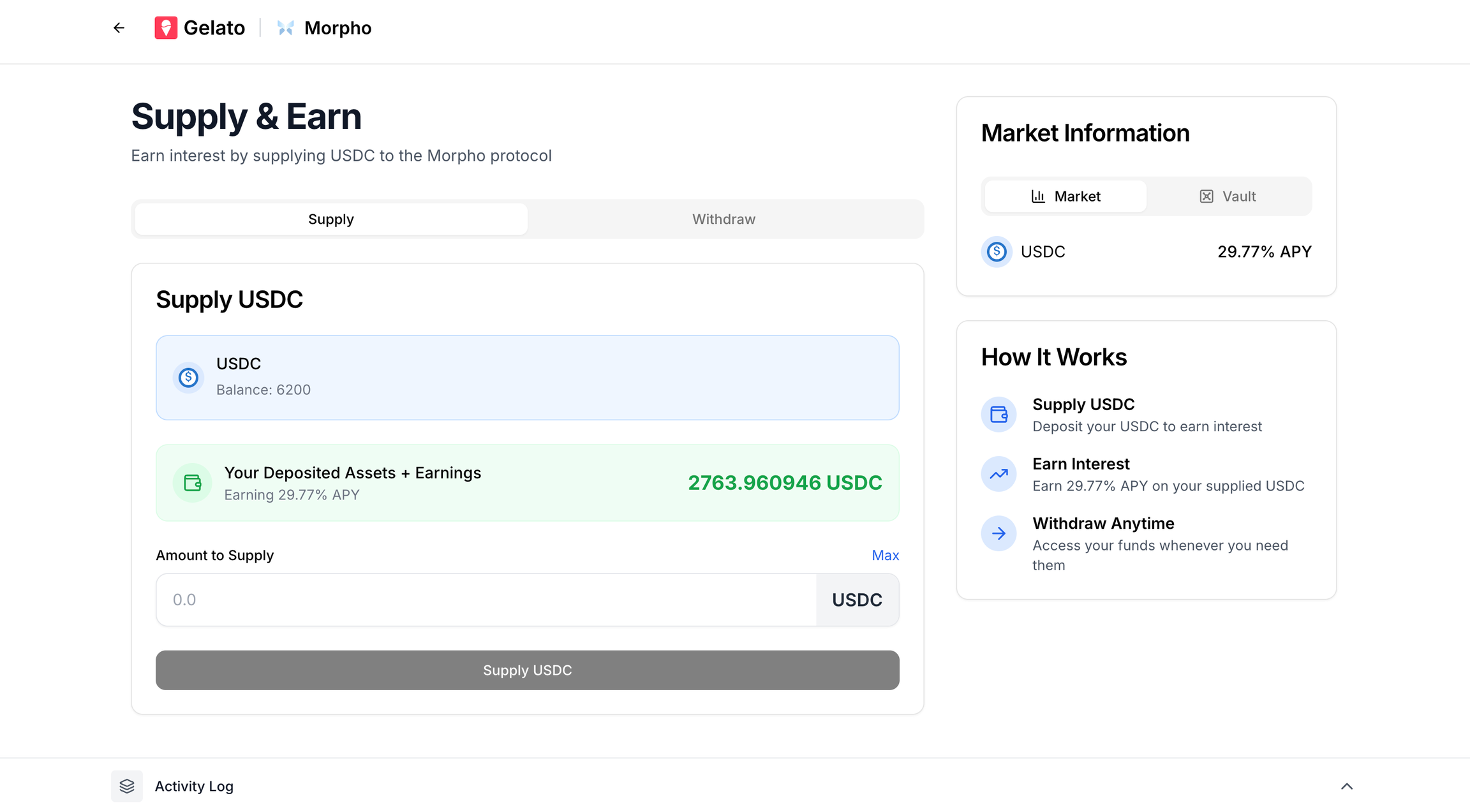
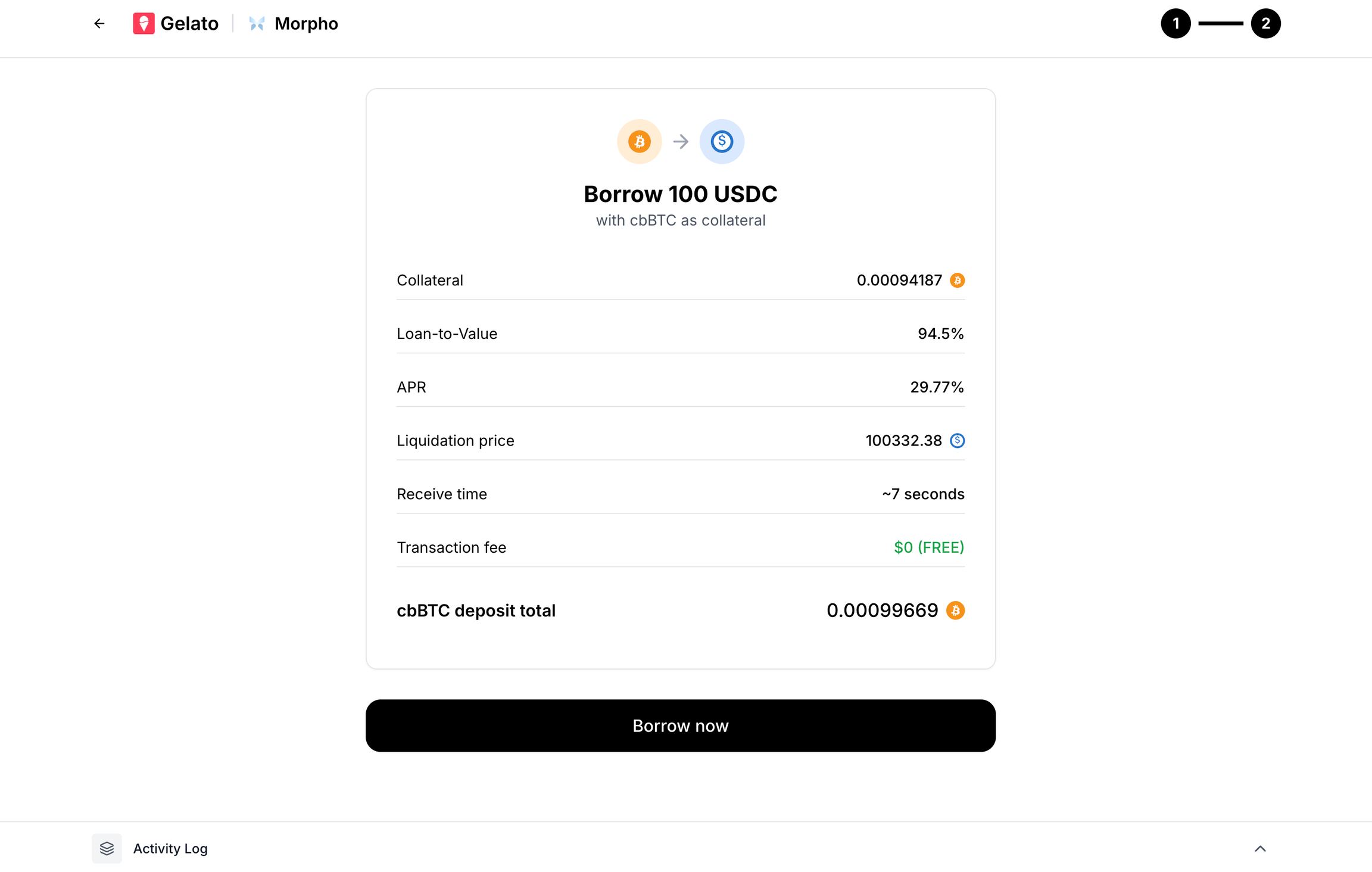
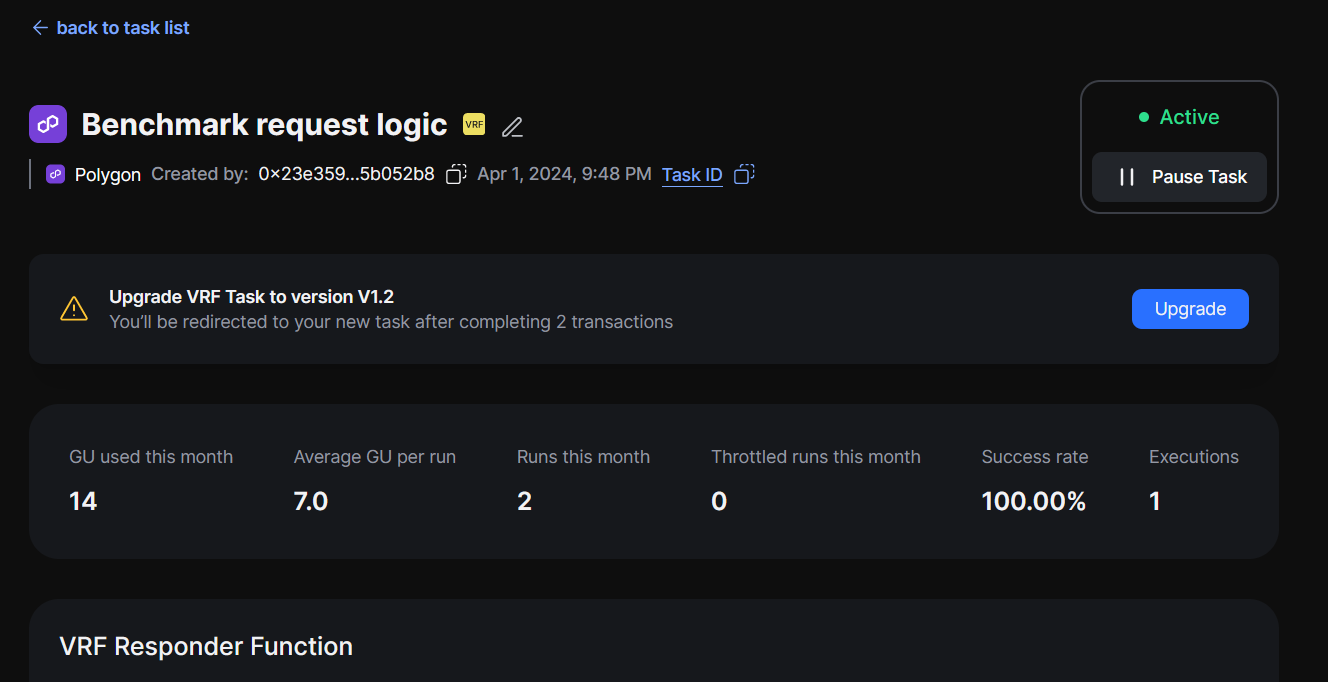
Feature
Available Now
{featuresData.map((item, index) => (
{item.feature}
{item.available}
))}
); })()} ## What You Can Build Using these flows, your app can now offer: - Embedded lending dashboards - Crypto credit lines - Non-custodial stablecoin loans - Yield vault integrations - Composable DeFi automations You get the power of Morpho and the abstraction of Gelato — without the overhead of building wallets, managing custody, or dealing with onchain UX friction. --- ## Server Wallets **Path:** /smart-wallet-sdk/applied-use-cases/server-wallets Let’s take a look at a real-world scenario where our Gelato Smart Wallet (EIP-7702) and it's batching transactions feature streamlines interactions while also helping prevent malicious activity. ## DeFi Vault Deployment When deploying a new customer vault on Uniswap V4/PancakeSwap V4, you need to execute three critical operations atomically: 1. **Initialize a new pool** for the customer tokens 2. **Update your vault/module** to use that new pool 3. **Execute a rebalance** to deposit the tokens The challenge is that these operations must happen atomically to prevent front-running attacks where bots move pool prices to unfavorable positions during the time gap between operations. Using a smart wallet with batched transactions ensures all operations execute in a single atomic transaction with the correct `msg.sender`. Here's a quick guide on how to batch transactions using Gelato Smart Wallets for such use cases. ## Batching Transactions You can batch multiple transactions to be sent on-chain at once by adding them to the calls array: ```typescript const result = await smartWalletClient.execute({ payment: sponsored(), calls: [ // 1. Initialize the vault with pool parameters { to: vaultManager, data: encodeFunctionData({ abi: vaultManagerAbi, functionName: "initialize", args: [ init0, // Initial amount for token0 init1, // Initial amount for token1 isInversed, // Pool direction poolKey, // Pool configuration oracle, // Oracle wrapper address maxSlippage, // Maximum slippage tolerance metaVault // Meta vault address ] }), value: 0n }, // 2. Set the pool configuration and liquidity ranges { to: vaultManager, data: encodeFunctionData({ abi: vaultManagerAbi, functionName: "setPool", args: [ poolKey, // Pool key configuration liquidityRanges, // Liquidity range parameters swapPayload, // Swap configuration minBurn0, // Minimum burn amount for token0 minBurn1, // Minimum burn amount for token1 minDeposit0, // Minimum deposit amount for token0 minDeposit1 // Minimum deposit amount for token1 ] }), value: 0n }, // 3. Execute rebalance to deposit liquidity { to: vaultManager, data: encodeFunctionData({ abi: vaultManagerAbi, functionName: "rebalance", args: [ liquidityRanges, // Liquidity range parameters swapPayload, // Swap configuration minBurn0, // Minimum burn amount for token0 minBurn1, // Minimum burn amount for token1 minDeposit0, // Minimum deposit amount for token0 minDeposit1 // Minimum deposit amount for token1 ] }), value: 0n } ] }); ``` This approach prevents front-running by ensuring all operations execute atomically, eliminating the time gap where bots could manipulate pool prices. ## Summary {(() => { const featuresData = [ { feature: "Atomic vault deployment", available: "Yes" }, { feature: "Front-running protection", available: "Yes" }, { feature: "Correct msg.sender for permissions", available: "Yes" }, { feature: "Gasless transaction execution", available: "Yes" } ]; return (
Feature
Available Now
{featuresData.map((item, index) => (
{item.feature}
{item.available}
))}
); })()} You get the security of atomic execution and the efficiency of smart wallets — without the complexity of managing multiple transactions or the risk of front-running attacks. --- ## Morpho **Path:** /smart-wallet-sdk/applied-use-cases/morpho Integrate crypto-backed loans into your app using Gelato’s Gasless SDK and Morpho’s lending protocol. This guide walks you through setting up embedded wallet onboarding and implementing both the Supply/Earn and Borrow flows. This guide assumes you're using React + TypeScript. ## Smart Wallet Onboarding Setup Before users can supply or borrow assets, they must onboard into a Smart Wallet via a frictionless embedded flow. Powered by Gelato’s SDK and Dynamic, users can create smart accounts using just their email, social login, or passkeys — no browser extensions or seed phrases needed. ### Key Features of Embedded Wallets - EIP-7702 & ERC-4337 compliant - Supports gasless transactions (sponsored execution) - Runs across 50+ EVM chains - Session-based login — no need to reconnect every time Smart Wallet Onboarding ### Code Snippet Embed the following setup within your app to configure the provider: ```typescript {children} ``` This context enables smart wallet access throughout your app, setting up: - Wallet creation and session - Transaction preparation and sending - Provider availability across your components ```typescript const { gelato: { client }, logout} = useGelatoSmartWalletProviderContext(); ``` ## Part 1: Supply & Earn Allow users to supply assets (e.g., USDC) and earn yield in Morpho’s vaults — fully onchain, without user signatures or gas fees. ### Flow Overview - Approve vault to spend USDC - Deposit USDC to Morpho vault - Optionally, record stats to external tracking contract Supply & Earn Flow ### Code Snippet ```typescript const calls = [ { to: USDC_ADDRESS, data: encodeFunctionData({ abi: tokenABI, functionName: "approve", args: [MORPHO_VAULT_ADDRESS, parseUnits(amount, 6)], }), }, { to: MORPHO_VAULT_ADDRESS, data: encodeFunctionData({ abi: morphoVaultABI, functionName: "deposit", args: [parseUnits(amount, 6), smartWallet.address], }), }, { to: VAULT_STATS_ADDRESS, data: encodeFunctionData({ abi: vaultStatsABI, functionName: "deposit", args: [parseUnits(amount, 6), userAssets, totalAssets], }), }, ]; const response = await smartWalletClient.execute({ payment: sponsored(GELATO_API_KEY), calls, }); console.log("userOp Hash", response.id); const txHash = await response.wait(); ``` Users never sign a transaction or pay gas. All logic executes onchain using their smart account. ## Part 2: Borrow Let users borrow stablecoins (like USDC) using crypto collateral (cbBTC) — trustless, non-custodial, and instant. ### Flow Overview - Approve Morpho to move collateral - Supply collateral to Morpho - Borrow USDC Borrow Flow ### Code Snippet ```typescript const approveCall = { to: COLLATERAL_TOKEN_ADDRESS, data: encodeFunctionData({ abi: tokenABI, functionName: "approve", args: [MORPHO_MARKET_ADDRESS, collateralAmount], }), }; const supplyCollateralCall = { to: MORPHO_MARKET_ADDRESS, data: encodeFunctionData({ abi: morphoABI, functionName: "supplyCollateral", args: [marketParams, collateralAmount, smartWallet.address, "0x"], }), }; const borrowCall = { to: MORPHO_MARKET_ADDRESS, data: encodeFunctionData({ abi: morphoABI, functionName: "borrow", args: [ marketParams, borrowAmount, BigInt(0), smartWallet.address, smartWallet.address, ], }), }; const response = await smartWalletClient.execute({ payment: sponsored(GELATO_API_KEY), calls: [approveCall, supplyCollateralCall, borrowCall] }); console.log("userOp Hash", response.id); const txHash = await response.wait(); ``` ## Summary {(() => { const featuresData = [ { feature: "Smart wallet onboarding (social/email)", available: "Yes" }, { feature: "Embedded supply to Morpho vaults", available: "Yes" }, { feature: "Embedded borrow against crypto", available: "Yes" }, { feature: "Gasless transactions via Gelato", available: "Yes" }, { feature: "Fully onchain, no custody", available: "Yes" } ]; return (
Feature
Available Now
{featuresData.map((item, index) => (
{item.feature}
{item.available}
))}
); })()} ## What You Can Build Using these flows, your app can now offer: - Embedded lending dashboards - Crypto credit lines - Non-custodial stablecoin loans - Yield vault integrations - Composable DeFi automations You get the power of Morpho and the abstraction of Gelato — without the overhead of building wallets, managing custody, or dealing with onchain UX friction. --- ## wallet_getCapabilities **Path:** /smart-wallet-sdk/smart-wallet-endpoints/smartwallet/wallet_getcapabilities --- title: "wallet_getCapabilities" openapi: "/smart-wallet-sdk/smart-wallet-endpoints/wallet_getcapabilities.json post /smartwallet" --- --- ## wallet_prepareCalls **Path:** /smart-wallet-sdk/smart-wallet-endpoints/smartwallet/wallet_preparecalls --- title: "wallet_prepareCalls" openapi: "/smart-wallet-sdk/smart-wallet-endpoints/wallet_preparecalls.json post /smartwallet" --- --- ## wallet_sendPreparedCalls **Path:** /smart-wallet-sdk/smart-wallet-endpoints/smartwallet/wallet_sendpreparedcalls --- title: "wallet_sendPreparedCalls" openapi: "/smart-wallet-sdk/smart-wallet-endpoints/wallet_sendpreparedcalls.json post /smartwallet" --- --- ## wallet_sendTransaction **Path:** /smart-wallet-sdk/smart-wallet-endpoints/smartwallet/wallet_sendtransaction --- title: "wallet_sendTransaction" openapi: "/smart-wallet-sdk/smart-wallet-endpoints/wallet_sendtransaction.json post /smartwallet" --- --- ## Demo **Path:** /smart-wallet-sdk/additional-resources/demo --- ## Supported Networks **Path:** /smart-wallet-sdk/additional-resources/supported-networks {(() => { const networksData = [ { network: "ABC", environment: "Testnet" }, { network: "Arbitrum", environment: "Mainnet, Sepolia" }, { network: "Arc", environment: "Testnet" }, { network: "Arena-Z", environment: "Mainnet, Testnet" }, { network: "Avalanche", environment: "Mainnet" }, { network: "Base", environment: "Mainnet, Sepolia" }, { network: "BaseCamp", environment: "Testnet" }, { network: "Berachain", environment: "Mainnet, Bepolia" }, { network: "Blast", environment: "Mainnet, Sepolia" }, { network: "Botanix", environment: "Testnet" }, { network: "BSC", environment: "Mainnet" }, { network: "Camp", environment: "Mainnet" }, { network: "Ethernity", environment: "Mainnet" }, { network: "Ethereum", environment: "Mainnet, Sepolia" }, { network: "Flow", environment: "Mainnet, Testnet" }, { network: "Gnosis", environment: "Mainnet, Chiado" }, { network: "Ink", environment: "Mainnet, Sepolia" }, { network: "Katana", environment: "Mainnet" }, { network: "Lisk", environment: "Mainnet, Sepolia" }, { network: "Lumia", environment: "Mainnet" }, { network: "Mantle", environment: "Mainnet"}, { network: "MegaETH", environment: "Mainnet, Testnet" }, { network: "Mode", environment: "Mainnet" }, { network: "Monad", environment: "Mainnet, Testnet" }, { network: "Optimism", environment: "Mainnet, Sepolia" }, { network: "Plasma", environment: "Mainnet, Testnet" }, { network: "Polygon", environment: "Mainnet, Amoy" }, { network: "Polygon zkEVM", environment: "Mainnet" }, { network: "Saigon", environment: "Testnet" }, { network: "Sonic", environment: "Mainnet" }, { network: "Story", environment: "Aeneid" }, { network: "Synfutures ABC", environment: "Testnet" }, { network: "Thrive", environment: "Testnet" }, { network: "Unichain", environment: "Mainnet, Sepolia" }, { network: "Zircuit", environment: "Mainnet" }, { network: "Zora", environment: "Mainnet" } ]; return (
Network
Environment
{networksData.map((item, idx) => (
{item.network}
{item.environment}
))}
); })()} If you don't see a network that you'd like supported, feel free to [reach out to us via the support option on the Gelato Dashboard](https://app.gelato.cloud/dashboard). --- ## ERC20 Payment Tokens **Path:** /smart-wallet-sdk/additional-resources/erc20-payment-tokens When utilizing Gelato Gasless SDK, you have the option to pay transaction fees with a token other than the native one. In addition to the native token, support is also extended to the wrapped native token, and on mainnets, the major ERC20 tokens. Please refer to the table below for the full array of supported tokens. ## Mainnets {(() => { const mainnetsData = [ { network: "All networks", tokens: [{ name: "NATIVE", address: "0xEeeeeEeeeEeEeeEeEeEeeEEEeeeeEeeeeeeeEEeE" }] }, { network: "Arbitrum", tokens: [ { name: "WETH", address: "0x82af49447d8a07e3bd95bd0d56f35241523fbab1" }, { name: "DAI", address: "0xda10009cbd5d07dd0cecc66161fc93d7c9000da1" }, { name: "USDC.e", address: "0xff970a61a04b1ca14834a43f5de4533ebddb5cc8" }, { name: "USDC", address: "0xaf88d065e77c8cc2239327c5edb3a432268e5831" }, { name: "USDT", address: "0xfd086bc7cd5c481dcc9c85ebe478a1c0b69fcbb9" }, { name: "WBTC", address: "0x2f2a2543b76a4166549f7aab2e75bef0aefc5b0f" } ] }, { network: "Avalanche", tokens: [ { name: "WAVAX", address: "0xB31f66AA3C1e785363F0875A1B74E27b85FD66c7" }, { name: "DAI.e", address: "0xd586e7f844cea2f87f50152665bcbc2c279d8d70" }, { name: "USDC.e", address: "0xa7d7079b0fead91f3e65f86e8915cb59c1a4c664" }, { name: "USDC", address: "0xb97ef9ef8734c71904d8002f8b6bc66dd9c48a6e" }, { name: "USDT.e", address: "0xc7198437980c041c805a1edcba50c1ce5db95118" }, { name: "USDT", address: "0x9702230a8ea53601f5cd2dc00fdbc13d4df4a8c7" }, { name: "WBTC.e", address: "0x50b7545627a5162f82a992c33b87adc75187b218" }, { name: "WETH.e", address: "0x49d5c2bdffac6ce2bfdb6640f4f80f226bc10bab" } ] }, { network: "Base", tokens: [ { name: "WETH", address: "0x4200000000000000000000000000000000000006" }, { name: "USDC", address: "0x833589fCD6eDb6E08f4c7C32D4f71b54bdA02913" }, { name: "USDbC", address: "0xd9aaec86b65d86f6a7b5b1b0c42ffa531710b6ca" } ] }, { network: "Berachain", tokens: [ { name: "WBERA", address: "0x6969696969696969696969696969696969696969" } ] }, { network: "Blast", tokens: [ { name: "WETH", address: "0x4200000000000000000000000000000000000023" } ] }, { network: "BSC", tokens: [ { name: "WBNB", address: "0xbb4CdB9CBd36B01bD1cBaEBF2De08d9173bc095c" }, { name: "BUSD", address: "0xe9e7cea3dedca5984780bafc599bd69add087d56" }, { name: "BSC-USD", address: "0x55d398326f99059ff775485246999027b3197955" }, { name: "HERO", address: "0xd40bedb44c081d2935eeba6ef5a3c8a31a1bbe13" }, { name: "CAKE", address: "0x0e09fabb73bd3ade0a17ecc321fd13a19e81ce82" }, { name: "BTCB", address: "0x7130d2a12b9bcbfae4f2634d864a1ee1ce3ead9c" }, { name: "USDC", address: "0x8AC76a51cc950d9822D68b83fE1Ad97B32Cd580d" } ] }, { network: "Ethereum", tokens: [ { name: "WETH", address: "0xc02aaa39b223fe8d0a0e5c4f27ead9083c756cc2" }, { name: "DAI", address: "0x6b175474e89094c44da98b954eedeac495271d0f" }, { name: "USDC", address: "0xa0b86991c6218b36c1d19d4a2e9eb0ce3606eb48" }, { name: "USDT", address: "0xdac17f958d2ee523a2206206994597c13d831ec7" }, { name: "WBTC", address: "0x2260fac5e5542a773aa44fbcfedf7c193bc2c599" } ] }, { network: "Gnosis", tokens: [ { name: "WXDAI", address: "0xe91D153E0b41518A2Ce8Dd3D7944Fa863463a97d" }, { name: "GNO", address: "0x9C58BAcC331c9aa871AFD802DB6379a98e80CEdb" }, { name: "USDC", address: "0xDDAfbb505ad214D7b80b1f830fcCc89B60fb7A83" }, { name: "USDT", address: "0x4ECaBa5870353805a9F068101A40E0f32ed605C6" }, { name: "WETH", address: "0x6A023CCd1ff6F2045C3309768eAd9E68F978f6e1" } ] }, { network: "Ink", tokens: [ { name: "WETH", address: "0x4200000000000000000000000000000000000006" } ] }, { network: "Linea", tokens: [ { name: "WETH", address: "0xe5D7C2a44FfDDf6b295A15c148167daaAf5Cf34f" } ] }, { network: "Optimism", tokens: [ { name: "WETH", address: "0x4200000000000000000000000000000000000006" }, { name: "DAI", address: "0xda10009cbd5d07dd0cecc66161fc93d7c9000da1" }, { name: "USDC.e", address: "0x7f5c764cbc14f9669b88837ca1490cca17c31607" }, { name: "USDC", address: "0x0b2C639c533813f4Aa9D7837CAf62653d097Ff85" }, { name: "USDT", address: "0x94b008aa00579c1307b0ef2c499ad98a8ce58e58" }, { name: "WBTC", address: "0x68f180fcce6836688e9084f035309e29bf0a2095" }, { name: "SNX", address: "0x8700daec35af8ff88c16bdf0418774cb3d7599b4" }, { name: "AELIN", address: "0x61baadcf22d2565b0f471b291c475db5555e0b76" }, { name: "FRAX", address: "0x2e3d870790dc77a83dd1d18184acc7439a53f475" } ] }, { network: "Polygon", tokens: [ { name: "WMATIC", address: "0x0d500B1d8E8eF31E21C99d1Db9A6444d3ADf1270" }, { name: "DAI", address: "0x8f3cf7ad23cd3cadbd9735aff958023239c6a063" }, { name: "USDC.e", address: "0x2791bca1f2de4661ed88a30c99a7a9449aa84174" }, { name: "USDC", address: "0x3c499c542cef5e3811e1192ce70d8cc03d5c3359" }, { name: "USDT", address: "0xc2132d05d31c914a87c6611c10748aeb04b58e8f" }, { name: "WBTC", address: "0x1bfd67037b42cf73acf2047067bd4f2c47d9bfd6" }, { name: "WETH", address: "0x7ceb23fd6bc0add59e62ac25578270cff1b9f619" } ] }, { network: "Polygon zkEVM", tokens: [ { name: "WETH", address: "0x4F9A0e7FD2Bf6067db6994CF12E4495Df938E6e9" }, { name: "USDC", address: "0xA8CE8aee21bC2A48a5EF670afCc9274C7bbbC035" } ] }, { network: "zkSync Era", tokens: [ { name: "WETH", address: "0x5AEa5775959fBC2557Cc8789bC1bf90A239D9a91" }, { name: "USDC", address: "0x3355df6D4c9C3035724Fd0e3914dE96A5a83aaf4" } ] }, { network: "Zora", tokens: [ { name: "WETH", address: "0x4200000000000000000000000000000000000006" } ] }, { network: "Shibarium", tokens: [ { name: "WBONE", address: "0xC76F4c819D820369Fb2d7C1531aB3Bb18e6fE8d8" } ] } ]; return (
Network
Payment Tokens
{mainnetsData.map((item, index) => (
{item.network}
{item.tokens.map((token, idx) => (
{token.name}:{' '} {token.address}
))}
))}
); })()} ## Testnets {(() => { const testnetsData = [ { network: "All networks", tokens: [{ name: "NATIVE", address: "0xEeeeeEeeeEeEeeEeEeEeeEEEeeeeEeeeeeeeEEeE" }] }, { network: "Amoy", tokens: [ { name: "NATIVE", address: "0xEeeeeEeeeEeEeeEeEeEeeEEEeeeeEeeeeeeeEEeE" }, { name: "WMATIC", address: "0x22f92e5a6219bEf9Aa445EBAfBeB498d2EAdBF01" } ] }, { network: "Sepolia", tokens: [ { name: "USDC", address: "0x1c7D4B196Cb0C7B01d743Fbc6116a902379C7238" }, { name: "WETH", address: "0x7b79995e5f793A07Bc00c21412e50Ecae098E7f9" } ] }, { network: "Arbitrum Sepolia", tokens: [ { name: "WETH", address: "0x980B62Da83eFf3D4576C647993b0c1D7faf17c73" } ] }, { network: "Base Sepolia", tokens: [ { name: "USDC", address: "0x036CbD53842c5426634e7929541eC2318f3dCF7e" }, { name: "WETH", address: "0x4200000000000000000000000000000000000006" } ] }, { network: "Berachain Bepolia", tokens: [ { name: "WBERA", address: "0x6969696969696969696969696969696969696969" } ] }, { network: "Blast Sepolia", tokens: [ { name: "WETH", address: "0x4200000000000000000000000000000000000023" } ] }, { network: "Ink Sepolia", tokens: [ { name: "WETH", address: "0x60C67E75292B101F9289f11f59aD7DD75194CCa6" } ] }, { network: "Optimism Sepolia", tokens: [ { name: "WETH", address: "0x4200000000000000000000000000000000000006" } ] } ]; return (
Network
Payment Tokens
{testnetsData.map((item, index) => (
{item.network}
{item.tokens.map((token, idx) => (
{token.name}:{' '} {token.address}
))}
))}
); })()} ================================================================================ # Vrf ================================================================================ --- ## Overview **Path:** /vrf/introduction/overview In the world of cryptography and decentralized applications, randomness plays a critical role. While randomness is a foundational concept, achieving genuine unpredictability in a transparent and verifiable manner on the blockchain is challenging. Enter Gelato VRF (Verifiable Random Function) - a tool designed to provide robust randomness with inherent verifiability. ## New To VRF? Learn more about VRF and how it works. ## Already Familiar? Learn how to use Gelato VRF in your projects. Learn more about the security considerations of using Gelato VRF. --- ## How does Gelato VRF work? **Path:** /vrf/introduction/how-gelato-vrf-works Gelato VRF (Verifiable Random Function) provides a unique system offering trustable randomness on EVM-compatible blockchains. But what's the magic behind this reliable randomness? Let's see\! After reading this page: - You'll be able to understand the core components of Gelato VRF. - You'll understand how you can initiate a randomness request. - You'll be able to navigate the randomness delivery. - You'll understand how to integrate and utilize Gelato VRF. ## Core Component **Drand**: This is the heart of the randomness. Drand is a decentralized randomness beacon, ensuring the unpredictability and unbiased nature of the random numbers provided. To learn more about Drand and how it works, please refer to their [documentation](https://drand.love/docs/overview/#how-drand-works). ## Top level Flow ``` +------------------------+ | 1. Contract Deployment | +------------------------+ | v +-----------------------+ | 2. Requesting | | Randomness | +-----------------------+ | v +-----------------------+ | 3. Processing the | | randomness | | event | +-----------------------+ | v +-----------------------+ | 4. Randomness Delivery| +-----------------------+ ``` ### 1. Contract Deployment The smart contract that developers need to interact with is located at [GelatoVRFConsumerBase.sol](https://github.com/gelatodigital/vrf-contracts/blob/main/contracts/GelatoVRFConsumerBase.sol) This contract serves as an interface to the Gelato VRF system, allowing other smart contracts to request and receive random numbers. ### 2. Requesting Randomness Inside the `GelatoVRFConsumer` contract, there's an event named `RequestedRandomness`. When a randomness request is made, this event is emitted. The `RequestedRandomness` event serves as a beacon, signaling the Gelato VRF system about the need for a random number. It contains 2 parameters: - `round` explicitly signifies which Drand round is targeted to fulfill the randomness, - `data` offers versatility for developers, it can be used to attach any supplementary information or context about the randomness request. ```solidity event RequestedRandomness(uint256 round, bytes data); ``` ### 3. Processing the Randomness Request Internally, the system leverages [Web3 functions](/Web3-Functions) to listen for the emitted `RequestedRandomness` event and to fetch the required random number from Drand. ### 4. Delivering Randomness #### Composable Callback with Arbitary Data Internally, the system invokes the `fulfillRandomness` function in the requesting contract. #### Callback Invocation and Data Decoding The random number (sourced from Drand) is passed as the `randomness` parameter to the function. Additionally, the `data` parameter can carry any supplementary data provided during the original request or by the Gelato VRF. --- ## Understanding VRF **Path:** /vrf/introduction/understanding-vrf A VRF or Verifiable Random Function is a unique blend of cryptographic techniques that generates pseudorandom numbers in a publicly verifiable manner. Think of VRF as a way to generate random numbers where: - The entity possessing a secret key can compute the random number and also provide a proof of its correctness. - Anyone with the public key can verify that the random number was indeed computed correctly, ensuring the integrity of the result. In simple terms, VRFs are like cryptographic hash functions but with an added layer of public verification. They're an essential tool in systems where the trustworthiness of random outputs is highly important. ## Gelato VRF and Trustworthy Randomness Gelato VRF offers real randomness for blockchain applications by leveraging Drand, a trusted decentralized source for random numbers. With Gelato VRF, developers get random values that are both genuine and can be checked for authenticity. ## Applications of Gelato VRF: The potential applications of a reliable and transparent random number generator on the blockchain are vast. Here are just a few use cases: - **Gaming and Gambling**: Determine fair outcomes for online games or decentralized gambling applications. - **Decentralized Finance (DeFi)**: Use in protocols where random selections, like lottery systems, are required. - **NFT Generation**: Randomly generate traits or characteristics for unique digital assets. - **Protocol Decision Making**: In protocols where decisions need to be randomized, such as selecting validators or jurors. --- ## Deploy your contract inheriting Gelato VRF **Path:** /vrf/how-to-guides/deploy-your-contract-inheriting-gelato-vrf Watch Now: Learn more by watching our video, [Gelato VRF Walkthrough](https://youtu.be/cUPjQYoH2OE), now available on YouTube. In order to get your VRF up and running you will need to first make your contract VRF Compatible. ## Step 1: Set Up Your Development Environment Ensure you have either [Foundry](https://book.getfoundry.sh/getting-started/installation) or [Hardhat](https://hardhat.org/) set up in your development environment. ## Step 2: Install the Gelato VRF Contracts Depending on your environment, use the following commands to import the Gelato VRF contracts: ### For Hardhat users: 1. Clone the repo [here](https://github.com/gelatodigital/vrf-contracts) 2. Install dependencies: `yarn install` 3. Fill in `.env` with variables in `.env.example` ### For Foundry users: ```bash forge install gelatodigital/vrf-contracts --no-commit ``` ## Step 3: Inherit [*GelatoVRFConsumerBase*](https://github.com/gelatodigital/vrf-contracts/blob/main/contracts/GelatoVRFConsumerBase.sol) Contract The recommended approach to integrate Gelato VRF is by inheriting from the `GelatoVRFConsumerBase` smart contract. Here's a simple example to help you set it up: ```solidity // SPDX-License-Identifier: MIT pragma solidity 0.8.18; contract YourContract is GelatoVRFConsumerBase { // Your contract's code goes here } ``` ### Understanding Gas Tank Before we dive into requesting randomness, it's crucial to understand the role of Gas Tank in using Gelato VRF. The Gelato VRF services necessitate that your Gelato balance is sufficiently funded. This balance caters to Gas fees and rewards Gelato Nodes for their computational tasks. For details about costs and funding your account, do visit our [Gas Tank documentation](/paymaster-&-bundler/gastank/introduction). It's important to remember that the current Gas Tank system does not support withdrawals after depositing funds. Ensure to deposit only the amount you plan to utilize for Gelato VRF operations. ## Step 4: Request Randomness To request randomness, call the `_requestRandomness()` function. You should protect the call since it will take from your Gas Tank. The data argument will be passed back to you by the W3F. ```solidity function requestRandomness(bytes memory data) external { require(msg.sender == ...); uint64 requestId = _requestRandomness(data); } ``` ## Step 5: Implement the Callback function Finally, implement the callback function. ```solidity function _fulfillRandomness( bytes32 randomness, uint64 requestId, bytes memory data, ) internal override { } ``` ### Best Practices for VRF Fulfillment Handlers When integrating VRF (Verifiable Random Function) into your smart contracts, it is crucial to manage gas usage effectively to ensure reliable execution. Here are two key practices to follow: 1. **Monitor Gas Limits**: Always ensure that the gas usage of your VRF fulfillment handler does not exceed the maximum block gas limit. If the handler requires more gas than the block limit allows, the transaction will revert, leading to failed executions. 2. **Cap Dynamic Actions**: If your VRF usage involves a dynamic number of actions—where the actions could increase the gas used by the fulfillment transaction—it is advisable to set a cap on the number of actions. This will prevent the transaction from becoming too gas-intensive and ensure it remains below the block gas limit, guaranteeing successful execution. ## Step 6: Pass dedicated msg.sender When you're ready to deploy your Gelato VRF-compatible contract, an important step is to include the dedicated msg.sender as a constructor parameter. This ensures that your contract is set up to work with the correct operator for fulfilling the randomness requests. It's crucial for ensuring that only authorized requests are processed. Before deploying, visit the [Gelato app](https://app.gelato.cloud) here. You will find the specific dedicated msg.sender address assigned for your deployer address. This address is crucial for the security and proper functioning of your VRF requests. Learn more about it at [Dedicated msg.sender](/web3-functions/security-considerations/dedicated-msg-sender) ```solidity // SPDX-License-Identifier: MIT pragma solidity 0.8.18; contract YourContract is GelatoVRFConsumerBase { constructor(address operator) GelatoVRFConsumerBase(operator) { // Additional initializations } // The rest of your contract code } ``` And once you have your contract ready & deployed, grab the address and [Deploy your VRF instance](/vrf/how-to-guides/create-a-vrf-task). --- ## Create a VRF Task **Path:** /vrf/how-to-guides/create-a-vrf-task Creating your Gelato VRF Task is a straightforward process. Here's a step-by-step guide to get you started: To upgrade your VRF task to version V1.2, please follow these steps: 1. Navigate to your existing task on the Gelato platform. Ensure you're on the correct network where your task is active. Click on the "Upgrade" button. Upgrade VRF Task 2. A transaction prompt will appear asking you to confirm the upgrade. This process will create a new task and simultaneously pause the old one. Upgrade VRF Task 3. After confirming the transaction, you will notice that the task label updates to "VRF v1.2," indicating that the upgrade is complete. Upgrade VRF Task ## 1. Gather Necessary Addresses Before you begin, make sure you have the address of your requester contract at hand. This will be essential for the deployment process. Head over to the [VRF Quick Start guide](/vrf/how-to-guides/deploy-your-contract-inheriting-gelato-vrf) to learn how to prepare your contract for requesting randomness. ## 2. Access the VRF Deployment Portal Navigate to the [Gelato app](https://app.gelato.cloud). ## 3. Choose your VRF Type When prompted to select the VRF type, opt for "Gelato VRF". If you previously deployed a Chainlink consumer contract and wish to transition, refer to the [Migrate from Chainlink VRF](/vrf/how-to-guides/migrate-from-chainlink-vrf) section. Or, if you already have a VRF task and want to cover all the missing events, you can set up a fallback task to ensure completeness, refer to the [Create a Fallback VRF](/vrf/how-to-guides/create-a-fallback-vrf) section. ## 4. Select Deployment Network Ensure you choose the same network where both your VRF requester and receiver contracts are deployed. ![Create VRF Task](/images/create_vrf_task.png) ## 5. Specify the Request Contract You'll be asked to provide the address of the Request Contract to which the Gelato nodes should respond. Enter the address you gathered in step 1. ## 6. Launch your VRF Instance Once all details are correctly entered, go ahead and launch your Gelato VRF instance. --- ## Create a Fallback VRF **Path:** /vrf/how-to-guides/create-a-fallback-vrf Fallback VRF is a mechanism designed to fulfill missing or unfulfilled VRF requests. By creating a fallback task alongside your main VRF task, you can ensure that all requests are fulfilled in any scenario. Setting up a fallback task for VRF is a straightforward process. Here's a step-by-step guide to help you create one. ## 1. Deploy VRF Compatible Contract Before deploying Fallback VRF, ensure that your contract is compatible with VRF. You can quickly set up one by heading over to the [quick start guide](/vrf/how-to-guides/deploy-your-contract-inheriting-gelato-vrf). ## 2. Select Deployment Network Navigate to the [Gelato app](https://app.gelato.cloud) and ensure you choose the same network where both your Main VRF task and VRF compatible contracts are deployed. ![Fallback VRF](/images/fallback_vrf.avif) ## 3. Enter Fallback Parameters Fallback VRF has three main parameters: - **From Block**: The block number from which the fallback will start analyzing missing events. It is recommended to use the block number of your VRF-compatible contract deployment. - **Time**: The interval at which the fallback task checks for missing events. - **Contract Address**: The address of your deployed VRF-compatible contract. ## 4. Launch your Fallback VRF Instance Once all details are correctly entered, go ahead and launch your Fallback Gelato VRF instance. --- ## Migrate from Chainlink VRF **Path:** /vrf/how-to-guides/migrate-from-chainlink-vrf Already using Chainlink VRF? Here's how you can quickly and easily migrate to GelatoVRF. ## Understand the Implications While this migration option is available, be aware that it can lead to higher gas costs and added development intricacies. We advise this route only if: - You've already deployed a Chainlink VRF Consumer. - Your Chainlink VRF Consumer has the capability to update its Coordinator address. Otherwise, for new integrations, we recommend directly implementing the Gelato VRF. ## Initiate Migration If you're set on migrating an existing Chainlink VRF Consumer: 1. Begin by creating your VRF task. In the "VRF Type" selection window, opt for "VRF Compatibility". 2. Choose the blockchain network for deployment. ![Chainlink VRF Network Selection](/images/create_vrf_task.png) 3. You will then be asked to deploy your Adapter contract: ![Chainlink VRF Adapter Deployment](/images/chainlink_vrf_2.png) Once deployed, the app will show you the address to which the adapter contract was deployed. You now need to replace the old Coordinator address in your contract by this address. ## Updating the VRF Coordinator Address Here's a brief example of how you might implement such a function to update the vrfCoordinator in your Consumer Contract: ```solidity // SPDX-License-Identifier: MIT pragma solidity ^0.8.0; contract VRFConsumer is VRFConsumerBase { ... function setVRFCoordinator(address _vrfCoordinator) external onlyOwner { vrfCoordinator = _vrfCoordinator; } ... } ``` To facilitate the update of the Chainlink VRF Coordinator address in your smart contracts, you can reference the function from this [deployed contract on Polygon](https://polygonscan.com/address/0x81e4e7977310308271082fc5285039e613d47d51#code). --- ## Overview **Path:** /vrf/security-considerations After reading this page you will: - Understand the importance of security measures when implementing Gelato VRF in your dApp. - Recognize the need for state locking to prevent front-running and maintain the integrity of the randomization process. - Learn the benefits of using RNGLib to ensure the randomness you receive is unique and secure, particularly when handling multiple requests simultaneously. ### Important Note Contrary to some other VRF providers, Gelato VRF is verifiable off-chain but not on-chain. This is due to the nature of the BLS signatures used by Drand network, which are not yet supported at EVM level. With the upcoming [EIP-2537](https://eips.ethereum.org/EIPS/eip-2537) release, adding BLS precompile for BLS12-381 curve, we aim to add support for on-chain randomness verification in a near future on all networks that will include this precompile. ## Security Precautions When integrating with GelatoVRF, it's essential to take several precautions to ensure the safety and reliability of your application. Here are key considerations: ### 1. State Locking and Front-Running Prevention After you initiate a request for randomness and before the random number gets delivered, it's essential to lock the relevant application state in your consumer contract. This step minimizes the risk of front-running attacks. In essence, front-running involves gaining an unfair advantage by making transactions based on foreknowledge of pending transactions. By locking the state, you add an additional layer of security against such tactics. ### 2. Usage of RNGLib Instead of using the received randomness directly, consider integrating it with our RNGLib. This approach: - Enables dynamic fetching of random values as required. - Offers protection against certain bet arbitrage attacks, especially when multiple applications operate simultaneously. By inheriting from [GelatoVRFConsumerBase.sol](https://github.com/gelatodigital/vrf-contracts/blob/main/contracts/GelatoVRFConsumerBase.sol), your contract will automatically benefit from enhanced security. All fulfilled randomness requests will be dynamically derived from the drand randomness using a pseudo-random number generator (RNG). This is crucial to ensure the uniqueness of values, particularly for concurrent requests, and adds another layer of protection against potential vulnerabilities. --- ## Supported Networks **Path:** /vrf/additional-resources/supported-networks Networks you can request randomness on! The following networks are supported: {(() => { const networksData = [ { network: "Abstract", environment: "Mainnet" }, { network: "Aleph Zero", environment: "Mainnet, Testnet" }, { network: "Arbitrum", environment: "Mainnet, Sepolia" }, { network: "Arbitrum Blueberry", environment: "Testnet" }, { network: "Avalanche", environment: "Mainnet" }, { network: "Base", environment: "Mainnet, Sepolia" }, { network: "Berachain", environment: "Mainnet, Bepolia" }, { network: "Binance Smart Chain", environment: "Mainnet" }, { network: "Blast", environment: "Mainnet, Testnet" }, { network: "Camp Network", environment: "Testnet" }, { network: "Corn", environment: "Maizenet" }, { network: "Ethereum", environment: "Mainnet, Sepolia" }, { network: "Everclear (prev Connext)", environment: "Mainnet, Testnet" }, { network: "Fantom", environment: "Mainnet" }, { network: "Gnosis", environment: "Mainnet, Testnet" }, { network: "HyperEVM", environment: "Mainnet" }, { network: "Incentiv", environment: "Mainnet, Testnet" }, { network: "Ink", environment: "Mainnet, Testnet" }, { network: "Linea", environment: "Mainnet" }, { network: "Lisk", environment: "Mainnet, Sepolia" }, { network: "MegaETH", environment: "Timothy Testnet" }, { network: "Metis", environment: "Mainnet" }, { network: "Mode", environment: "Mainnet" }, { network: "Monad", environment: "Testnet" }, { network: "Optimism", environment: "Mainnet, Sepolia" }, { network: "Playblock", environment: "Mainnet" }, { network: "Polygon", environment: "Mainnet, Amoy" }, { network: "Polygonzk", environment: "Mainnet" }, { network: "Reya", environment: "Mainnet, Cronos" }, { network: "Shape", environment: "Mainnet" }, { network: "Singularity Finance", environment: "Testnet" }, { network: "Sonic", environment: "Mainnet" }, { network: "Story", environment: "Mainnet" }, { network: "Tangible", environment: "re.al, unreal" }, { network: "zkSync Era", environment: "Mainnet" } ]; return (
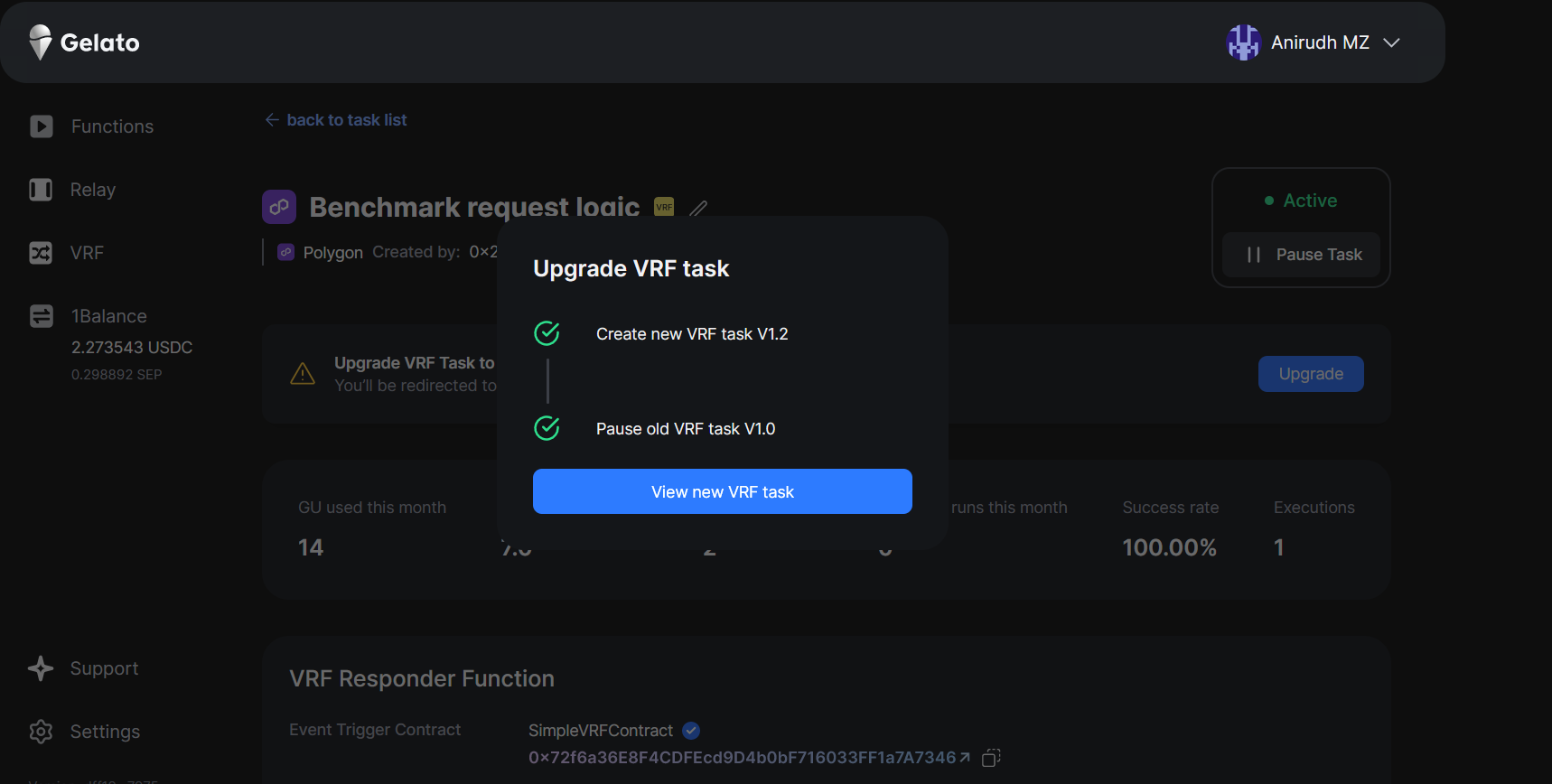

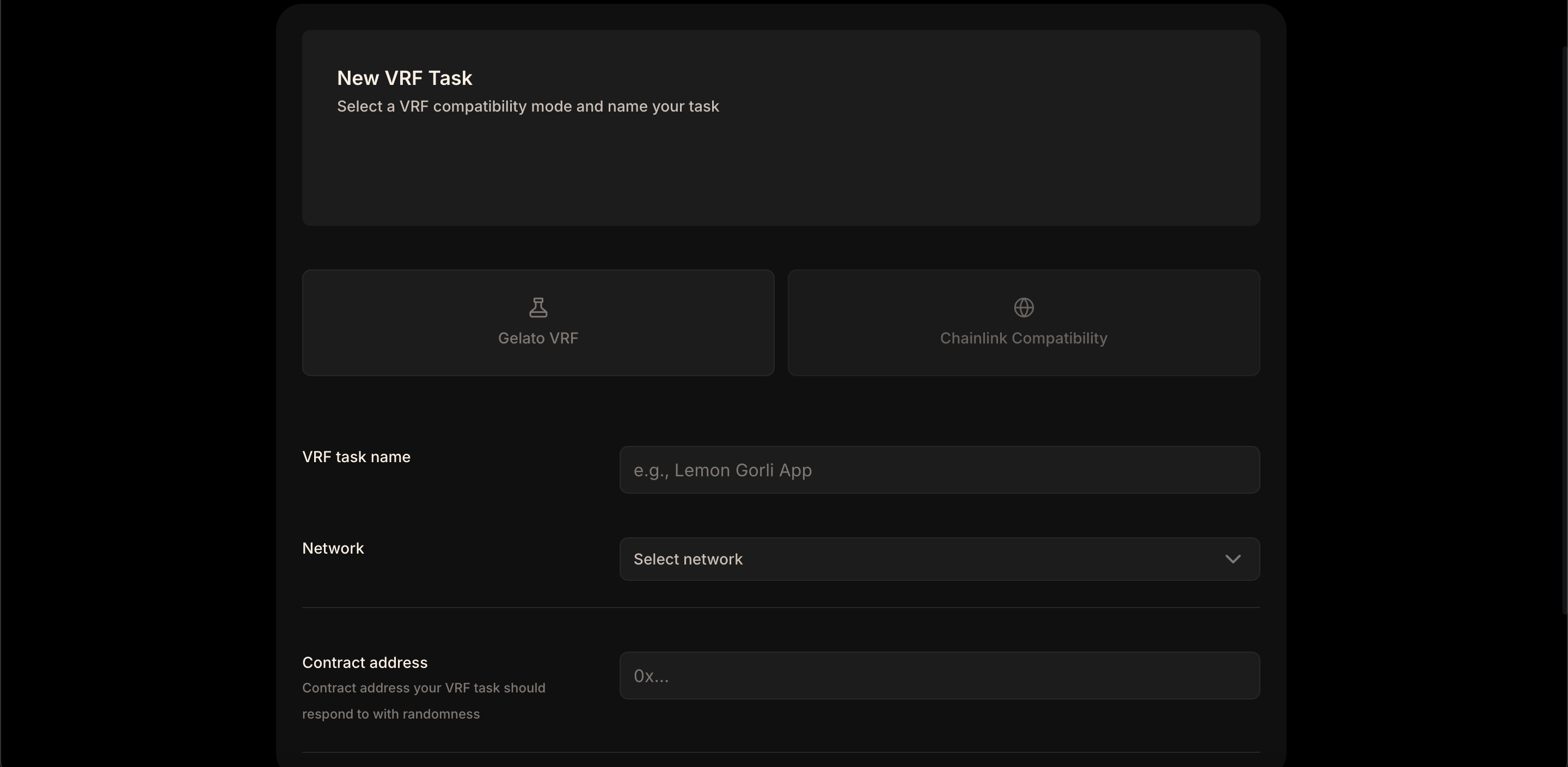
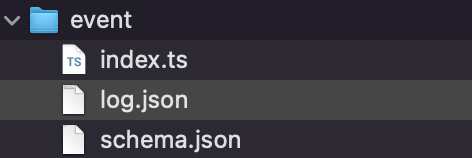
Network
Environment
{networksData.map((item, index) => (
{item.network}
{item.environment}
))}
); })()} --- ## Pricing & Rate Limits **Path:** /vrf/additional-resources/pricing-and-rate-limits ## Overview In order for the network to be sustainable & decentralized, Gelato Nodes charge fees for running off-chain computation and executing transactions. Our default method is to pay for all your Web3 Function costs across all networks from a single balance using [Gelato Gas Tank](/paymaster-&-bundler/gastank/introduction). ## Transaction Charges Each transaction that Gelato Nodes execute require a small fee to incentivize Nodes to adhere to the protocol and get your transactions included into your desired blockchain in a fast and secure fashion. To achieve this, Nodes charge a fee as a percentage of total gas cost for the executed transaction. This varies across networks - Nodes charge higher premiums on cheaper networks and vice versa. {(() => { const pricingData = [ { network: "Ethereum", premium: "20" }, { network: "Polygon", premium: "70" }, { network: "BNB", premium: "30" }, { network: "Avalanche", premium: "40" }, { network: "Fantom", premium: "50" }, { network: "Arbitrum", premium: "50" }, { network: "Optimism", premium: "50" }, { network: "ZkSync Era", premium: "50" }, { network: "Gnosis", premium: "100" }, { network: "Linea", premium: "50" }, { network: "Base", premium: "50" }, { network: "Polygon zkEvm", premium: "50" } ]; return (
Network
Percentage Premium (%)
{pricingData.map((item, index) => (
{item.network}
{item.premium}
))}
); })()} *Table 1 - Fee premiums as a percentage of total gas cost per network. Testnet transactions are subsidized by Gelato.* These transaction premiums can be customised for users. Please reach out to us [here](https://gelato.cloud/contact) to discuss your needs. ## Request Limits VRF requests are using Gelato Web3 functions under the hood, which subsidize the first 10,000 requests per months. If you target an higher number of requests, please check [Web3 functions subscriptions plans](/pricing/pricing-plans) to upgrade to an higher tier. --- ## Templates & Use Cases **Path:** /vrf/additional-resources/templates ## Templates A template to get started using Gelato VRF in your hardhat dev environment. Gelato VRF template & examples for Foundry development environment. ================================================================================ # Web3 Functions ================================================================================ --- ## Overview **Path:** /web3-functions/introduction/overview ## Determining your Needs ### Off-chain Data or Computation? Sometimes, automation tasks require data that isn't readily available on the blockchain, or they might need computations that are better performed off-chain. In such cases, Typescript Functions should be the choice. ### All Checks On-chain? If all the conditions necessary for your automation task can be directly verified on the blockchain, you have the option to select between Typescript Functions, Solidity Functions & Automated Transactions. ## Implementation path {(() => { const implementationSteps = [ { step: "How you want to trigger your run?", description: "Start by deciding on the type of trigger you want to use. (Time, event, or every block)" }, { step: "What to run?", description: [ "Typescript Function", "Solidity Function", "Transaction" ] }, { step: "Task Creation", description: "Create a Web3 Function task to allow the execution of typescript, solidity or transaction" }, { step: "Finalize & Monitor", description: "Once you've defined your function ensure you monitor its execution to confirm that it works as expected. Make any necessary adjustments." } ]; return (
Step
Description
{implementationSteps.map((item, idx) => (
{item.step}
{Array.isArray(item.description) ? (
    {item.description.map((desc, idx) => (
  • {desc}
  • ))}
) : ( item.description )}
))}
); })()} ## Core Features of Web3 Functions Main features of Web3 Functions include Typescript Functions, Solidity Functions & Automated Transactions. Before jumping into the core features of the Web3 Functions, it is highly recommended that you first learn how you'd like to trigger your run. To learn more: ### Trigger Types Learn more about each of the 3 actions that your trigger can run: - [Typescript Function](/web3-functions/introduction/typescript-functions) - [Solidity Function](/web3-functions/introduction/solidity-functions) - [Automated Transactions](/web3-functions/introduction/automated-transactions) ## Pre-Requisite of Target Smart Contract Smart contract functions in the target contract that can be automated should follow these properties: - They need to be functions that are usually called by the development team or external keepers, not "user facing" functions called by users directly - They need to be either public or external - They do not have access restrictions like an onlyOwner modifier, unless the user's dedicated msg.sender address is whitelisted through the proxy module - They do not require msg.sender to be tx.origin --- ## Typescript Functions **Path:** /web3-functions/introduction/typescript-functions ## What are Typescript Functions? Typescript Functions are decentralized cloud functions. They enable developers to execute on-chain transactions based on arbitrary off-chain data (APIs / subgraphs, etc) & computation. These functions are written in Typescript, stored on IPFS and run by Gelato. Typescript Functions enable automation in conjunction with the various trigger types outlined on our [Trigger Types](/web3-functions/introduction/trigger-types) page. ## Essential Role of Typescript Functions ### Seamless Integration with Off-Chain Data They provide an elegant solution for incorporating real-time data from the outside world, enabling smart contracts to respond to external events and changes. ### Enhanced Computation Capabilities Typescript Functions allow for complex calculations that would be too gas-intensive to perform on-chain, facilitating more sophisticated decision-making processes in your DApps. ### Customizable Logic Execution Developers can bring the full power of Typescript to create flexible advanced logic to deliver their application use cases. ## Next steps Head over to our quick start guide and get hands on with writing typescript functions: Learn how to write Typescript Functions. Learn how to write Typescript Functions with an event trigger. --- ## Solidity Functions **Path:** /web3-functions/introduction/solidity-functions ## What are Solidity Functions? Solidity functions are essentially a piece of logic written in Solidity that determines whether certain conditions are met to execute a task. Solidity Functions enable automation in conjunction with the various trigger types outlined on our [Trigger Types](/web3-functions/introduction/trigger-types) page. ## Essential Role of Solidity Functions - **Ensure Precision**: They ensure that functions are triggered only when the right conditions are met. - **Boost Efficiency**: By automating repetitive and conditional tasks, they save time and resources. By automating repetitive and conditional tasks, they save time and resources. - **Enhance Flexibility**: Developers can encode a variety of conditions, allowing for a wide range of automated functionalities. ## Scenarios for Solidity Function Automation - **On-Chain Logic is Required**: Use them when the logic for your automation needs to reside entirely on the blockchain. - **Fine tune gas price**: Limit the gas price of the execution ensuring your automation doesn't overpay network fees. - **Security and Immutability are Key**: Automated tasks that require the highest level of security benefit from Solidity's immutable contract execution environment. ## Next steps Head over to the quick start on how to write Solidity Functions: Learn how to write Solidity Functions. --- ## Trigger Types **Path:** /web3-functions/introduction/trigger-types ## 1. Time Interval Use this trigger to execute tasks at regular intervals, e.g., every 10 minutes or once every 24 hours. It's like setting a straightforward, recurring alarm. ## 2. Cron Expressions This offers a more refined control compared to the Time Interval. With [cron expressions](https://en.wikipedia.org/wiki/Cron), you can set tasks to run at specific moments, such as "every Tuesday at 3 PM" or "on the 1st of every month". It gives you precision in task scheduling. ## 3. On-Chain Event Ideal for those wanting their tasks to respond dynamically to blockchain activities. Whenever a specified event occurs on the blockchain, e.g. ```solidity, sol //event creation with argument types and names event ownerChanged(address indexed _from, address indexed _to); ``` This trigger springs your task into action. ## 4. Every Block This function operates with the rhythm of the blockchain itself, executing your chosen function each time a new block is created. ## Note Irrespective of the trigger type you opt for, you can tie it to running any of the following: - [Typescript Function](/web3-functions/introduction/typescript-functions) - [Solidity Function](/web3-functions/introduction/solidity-functions) - [Transaction](/web3-functions/introduction/automated-transactions) --- ## Automated Transactions **Path:** /web3-functions/introduction/automated-transactions ## What is an Automated Transaction? Automated Transaction ensures that a specific function on the target smart contract gets reliably triggered. When you pre-define the inputs, it means that every time Gelato initiates the function call, it uses consistent, predetermined arguments. Automation Transaction enable automation in conjunction with the various trigger types outlined on our [Trigger Types](/web3-functions/introduction/trigger-types) page. ## Essential Roles for Automated Transactions - **Consistency**: With set arguments, each function activation remains uniform. - **Reliability**: Minimize errors from inconsistent arguments, ensuring predictable function behavior. Minimize errors from inconsistent arguments, ensuring predictable function behavior. - **Simplicity**: Avoid the complexities of decision-making or added input stages during execution. ## Scenarios for Automated Transactions - **Periodic Payments**: Automate regular payments, like subscriptions or salaries, where the amount and recipient remain constant. - **Maintenance Operations**: Execute routine smart contract operations, such as refreshing oracles or updating interest rates, where the action does not change. Execute routine smart contract operations, such as refreshing oracles or updating interest rates, where the action does not change. - **Trigger-Based Actions**: For actions that must occur in response to a specific event, a transaction can be scheduled to execute when the event is observed. - **Automated Token Transfers**: Transfer tokens at specified intervals or when your contract's logic deems it necessary, without additional input or variation. Transfer tokens at specified intervals or when your contract's logic deems it necessary, without additional input or variation. ## Next Steps Head over to the quick start on how to initiate an Automated Transaction: Learn how to initiate an Automated Transaction. --- ## Getting Started **Path:** /web3-functions/how-to-guides/write-typescript-functions/getting-started Watch Now: Learn more by watching our video [Supercharge your Web3 Function](https://www.youtube.com/watch?v=Qy-6eERrbKA), available on YouTube. ## Installation ```bash npm npm install @gelatonetwork/web3-functions-sdk ``` ```bash yarn yarn add @gelatonetwork/web3-functions-sdk ``` Or you can use the [template](https://github.com/gelatodigital/web3-functions-hardhat-template) directly from GitHub's UI. ## Configuration Create a `.env` file in your project root with the following variables: ```env PROVIDER_URLS=your_provider_rpc_url PRIVATE_KEY=your_private_key # Optional, only needed for CLI deployment ``` ## TypeScript Function Example This TypeScript function updates an oracle smart contract with data returned by Coingecko's price API at an interval. Check out more examples [here](https://github.com/gelatodigital/web3-functions-template/tree/master/web3-functions). ```typescript const ORACLE_ABI = [ "function lastUpdated() external view returns(uint256)", "function updatePrice(uint256)", ]; Web3Function.onRun(async (context: Web3FunctionContext) => { const { userArgs, gelatoArgs, multiChainProvider } = context; const provider = multiChainProvider.default(); // Retrieve Last oracle update time const oracleAddress = "0x71b9b0f6c999cbbb0fef9c92b80d54e4973214da"; const oracle = new Contract(oracleAddress, ORACLE_ABI, provider); const lastUpdated = parseInt(await oracle.lastUpdated()); console.log(`Last oracle update: ${lastUpdated}`); // Check if it's ready for a new update const nextUpdateTime = lastUpdated + 300; // 5 min const timestamp = (await provider.getBlock("latest")).timestamp; console.log(`Next oracle update: ${nextUpdateTime}`); if (timestamp < nextUpdateTime) { return { canExec: false, message: `Time not elapsed` }; } // Get current price on coingecko const currency = "ethereum"; const priceData: any = await ky .get( `https://api.coingecko.com/api/v3/simple/price?ids=${currency}&vs_currencies=usd`, { timeout: 5_000, retry: 0 } ) .json(); const price = Math.floor(priceData[currency].usd); console.log(`Updating price: ${price}`); // Return execution call data return { canExec: true, callData: [{ to: oracleAddress, data: oracle.interface.encodeFunctionData("updatePrice", [price]) }], }; }); ``` Create your function `schema.json` to specify your runtime configuration: ```json { "web3FunctionVersion": "2.0.0", "runtime": "js-1.0", "memory": 128, "timeout": 30, "userArgs": {} } ``` Note: For now the configuration is fixed and cannot be changed. ## TypeScript Function Context When writing the Web3 Function, it is very helpful to understand the context Gelato injects into the execution, providing additional features to widen the Web3 Functions applicability. ```typescript Web3Function.onRun(async (context: Web3FunctionContext) => { const { userArgs, storage, secrets, multiChainProvider, gelatoArgs } = context; const provider = multiChainProvider.default(); ... }); ``` ### User Arguments Declare your expected userArgs in your schema.json, accepted types are string, string[], number, number[], boolean, boolean[]: ```json { "web3FunctionVersion": "2.0.0", "runtime": "js-1.0", "memory": 128, "timeout": 30, "userArgs": { "currency": "string", "oracle": "string" } } ``` Access your userArgs from the Web3Function context: ```typescript Web3Function.onRun(async (context: Web3FunctionContext) => { const { userArgs, gelatoArgs, secrets } = context; // User args: console.log('Currency:', userArgs.currency) console.log('Oracle:', userArgs.oracle) ... }); ``` In the same directory as your web3 function, create a file `userArgs.json` and fill in your userArgs to test your web3 function: ```json { "currency": "ethereum", "oracle": "0x71B9B0F6C999CBbB0FeF9c92B80D54e4973214da" } ``` Test out the Coingecko oracle web3 function: ```bash npx w3f test path/to/web3-functions/oracle/index.ts --logs ``` ### State / Storage Web3Functions are stateless scripts, that will run in a new & empty memory context on every execution. If you need to manage some state variable, we provide a simple key/value store that you can access from your web3 function context. See the above example to read & update values from your storage: ```typescript Web3Function, Web3FunctionContext, } from "@gelatonetwork/web3-functions-sdk"; Web3Function.onRun(async (context: Web3FunctionContext) => { const { storage, multiChainProvider } = context; const provider = multiChainProvider.default(); // Use storage to retrieve previous state (stored values are always string) const lastBlockStr = (await storage.get("lastBlockNumber")) ?? "0"; const lastBlock = parseInt(lastBlockStr); console.log(`Last block: ${lastBlock}`); const newBlock = await provider.getBlockNumber(); console.log(`New block: ${newBlock}`); if (newBlock > lastBlock) { // Update storage to persist your current state (values must be cast to string) await storage.set("lastBlockNumber", newBlock.toString()); } return { canExec: false, message: `Updated block number: ${newBlock.toString()}`, }; }); ``` To populate the storage values in your testing, in the same directory as your web3 function, create a file `storage.json` and fill in the storage values: ```json { "lastBlockNumber": "1000" } ``` Test out the storage web3 function: ```bash npx w3f test path/to/web3-functions/storage/index.ts --logs ``` ### Secrets In the same directory as your web3 function, create a `.env` file and fill up your secrets: ```env COINGECKO_API=https://api.coingecko.com/api/v3 ``` Access your secrets from the Web3Function context: ```typescript // Get api from secrets const coingeckoApi = await context.secrets.get("COINGECKO_API"); if (!coingeckoApi) { return { canExec: false, message: `COINGECKO_API not set in secrets` }; } ``` Test your web3 function using secrets: ```bash npx w3f test path/to/web3-functions/secrets/index.ts --logs ``` When deploying a task, you will be able to set your web3 function secrets on our UI or using the SDK: ```typescript const { ethers, w3f } = hre; const adBoardW3f = w3f.get("advertising-board"); const [deployer] = await ethers.getSigners(); const chainId = (await ethers.provider.getNetwork()).chainId; const automate = new AutomateSDK(chainId, deployer); const web3Function = new Web3Function(chainId, deployer); // Deploy Web3Function on IPFS console.log("Deploying Web3Function on IPFS..."); const cid = await adBoardW3f.deploy(); console.log(`Web3Function IPFS CID: ${cid}`); // Create task using automate sdk console.log("Creating automate task..."); const { taskId, tx } = await automate.createBatchExecTask({ name: "Web3Function - Ad Board", web3FunctionHash: cid, web3FunctionArgs: {}, }); await tx.wait(); console.log(`Task created, taskId: ${taskId} (tx hash: ${tx.hash})`); console.log( `> https://app.gelato.cloud/functions/${taskId}?type=overview&chainId=${chainId}&functions=true` ); // Set task specific secrets const secrets = adBoardW3f.getSecrets(); if (Object.keys(secrets).length > 0) { await web3Function.secrets.set(secrets, taskId); console.log(`Secrets set`); } ``` ### Multichain Provider The `multichainProvider` allows us to instantiate RPC providers for every network Gelato is deployed on. ```typescript Web3Function, Web3FunctionContext, } from "@gelatonetwork/web3-functions-sdk"; Web3Function.onRun(async (context: Web3FunctionContext) => { const { multiChainProvider } = context; // multichainProvider.default() will instantiate // the provider of the chain the W3F is deployed const provider = multiChainProvider.default(); // passing the chainId as follows, we can instantiate // a rpc provider for that network const polygonProvider = multiChainProvider.chainId(137); // This method fetches the number of remaining RPC calls, // allowing dynamic adaptations based on the user's plan limits. const remainingCalls = await multiChainProvider.nbRpcCallsRemaining(); ... }); ``` When testing locally, we can provide the different providers by including them in `.env` at the root folder: ```env PROVIDER_URLS=RPC1,RPC2 ``` #### Interoperability with Other Libraries Although `multiChainProvider` is designed to work seamlessly within the Gelato Web3 Functions SDK, it is possible to extract the underlying RPC URL and use it with other client libraries. This flexibility is valuable for developers who prefer or require features from other libraries, such as `viem`. Here's an example of how to utilize the RPC URL from `multiChainProvider` with the `viem` library: ```typescript Web3Function.onRun(async (context: Web3FunctionContext) => { const { multiChainProvider } = context; const provider = multiChainProvider.default(); const url = provider.connection.url; // Initialize viem client with the extracted URL const rpc = createPublicClient({ chain: polygon, transport: http(url), }); // Now you can use the viem client for your operations // ... }); ``` ### Gelato Arguments Gelato injects the `chainId`, the `gasPrice`, and the `taskId` into the context. - **chainId:** The unique number identifying the blockchain network where the function is running. - **gasPrice:** The cost of executing transactions on the blockchain. - **taskId:** A string that uniquely identifies the task. ```typescript Web3Function, Web3FunctionContext, } from "@gelatonetwork/web3-functions-sdk"; Web3Function.onRun(async (context: Web3FunctionContext) => { const { gelatoArgs } = context; // chainId: number const chainId = gelatoArgs.chainId; // gasPrice: BigNumber const gasPrice = gelatoArgs.gasPrice; // taskId: string const taskId = gelatoArgs.taskId; ... }); ``` --- ## Event Trigger **Path:** /web3-functions/how-to-guides/write-typescript-functions/event-trigger Watch Now: Learn more by watching our video [Web3 Function Triggers](https://www.youtube.com/watch?v=7UpqGsANsBQ), available on YouTube. ## Event Context For event triggered typescript functions, use the `Web3FunctionEventContext` instead of the regular `Web3FunctionContext` on your `onRun` handler. The context will then include a `log` property containing your full event log that you can parse and process. ## Event Triggered Typescript Function example ### event/index.ts ```typescript const NFT_ABI = [ "event Transfer(address indexed from, address indexed to, uint256 indexed tokenId)", ]; Web3Function.onRun(async (context: Web3FunctionEventContext) => { // Get event log from Web3FunctionEventContext const { log } = context; // Parse your event from ABI const nft = new Interface(NFT_ABI); const event = nft.parseLog(log); // Handle event data const { from, to, tokenId } = event.args; console.log(`Transfer of NFT #${tokenId} from ${from} to ${to} detected`); return { canExec: false, message: `Event processed ${log.transactionHash}` }; }); ``` ## Testing locally To test your event triggered typescript function, you can add a `log.json` file in your web3 function directory: Event Directory Structure Copy in the `log.json` file the raw data of the event you want to test: ### event/log.json ```json { "blockNumber": 48758053, "blockHash": "0x6794a56583329794f184d50862019ecf7b6d8ba6b3210f68ca4b91a8fa81817d", "transactionIndex": 29, "removed": false, "address": "0xb74de3F91e04d0920ff26Ac28956272E8d67404D", "data": "0x", "topics": [ "0xddf252ad1be2c89b69c2b068fc378daa952ba7f163c4a11628f55a4df523b3ef", "0x0000000000000000000000000000000000000000000000000000000000000000", "0x000000000000000000000000eec2ba9b9f0202c63bba29ea9a4ce5c23f9865fd", "0x0000000000000000000000000000000000000000000000000000000000001099" ], "transactionHash": "0x2c500a55f5c24d587e73805975d91395634a971dca5939f43d34d774d0f7147b", "logIndex": 343 } ``` The data in `log.json` will be injected in your event context in local runs via CLI: ```bash npx w3f test event/index.ts --logs ``` ```bash Web3Function running logs: > Transfer of NFT #4249 from 0x0000000000000000000000000000000000000000 to 0xeeC2ba9B9F0202c63bba29Ea9A4Ce5c23f9865FD detected Web3Function Result: ✓ Return value: {"canExec":false,"message":"Event processed 0x2c500a55f5c24d587e73805975d9"} --- ## Callbacks **Path:** /web3-functions/how-to-guides/write-typescript-functions/callbacks Callbacks can be used to manage the outcome of your transaction submission. This advanced feature enables your functions to adapt based on the execution status, whether successful or not, thus providing a robust way to handle different scenarios that may occur during task execution. Let's explore the two types of callbacks available: ## Callback Function Example: ```typescript Web3Function, Web3FunctionContext, Web3FunctionFailContext, Web3FunctionSuccessContext, } from "@gelatonetwork/web3-functions-sdk"; const ORACLE_ABI = [ "function lastUpdated() external view returns(uint256)", "function updatePrice(uint256)", ]; // Callback for successful execution Web3Function.onSuccess(async (context: Web3FunctionSuccessContext) => { const { transactionHash } = context; //onSuccess Logic goes here }); // Callback for handling failures Web3Function.onFail(async (context: Web3FunctionFailContext) => { const { reason, transactionHash, callData } = context; //onFail Logic goes here }); // Main function logic Web3Function.onRun(async (context: Web3FunctionContext) => { const { userArgs, multiChainProvider } = context; // Core logic goes here to prepare callData return { canExec: false, message: "Nothing to execute yet" }; }); ``` ## Types of Callbacks ### onSuccess Callback This callback gets invoked after a successful on-chain execution. It's especially useful for tracking successful transactions or for further processing after a task completes. ```typescript Web3Function.onSuccess(async (context: Web3FunctionSuccessContext) => { const { transactionHash } = context; console.log("onSuccess: txHash: ", transactionHash); }); ``` The `Web3FunctionSuccessContext` offers access to the `transactionHash`, allowing you to reference and track the successful transaction within your application. ### onFail Callback Triggered when an on-chain execution encounters issues such as: - **InsufficientFunds**: When the account executing the function does not have enough balance to cover the transaction fees. - **SimulationFailed**: If the execution simulation (a pre-run of the transaction) fails, indicating that the actual transaction might also fail. - **ExecutionReverted**: When the actual transaction is executed on the blockchain but is reverted due to a condition in the smart contract code or because it runs out of gas. This callback is crucial for handling errors and implementing fallback logic. ```typescript Web3Function.onFail(async (context: Web3FunctionFailContext) => { const { reason } = context; if (reason === "ExecutionReverted") { console.log(`onFail: ${reason} txHash: ${context.transactionHash}`); } else if (reason === "SimulationFailed") { console.log( `onFail: ${reason} callData: ${JSON.stringify(context.callData)}` ); } else { console.log(`onFail: ${reason}`); } }); ``` In the context of the `onFail` callback: - `reason`: This is a string indicating why the failure occurred. - `transactionHash`: Provided when the reason for failure is `ExecutionReverted`, this is the unique identifier of the reverted transaction. - `callData`: Available when the reason is `SimulationFailed`, this is the data that was used during the function run, which can be useful for debugging the failure. ## Testing Your Callbacks You can test your callbacks locally using specific flags during the test execution. This helps in ensuring that your callbacks function as intended before deployment. ### For onFail Callback: ```bash yarn test src/web3-functions/callbacks/index.ts --logs --onFail ``` ```bash Web3Function building... Web3Function Build result: ✓ Schema: web3-functions\oracle-callback\schema.json ✓ Built file: C:\Users\aniru\OneDrive\Desktop\Gelato_internship\w3f-example\web3-functions-hardhat-template\.tmp\index.js ✓ File size: 0.64mb ✓ Build time: 150.48ms Web3Function user args validation: ✓ currency: ethereum ✓ oracle: 0x71B9B0F6C999CBbB0FeF9c92B80D54e4973214da Web3Function running logs: > userArgs: undefined > onFail: SimulationFailed callData: [{"to":"0x0000000000000000000000000000000000000000","data":"0x00000000"}] Web3Function onFail result: ✓ Success Web3Function Runtime stats: ✓ Duration: 0.20s ✓ Memory: 0.00mb ✓ Storage: 0.04kb ✓ Network: 0 req [ DL: 0.00kb / UL: 0.00kb] ✓ Rpc calls: 0 Done in 1.33s. ``` ### For onSuccess Callback: ```bash npx test src/web3-functions/callbacks/index.ts --logs --onSuccess ``` ```bash Web3Function Build result: ✓ Schema: web3-functions\oracle-callback\schema.json ✓ Built file: C:\Users\aniru\OneDrive\Desktop\Gelato_internship\w3f-example\web3-functions-hardhat-template\.tmp\index.js ✓ File size: 0.64mb ✓ Build time: 143.00ms Web3Function user args validation: ✓ currency: ethereum ✓ oracle: 0x71B9B0F6C999CBbB0FeF9c92B80D54e4973214da Web3Function running logs: > userArgs: undefined > onSuccess: txHash: undefined Web3Function onSuccess result: ✓ Success Web3Function Runtime stats: ✓ Duration: 0.19s ✓ Memory: 0.00mb ✓ Storage: 0.04kb ✓ Network: 0 req [ DL: 0.00kb / UL: 0.00kb] ✓ Rpc calls: 0 Done in 1.47s. ``` --- ## Private Typescript Functions **Path:** /web3-functions/how-to-guides/write-typescript-functions/private-typescript-functions When you deploy a Typescript Function the code is stored and pinned on IPFS making it accessible to everyone. If you would prefer to conceal your code, one approach is to store your code in a private Github Gist. Subsequently, this code can be retrieved and executed through a Web3 Function. This approach introduces a dependency on Github's availability. We aim to directly support private Web3 Function deployments in the future. ## Private Typescript Function example This Typescript Function fetches `onRun.js` (Github gist containing concealed code) with its gist id and executes it during runtime. Check out the example on [GitHub](https://github.com/gelatodigital/web3-functions-template/blob/master/web3-functions/private/README.md) here. The code in `onRun.js` must be in JavaScript ```typescript private-w3f/index.ts Web3Function, Web3FunctionContext, Web3FunctionResult, } from "@gelatonetwork/web3-functions-sdk"; // import dependencies used in onRun.js Web3Function.onRun(async (context: Web3FunctionContext) => { const { secrets } = context; const gistId = (await secrets.get("GIST_ID")) as string; const octokit = new Octokit(); let onRunScript: string | undefined; // fetch onRun.js from private github gist try { const gistDetails = await octokit.rest.gists.get({ gist_id: gistId, }); const files = gistDetails.data.files; if (!files) throw new Error(`No files in gist`); for (const file of Object.values(files)) { if (file?.filename === "onRun.js" && file.content) { onRunScript = file.content; break; } } if (!onRunScript) throw new Error(`No onRun.js`); } catch (err) { return { canExec: false, message: `Error fetching gist: ${err.message}`, }; } // run onRun.js try { /** * context are passed into onRun.js. * onRun.js will have access to all userArgs, secrets & storage */ const onRunFunction = new Function("context", "ky", "ethers", onRunScript); const onRunResult: Web3FunctionResult = await onRunFunction( context, ky, ethers ); if (onRunResult) { return onRunResult; } else { return { canExec: false, message: `No result returned` }; } } catch (err) { console.log(err); return { canExec: false, message: `Error running gist: ${err.message}`, }; } }); ``` ## Writing onRun.js Check out an example of a GitHub gist with `onRun.js` [here](https://gist.github.com/brandonchuah/0c58ee8ce55bc7af5f42a2d75c27433c). ### 1. onRun.js file structure `onRun.js` should return a promise. ```javascript onRun.js return (async () => { // ... your code here })(); ``` ### 2. Using dependencies Dependencies that are used in `onRun.js` should be imported into the Web3 Function `index.ts` file, not in `onRun.js`. ```typescript // import dependencies used in onRun.js ``` ### 3. Accessing Web3 Function Context Web3 Function context which includes, secrets, userArgs, multiChainProvider can be accessed normally in `onRun.js`. ```javascript return (async () => { const {secrets, userArgs, multiChainProvider} = context })(); ``` ### 4. Return Web3 Function result Results returned in `onRun.js` will be bubbled up and returned in the private Web3 Function. ```javascript return { canExec: true, callData: [ { to: oracleAddress, data: oracle.interface.encodeFunctionData("updatePrice", [price]), }, ], } ``` ## Creating private Typescript Function task ### Secrets (strict) - `GIST_ID` (Github gist id to fetch `onRun.js` from) Make sure to store your GitHub gist id as a secret. ### Arguments (not strict) Since GitHub gists are editable, you can have a userArgs to be a JSON string so that arguments can be editable without re-deploying a web3 function with a different schema. ```json private-w3f/schema.json { "web3FunctionVersion": "2.0.0", "runtime": "js-1.0", "memory": 128, "timeout": 30, "userArgs": { "args": "string" } } ``` Example args when creating your task: ```json { "args": "{\"currency\":\"ethereum\",\"oracle\":\"0x71B9B0F6C999CBbB0FeF9c92B80D54e4973214da\"}" } ``` --- ## Write Solidity Functions **Path:** /web3-functions/how-to-guides/write-solidity-functions ## 1. Understand the Role of a Checker A Checker acts as a bridge between conditions and smart contract executions. Its purpose? To check conditions and determine whether a task should be executed by Gelato. Every Checker returns two main things: - `canExec` (Boolean): Indicates if Gelato should execute the task. - `execData` (Bytes): Contains the data that executors will use during execution. Solidity functions must adhere to the block gas limit for checker calls; exceeding it will cause the call to fail. ## 2. Solidity Function Example Before we delve into complexities, let's understand the structure of a simple Checker: ```solidity contract CounterChecker{ ICounter public immutable counter; constructor(ICounter _counter) { counter = _counter; } function checker() external view returns (bool canExec, bytes memory execPayload) { uint256 lastExecuted = counter.lastExecuted(); canExec = (block.timestamp - lastExecuted) > 180; execPayload = abi.encodeCall(ICounter.increaseCount, (1)); } } ``` In the above, the checker checks the state of a counter and prompts Gelato to execute if 3 minutes (180 seconds) have elapsed since its last execution. ## 3. Making your Checker Reusable Avoid hardcoding addresses. Instead, allow the passing of arguments to your checker. This lets you reuse the checker for multiple tasks: ```solidity function checker(address _counter) external view returns (bool canExec, bytes memory execPayload) { uint256 lastExecuted = ICounter(_counter).lastExecuted(); canExec = (block.timestamp - lastExecuted) > 180; execPayload = abi.encodeCall(ICounter.increaseCount, (1)); } ``` ## 4. Advanced: Checking Multiple Functions Suppose you're automating tasks across different pools. Instead of creating multiple tasks, iterate through your list of pools within a single checker: ```solidity function checker() external view returns (bool canExec, bytes memory execPayload) { uint256 delay = harvester.delay(); for (uint256 i = 0; i < vaults.length(); i++) { IVault vault = IVault(getVault(i)); canExec = block.timestamp >= vault.lastDistribution().add(delay); execPayload = abi.encodeWithSelector( IHarvester.harvestVault.selector, address(vault) ); if (canExec) return(true, execPayload); } return(false, bytes("No vaults to harvest")); } ``` ## 5. Incorporating Feedback with Logs With the Gelato Web3 Functions UI, you can use custom return messages to pinpoint where your checker might be "stuck": ```solidity function checker() external view returns (bool canExec, bytes memory execPayload) { uint256 lastExecuted = counter.lastExecuted(); if(block.timestamp - lastExecuted < 180) return(false, bytes("Time not elapsed")); execPayload = abi.encodeCall(ICounter.increaseCount, (1)); return(true, execPayload); } ``` ## 6. Limit the Gas Price of your execution On networks such as Ethereum, gas will get expensive at certain times. If what you are automating is not time-sensitive and don't mind having your transaction mined at a later point, you can limit the gas price used in your execution in your checker. ```solidity function checker() external view returns (bool canExec, bytes memory execPayload) { // condition here if(tx.gasprice > 80 gwei) return (false, bytes("Gas price too high")); } ``` This way, Gelato will not execute your transaction if the gas price is higher than 80 GWEI. --- ## Test & Deploy Typescript Functions **Path:** /web3-functions/how-to-guides/test-deploy-typescript-functions ## Testing Typescript Functions To test your Typescript Function locally, run: ```bash npx w3f test path/to/web3-functions/index.ts --logs ``` or ```bash npx hardhat w3f-run W3FNAME --logs ``` Example: ```bash npx w3f test oracle/index.ts --logs ``` ### Optional flags: - `--logs` Show internal Web3 Function logs - `--debug` Show Runtime debug messages - `--chain-id [NETWORK]` Set the default runtime network & provider. Example: ```bash npx w3f test path/to/web3-functions/index.ts --logs --chain-id= ``` or ```bash npx hardhat w3f-run web3-function --logs --network hardhat ``` Output: ```bash Web3Function Build result: ✓ Schema: /Users/chuahsonglin/Documents/GitHub/Gelato/contract/w3f-template/web3-functions/oracle/schema.json ✓ Built file: /Users/chuahsonglin/Documents/GitHub/Gelato/contract/w3f-template/.tmp/index.js ✓ File size: 2.47mb ✓ Build time: 947.91ms Web3Function user args validation: ✓ currency: ethereum ✓ oracle: 0x71B9B0F6C999CBbB0FeF9c92B80D54e4973214da Web3Function running logs: > Last oracle update: 0 > Next oracle update: 3600 > Updating price: 1898 Web3Function Result: ✓ Return value: { canExec: true, callData: [ { to: '0x71B9B0F6C999CBbB0FeF9c92B80D54e4973214da', data: '0x8d6cc56d000000000000000000000000000000000000000000000000000000000000076a' } ] } Web3Function Runtime stats: ✓ Duration: 1.35s ✓ Memory: 113.55mb ✓ Storage: 0.03kb ✓ Rpc calls: 3 ``` ## Deploying Typescript Functions To compile your Typescript Function and deploy it to IPFS, use ```bash npx w3f deploy path/to/web3-functions/index.ts --chain-id= ``` or ```bash npx hardhat w3f-deploy W3FNAME --network sepolia ``` Example: ```bash npx w3f deploy oracle/index.ts --chain-id=11155111 ``` Once uploaded, Gelato Nodes will pin the file on your behalf on IPFS. If the upload was successful, you should get the IPFS CID of your Typescript Function returned. ```bash ✓ Web3Function deployed to ipfs. ✓ CID: QmbQJC5XGpQUsAkLq6BqpvLtD8EPNDEaPqyFf4xK3TM6xj ``` This CID will be different for every new Typescript Function version that you will deploy. ## Creating Typescript Function Task Before creating Typescript function tasks, familiarize yourself with the available [Trigger Types](/web3-functions/introduction/trigger-types)! Creating Typescript Function Task 1. **Selection of Function** - Navigate to the What to trigger section. - Within the Typescript Function subsection, find the IPFS CID input box. 2. **Function Details Input** - Input the CID you secured after deploying your Typescript function. - Upon entry, you should see a message like "Typescript Function code imported," signifying a successful connection. 3. **Network Configuration** - Scroll to the Network dropdown menu. - Choose the blockchain network where the Typescript function should work, e.g., "Sepolia." 4. **Task Configuration** - If your Typescript function needs secret variables or API keys, securely enter them in the Task Secrets section. For every secret: - **Key**: Define the name of the variable or key, e.g., "API_KEY". - **Value**: Enter the associated secret value. - Click Save after each input to guarantee its safe storage. --- ## Test & Deploy Solidity Functions **Path:** /web3-functions/how-to-guides/test-deploy-solidity-functions ## Testing Solidity Functions The purpose of this repo is to showcase unit tests examples of using Gelato Solidity Functions in a Hardhat environment. A repository showcasing unit tests examples of using Gelato Solidity Functions in a Hardhat environment. It's advised to conduct tests by impersonating Gelato's address within a Hardhat environment to ensure accurate simulation of Gelato Solidity Function executions. ## Deploying Solidity Functions To deploy your Solidity functions, please proceed with deploying your contract to the network. Once deployed, ensure you verify your contract on Etherscan to enable automatic ABI fetching within our app. ## Creating Solidity Function Tasks Before creating solidity function tasks, familiarize yourself with the available [Trigger Types](/web3-functions/introduction/trigger-types)! Creating Solidity Function Tasks 1. **Selection of Function** - Navigate to the What to trigger section. - Choose the Solidity Function option 2. **Network Configuration** - Locate the Network dropdown. - Select your desired blockchain network where the contract is deployed, e.g., "Göerli." 3. **Function Details Input** - Under the Solidity Function section, find the input labeled Contract Address. - Enter the Ethereum address of your deployed Solidity contract. Ensure accuracy as this determines where your functions will interact. - Once the contract address is entered, the ABI (Application Binary Interface) should automatically populate. If using a custom ABI, select the Custom ABI option and input it accordingly. 4. **Task Configuration** - A checker function evaluates conditions before triggering the main function. From the Checker Function dropdown, choose the specific function you want as a condition checker. - Enter the Target Contract where the automated function call should be sent. From the subsequent dropdown, select the specific function you wish to automate. Task Configuration --- ## Using UI **Path:** /web3-functions/how-to-guides/create-a-web3-functions-task/using-ui This method is ideal for developers or operators who prefer a graphical interface for task configuration. For instance, if you're a developer who wants to quickly test a function or a non-technical person looking to schedule a recurring job without writing any code. In order to create a task that will automatically run your Web3 Function on your behalf, go to https://app.gelato.cloud/ and click on the "Create Task" button. Create Task UI - To learn about creating Typescript function tasks from the UI: [Creating Typescript Function Task](/web3-functions/how-to-guides/write-typescript-functions) - To learn about creating Solidity function tasks from the UI: [Creating Solidity Function Tasks](/web3-functions/how-to-guides/write-solidity-functions) - To learn about creating Automated Transaction Tasks from the UI: [Initiate an Automated Transaction](/web3-functions/how-to-guides/initiate-an-automated-transactions) ## Single Execution Task If you want to have Gelato call your function only once. If so, you can open up the Advanced Settings panel when creating a new task and select Single execution task The task will still be cancelled if the execution reverts on-chain Task Properties UI --- ## Using the Automate SDK **Path:** /web3-functions/how-to-guides/create-a-web3-functions-task/using-the-automate-sdk The SDK is suitable when you need to integrate task creation into your development environment or automated scripts. It's also useful for complex setups that require conditional logic before task submission. Use the `automate-sdk` to easily create a new task: ```bash yarn install @gelatonetwork/automate-sdk ``` Typescript Functions are still in private beta, make sure to use the beta version of the `automate-sdk` to have access to it ## Typescript Function Import the sdk and create task, passing your typescript function CID & arguments: ```typescript const automate = new AutomateSDK(chainId, deployer); const { taskId, tx } = await automate.createBatchExecTask({ name: "Web3Function - Eth Oracle", web3FunctionHash: cid, web3FunctionArgs: { oracle: oracle.address, currency: "ethereum", }, trigger: { // Run every minutes type: TriggerType.TIME, interval: 60 * 1000, }, }); await tx.wait(); ``` You can specify `cron` trigger this way: ```typescript trigger: { type: TriggerType.CRON, cron: "0 8 * * *", // Run every day at 8:00 } ``` `event` trigger like this: ```typescript trigger: { type: TriggerType.EVENT, filter: { // Listen to PriceUpdated event on Oracle contract address: oracle.address, topics: [[oracle.getEventTopic("PriceUpdated")]], }, blockConfirmations: 0, // Trigger immediately }, ``` And `block` trigger this way: ```typescript trigger: { type: TriggerType.BLOCK, } ``` If your task utilizes secrets, you can set them after the task has been created. ```typescript const web3Function = new Web3Function(chainId, deployer); const secrets = { API_KEY: "..." // Set your secret environment variables } await web3Function.secrets.set(secrts, taskId); ``` ## Solidity Function Repeat the installation step as shown above, then import and instantiate the SDK: ```typescript const automate = new AutomateSDK(chainId, signer); ``` Use `createTask` to automate your function calls: ```typescript interface CreateTaskOptions { name: string; // your task name // Function to execute execAddress: string; // address of your target smart contract execSelector: string; // function selector to execute on your target smart contract execAbi?: string; // ABI of your target smart contract // Proxy caller dedicatedMsgSender: boolean; // task will be called via a dedicated msg.sender which you can whitelist (recommended: true) // Optional: Pre-defined / static target smart contract inputs execData?: string; // exec call data // Optional: Dynamic target smart contract inputs (using a resolver) resolverAddress?: string; // resolver contract address resolverData?: string; // resolver call data (encoded data with function selector) resolverAbi?: string; // your resolver contract ABI // Optional: Time based task params interval?: number; // execution interval in seconds startTime?: number; // start timestamp in seconds or 0 to start immediately (default: 0) // Optional: Single execution task singleExec?: boolean; // task cancels itself after 1 execution if true. // Optional: Payment params useTreasury?: boolean; // use false if your task is self-paying (default: true) } const params: CreateTaskOptions = { name, execAddress, execSelector, interval }; const { taskId, tx }: TaskTransaction = await automate.createTask(params); ``` ### Examples #### Deploy a contract & automate your function call: ```typescript // Deploying Counter contract const counterFactory = await hre.ethers.getContractFactory("Counter"); const counter = await counterFactory.deploy(GELATO_ADDRESSES[chainId].automate); await counter.deployed(); // Call Counter.increaseCount(42) every 10 minutes const { taskId, tx }: TaskTransaction = await automate.createTask({ execAddress: counter.address, execSelector: counter.interface.getSighash("increaseCount(uint256)"), execData: counter.interface.encodeFunctionData("increaseCount", [42]), execAbi: counter.interface.format("json") as string, interval: 10 * 60, // execute every 10 minutes name: "Automated counter every 10min", dedicatedMsgSender: true });​ ``` #### Use a Checker to automate your function call: If you need more configurable execution condition and/or dynamic input data, you can create a task using Checker ```typescript // Prepare Task data to automate const counter = new Contract(COUNTER_ADDRESSES, counterAbi, signer); const resolver = new Contract(COUNTER_RESOLVER_ADDRESSES, counterResolverAbi, signer); const selector = counter.interface.getSighash("increaseCount(uint256)"); const resolverData = resolver.interface.getSighash("checker()"); // Create task const { taskId, tx }: TaskTransaction = await automate.createTask({ execAddress: counter.address, execSelector: selector, resolverAddress: resolver.address, resolverData: resolverData, name: "Automated counter using resolver", dedicatedMsgSender: true }); ``` ## Automated Transaction The `CreateTaskOptions` interface is used for configuring Automated Transactions with the same structure and options as defined above. The only difference is you need to configure your automated transaction without the need for a checker function. Example: ```typescript interface CreateTaskOptions { name: string; // Name your task execAddress: string; // Address of your target smart contract execSelector: string; // Function selector to call on your target smart contract execAbi?: string; // ABI of your target smart contract (optional) execData?: string; // Call data for the function execution (optional) } ``` ## Single Execution Task If you want to have Gelato call your function only once. If so, set `singleExec` flag to true when calling `createTask`. ```typescript const { taskId, tx }: TaskTransaction = await automate.createTask({ execAddress: counter.address, execSelector: selector, resolverAddress: counter.address, resolverData: resolverData, dedicatedMsgSender: true, name: "Automated counter using resolver", dedicatedMsgSender: true, singleExec: true }); ``` --- ## Using Smart Contract **Path:** /web3-functions/how-to-guides/create-a-web3-functions-task/using-smart-contract You can create a task that uses Web3 Function from your smart contract as well. If your project involves complex interactions and you need the task creation to be a part of an on-chain transaction, you would directly interact with a smart contract. Web3 Function secrets are not available for smart contract created tasks. To create a Web3 Function task with your smart contract, you can inherit [AutomateTaskCreator](https://github.com/gelatodigital/automate/blob/master/contracts/integrations/AutomateTaskCreator.sol) which has helper functions to easily create your task. Pass the `Module.PROXY` & `Module.WEB3_FUNCTION` as modules in `ModuleData` ```solidity ModuleData memory moduleData = ModuleData({ modules: new Module[](2), args: new bytes[](2) }); moduleData.modules[0] = Module.PROXY; moduleData.modules[1] = Module.WEB3_FUNCTION; ``` Use `_web3FunctionModuleArg` to encode arguments for `WEB3_FUNCTION` module. ```solidity function _web3FunctionModuleArg( string memory _web3FunctionHash, // IPFS CID of deployed web3Function bytes calldata _web3FunctionArgsHex // Abi encoded web3 function arguments ) ``` Here is how you can encode your Web3Function arguments to get `web3FunctionArgsHex`. In this example, the Web3Function has 2 arguments, `counterW3fAddress` & `count`. ```json schema.json { "web3FunctionVersion": "2.0.0", "runtime": "js-1.0", "memory": 128, "timeout": 30, "userArgs": { "counterW3fAddress": "string", "count": "number" } } ``` In your contract, you would encode the arguments according to the sequence defined in `schema.json`. ```solidity function _getWeb3FunctionArgsHex( address counterW3fAddress, uint256 count ) internal pure returns (bytes memory web3FunctionArgsHex) { web3FunctionArgsHex = abi.encode(counterW3fAddress, count) } ``` The full code can be found [here](https://github.com/gelatodigital/automate/blob/master/contracts/integrations/examples/contractCreator/withTreasury/CounterWeb3Function.sol). ```solidity function createTask( string memory _web3FunctionHash, bytes calldata _web3FunctionArgsHex ) external { require(taskId == bytes32(""), "Already started task"); bytes memory execData = abi.encodeCall(this.increaseCount, (1)); ModuleData memory moduleData = ModuleData({ modules: new Module[](2), args: new bytes[](2) }); moduleData.modules[0] = Module.PROXY; moduleData.modules[1] = Module.WEB3_FUNCTION; moduleData.args[0] = _proxyModuleArg(); moduleData.args[1] = _web3FunctionModuleArg( _web3FunctionHash, _web3FunctionArgsHex ); bytes32 id = _createTask( address(this), execData, moduleData, address(0) ); taskId = id; emit CounterTaskCreated(id); } ``` ## Additional Info - Tasks created via this route cannot be named - Smart Contracts can also create and cancel tasks - You can find a list of example smart contracts [here](https://github.com/gelatodigital/automate/tree/master/contracts/integrations/examples) ## Functions Exposed by `AutomateTaskCreator` ### `_createTask()` Interacts and creates a task on the Gelato Automate smart contract. ```solidity function _createTask( address execAddress, bytes memory execDataOrSelector, ModuleData memory moduleData, address feeToken ) internal returns (bytes32 taskId); ``` - `execAddress` - Address of the contract which Gelato will call - `execDataOrSelector` - Signature of function which Gelato will call / execution data (If Resolver Module is not used. More about modules below) - `moduleData` - Modules that are enabled for the task. (More about ModuleData below) - `feeToken` - Use address(0) if using Gelato Gas Tank. Use 0xeeeeee... for ETH or native tokens. ### `ModuleData` ```solidity struct ModuleData { Module[] modules; bytes[] args; } ``` Modules are conditions / specifications about your task. These are the current available Modules. ```solidity enum Module { RESOLVER, PROXY, SINGLE_EXEC, WEB3_FUNCTION, TRIGGER } ``` - `RESOLVER` - Define dynamic conditions and execution data - `TIME` - Repeated execution at a specific time and interval. (in ms) - `PROXY` - Your function will be called by a dedicated msg.sender - `SINGLE_EXEC` - Task is cancelled after one execution - `WEB3_FUNCTION` - Define a Typescript function to get off-chain execution data - `TRIGGER` - Define your execution trigger (Time interval, Event, every block, ...) Each Module would require additional arguments which is an encoded data. Including `Module.Proxy` in `moduleData` is mandatory, otherwise task creation will fail. You can use these helper functions to get the arguments for each Module. ```solidity function _resolverModuleArg(address _resolverAddress, bytes memory _resolverData) function _proxyModuleArg() function _singleExecModuleArg() function _timeTriggerModuleArg(uint128 _start, uint128 _interval) function _cronTriggerModuleArg(string memory _expression) function _blockTriggerModuleArg() function _eventTriggerModuleArg( address _address, bytes32[][] memory _topics, uint256 _blockConfirmations ) internal pure returns (bytes memory) ``` Crafting `ModuleData` will look like this if we want to create a task which utilise `RESOLVER`, `PROXY` & `SINGLE_EXEC` Module. ```solidity ModuleData memory moduleData = ModuleData({ modules: new Module[](3), args: new bytes[](3) }); moduleData.modules[0] = Module.RESOLVER; moduleData.modules[1] = Module.PROXY; moduleData.modules[2] = Module.SINGLE_EXEC moduleData.args[0] = _resolverModuleArg( address(this), abi.encodeCall(this.checker, ()) ); moduleData.args[1] = _proxyModuleArg(); moduleData.args[2] = _singleExecModuleArg(); ``` `Module[]` must follow the order `RESOLVER`, `PROXY`, `SINGLE_EXEC`, `WEB3_FUNCTION`, `TRIGGER` ### `_cancelTask()` Cancels a task owned by the smart contract. ```solidity function _cancelTask(bytes32 _taskId) internal ``` ### `onlyDedicatedMsgSender` Function modifier to restrict msg.sender to only task executions created by taskCreator (defined in constructor). Learn more about it at [Security Considerations](/web3-functions/security-considerations/dedicated-msg-sender) ```solidity modifier onlyDedicatedMsgSender() { require(msg.sender == dedicatedMsgSender, "Only dedicated msg.sender"); _; } ``` ### `_depositFunds1Balance()` ```solidity function _depositFunds1Balance( uint256 _amount, address _token, address _sponsor ) ``` Deposit funds into the Gelato 1balance contract. The `_depositFunds1Balance` method is only available on Polygon ## Single Execution Task If you want to have Gelato call your function only once. If so, you can Include SingleExec module in ModuleData.modules. Check out the full code [here](https://github.com/gelatodigital/automate/blob/f6c45c81971c36e414afc31276481c47e202bdbf/contracts/integrations/examples/contractCreator/withTreasury/CounterSingleExecTaskCreator.sol). ```solidity ModuleData memory moduleData = ModuleData({ modules: new Module[](2), args: new bytes[](2) }); moduleData.modules[0] = Module.PROXY; moduleData.modules[1] = Module.SINGLE_EXEC; moduleData.args[0] = _proxyModuleArg(); moduleData.args[1] = _singleExecModuleArg(); bytes32 id = _createTask( address(this), execData, moduleData, address(0) ); ``` --- ## Using Safe UI **Path:** /web3-functions/how-to-guides/create-a-web3-functions-task/using-safe-ui We recommend using our custom app within Safe for a more reliable connection and smoother user experience. Wallet Connect does sometimes encounter issues and is not recommended. ## Setting up Custom Gelato App in Safe Access the official Gnosis Safe website: https://safe.global/ Once there, locate and click on the "Launch Wallet" button, highlighted in green and situated in the top right corner. Access Safe App If you're already using Safe, access your dashboard Safe Dashboard Under the Apps tab, search for Gelato and click on the app. You will then be re-directed to the Gelato app login screen, where you should be able to sign-in. Search Gelato App After completing these steps, you'll be required to sign in through the Safe UI: Safe Sign-in If your Safe requires multiple signatures (multi-sig) the sign-in process will need approvals from the minimum number of signers set for your Safe before it can complete Multi-sig Approval And that's it! You now have full access to the Gelato app! --- ## Initiate an Automated Transaction **Path:** /web3-functions/how-to-guides/initiate-an-automated-transactions An execution attempt in Gelato allows you to pre-define the inputs for a function. By doing so, every time Gelato calls the function, it uses the same arguments, ensuring consistent behavior in your automated tasks. ## 1. Prepare Your Smart Contract for Automation - **Identify Your Smart Contract**: Ensure you have the correct smart contract address and know the specific function you want to automate. - **Function Restrictions**: Some functions may not be compatible with Gelato due to certain restrictions. Familiarize yourself with these to ensure seamless automation. ## 2. Set Your Trigger Condition - **Choosing Your Trigger**: Gelato allows you to set specific conditions to determine when your function is called. This could be at regular intervals (time interval) or based on specific events (cron expression). - **No Custom Code Required**: For initiating tranaction tasks, there's no need for you to write code. Simply set your desired trigger and move forward. For initiating tranaction tasks, there's no need for you to write code. Simply set your desired trigger and move forward. Automated Transaction Setup Finally, Click on "Create Task" button! Its just that simple! --- ## Dedicated msg.sender **Path:** /web3-functions/security-considerations/dedicated-msg-sender For security reasons, during task creation, you will see an address which will be the `msg.sender` for your task executions. Web3 Security Considerations If you are the owner of the target contract in question, it's recommended to implement a msg.sender restriction within your smart contract. This involves whitelisting a dedicated msg.sender address. Such a measure ensures that only tasks you have created can call your function, significantly elevating the security posture of your operations. For a hands-on guide and to manage your dedicated msg.sender settings, please connect to the app and visit your own Settings page. Remember that your dedicated msg.sender can vary across different blockchain networks. You can view the dedicated msg.sender for each network through the provided settings link. Security Considerations `msg.sender` restrictions should be added to the function that Gelato will call during execution, not the checker function. Learn more about it here: [Writing Solidity Functions](/web3-functions/how-to-guides/write-solidity-functions#1-understand-the-role-of-a-checker) You can have this restriction by inheriting [AutomateReady](https://github.com/gelatodigital/automate/blob/master/contracts/integrations/AutomateReady.sol). ```AutomateReady``` exposes a modifier ```onlyDedicatedMsgSender``` which restricts ```msg.sender``` to only task executions created by ```taskCreator``` defined in the constructor. ```solidity modifier onlyDedicatedMsgSender() { require(msg.sender == dedicatedMsgSender, "Only dedicated msg.sender"); _; } ``` If you would like to have additional callers for your function. You can implement a whitelist like so. ```solidity mapping(address => bool) public whitelisted; modifier onlyWhitelisted() { require( whitelisted[msg.sender] || msg.sender == dedicatedMsgSender, "Only whitelisted" ); _; } ``` --- ## Supported Networks **Path:** /web3-functions/additional-resources/supported-networks The following networks are supported: {(() => { const networksData = [ { network: "Abstract", environment: "Mainnet", notes: [{ text: "Abstract Mainnet", href: "#abstract-mainnet" }] }, { network: "Aleph Zero", environment: "Mainnet, Testnet", notes: [{ text: "Group A Deployments", href: "#group-a-deployments" }] }, { network: "Arbitrum", environment: "Mainnet, Testnet", notes: [{ text: "Group A Deployments", href: "#group-a-deployments" }] }, { network: "Arbitrum Blueberry", environment: "Testnet", notes: [{ text: "Group A Deployments", href: "#group-a-deployments" }] }, { network: "Avalanche", environment: "Mainnet", notes: [{ text: "Group A Deployments", href: "#group-a-deployments" }] }, { network: "Base", environment: "Mainnet, Testnet", notes: [{ text: "Group A Deployments", href: "#group-a-deployments" }] }, { network: "Berachain", environment: "Mainnet, Bepolia", notes: [{ text: "Group B Deployments", href: "#group-b-deployments" }] }, { network: "Binance Smart Chain", environment: "Mainnet", notes: [{ text: "Group A Deployments", href: "#group-a-deployments" }] }, { network: "Blast", environment: "Mainnet, Testnet", notes: [{ text: "Group A Deployments", href: "#group-a-deployments" }] }, { network: "Botanix", environment: "Mainnet, Testnet", notes: [{ text: "Botanix Mainnet", href: "#botanix-mainnet" },{ text: "Group B Deployments", href: "#group-b-deployments" }] }, { network: "Camp Network", environment: "Testnet", notes: [{ text: "Group A Deployments", href: "#group-a-deployments" }] }, { network: "Corn", environment: "Maizenet", notes: [{ text: "Group B Deployments", href: "#group-b-deployments" }] }, { network: "EDU Chain", environment: "Testnet", notes: [{ text: "Group A Deployments", href: "#group-a-deployments" }] }, { network: "Everclear (prev Connext)", environment: "Mainnet, Testnet", notes: [{ text: "Group A Deployments", href: "#group-a-deployments" }] }, { network: "Ethereum", environment: "Mainnet, Testnet", notes: [{ text: "Group A Deployments", href: "#group-a-deployments" }] }, { network: "Etherlink", environment: "Mainnet, Ghostnet, Shadownet", notes: [{ text: "Group B Deployments", href: "#group-b-deployments" }, { text: "Group B Deployments", href: "#group-b-deployments" },{ text: "Group C Deployments", href: "#group-c-deployments" }] }, { network: "Fantom", environment: "Mainnet", notes: [{ text: "Group A Deployments", href: "#group-a-deployments" }] }, { network: "Filecoin", environment: "Mainnet", notes: [{ text: "Group A Deployments", href: "#group-a-deployments" }] }, { network: "Gnosis", environment: "Mainnet", notes: [{ text: "Group A Deployments", href: "#group-a-deployments" }] }, { network: "HyperEVM", environment: "Mainnet", notes: [{ text: "Group B Deployments", href: "#group-b-deployments" }] }, { network: "Incentiv", environment: "Mainnet, Testnet", notes: [{ text: "Group C Deployments", href: "#group-c-deployments" }] }, { network: "Ink", environment: "Mainnet, Sepolia", notes: [{ text: "Group B Deployments", href: "#group-b-deployments" }] }, { network: "Linea", environment: "Mainnet", notes: [{ text: "Group A Deployments", href: "#group-a-deployments" }] }, { network: "Lisk", environment: "Mainnet, Sepolia", notes: [{ text: "Group A Deployments", href: "#group-a-deployments" }] }, { network: "Lumia", environment: "Mainnet", notes: [{ text: "Group B Deployments", href: "#group-b-deployments" }] }, { network: "MegaETH", environment: "Timothy Testnet", notes: [{ text: "Group C Deployments", href: "#group-c-deployments" }] }, { network: "Metis", environment: "Mainnet", notes: [{ text: "Group A Deployments", href: "#group-a-deployments" }] }, { network: "Mitosis", environment: "Mainnet", notes: [{ text: "Group B Deployments", href: "#group-b-deployments" }] }, { network: "Mode", environment: "Mainnet", notes: [{ text: "Group A Deployments", href: "#group-a-deployments" }] }, { network: "Monad", environment: "Testnet", notes: [{ text: "Group B Deployments", href: "#group-b-deployments" }] }, { network: "Nibiru", environment: "Mainnet, Testnet", notes: [{ text: "Nibiru Mainnet", href: "#nibiru-mainnet" }] }, { network: "Optimism", environment: "Mainnet, Testnet", notes: [{ text: "Group A Deployments", href: "#group-a-deployments" }] }, { network: "Plasma", environment: "Mainnet, Testnet", notes: [{ text: "Group B Deployments", href: "#group-b-deployments" }] }, { network: "Playblock", environment: "Mainnet", notes: [{ text: "Group A Deployments", href: "#group-a-deployments" }] }, { network: "Polygon", environment: "Mainnet, Amoy", notes: [{ text: "Group A Deployments", href: "#group-a-deployments" }] }, { network: "Polygon zkEVM", environment: "Mainnet", notes: [{ text: "Group A Deployments", href: "#group-a-deployments" }] }, { network: "Reya", environment: "Mainnet, Cronos", notes: [{ text: "Group A Deployments", href: "#group-a-deployments" }] }, { network: "Rootstock", environment: "Mainnet, Testnet", notes: [ { text: "Group A Deployments", href: "#group-a-deployments" }, { text: "Group B Deployments", href: "#group-b-deployments" } ] }, { network: "Singularity Finance", environment: "Testnet", notes: [{ text: "Group B Deployments", href: "#group-b-deployments" }] }, { network: "Sonic", environment: "Mainnet", notes: [{ text: "Group B Deployments", href: "#group-b-deployments" }] }, { network: "Story", environment: "Mainnet, Aeneid", notes: [{ text: "Group B Deployments", href: "#group-b-deployments" },{ text: "Group C Deployments", href: "#group-c-deployments" }] }, { network: "Tangible", environment: "re.al, unreal", notes: [{ text: "Group A Deployments", href: "#group-a-deployments" }] }, { network: "zkSync Era", environment: "Mainnet", notes: [{ text: "ZkSync Era", href: "#zksync-era" }] } ]; return (
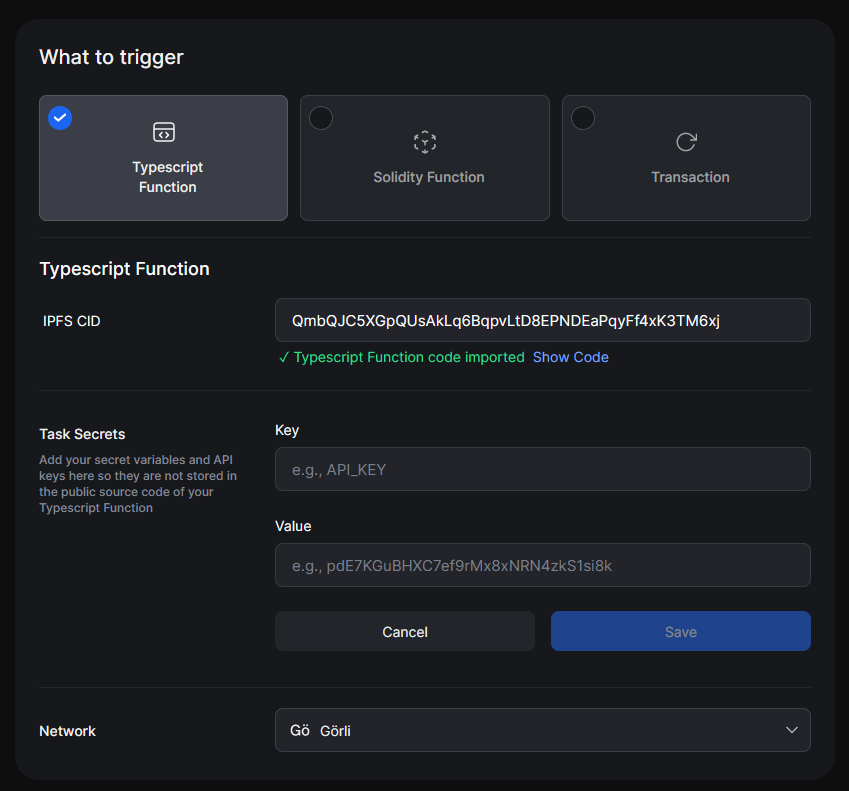
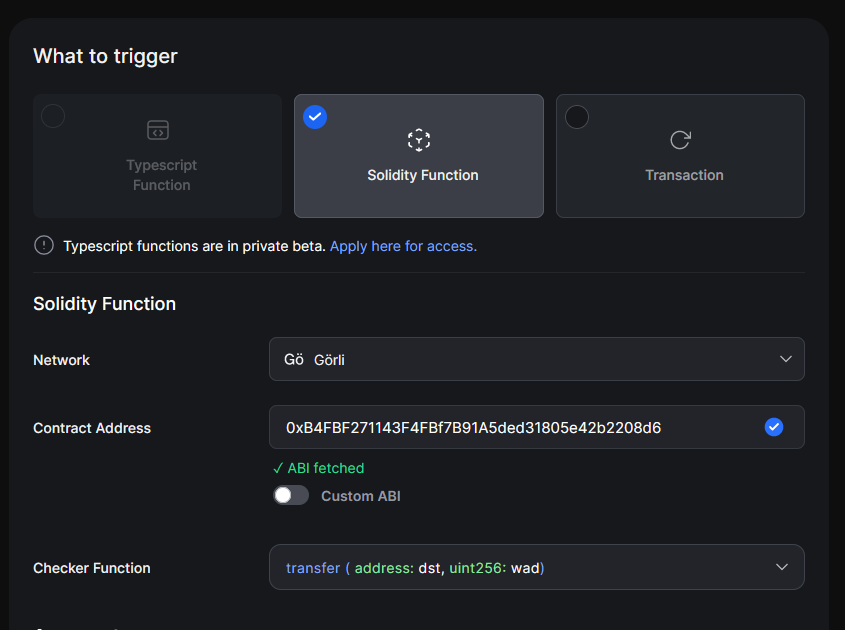
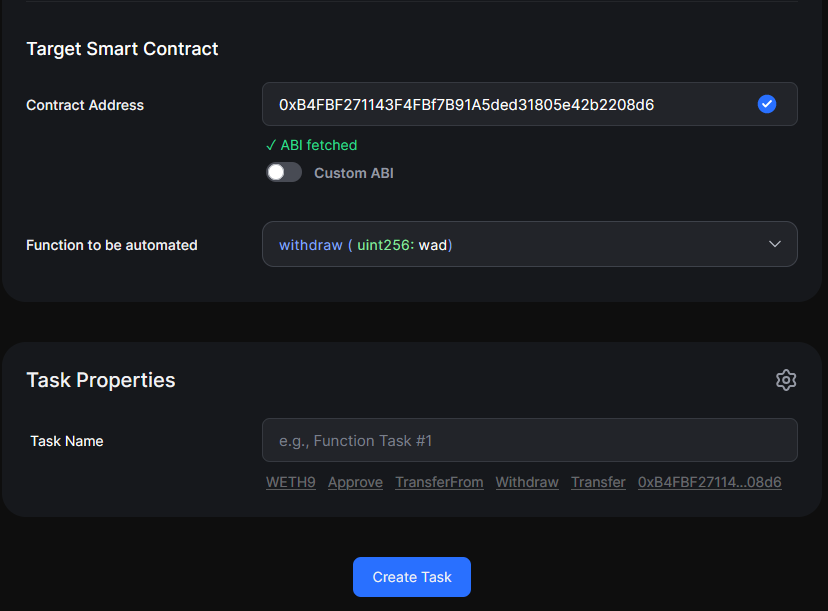
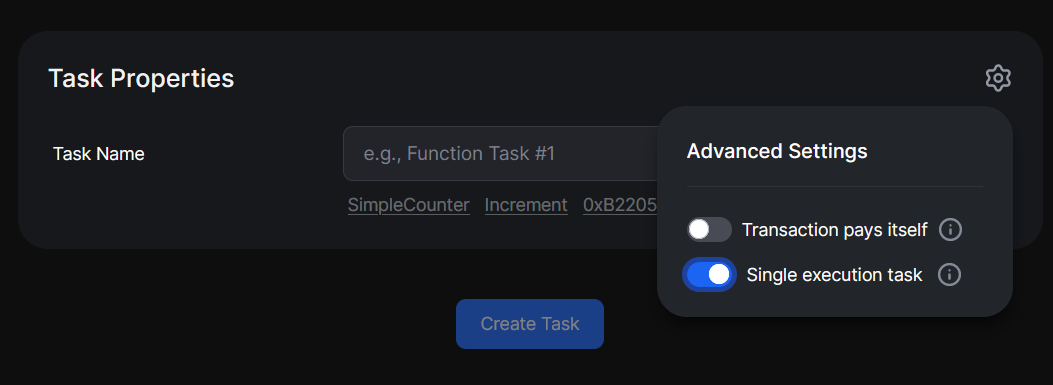
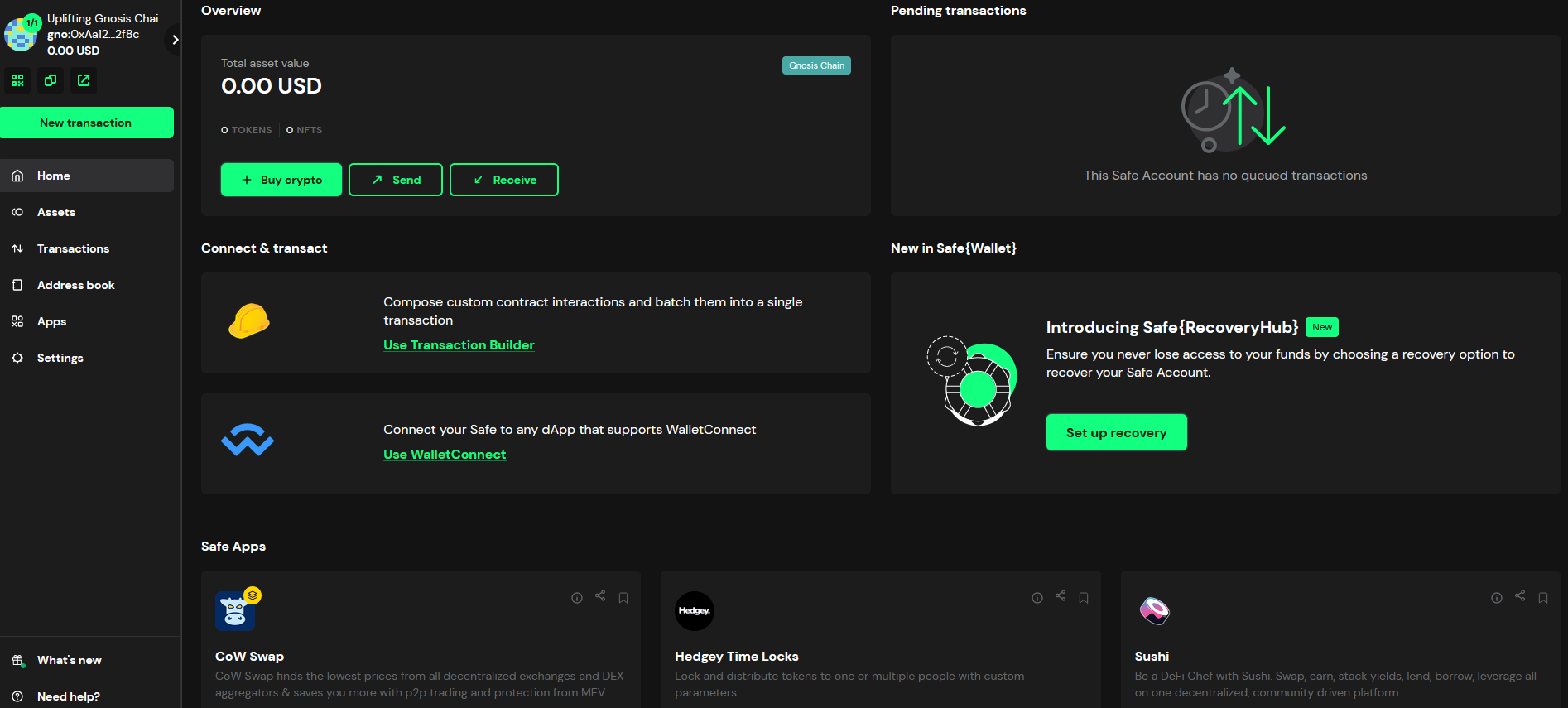
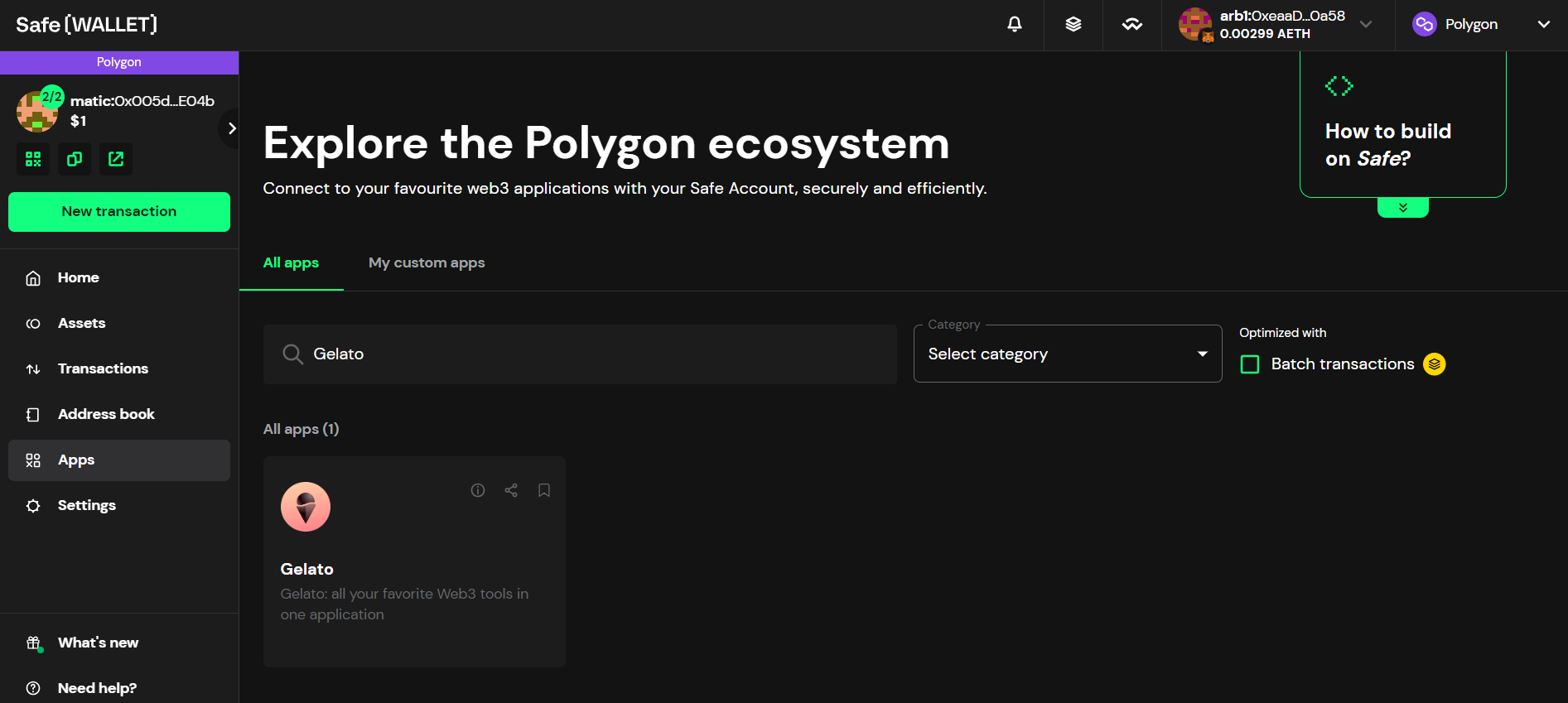
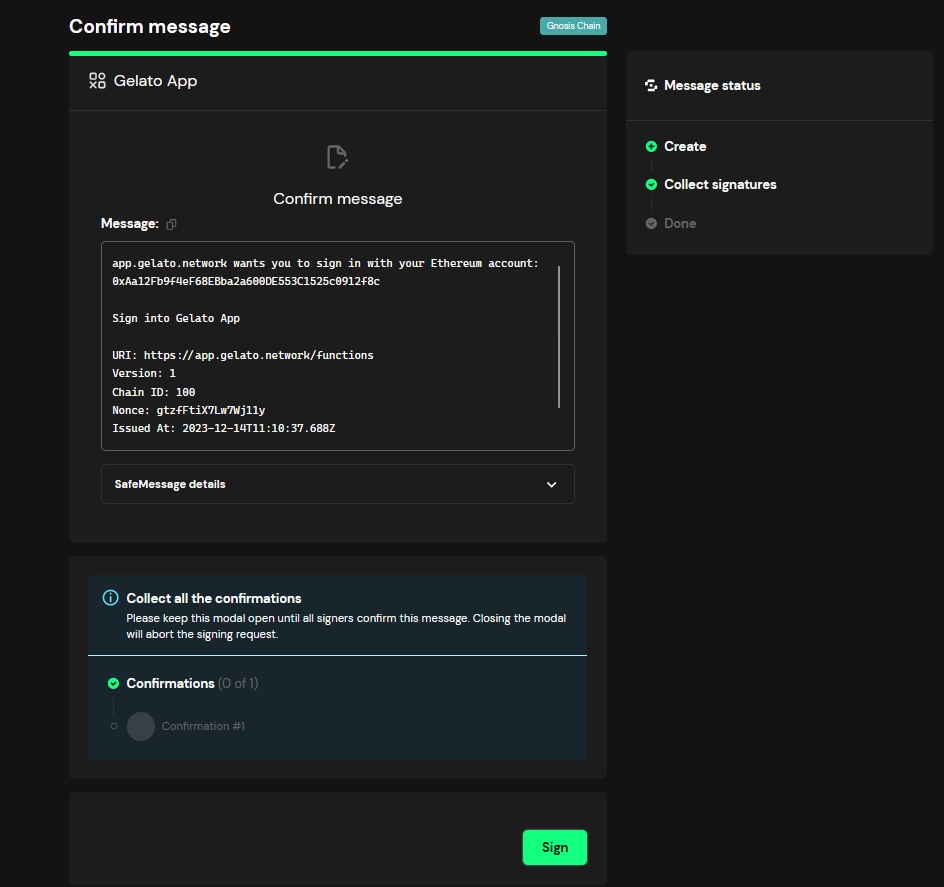
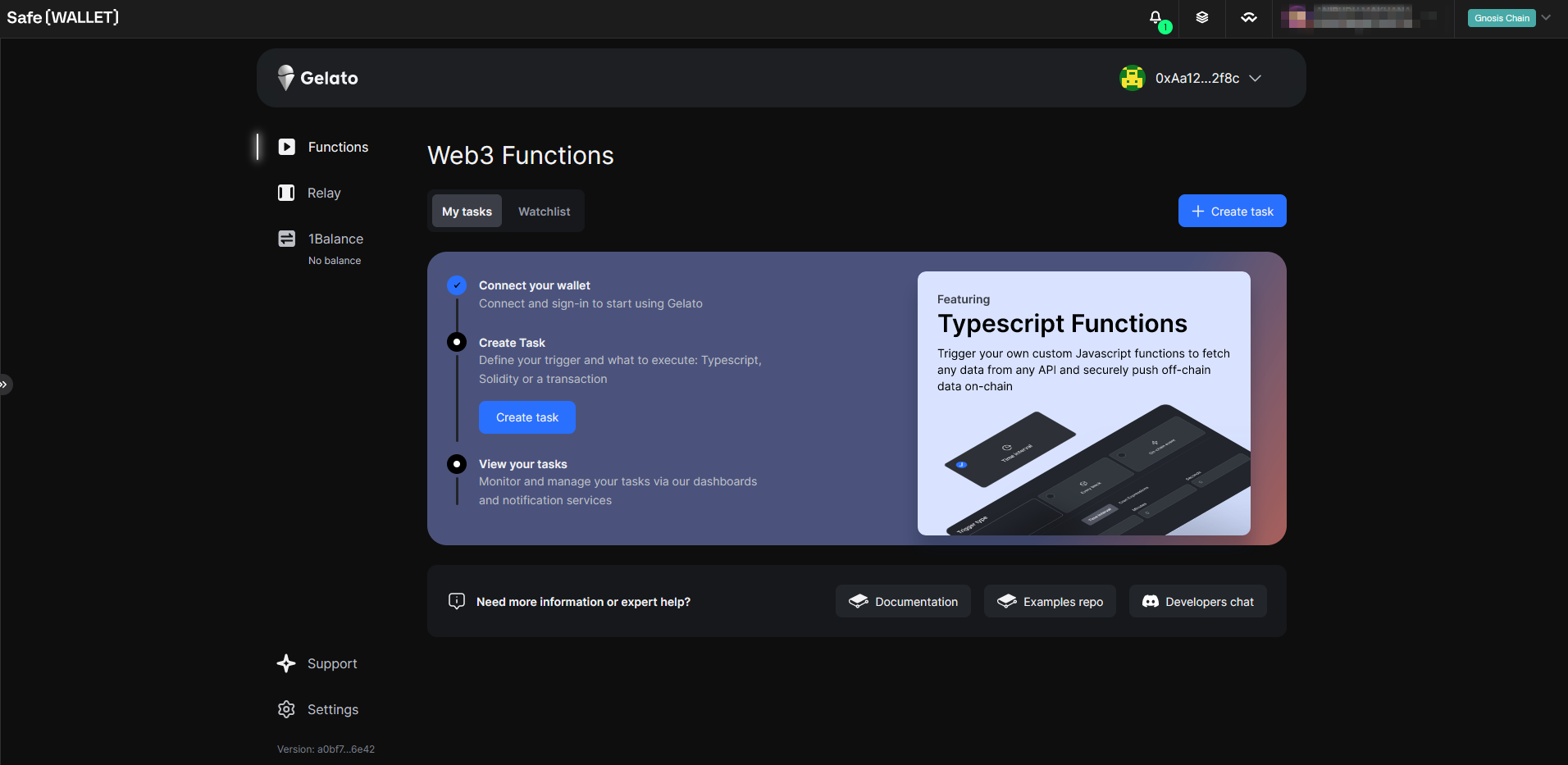
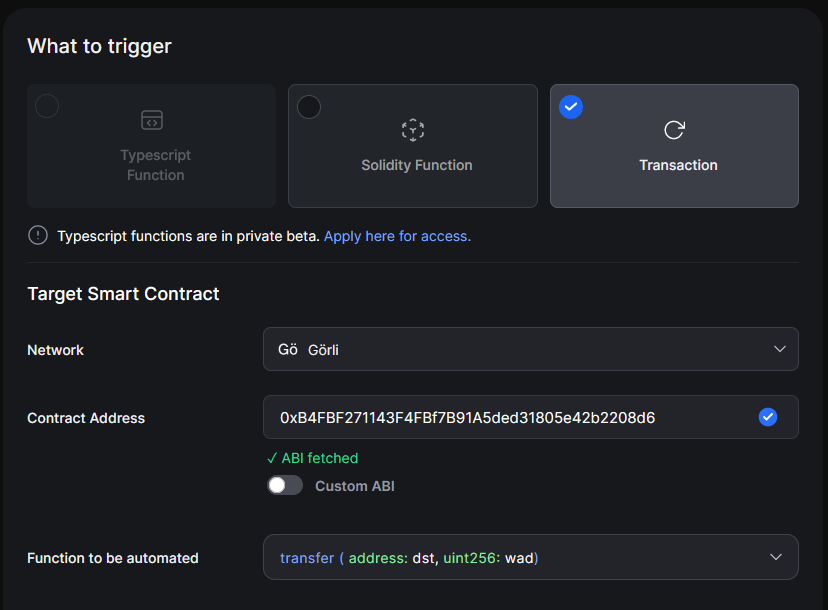
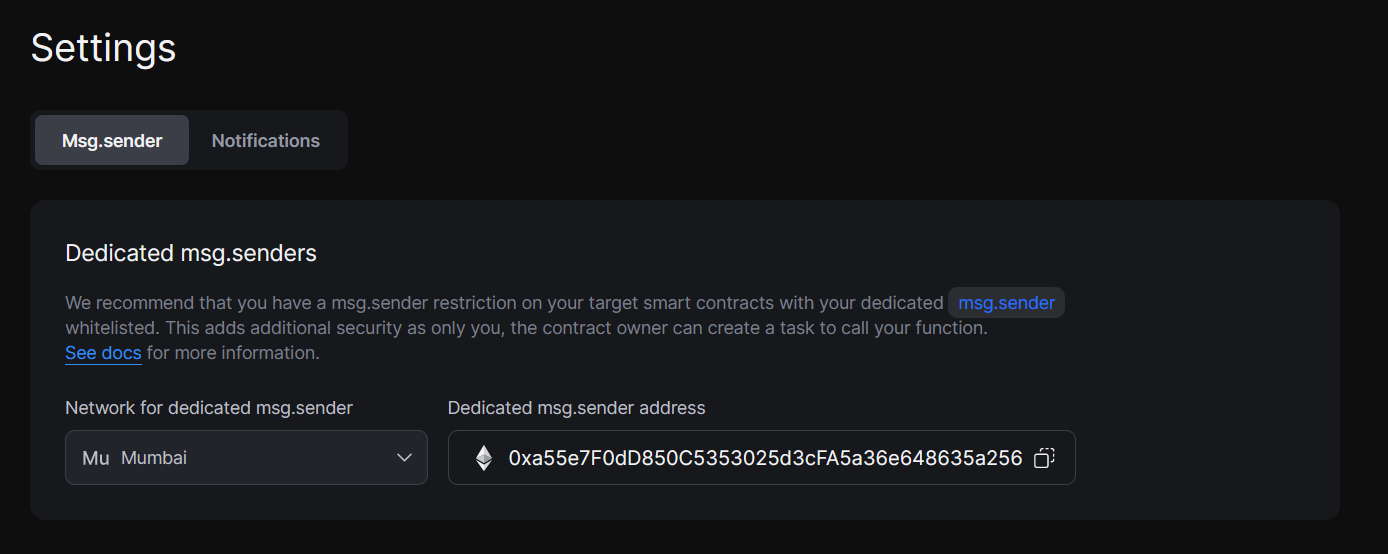
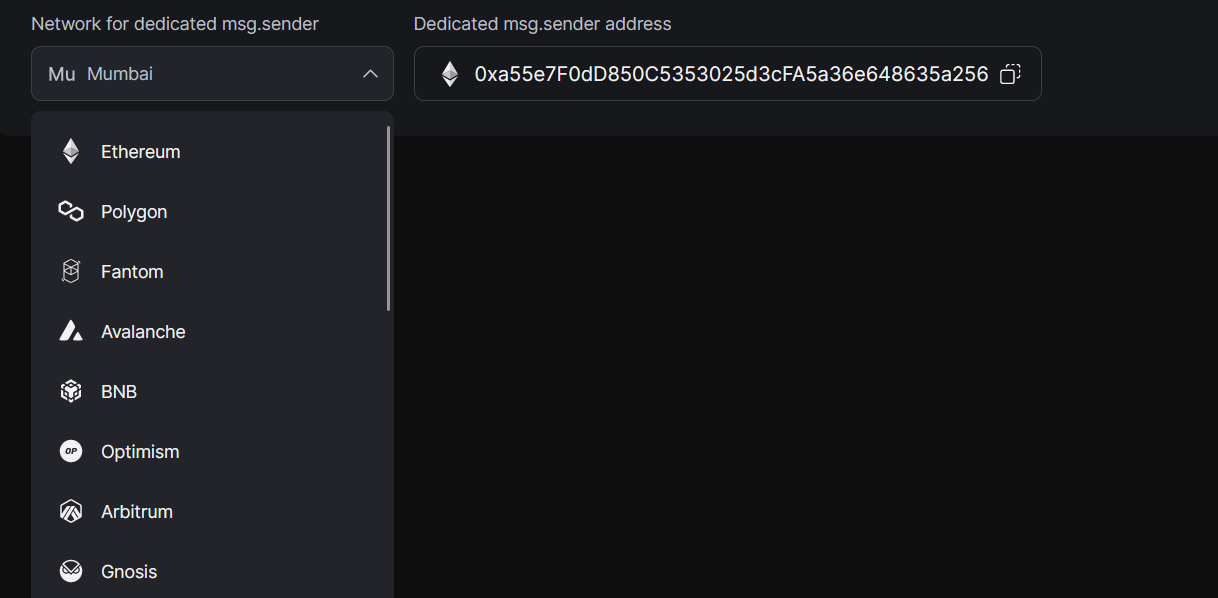
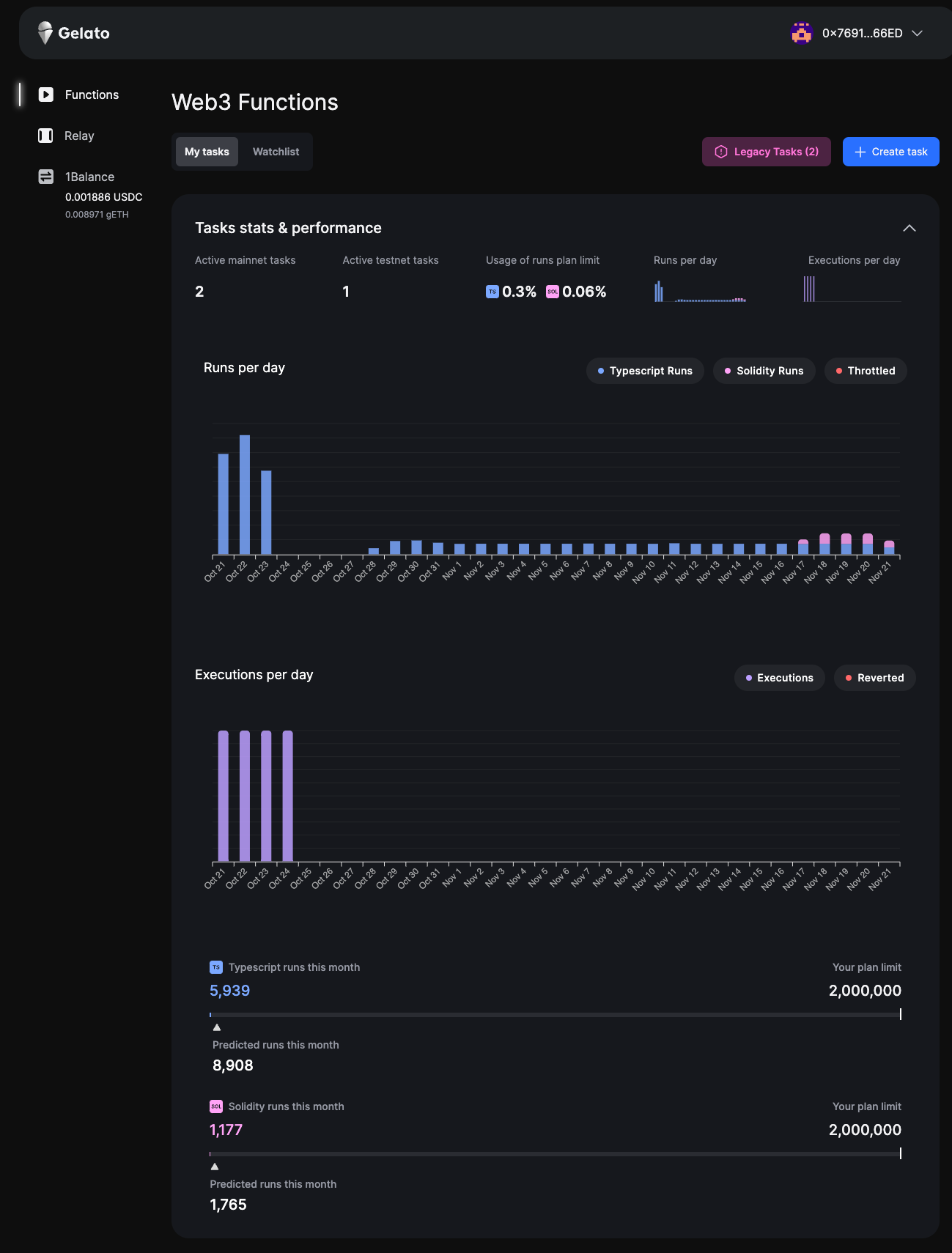
Network
Environment
Deployments
{networksData.map((item, index) => (
{item.network}
{item.environment}
{item.notes.map((note, idx) => ( {note.text} {idx < item.notes.length - 1 && ", "} ))}
))}
); })()} ## Contract Addresses Web3 Functions during the private beta uses a custom deployment of the `Automate.sol` contract as an entry point. On the Automate smart contract users create or cancel and Gelato executes tasks. By default, Web3 Functions uses the dedicated msg.sender module, which means all transactions to the defined destination contract will be routed via your dedicated msg.sender proxy contract. If you have an access restriction in your smart contract function and want to whitelist your personal Gelato smart contract wallet as a msg.sender, you don't need to do anything. We automatically deploy your own dedicated msg.sender for you at the first task creation - the address to whitelist will be shown in the UI and can also be retrieved via the Automate SDK. ### Group A Deployments {(() => { const oldDeploymentsData = [ { contract: "Automate", address: "0x2A6C106ae13B558BB9E2Ec64Bd2f1f7BEFF3A5E0" }, { contract: "1Balance", address: "0x7506C12a824d73D9b08564d5Afc22c949434755e" } ]; return (
Contract
Address
{oldDeploymentsData.map((item, index) => (
{item.contract}
{item.address}
))}
); })()} ### Group B Deployments {(() => { const newDeploymentsData = [ { contract: "Automate", address: "0xafd37d0558255aA687167560cd3AaeEa75c2841E" } ]; return (
Contract
Address
{newDeploymentsData.map((item, index) => (
{item.contract}
{item.address}
))}
); })()} ### Group C Deployments {(() => { const newDeploymentsData = [ { contract: "Automate", address: "0x1F7c992B937CE4a5A77de0E460b8Eab007BA0c37" } ]; return (
Contract
Address
{newDeploymentsData.map((item, index) => (
{item.contract}
{item.address}
))}
); })()} ### Abstract Mainnet {(() => { const abstractMainnetData = [ { contract: "Automate", address: "0xDc04c452547a4B3b81102333f40FD4bF45D355Ce" } ]; return (
Contract
Address
{abstractMainnetData.map((item, index) => (
{item.contract}
{item.address}
))}
); })()} ### Nibiru Mainnet {(() => { const nibiruMainnetData = [ { contract: "Automate", address: "0x9B0b9dd9682409Ed6AE6657FB392AA0dDc77Ae6E" } ]; return (
Contract
Address
{nibiruMainnetData.map((item, index) => (
{item.contract}
{item.address}
))}
); })()} ### ZkSync Era {(() => { const zkSyncData = [ { contract: "Automate", address: "0xF27e0dfD58B423b1e1B90a554001d0561917602F" } ]; return (
Contract
Address
{zkSyncData.map((item, index) => (
{item.contract}
{item.address}
))}
); })()} ### Botanix Mainnet {(() => { const botanixMainnetData = [ { contract: "Automate", address: "0x60368bd75910c3e0F36216978a747Ba9e984Acd4" } ]; return (
Contract
Address
{botanixMainnetData.map((item, index) => (
{item.contract}
{item.address}
))}
); })()} ### Blast Contract Addresses {(() => { const blastData = [ { contract: "BlastPointsContract", address: "0xFec1E33eBe899906Ff63546868A26E1028700b0e" }, { contract: "PointsOperator", address: "0xE2491005A76F6ebE34b3D33C7434EbA676561bf3" }, { contract: "GelatoBlastPoints(dummy)", address: "0xf9725d5aCEDB20b45d3E7B39e4D2554dfa385bc3" } ]; return (
Contract/Wallet
Address
{blastData.map((item, index) => (
{item.contract}
{item.address}
))}
); })()} If you don't see a network that you'd like supported, feel free to reach out to us via the support option on the Gelato Dashboard](https://app.gelato.cloud/dashboard). --- ## Analytics & Monitoring **Path:** /web3-functions/additional-resources/analytics-and-monitoring ## Task Performance Dashboard Gelato's Web3 Function UI offers enriched monitoring and analytics capabilities, allowing you to closely track the performance and usage statistics of your Typescript and Solidity function tasks. - **Usage Insights**: Get a clear picture of how much you've used from your Web3 function plan. Our intuitive metrics and forecast charts help you understand your current usage and predict future needs. - **Task Identification**: Quickly figure out if a task is powered by Typescript or Solidity. This feature simplifies how you view and manage your suite of Gelato Web3 functions. - **Trend Tracking**: Our updated chart design lets you track how your usage changes day-to-day, providing insights for better planning and task management. - **Plan Details**: Know exactly what you're getting with your subscription. Analytics Dashboard ## Logs & Status Besides the task logs available in the UI, Gelato Web3 Functions offer a more detailed and granular monitoring system providing status and logs APIs. ### Task Status URL Provided the `ChainId` and `taskId`, this API will return the current Task status ``` https://api.gelato.digital/tasks/web3functions/networks/{chainId}/tasks/{taskId}/status ``` For example, if your chainId, taskId are: ``` chainId: 137 taskId: 0xdeaeee394c952d8b23c86eacc704adf7b605d89d992cec9a5fc86e4a517f053b ``` Then the URL to go to is: ``` https://api.gelato.digital/tasks/web3functions/networks/137/tasks/0xdeaeee394c952d8b23c86eacc704adf7b605d89d992cec9a5fc86e4a517f053b/status ``` For this taskId, here is the returned task information: ```json { "task":{ "chainId":137, "taskId": "0xdeaeee394c952d8b23c86eacc704adf7b605d89d992cec9a5fc86e4a517f053b", "taskState":"CheckPending", "creationDate":"2023-06-01T20:10:39.985Z", "lastCheckDate":"2023-06-09T06:22:44.966Z", "lastCheckMessage":"Fail to run Web3Function: Web3Function exited with code=1", "lastExecDate":"2023-06-09T08:15:11.883Z", "lastExecTransactionHash": "0xc2e57f5b56bf24ae77eca31fbe76ecf16cd30cb0fc5592207bb567addff62402" } } ``` The first thing to look at is the taskState key: #### Task states: For the taskState key, these are the possible values: - **CheckPending**: the task is pending simulation. - **ExecPending**: the task is executable and is awaiting inclusion into the blockchain. - **WaitingForConfirmation**: the task was included into the blockchain but is still awaiting the required amount of blocks confirmations. - **ExecSuccess**: the task has been successfully executed. - **Cancelled**: the task has been canceled by the owner - **ExecReverted**: the task transaction has been reverted. ### Task Logs URL Provided the ChainId and taskId, this API will return the logs in the last 24 hours. Query Parameters: - `limit` (optional): The number of log entries to return, ranging from 1 to 100. - `page` (optional): Specifies the page number of logs to fetch, ranging from 1 to 100. ``` https://api.gelato.digital/tasks/web3functions/networks/{chainId}/tasks/{taskId}/logs?limit=NrLogs&page=PageNr ``` For example, if your chainId, taskId, NrLogs and PageNr are: ``` chainId: 137 taskId: 0xdeaeee394c952d8b23c86eacc704adf7b605d89d992cec9a5fc86e4a517f053b NrLogs:2 PageNr: 1 ``` Then the URL to go to is: ``` https://api.gelato.digital/tasks/web3functions/networks/137/tasks/0xdeaeee394c952d8b23c86eacc704adf7b605d89d992cec9a5fc86e4a517f053b/logs?limit=2&page=1 ``` For this taskId, here is the returned task information: ```json { "logs": [ { "date":"2023-06-09T08:43:52.404Z", "state":"WaitingForConfirmation", "type":"WaitingForConfirmation", "message":"txHash: 0x788726ed95f2f916a47cae0c6cdfbea91e1c8e3756f91e0efc08fa501daed8f0" }, { "date":"2023-06-09T08:43:51.835Z", "state":"ExecPending", "type":"ExecPendingCheck", "message":"Task submitted for execution", "web3FunctionLogs":[ "Text generated: ", "Chaffinches are small, colourful birds which feed on seeds and insects. They have buff-coloured breasts streaked with brown markings, bright pinkish-red faces and wings marked with white bars. In summer they breed in woodlands; in winter many move south to warmer areas.", "Text generated: ", "Chameleons are lizards known for their ability to change color, excellent vision and long, sticky tongues used to catch prey." ] } ] } ``` ## Alerts Web3 Functions provides an alerting service to enable you to get notified about your task executions, problems or when your balance is getting low. Alerting currently supports notifications in Telegram, with other channels on the way. ### Types of notifications {(() => { const notificationTypes = [ { type: "Balance", description: "If your task uses Gelato Balance you need to ensure that you always have enough funds deposited, otherwise your executions will stop executing until you top-up. Set a balance alert to be notified when your funds are running low - you can use our default levels or set your own threshold." } ]; return (
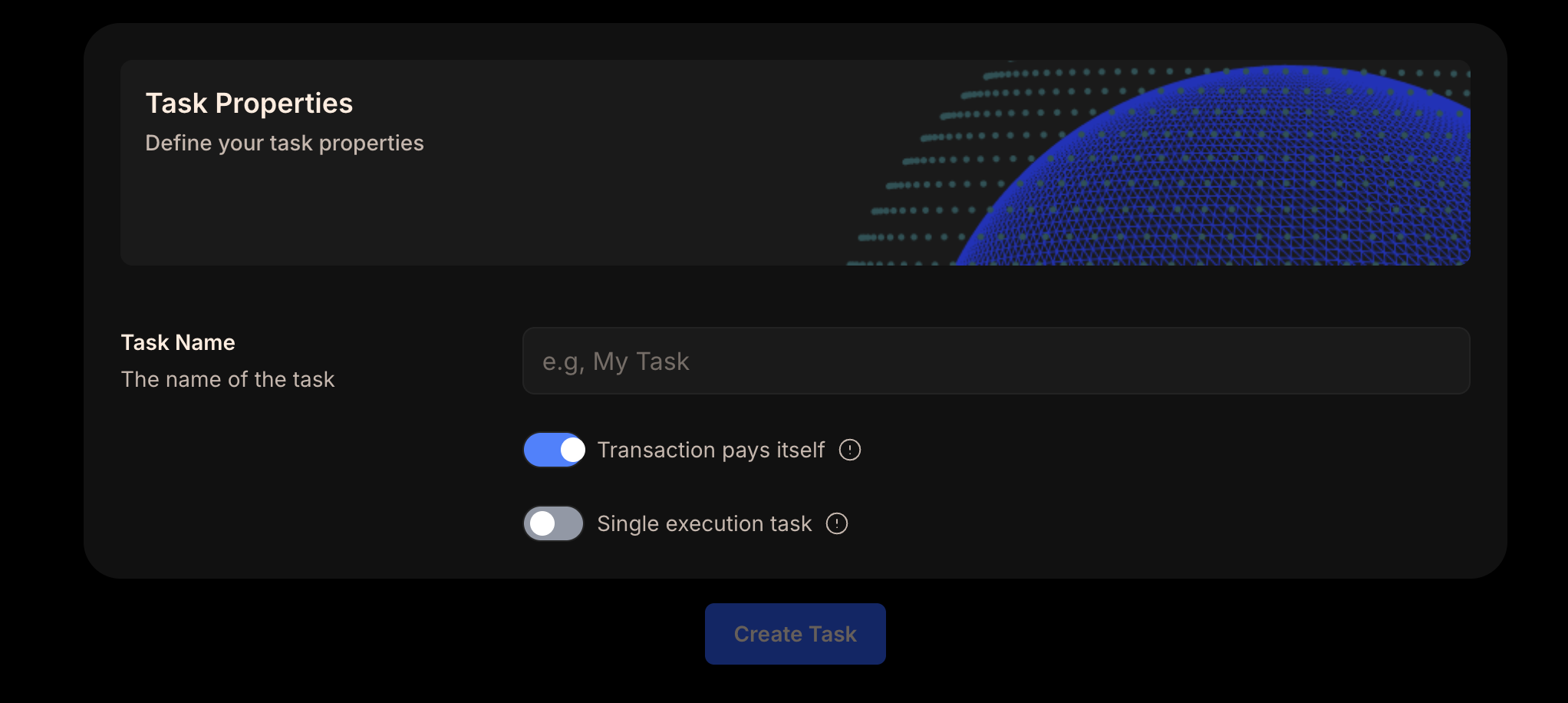
Type
Description
{notificationTypes.map((item, idx) => (
{item.type}
{item.description}
))}
); })()} ### Setting up Telegram Notifications You can visit your notifications area to follow the steps listed below. 1. Add [GelatoWatcherBot](https://t.me/GelatoWatcherBot) to your Telegram - if you have Telegram installed you can just click on the link to do this. 2. Enter the command `/start` 3. The bot will show you the main alerts that you can request by entering the command. When you enter each command the bot will step you through the inputs required to finish setting up the alert. You can view the full list of commands at any time by entering `/help` #### Telegram Bot Commands {(() => { const telegramCommands = [ { command: "/balance", usage: "Alerts when your Gelato Balance drops below the minimum balance threshold. The default thresholds are listed here. The bot will prompt you for the wallet address that you use to create and manage your tasks. To provide multiple addresses enter each one as a new message to the bot. If you use the same wallet address across multiple networks, you will be alerted when any of these drop below the default thresholds. If you would like to set your own threshold use the `/balance_threshold` command." }, { command: "/balance_threshold", usage: "Alerts you when your Gelato Balance drops below the threshold you set on a specific network. After entering the `/balance_threshold` command the bot will prompt you to specify the chain IDs and your threshold level. Chain IDs are listed here. For example to be alerted when your Gelato Balance drops below 0.15 ETH on mainnet you would enter `1,0.15`" }, { command: "/list_threshold", usage: "List all custom and default balance thresholds of each network" } ]; return (
{/* Header */}
Command
Usage
{/* Rows */} {telegramCommands.map((item, idx) => (
{item.command}
{item.usage}
))}
); })()} ### Default Thresholds Unless overridden these are the default levels that are used for each network. {(() => { const defaultThresholds = [ { network: "Ethereum", chainId: "1", threshold: "0.05 ETH" }, { network: "Polygon", chainId: "137", threshold: "20 MATIC" }, { network: "Fantom", chainId: "250", threshold: "20 FTM" }, { network: "Avalanche", chainId: "43114", threshold: "0.5 AVAX" }, { network: "BNB Chain", chainId: "56", threshold: "0.05 BNB" }, { network: "Optimism", chainId: "10", threshold: "0.05 ETH" }, { network: "Arbitrum", chainId: "42161", threshold: "0.05 ETH" }, { network: "Gnosis", chainId: "100", threshold: "5 XDAI" }, { network: "zkSync Era", chainId: "324", threshold: "" }, { network: "Polygon zkEVM", chainId: "1101", threshold: "" }, { network: "Base", chainId: "8453", threshold: "" }, { network: "Linea", chainId: "59144", threshold: "" } ]; return (
{/* Header */}
Network
Chain ID
Default Threshold
{/* Rows */} {defaultThresholds.map((item, idx) => (
{item.network}
{item.chainId}
{item.threshold}
))}
); })()} If you need more notifications or new communication channels, your [feedback and suggestions](https://app.gelato.cloud/dashboard) are always welcome. --- ## Templates & Use Cases **Path:** /web3-functions/additional-resources/templates-and-use-cases ### Typescript Function A template to get started using Gelato Web3 Functions in your hardhat dev environment. A template to get started using Gelato Web3 Functions in your vanilla dev environment. ### Solidity Function A template to get started using Gelato Web3 Functions in your solidity dev environment. ### Use Cases Repo Github repo listing the existing use-cases and PoCs to speed run your learning. --- ## Transaction Pays for Itself **Path:** /web3-functions/additional-resources/transaction-pays-for-itself You can also choose to have your function pay the fee during executions. It must be remembered that running Web3 Functions has computational costs. Please see here the Free Tier limits, in the case that the Web3 Functions goes above these limits, Gas Tank will be also required to pay for the computational costs. This can be done by inheriting [AutomateReady](https://github.com/gelatodigital/automate/blob/master/contracts/integrations/AutomateReady.sol). ```solidity contract CounterWT is AutomateReady { uint256 public count; uint256 public lastExecuted; constructor(address _automate, address _taskCreator) AutomateReady(_automate, _taskCreator) {} receive() external payable {} function increaseCount(uint256 amount) external onlyDedicatedMsgSender { count += amount; lastExecuted = block.timestamp; (uint256 fee, address feeToken) = _getFeeDetails(); _transfer(fee, feeToken); } } ``` In the `increaseCount` function, we use `_transfer` inherited from AutomateReady to pay Gelato. `_transfer` has two parameters, `fee` and `feeToken` which has to be queried from the Automate contract by using `getFeeDetails()` To create a task that pays for itself, head over to the task properties and enable the 'Transaction pays itself' Transaction Pays Itself Option --- ## Summary - Total pages processed: 216 - Errors: 0 --- For the concise version of this documentation, see llms.txt For section-specific summaries, see the /summaries directory