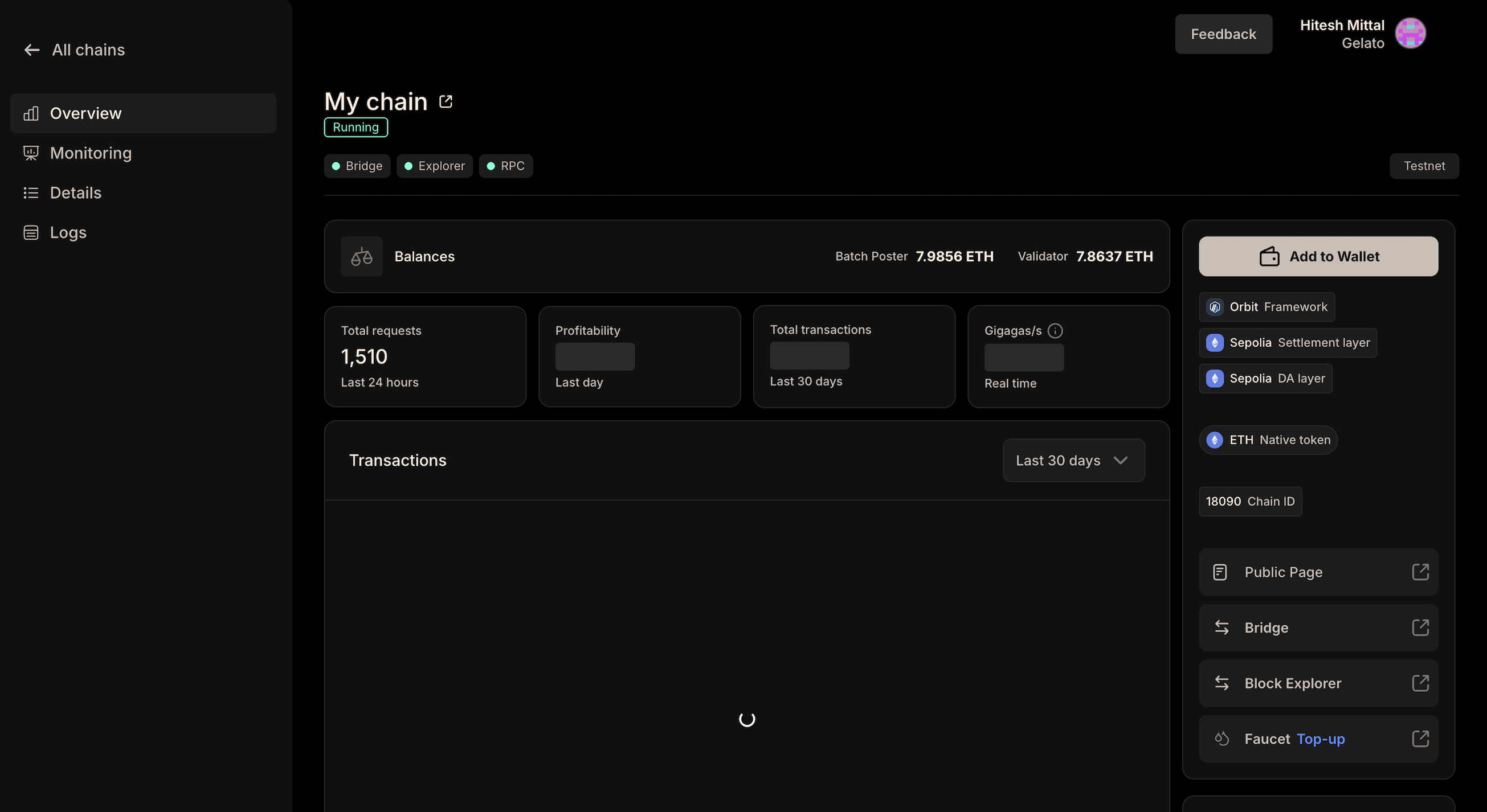
Steps for Deployment
1
Getting Started
Head over to the official Gelato RaaS
dashboard & click on “Deploy 1-click
Rollup”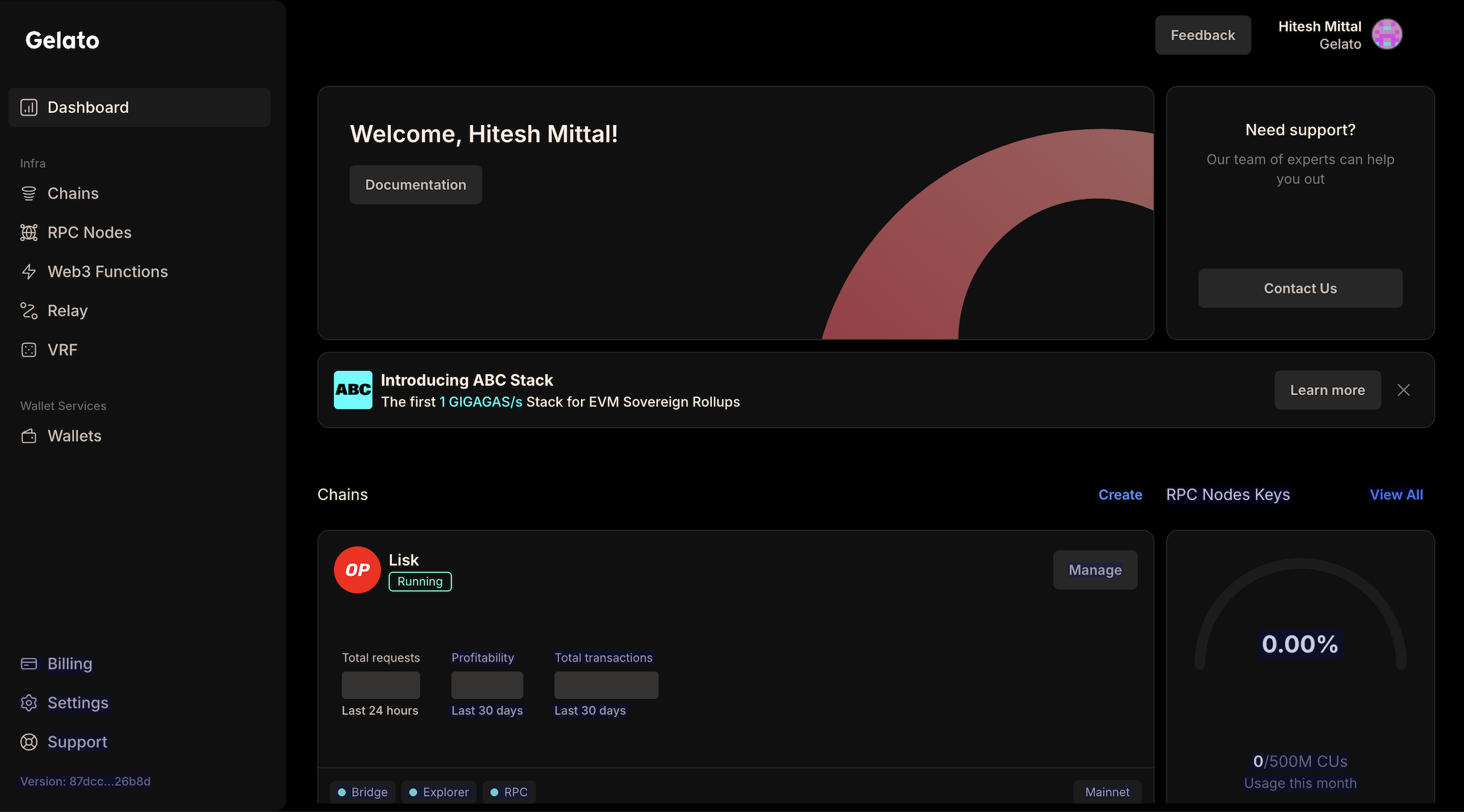
2
Enter a Rollup Name
Provide a unique name for your rollup. Additionally, you can add a custom
preferred chain ID for your rollup.
3
Framework/Settlement Layer/Data Availability Layer Selection
Choose the rollup stack, settlement layer, and data availability layer for
your rollup.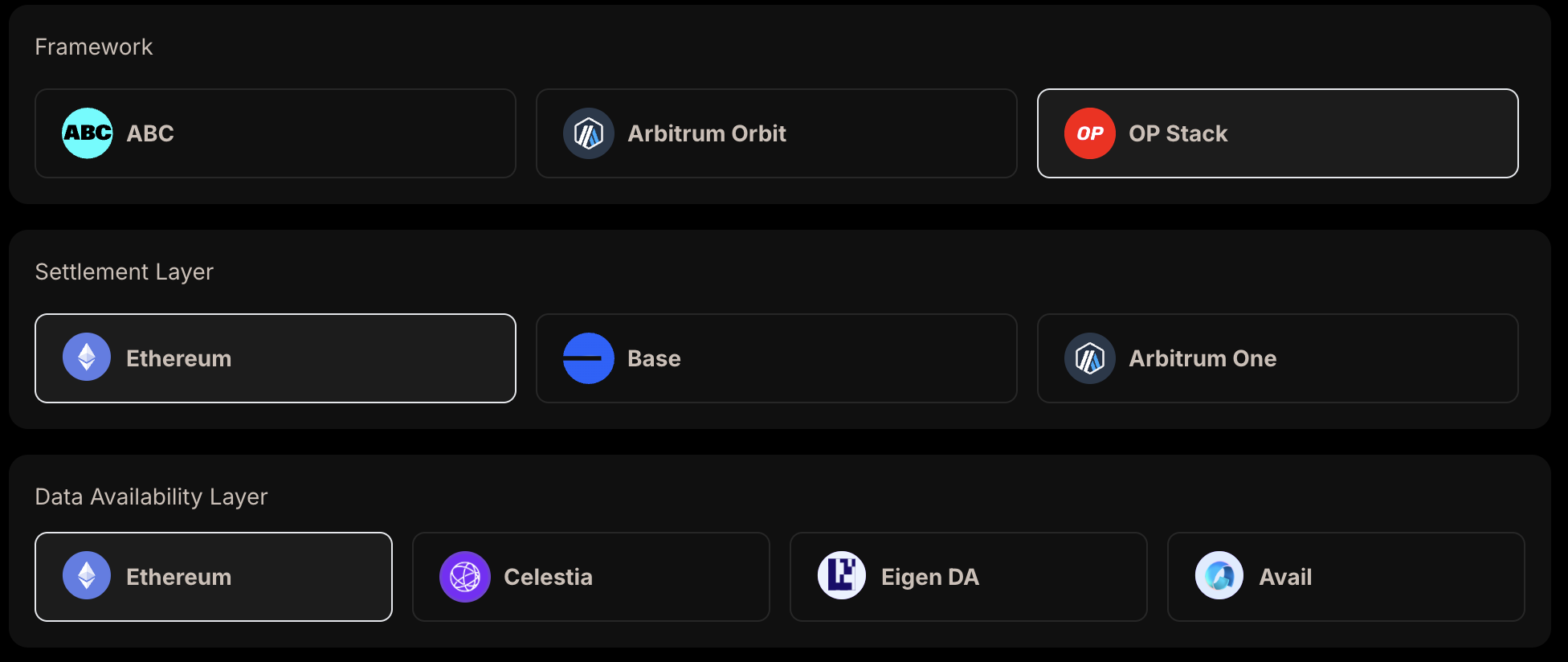
4
Configure Web3 Services
Configure the web3 services for your rollup.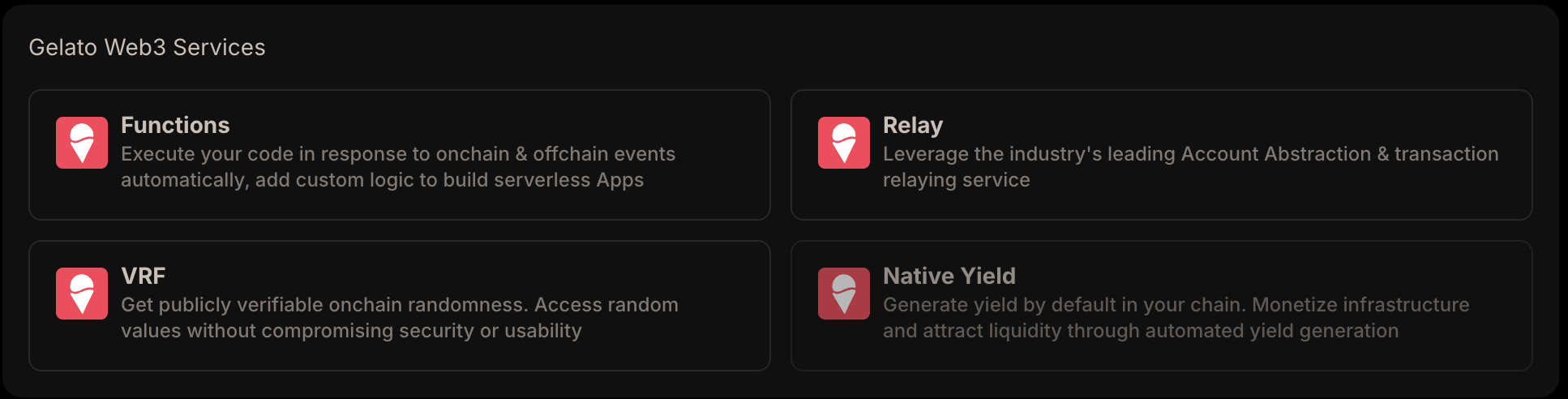
5
Environment Selection
Choose the environment you want to deploy your rollup to.
6
Review & Deploy
Review the chain settings and click next and proceed to pay for your rollup.
Dashboard Preview
After deploying, your dashboard should look like the image below. Here, you can access the block explorer, bridge assets, rollup configuration, and more. Users can also check the logs, status, and analytics.